Aseprite (original) (raw)
Animation & Layers
Tag Frames

Include several animations in the same file tagging sections.
Playback Modes

Loop a section in forward, reverse, ping-pong modes. Change preview speed.
Onion Skin

See other frames as reference to animate.
Red/Blue Mode
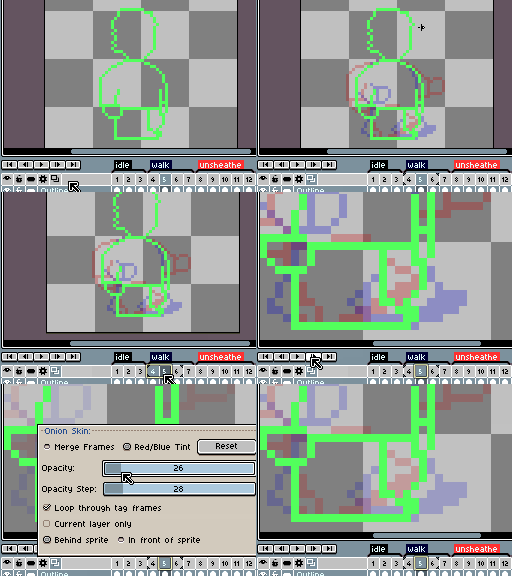
Choose different onion skin modes.
Color & Painting
Palette Control

Copy & paste. Drag & drop. Resize palette.
Control Alpha Channel
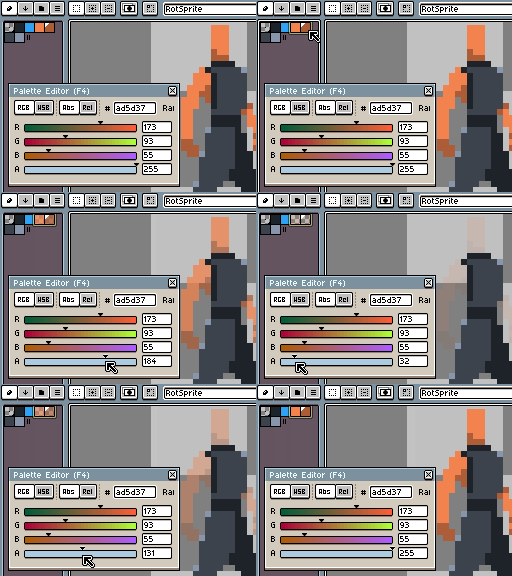
Palette entries with alpha value.
Color Wheel

Select color harmonies.
Shading Mode
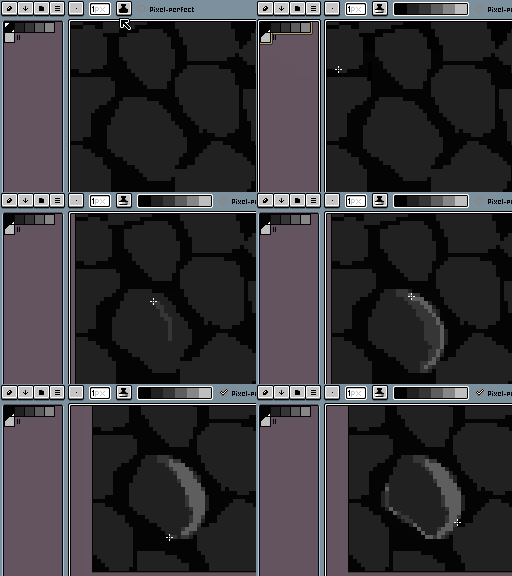
Create light and shadows with the shading ink.
Pixel Perfect Stroke

Create perfect strokes for pixel-art.
RotSprite Rotation
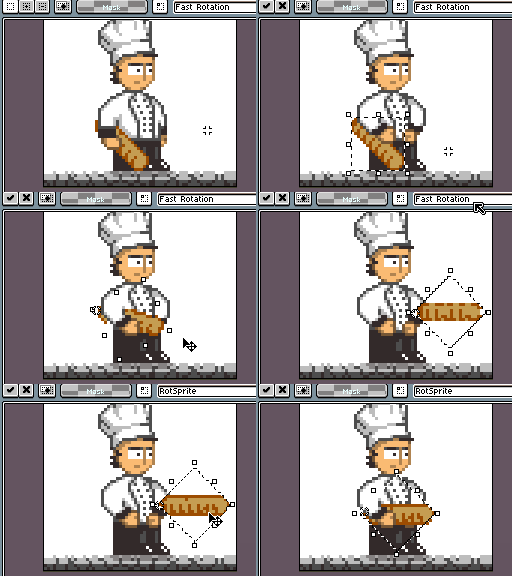
Avoid extreme pixel distortions when rotating tiny sprites.
Tiled Mode

Create patterns repeating the image in a 3x3 grid.
Custom Brushes

Create custom brushes for dithering.
Blend Modes

Composite layers to create color effects.
Import & Export Files
PNG Image Sequence

Open or save a sequence of images
Create Animated GIF

Create animations and save them as .gif files.
Create Sprite Sheets

Export your work to sprite sheets in .png and .json files.
Data Recovery

Recover your sprites in case of a crash.
Create Texture Atlas
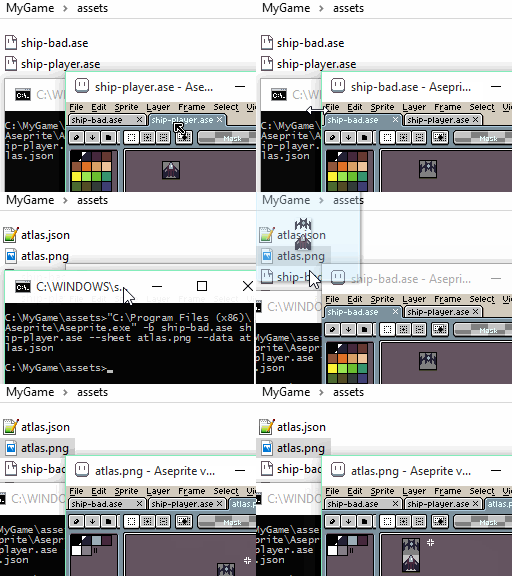
Store several animations in one texture atlas.