Getting Started | anywidget (original) (raw)
Getting Started
On this page
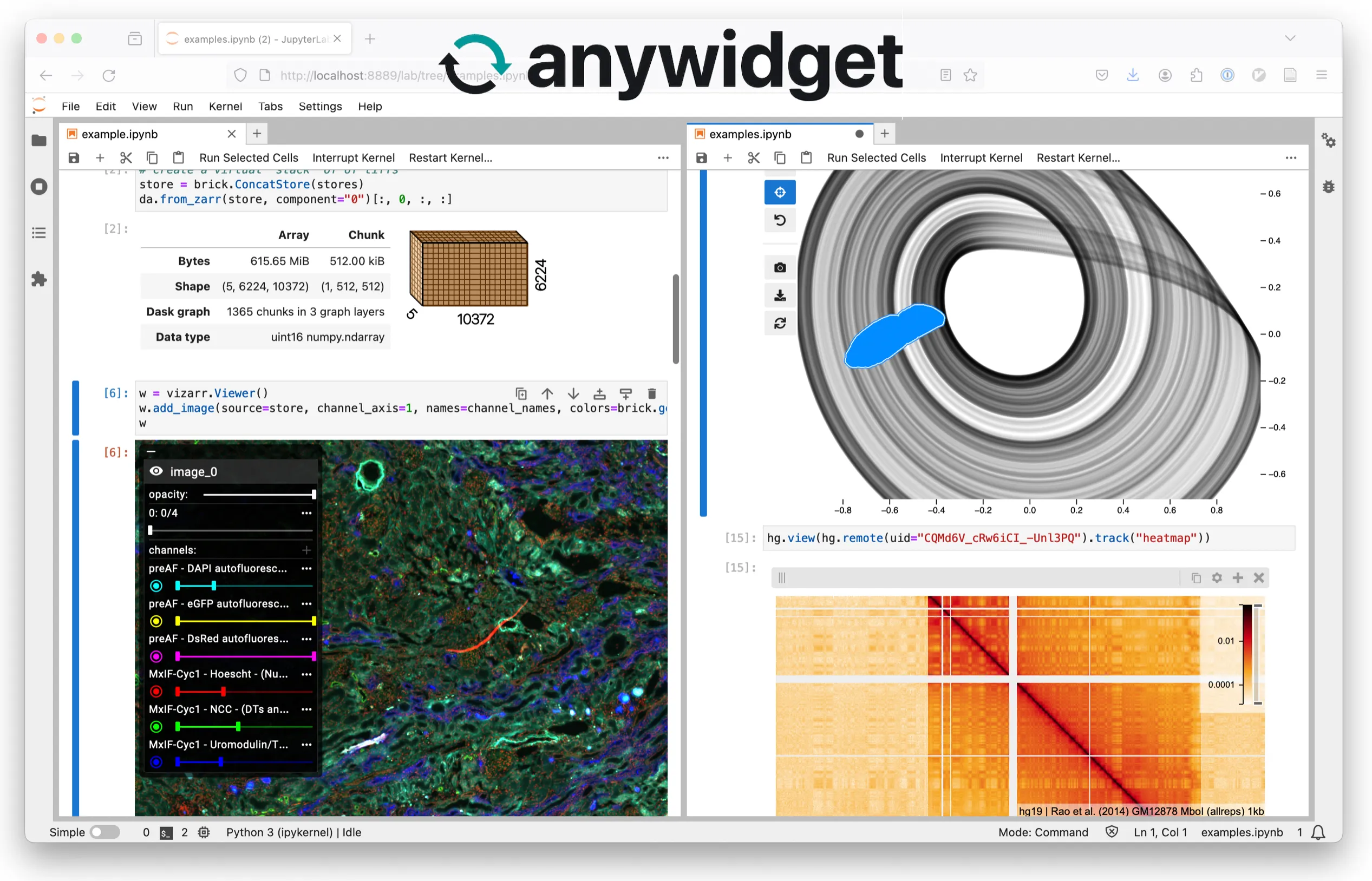
anywidget is both a specification and toolset for authoring reusable web-based widgets for interactive computing environments. As a specification, it defines a standard for widget front-end code. As a toolkit, it provides tools for authoring widget front-end code according to the specification, as well as a Python library that simplifies creating and publishing custom Jupyter Widgets.
Highlights
- 🛠️ Create widgets without complicated cookiecutter templates
- 📚 Publish Jupyter Widgets to PyPI like any other Python package
- 🤖 Prototype within
.ipynbor.pyfiles - 🚀 Run in Jupyter, JupyterLab, Google Colab, VSCode, marimo, and more
- ⚡ Develop with instant HMR, like modern web frameworks
Example
The easiest way to start developing with anywidget is with the Python package.
pip install "anywidget[dev]"
import anywidget
import traitlets

class CounterWidget(anywidget.AnyWidget):
    _esm = """
    function render({ model, el }) {
      let button = document.createElement("button");
      button.innerHTML = `count is ${model.get("count")}`;
      button.addEventListener("click", () => {
        model.set("count", model.get("count") + 1);
        model.save_changes();
      });
      model.on("change:count", () => {
        button.innerHTML = `count is ${model.get("count")}`;
      });
      el.classList.add("counter-widget");
      el.appendChild(button);
    }
    export default { render };
    """
    _css = """
    .counter-widget button { color: white; font-size: 1.75rem; background-color: #ea580c; padding: 0.5rem 1rem; border: none; border-radius: 0.25rem; }
    .counter-widget button:hover { background-color: #9a3412; }
    """
    count = traitlets.Int(0).tag(sync=True)

CounterWidget(count=42)
What’s going on here:
valueis a stateful property that both the client JavaScript and Python have access to. Shared state is defined via traitlets with thesync=Truekeyword argument._esmspecifies a required Anywidget Front-End Module (AFM) for the widget. It defines and exportsrender, a function for rendering and initializes dynamic updates for the custom widget._cssspecifies an optional CSS stylesheet to load for the widget. It can be a full URL or plain text. Styles are loaded in the global scope if using this feature, so take care to avoid naming conflicts.
The Anywidget Front-End Module (AFM) is a web-standard ECMAScript module (ESM)that defines a widget’s behavior. It can be authored in a single file using URLs for third-party dependencies:
import * as d3 from "https://esm.sh/d3@7";

/** @param {{ model: DOMWidgetModel, el: HTMLElement }} context */
function render({ model, el }) {
    let selection = d3.select(el);
    /* ... */
}
export default { render };
Or produced via a build step to include local dependencies or use popular JS frameworks (e.g., React, Svelte, Vue). For details on lifecycle methods and authoring AFM, see the AFM documentation.
Progressive Development
As your widgets grow in complexity, it is recommended to separate your front-end code from your Python code. Just move the _esm and _css(from above) to separate files and reference them via path.
import anywidget
import traitlets

class CounterWidget(anywidget.AnyWidget):
    _esm = "index.js"
    _css = "index.css"
    value = traitlets.Int(0).tag(sync=True)
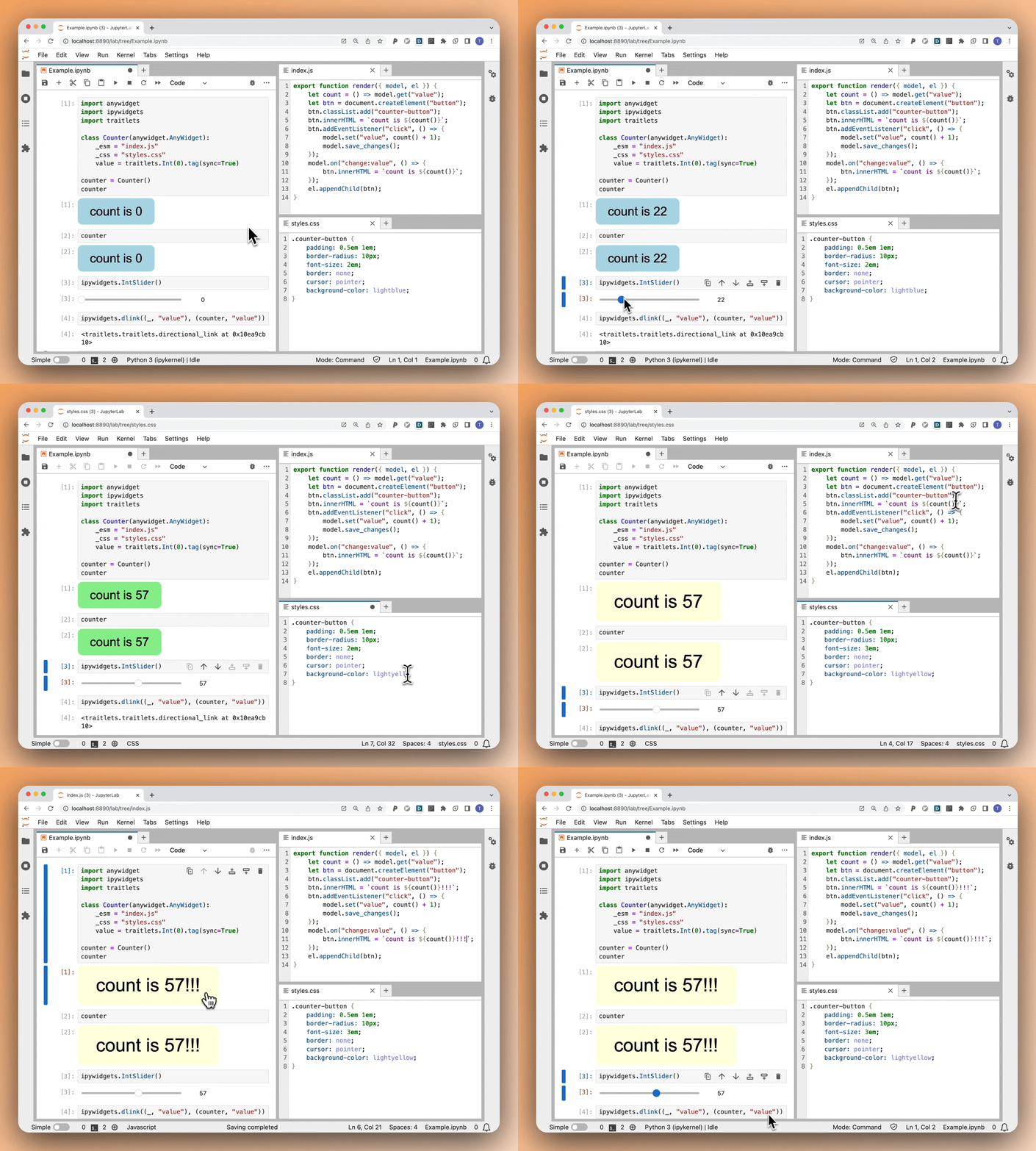
This is both easier to read and allows you to use your favorite editor/IDE for your front-end code. Using file paths also enables anywidget’s built-in HMR, allowing real-time updates to your widget during development (below).
Note: Since v0.9, anywidget requires developers to opt-in to HMR using an environment variable:
%env ANYWIDGET_HMR=1or when launching a Jupyter session:
ANYWIDGET_HMR=1 jupyter lab
Note: Prefer
pathlib.Pathfor file paths in production and outside notebooks to ensure OS compatibility and correct relative path resolution.import pathlib import anywidget import traitlets class CounterWidget(anywidget.AnyWidget): _esm = pathlib.Path(__file__).parent / "index.js" _css = pathlib.Path(__file__).parent / "index.css" value = traitlets.Int(0).tag(sync=True)
Watch & Learn
This video provides a detailed exploration of anywidget fundamentals, including synchronizing Python and JavaScript state, binary data, animations, and publishing a package on PyPI.
anywidget began as a modern alternative for authoring custom Jupyter Widgets and is now the recommended method for creating them. The project has since grown in scope as AFM has been adopted by platforms beyond Python and Jupyter. While maintaining its primary focus on Jupyter Widgets, anywidget now enables the creation of custom widgets for a variety of interactive computing environments (including Deno, R, and entirely in the browser).