Social Media Collaboration Tools for Creators and Teams | Buffer (original) (raw)
Collaborate
Collaboration without chaos
Keep your workflow seamless with easy content collaboration, approval workflows, and smart permissions — all in one place.
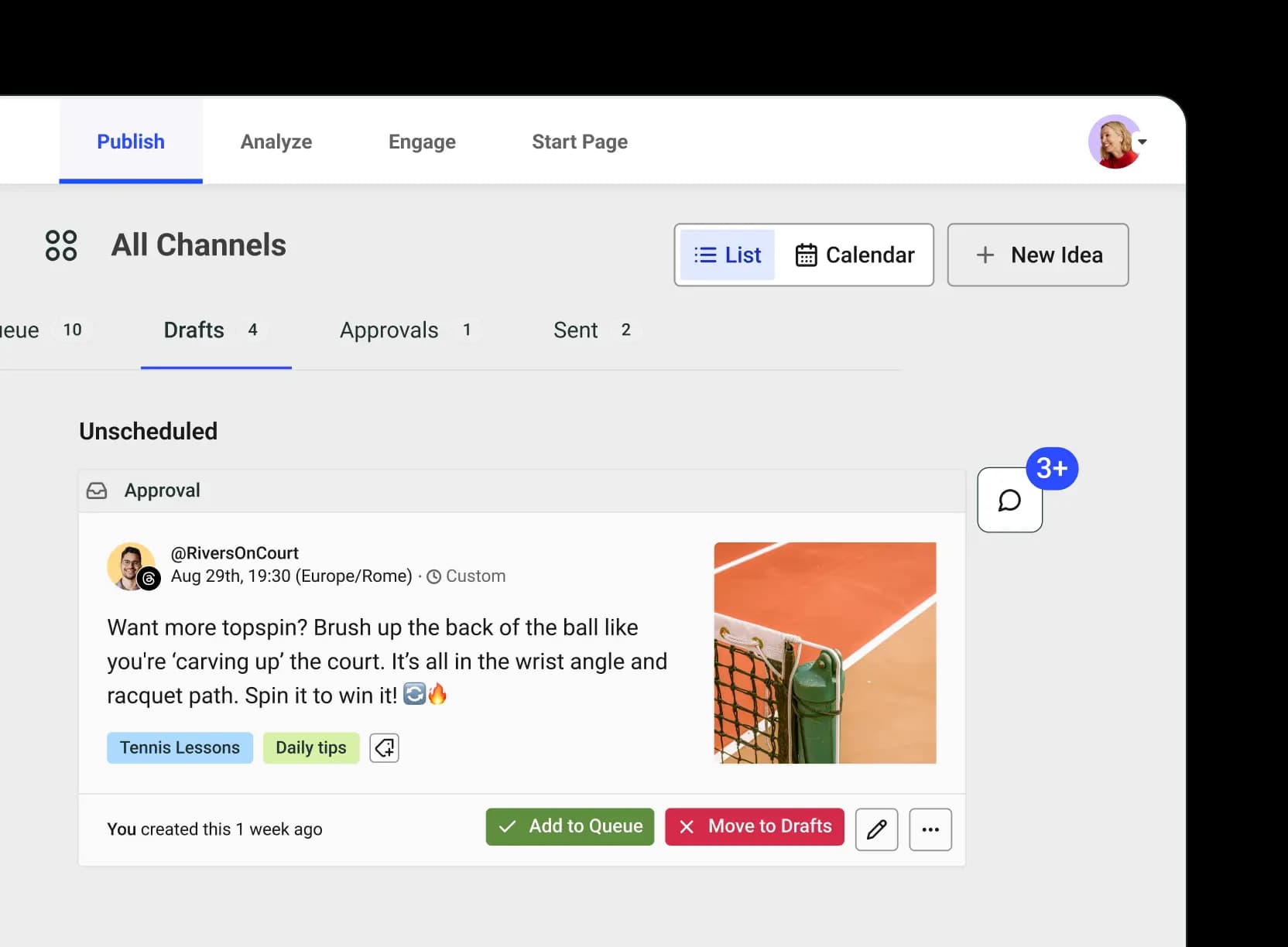
Effortless team management
Invite collaborators and assign the right permissions so everyone can contribute without the chaos.
Approval workflows, simplified
Keep content on-brand and error-free with built-in approval steps before publishing.
Real-time collaboration
Share feedback, add notes, and refine ideas together, all within Buffer.
Smarter content planning
Stay ahead with a shared content calendar, so your team knows exactly what’s going live and when.
Invite your team
Create better, together
Work together with flexible roles and permissions, making content collaboration smooth and stress-free — no matter who you’re collaborating with.
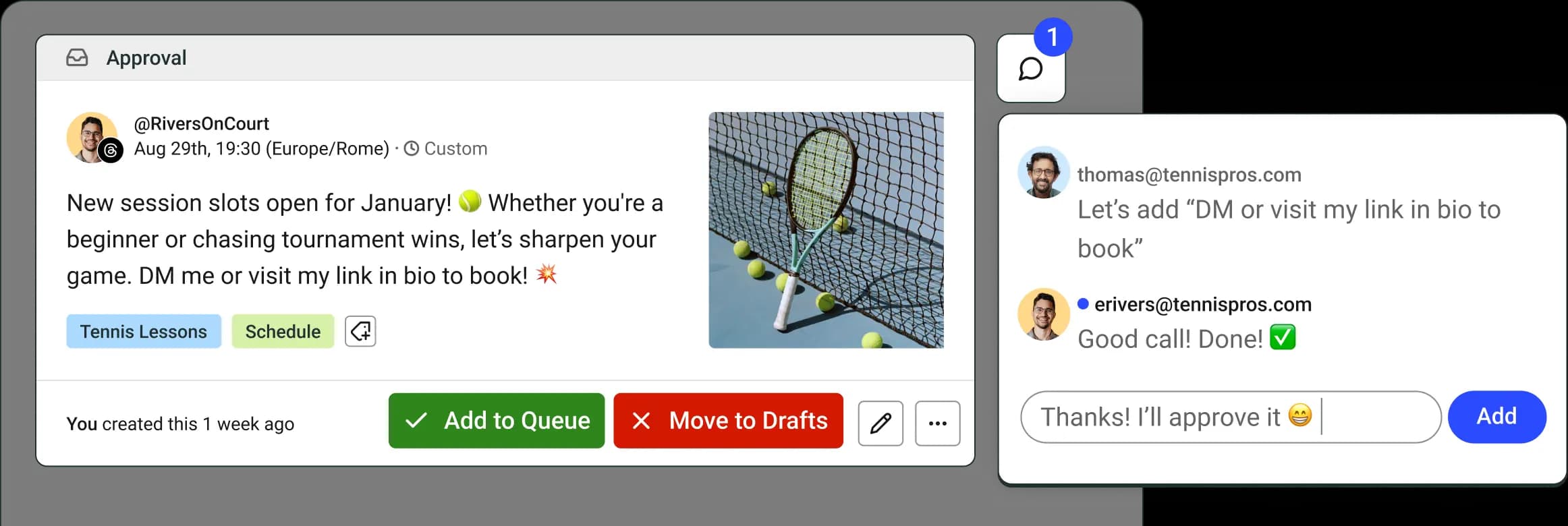
Post approvals
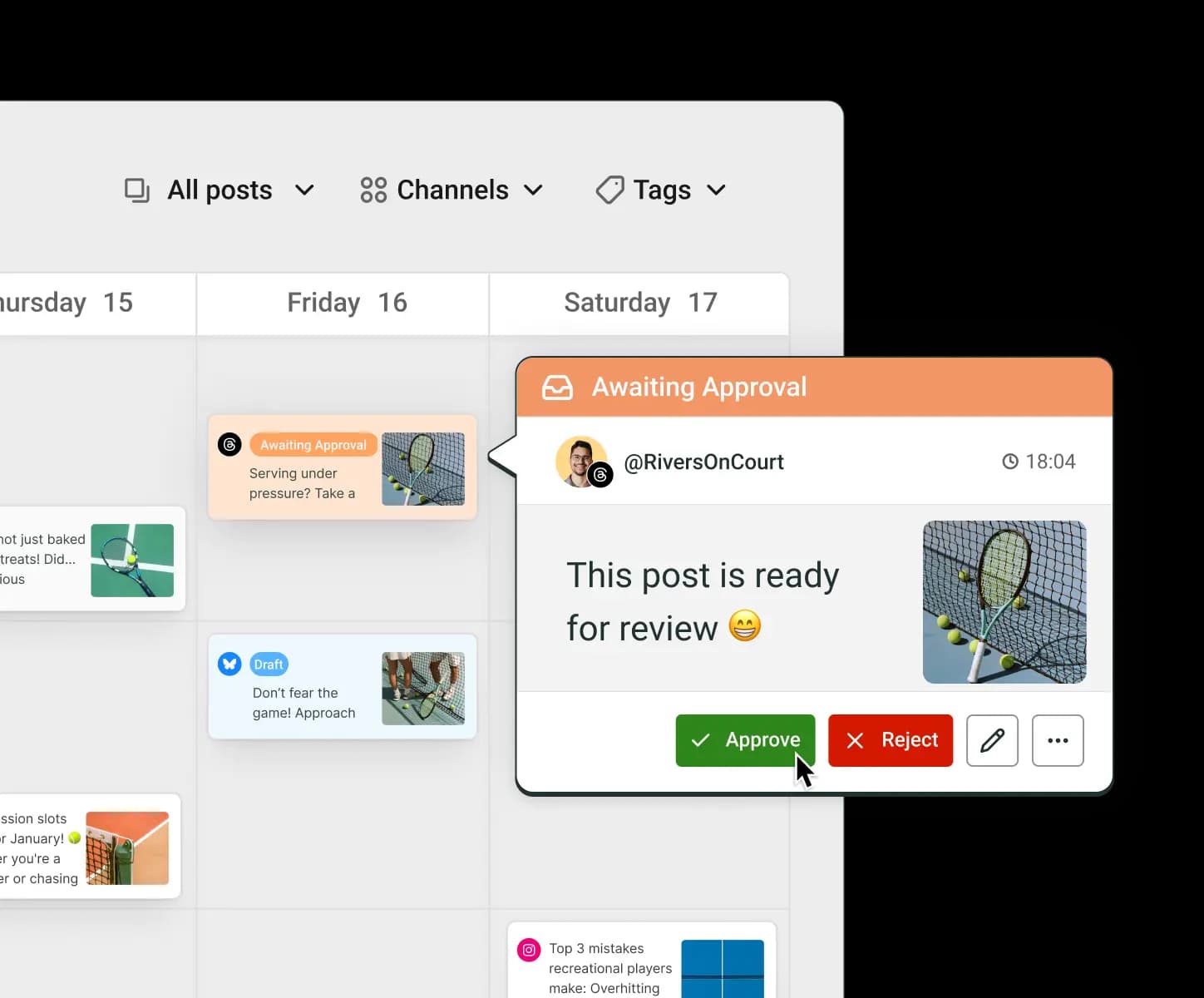
Streamline your approval process
Say goodbye to last-minute edits and scattered feedback. With Buffer’s approval workflows, you can review content before it goes live, ensuring every post is on-brand and mistake-free.
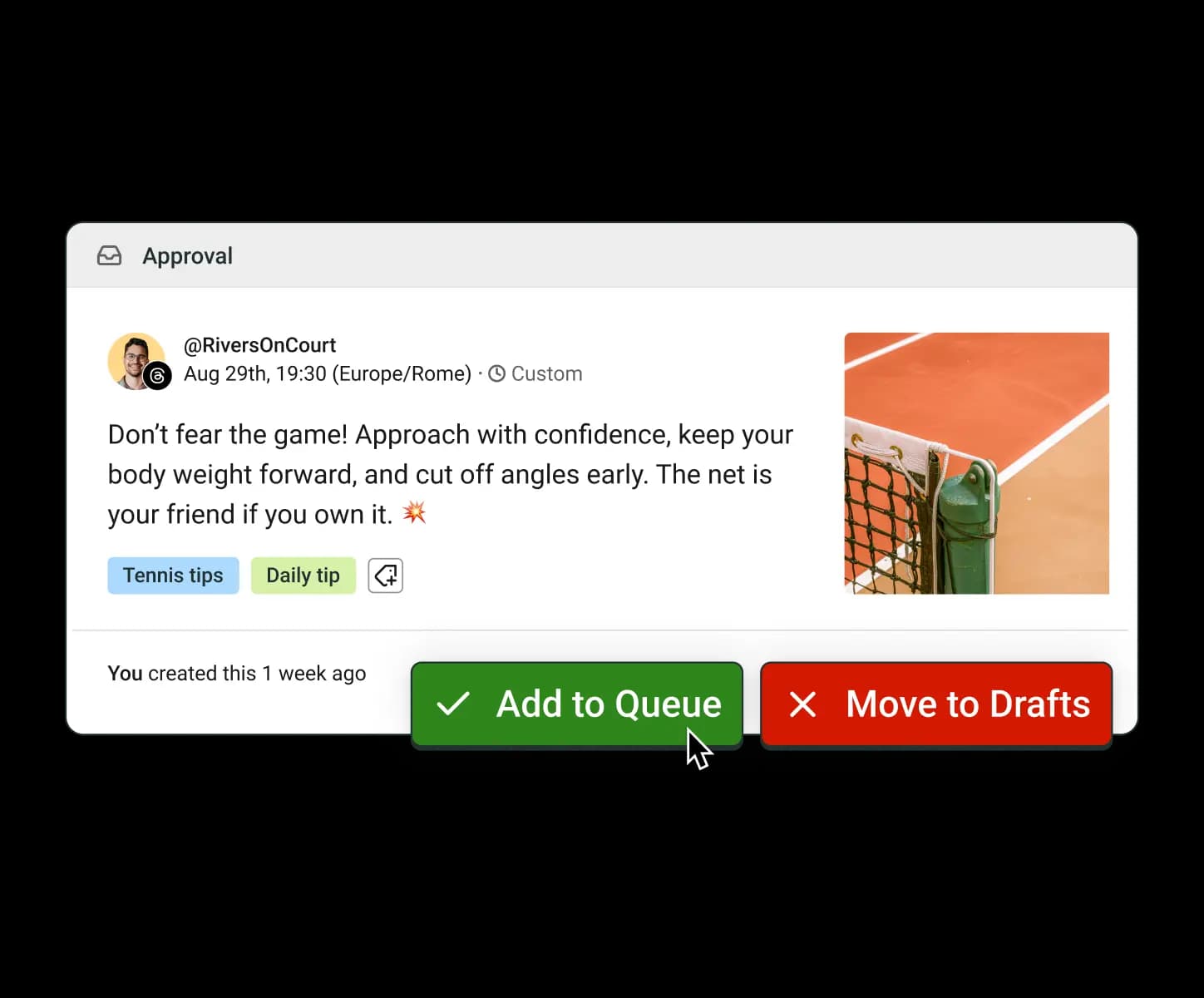
Brainstorm
Leave notes, share ideas, and keep the magic flowing
Discuss ideas, refine drafts, and leave feedback right where you’re working. No need for endless email chains or Slack messages to get your content published.
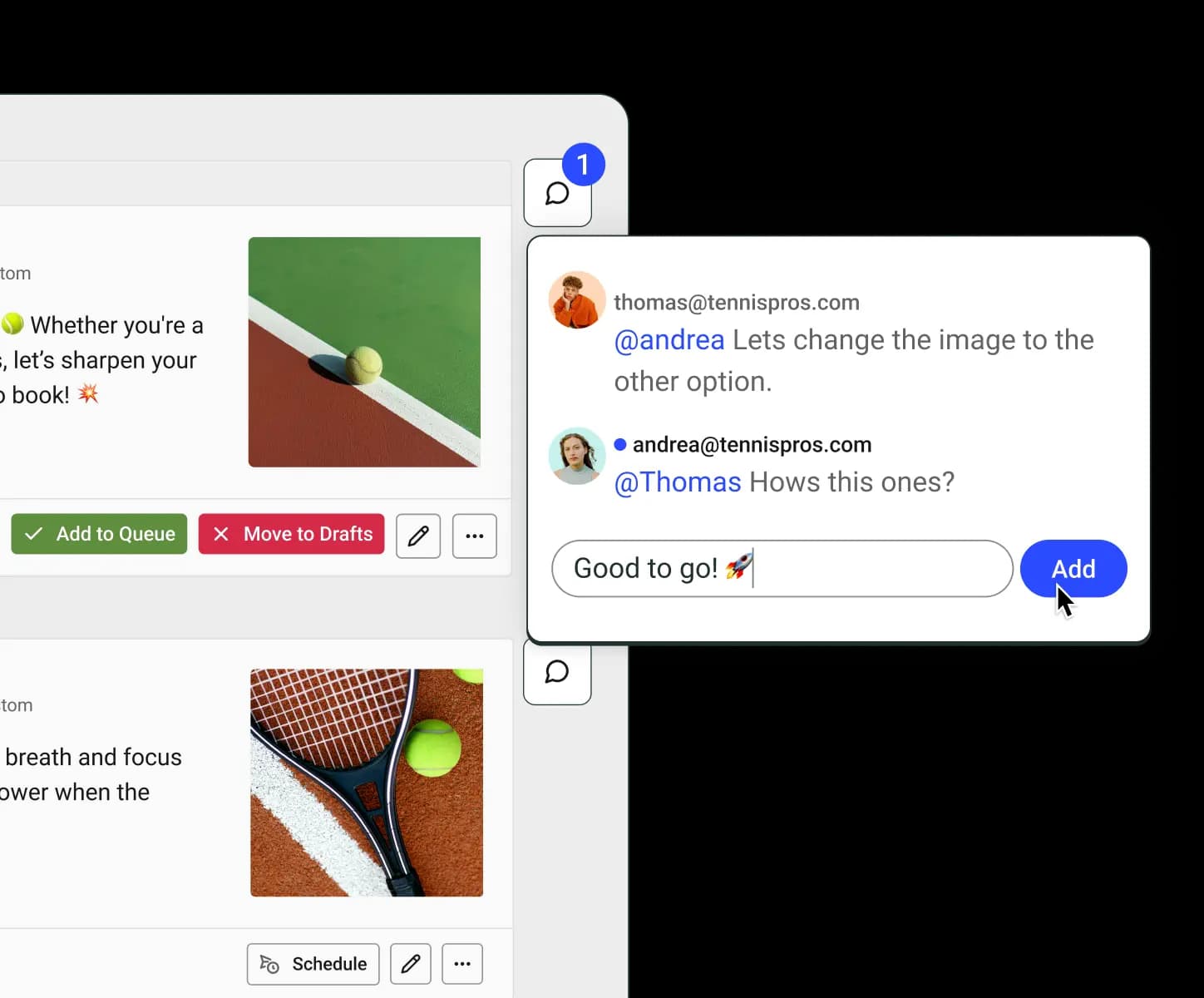
Shared calendar view
Plan together, stay ahead
Keep everything visible, organized, and running smoothly for everyone with a shared content calendar and ensure your posts always go live on time.
Buffer is the perfect tool to maintain a consistent posting schedule, especially if you’re juggling content across multiple channels. We can manage all posts in one place and it’s easy to use. It’s a real lifesaver.
 Luke ThorntonInfluence Media
Resources
Master social media collaboration
Learn expert tips and best practices to keep your team aligned and your content on point.
FAQs
How do I add team members to my Buffer account?
Adding a team member to your Buffer account is easy. Go to ‘Manage Your Team’ in Buffer, click ‘Invite a Team Member,’ enter their email, and set their permissions. They’ll receive an invite to join your organization.
How do permission levels work?
Buffer’s permissions levels let you choose who can post to each of your channels. You can assign different access levels, from full posting access to approval-only roles. This keeps your content secure while giving your team the flexibility they need. Learn more about team member permission levels.
How does the approval workflow work?
Team members can draft posts and submit them for approval. Admins or managers can review, edit, and approve before they’re scheduled to go live. Learn more about managing and approving drafts.
Can I leave feedback on drafts and posts?
Yes! Use the Notes feature to add comments directly to posts, making it easy to collaborate and refine content in one place. Learn more about collaborating on content with Notes.
Can I change a team member’s permissions later?
Absolutely! We know collaborators and teammates change, so you can adjust permissions anytime from the ‘Manage Your Team’ section in Buffer.