Generating a Portal Token for Publishing (original) (raw)
You must use a user token to publish artifacts to the Central Repository via the Central Publisher Portal.
- Log in to the Central Publisher Portal and navigate to the user tokens page at https://central.sonatype.com/usertoken
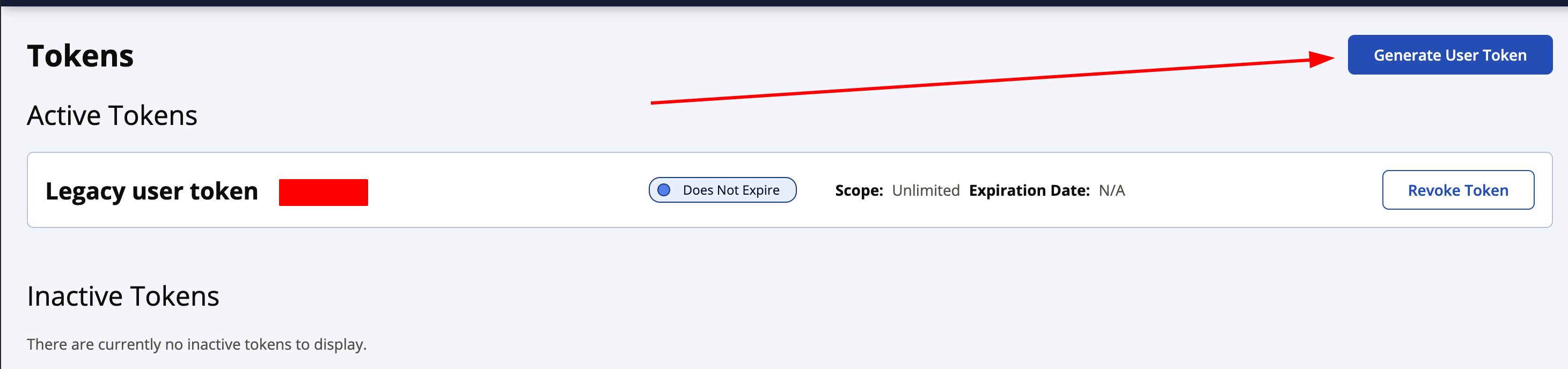
- Press the Generate User Token button
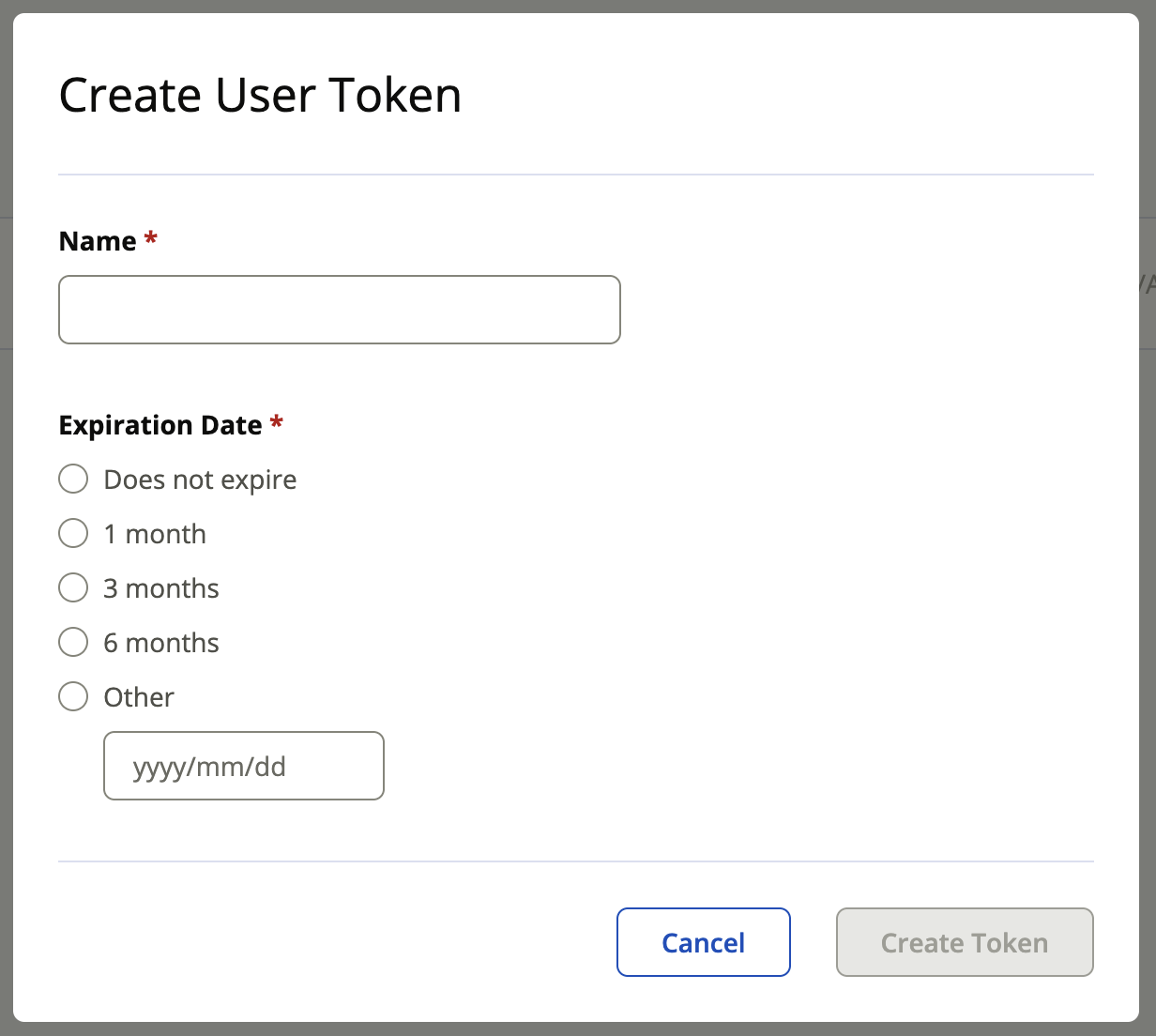
- Specify a display name and an expiration for the token
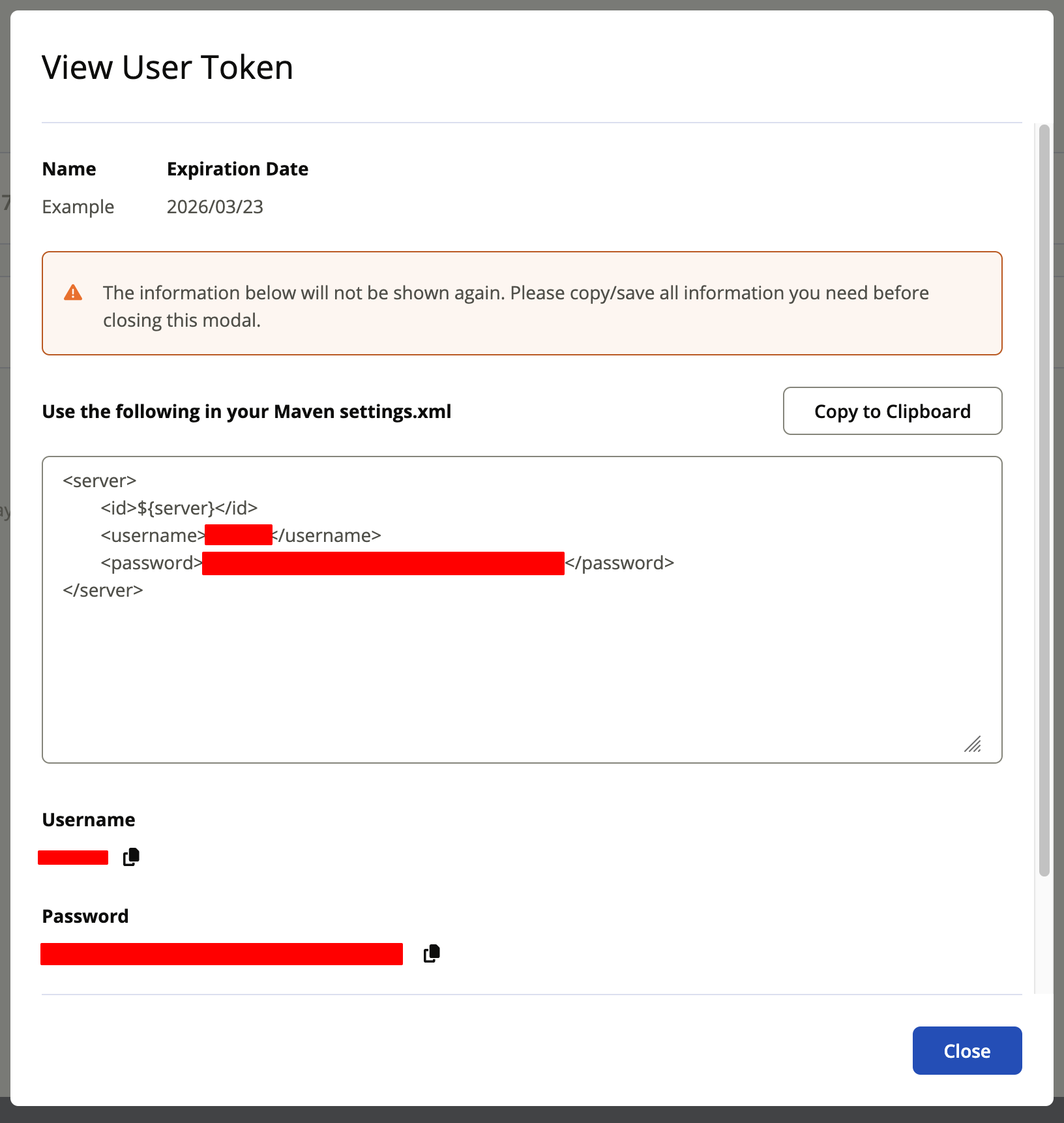
- Save the generated credentials for use in your publishing setup
Token access
Tokens cannot be retrieved once the modal closes, so it is a publisher's responsibility to maintain control of the token or generate a replacement as needed.