Auto subtitle generator online | Free in over 100 languages (original) (raw)
How to use the subtitle generator in Clipchamp
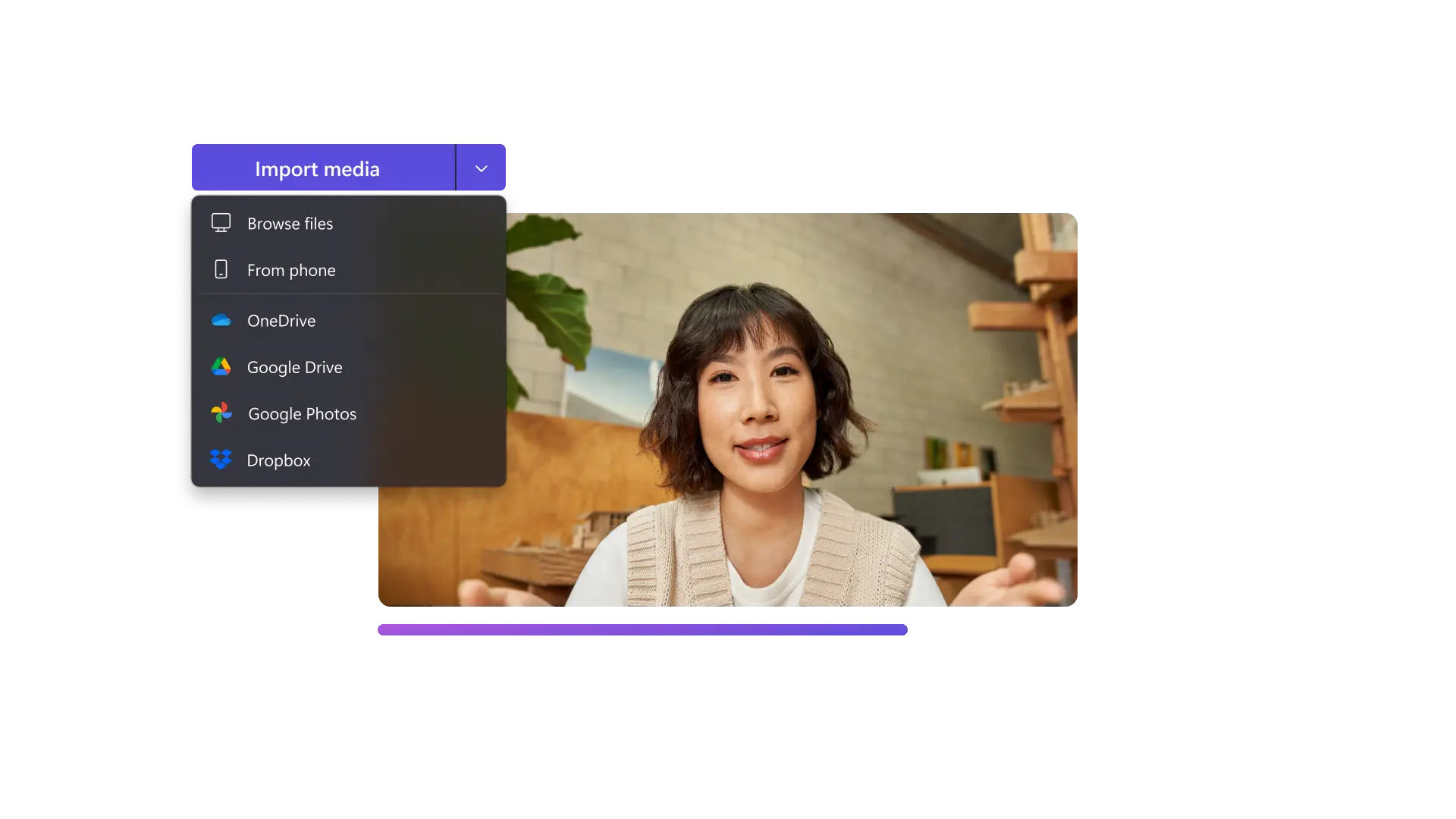
Increase video and podcast reach
- Make video podcast conversations easier to follow with stylish and readable subtitle fonts.
- Boost video SEO by publishing transcripts in YouTube video descriptions or as website blogs.
- Ensure your content is accessible for a global audience to watch and enjoy in their chosen language.
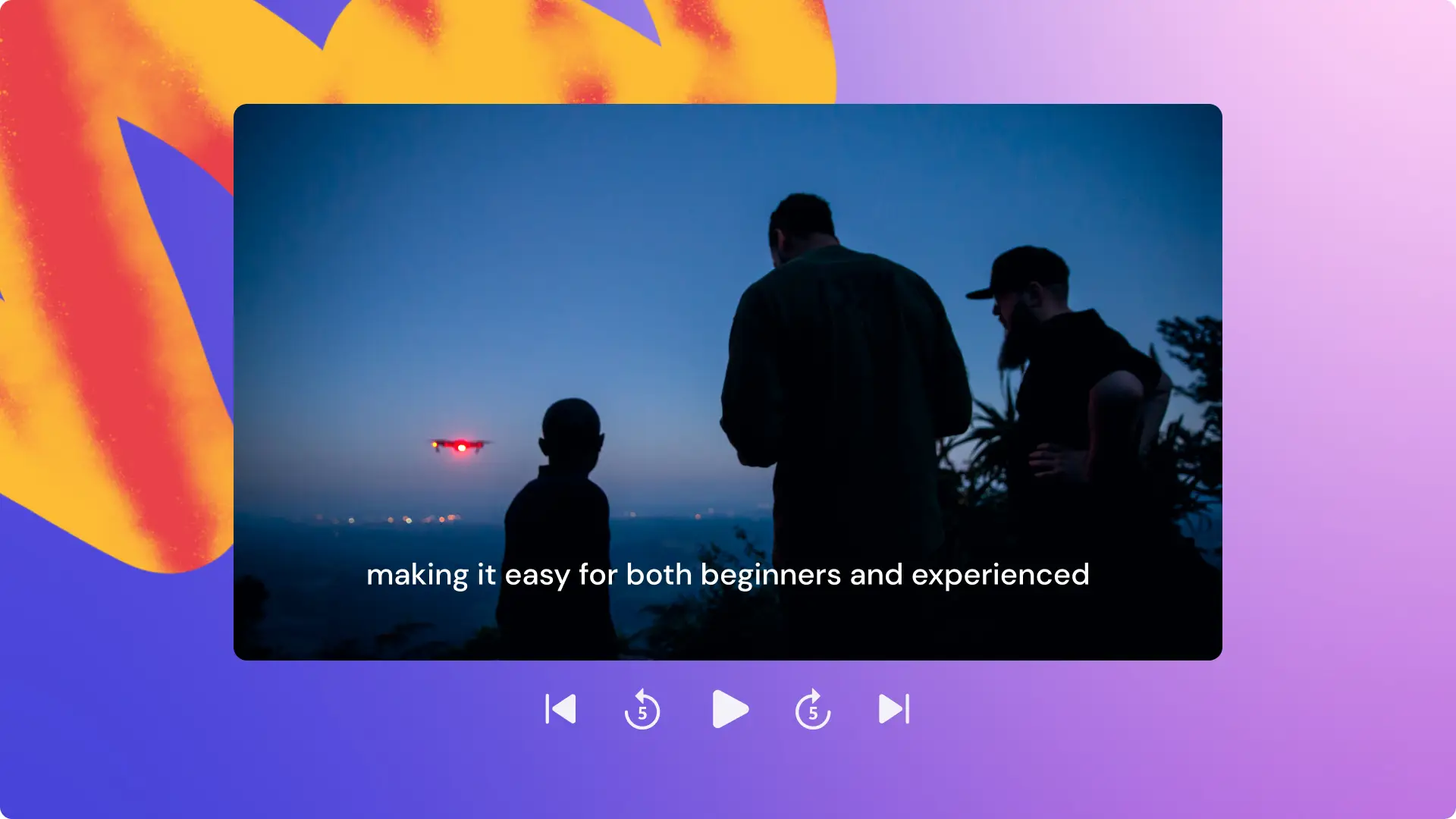
Make gaming videos easy to follow
- Help viewers follow gameplay when the audio isn’t clear, or if many players are speaking at the same time.
- Add AI subtitles in fonts and colors that match your gaming channel or trends.
- Filter out offensive language and profanity with AI and safely monetize TikTok and YouTube videos.
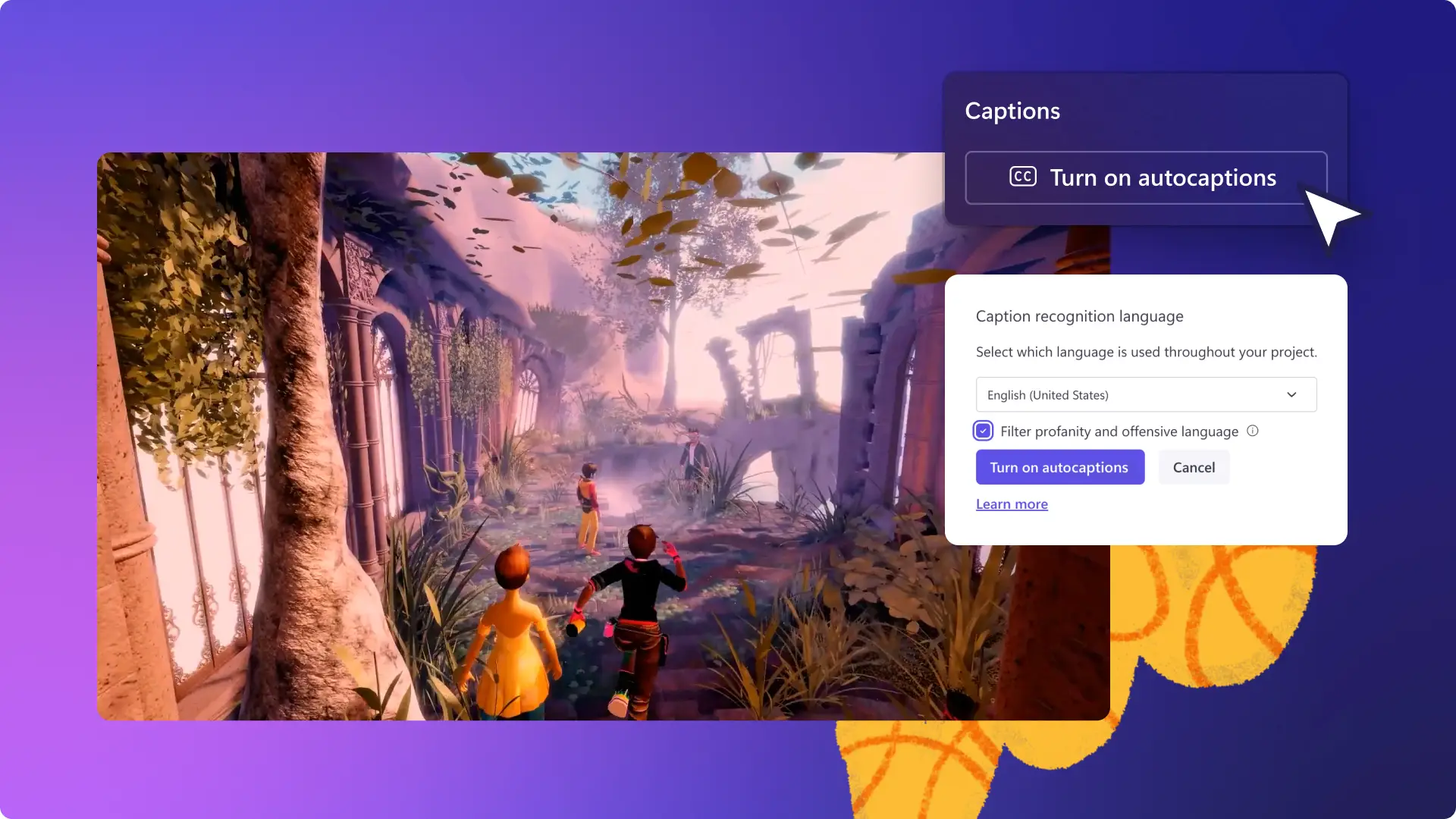
Ensure work videos are inclusive
- Make inclusive training videos with text captions, audio descriptions, and sign language stickers.
- Reinforce video lessons with subtitles and share class transcripts to support every student’s learning style.
- Polish meeting recordings with AI captions to make them easy to skim, search and review for teams.
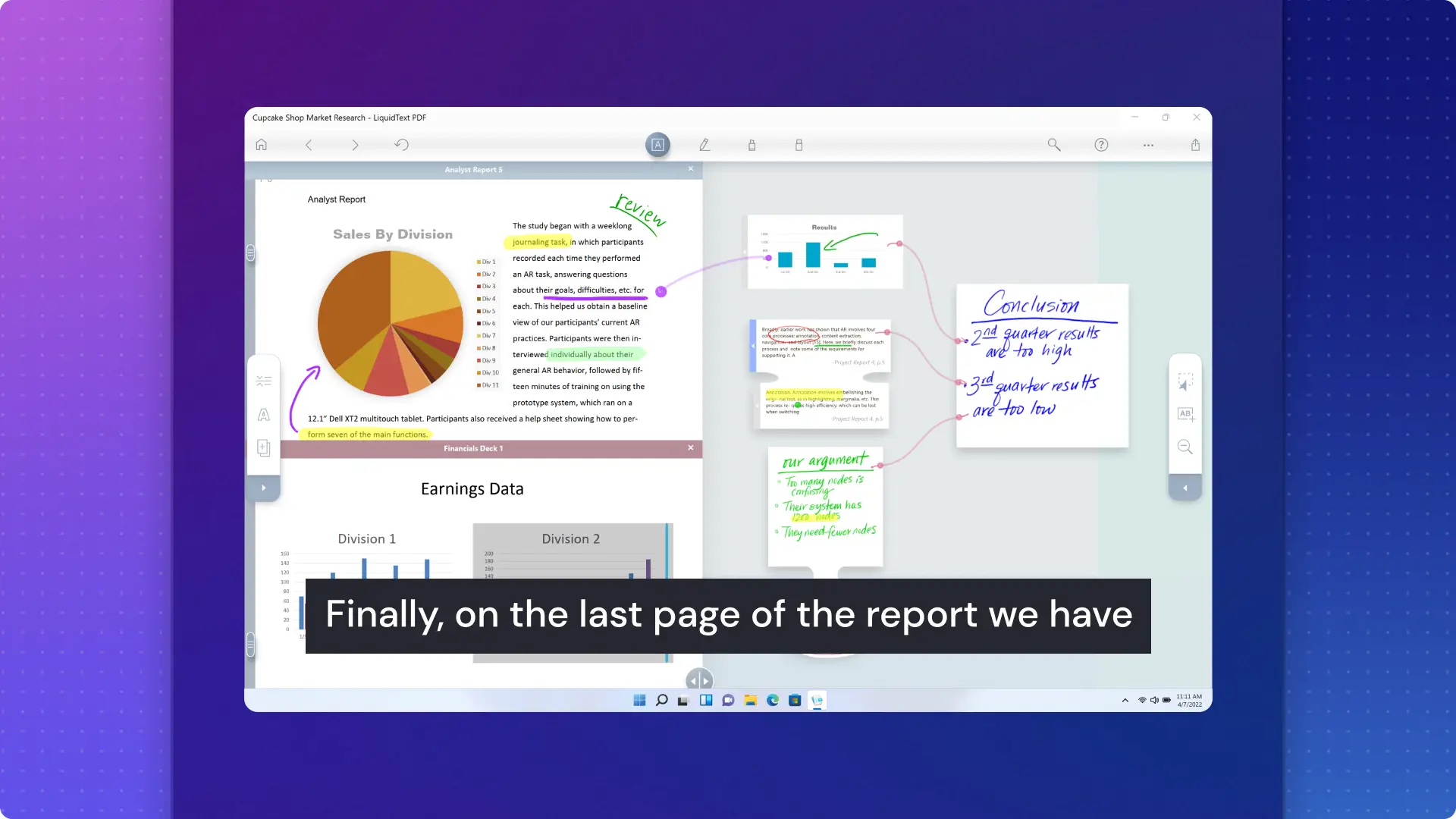

Want more help generating subtitles online?
Read this helpful guide to explore how to transcribe any video with no typing required.
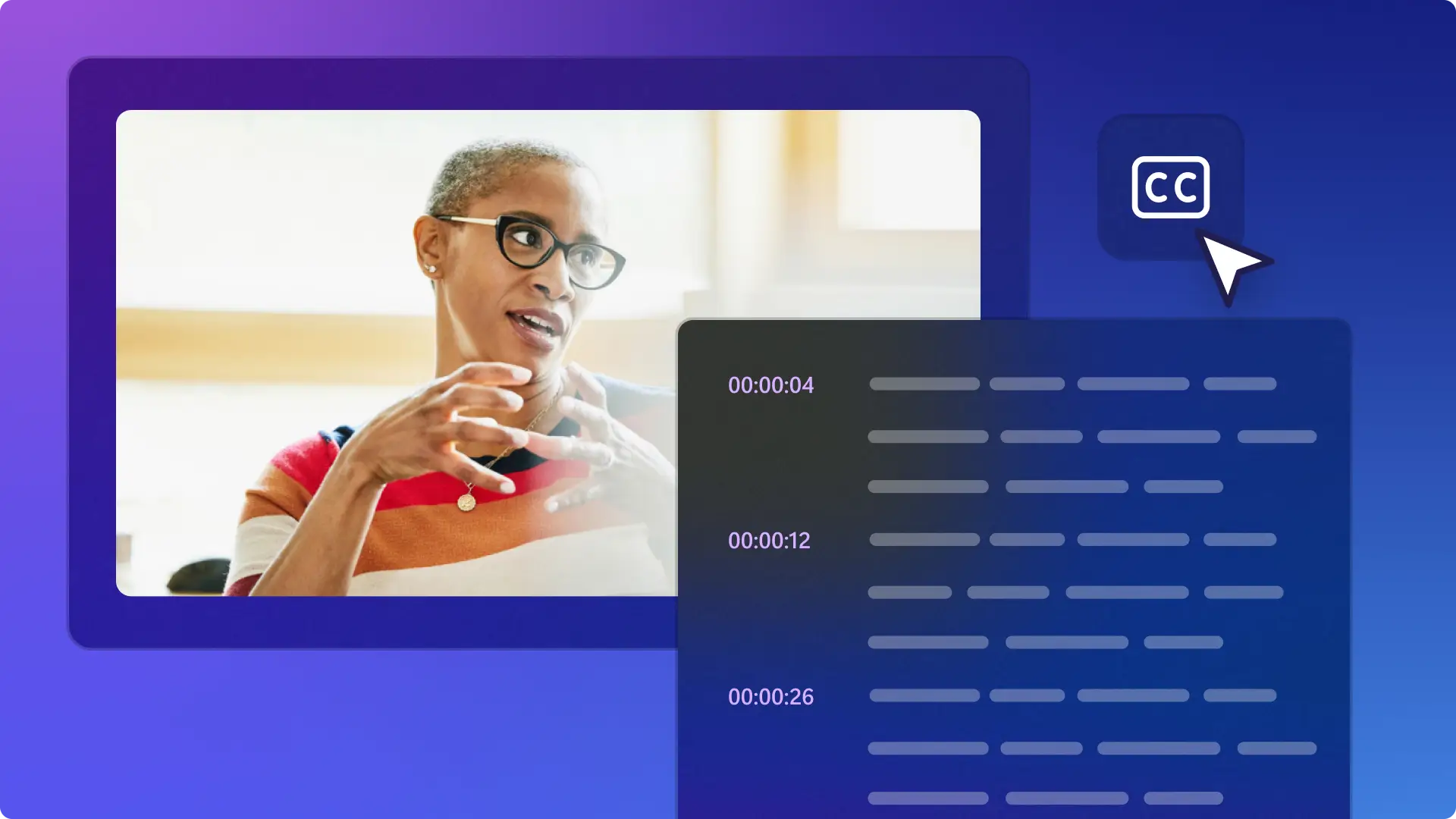

Watch and learn
Read more
Frequently asked questions
- The autocaptions feature is free for all Clipchamp users.
- There are no limits on generating subtitles for a video in Clipchamp.
- Yes, song lyrics and sound effects with dialogues will be transcribed by the autocaptions feature in Clipchamp.
- Yellow is the trending color for subtitles for social media videos as it makes the text both easy to read and eye-catching.
- The speech recognition technology can accurately detect one language at a time.
- Yes, create your voiceover and add it to the editing timeline. Next, enable the autocaptions feature and see your subtitles being created in real-time. Learn how to create a text to speech voiceover here.
- Transcripts can only be downloaded in SubRip subtitle file format, also known as .srt format. This is the most popular subtitle file format for video content.
- The subtitles are created using advanced speech recognition technology without any human input. The audio files are not stored by Clipchamp so the subtitle generator is safe and private.