Time tracking app for Linux - Clockify (original) (raw)
Free Linux time tracker
Clockify is the most popular free time tracking app for Linux that lets you and your team log hours straight from your desktop while working.
Intel (64-bit)



ARM (64-bit)
Don't have an account? Sign up free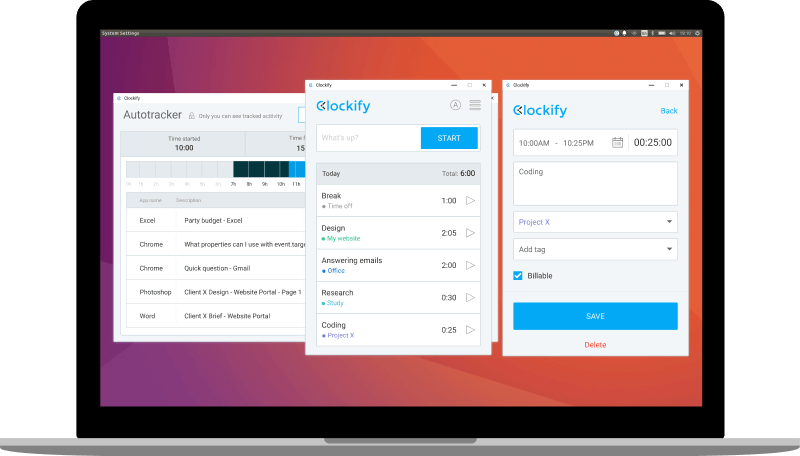
What is Clockify
Clockify is a web-based time tracker and Linux-compatible time tracking software. It's the only time tracking program that's truly free, no matter how many projects you have or how big your team is.
Clockify is primarily a browser app, but you can also install it on your computer as a Linux desktop app to make time tracking more convenient.
You can track how many hours you spend working on tasks from the Linux application, and then run reports, manage projects, and review timesheets in the browser version.
Learn more about: Work hours tracking | Time reporting
How to track time with Clockify's Linux app
Step 2
Get Linux time tracking app
Download for Debian/Ubuntu Download for Redhat (Centos/Fedora)
Step 3
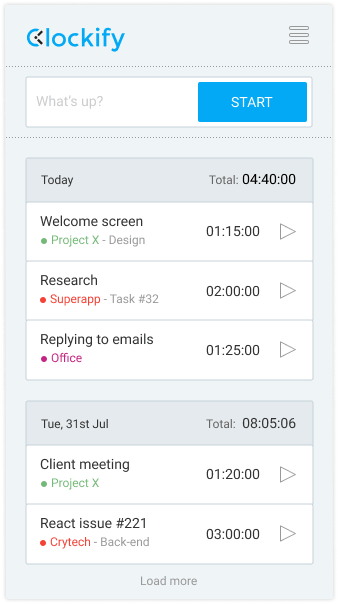
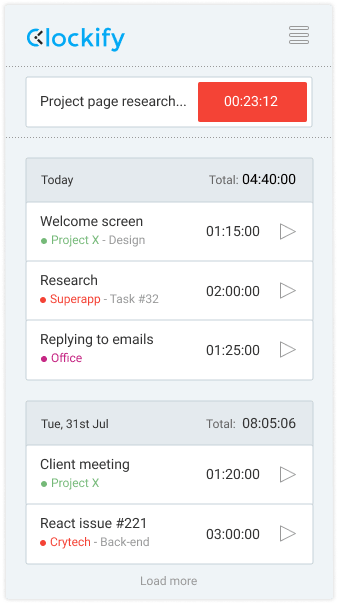
Start the timer
When you start working, just click the button to start the timer. You can also continue timer for some previous activity.
Step 4
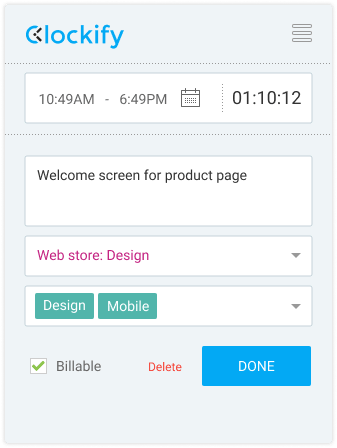
Stop the timer and enter details
You can enter what you've worked on and add a project, task, tag, and billability status.
Step 5
Add time manually
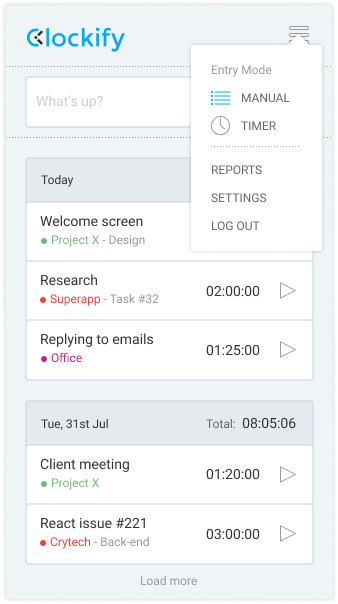
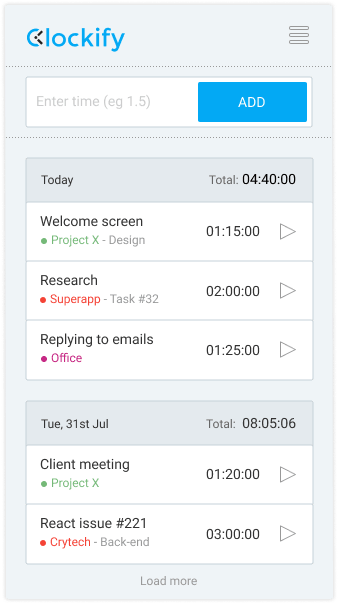
Forgot to start the timer? Switch to manual mode and add how much time you've worked manually.
Step 6
Enable auto tracker
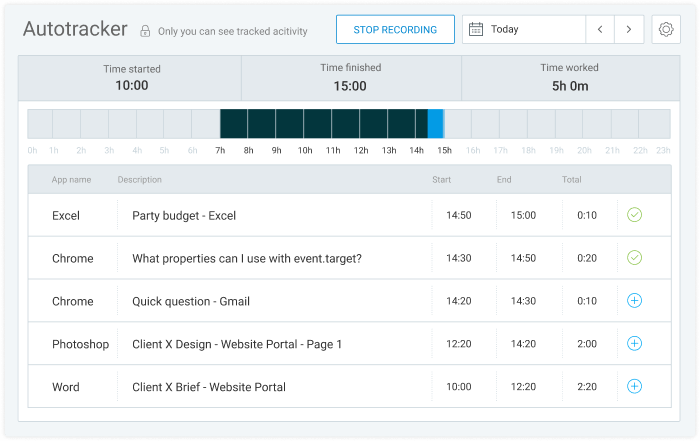
Clockify can track what apps and websites you use so you can later create time entries based on time spent in other apps (data is visible only to you).
Step 9
Use web version
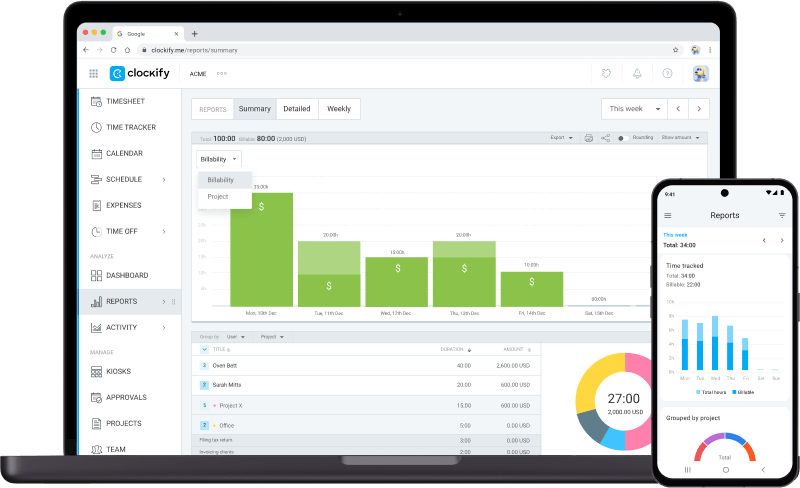
In the web version, you can review and export reports, manage projects, invite people, and review timesheets.
Intel (64-bit)
ARM (64-bit)