Free time tracking app for Mac - Clockify (original) (raw)
Free Mac time tracker
Clockify is the most popular free time tracking app for Mac that lets you log hours straight from your desktop. Supports Mac OS 12.0 and higher.
 Don't have an account? Sign up free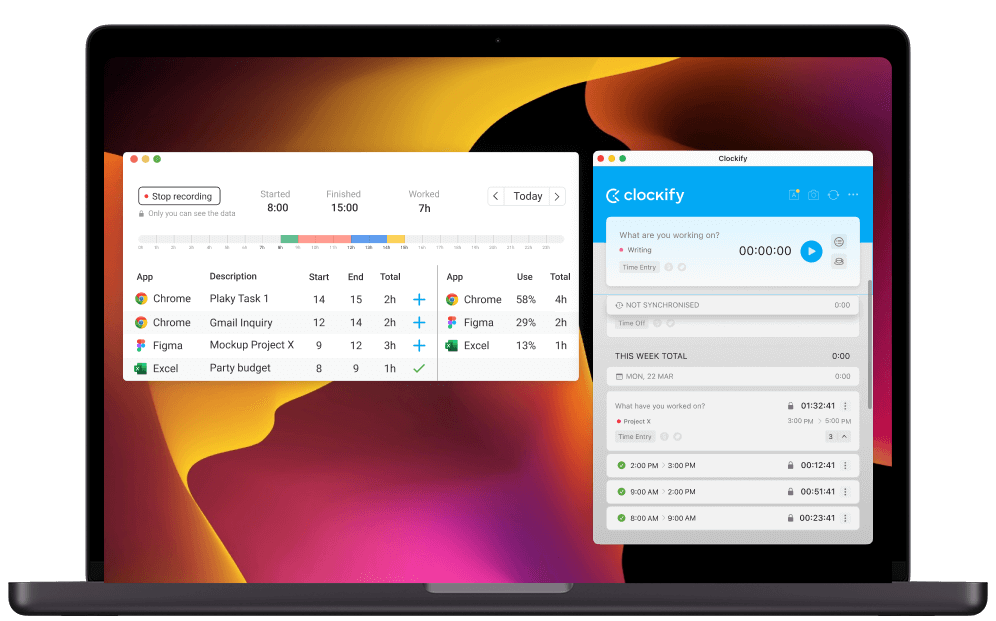
How to track time with Mac desktop app
Step 3
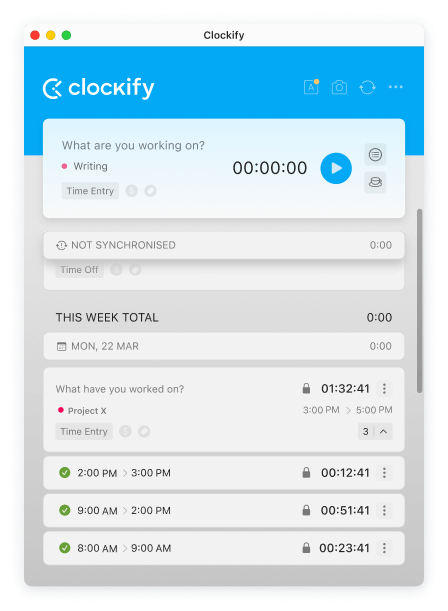
Start the timer
When you start working, start the timer with one click (or keystroke).
Step 4
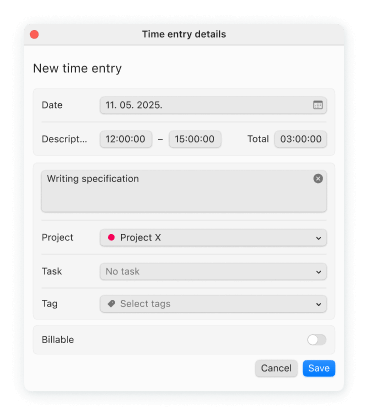
Stop the timer and enter details
You can enter what you worked on and add a project, task, tag, and choose if it's billable.
Step 5
Enable auto tracker
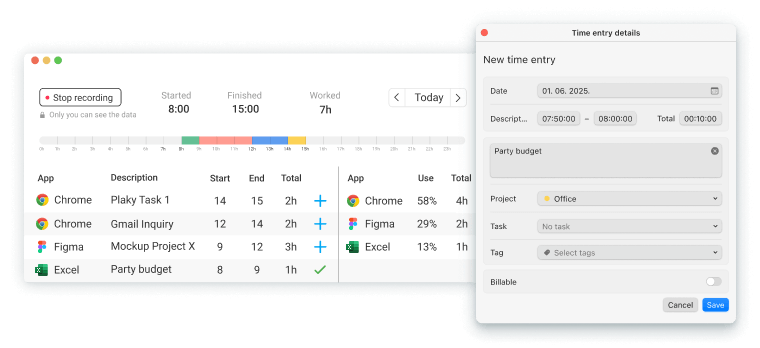
Clockify can track what apps and websites you use so you can later create time entries based on time spent in other apps, either one by one or in bulk (data is visible only to you).
Note: The version on the App Store doesn't have auto tracker or idle detection due to App Store's policy. You'll need to manually download and install the version from our website.
Step 6
Don't forget about the timer
Desktop app has a lot of handy features that can help you better track time, which you can enable in Preferences:
Step 7
Run reports on web
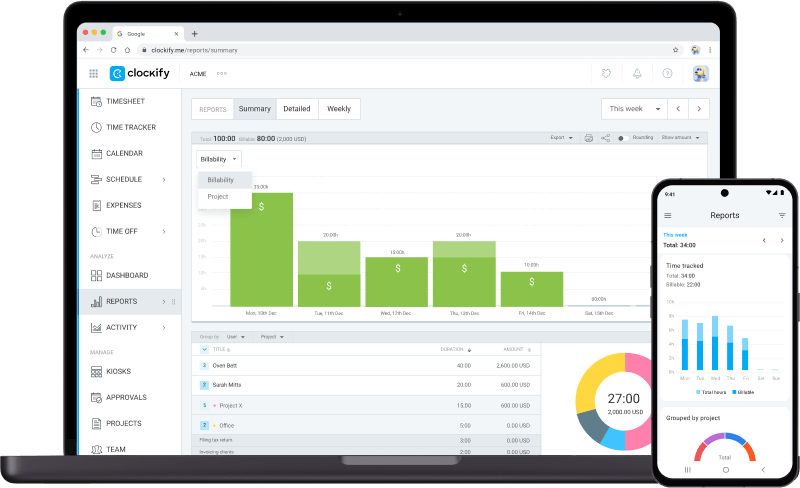
In the web version, you can manage projects, invite team, review timesheets, and export reports.