Azure HIPAA Compliance - Compliancy Group (original) (raw)


- Product
Manage all your healthcare compliance needs.


Customize and manage any compliance program.
Fast, accurate guidance from an AI assistant.
Get tailored, targeted support from industry experts.
100+ ready-to-use policy templates.
HIPAA, OSHA, FWA and more.
Anonymous reporting, ticketing, tracking, and analysis.
Identify areas of risk and take action to remedy issues.
Templated material, task tracking, and reminders.
Manage and monitor important vendor documents.
Expedite risk management, reporting, and view your risk profile.
Automatically search 55 exclusion lists.
- Solutions
Company Size
Designed For
Learn
Learn how to help better manage your compliance.
Read the latest tips and news in the compliance world.
View quick ways to improve your compliance posture.
Get basic HIPAA training for free!
Guides
An implementation guide for compliance officers.
What 2024 breaches and fines taught us.
How to follow OIG 7 elements.
Find out how to meet HIPAA requirements.
Learn how to meet OSHA standards in healthcare.
Company
Why Compliancy Group
Azure HIPAA Compliance

Microsoft Azure is a cloud service provider (CSP) that allows businesses to store data in the cloud, rather than on their computers’ personal hard drives. Healthcare organizations, or other organizations working with protected health information (PHI), may consider Microsoft Azure to store data.
However, before the platform can be used by these organizations, they must sign a business associate agreement (BAA) with Microsoft, and ensure Azure HIPAA compliance configurations. The following article discusses Azure HIPAA compliance.
Azure HIPAA Business Associate Agreement
One of the key factors when determining whether or not a software platform is HIPAA compliant is the willingness to sign a business associate agreement (BAA). Microsoft is willing to sign a BAA with healthcare organizations; however, not all Microsoft services are covered by the BAA. Azure is covered by Microsoft’s BAA, but only certain Azure services. Azure HIPAA compliant services are listed at the bottom of this article.
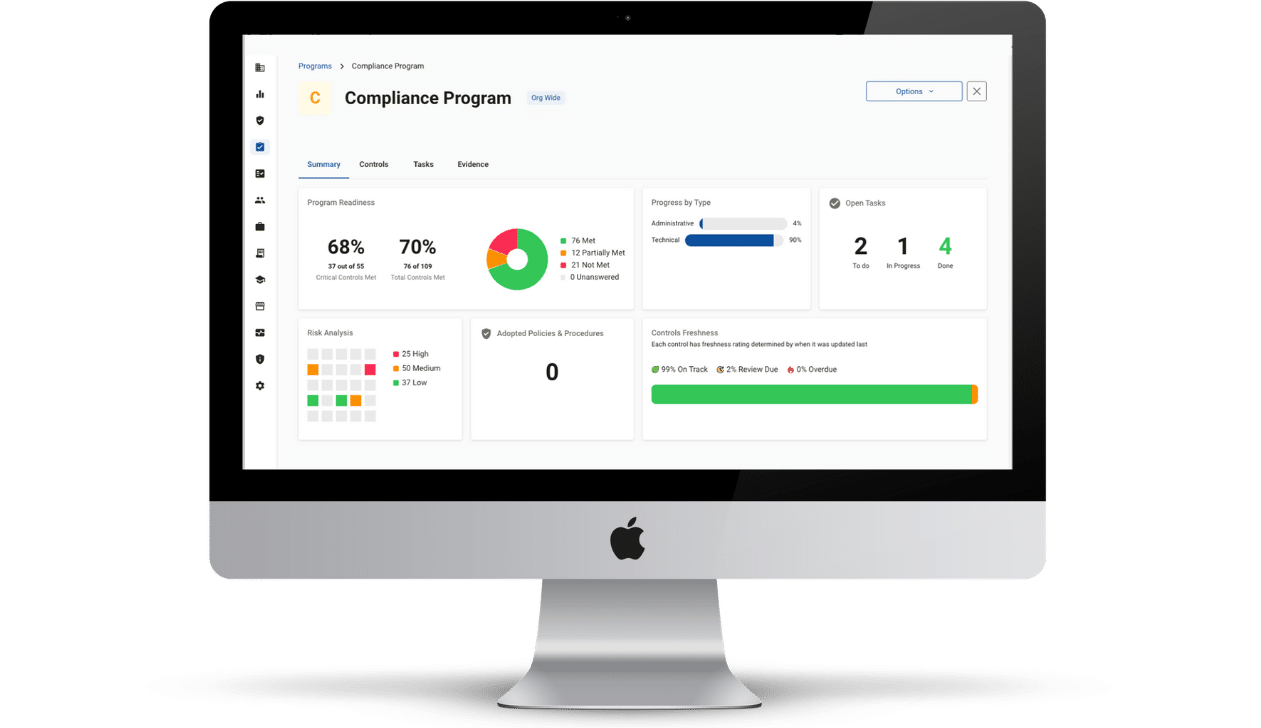
Simplify Your Risk Assessment
See how The Guard makes it easy & secure.
Schedule a Demo
Azure HIPAA Configurations
HIPAA requires safeguards to be implemented to ensure that protected health information (PHI) is secure. Azure utilizes a secure VPN and encryption for secure data transmission; however, software HIPAA compliance comes down to how the end-user utilizes it. Most software requires further configuration to enable HIPAA compliant safeguards.
The following are configurations that must be enabled for Azure HIPAA compliant usage:
- Access Controls. Controls access to data based on an employee’s job role. The HIPAA minimum necessary standard dictates that PHI should only be accessed with purpose. As such, employees must be designated different levels of access to data based on their job role.
- Multi-factor Authentication (MFA). Requires users to input multiple login credentials to access data, enabling user authentication. Login credentials may include a username and password in combination with other credentials such as security questions, a one time PIN, or biometrics.
- Audit Controls. Track access to data to ensure that it is accessed in accordance with the minimum necessary standard. Audit controls are enabled by providing each user with unique login credentials to access data.
Azure HIPAA Compliant Services
The following are services covered by the Azure HIPAA business associate agreement:
- API Management
- App Service (API Apps, Mobile Apps, and Web Apps)
- Application Gateway
- Automation
- Azure Active Directory
- Azure IoT Hub
- Azure Resource Manager
- Backup
- Batch
- BizTalk Services
- Cloud Services
- Data Catalog
- Data Factory
- Azure Cosmos DB
- Event Hubs
- Express Route
- HDInsight
- Key Vault
- Load Balancer
- Log Analytics (formerly Operational Insights)
- Machine Learning
- Media Services
- Multi-Factor Authentication
- Notification Hub
- Operational Insights
- Portal
- Redis Cache
- RemoteApp
- Rights Management Service
- Scheduler
- Service Bus
- Service Fabric
- Site Recovery
- SQL Database
- SQL Data Warehouse
- Storage
- Storage Premium
- StorSimple
- Stream Analytics
- Traffic Manager
- Virtual Machines
- Virtual Network
- VPN Gateway
Complete Compliance Solution
Make sure your business and the tools you use to run it are compliant.
Complete Compliance Solution
Don't forget to share this post!
Daniel Lebovic is the Corporate Legal Counsel and Content Editor at Compliancy Group. His extensive experience as a regulatory attorney, combined with his background as a legal writer, editor, and copy editor, uniquely qualifies him to translate healthcare regulations into easily digestible content that those with or without a legal background can understand.
Related Posts
Features
- Compliance Management
- Compliance Training
- Policies and Procedures
- Risk Assessments
- Incident Management
- Vendor/Contract Management
- Business Associate Agreements
Resources
- Compliance Officer’s Guide to Risk Assessment
- Lessons From Breaches and Fines
- Healthcare Compliance Guide
- Free HIPAA Checklist
- Security Risk Assessment Guide
- OSHA Compliance Guide
- Healthcare Compliance Webinars
- Free HIPAA Training
- Blog
From Our Blog
- 7 Elements of an Effective Compliance Program
- What is HIPAA Compliance?
- HIPAA Fines List
- OSHA Training for Healthcare Professionals
- OSHA Standards in Healthcare
- SOC 2 Compliance
- SOC 2 Readiness