Learn About Article Schema Markup | Google Search Central | Documentation | Google for Developers (original) (raw)
SEO fundamentals
Crawling and indexing
- Overview
- File types Google can index
- URL structure
- Links
- Sitemaps
* Learn about sitemaps
* Build and submit a sitemap
* Manage sitemaps with sitemap index file - Mobile site and mobile-first indexing
- AMP
* AMP on Google Search guidelines
* Understand how AMP works in search results
* Enhance AMP content
* Validate AMP content
* Remove AMP content - JavaScript
* Understand the JavaScript SEO basics
* Fix search-related JavaScript problems
* Fix lazy-loaded content
* Dynamic rendering as a workaround - Page and content metadata
* Page metadata
* Meta tags
* Meta tags and HTML attributes that Google supports
* Robots meta tag, data-nosnippet, and X-Robots-Tag
* noindex
* rel attributes
Ranking and search appearance
- Overview
- AI features
- Byline dates
- Favicons
- Featured snippets
- Flexible Sampling
- Google Discover
- Images
- Preferred sources
- Site names
- Sitelinks
- Snippets
- Structured data
* Understand how structured data works
* Structured data general guidelines
* Enriched search results
* Generate structured data with JavaScript
* Feature guides
* All structured data features
* Article
* Book actions
* Breadcrumb
* Carousel
* Course list
* Dataset
* Discussion forum
* Education Q&A
* Employer aggregate rating
* Fact check
* Event
* FAQ
* Image metadata
* Job posting
* Local business
* Math solver
* Movie carousel
* Organization
* Shopping
* Overview
* Product snippet
* Merchant listing
* Variants
* Loyalty program
* Merchant return policy
* Merchant shipping policy
* Profile page
* Q&A
* Recipe
* Review snippet
* Software app
* Speakable
* Subscription and paywalled content
* Vacation rental
* Video - Title links
- Videos
- Visual Elements gallery
Site-specific guides
Article (Article, NewsArticle, BlogPosting) structured data
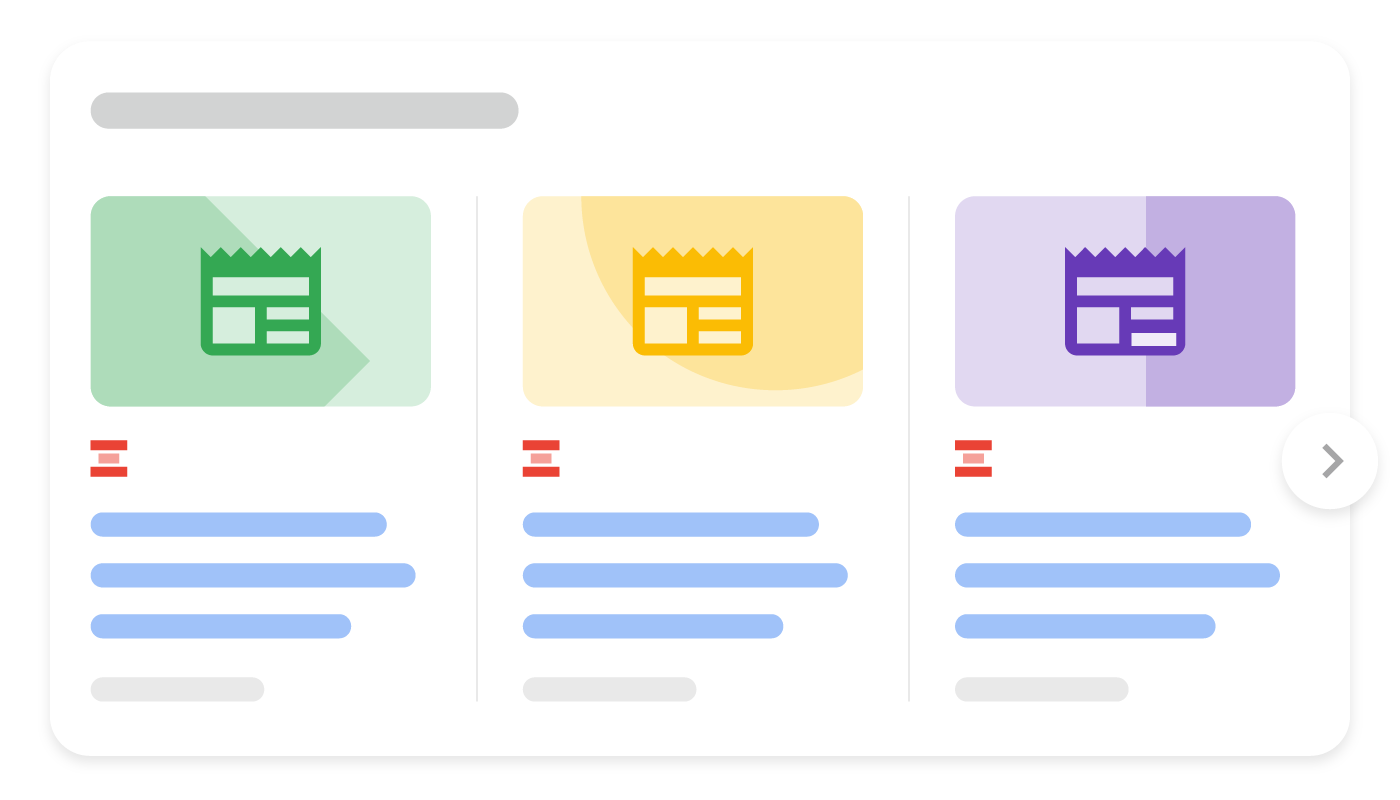
Adding Article structured data to your news, blog, and sports article pages can help Google understand more about the web page and show better title text, images, and date information for the article in search results on Google Search and other properties (for example, Google News and the Google Assistant). While there's no markup requirement to be eligible for Google News features like Top stories, you can add Article to more explicitly tell Google what your content is about (for example, that it's a news article, who the author is, or what the title of the article is).
Example
Here's an example of a page with Article structured data.
JSON-LD
Title of a News ArticleMicrodata
Title of a News Article
How to add structured data
Structured data is a standardized format for providing information about a page and classifying the page content. If you're new to structured data, you can learn more abouthow structured data works.
Here's an overview of how to build, test, and release structured data.
- Add as many recommended properties that apply to your web page. There are no required properties; instead, add the properties that apply to your content. Based on the format you're using, learn where toinsert structured data on the page.
- Follow the guidelines.
- Validate your code using theRich Results Test and fix any critical errors. Consider also fixing any non-critical issues that may be flagged in the tool, as they can help improve the quality of your structured data (however, this isn't necessary to be eligible for rich results).
- Deploy a few pages that include your structured data and use the URL Inspection tool to test how Google sees the page. Be sure that your page is accessible to Google and not blocked by a robots.txt file, the
noindextag, or login requirements. If the page looks okay, you canask Google to recrawl your URLs. - To keep Google informed of future changes, we recommend that yousubmit a sitemap. You can automate this with theSearch Console Sitemap API.
Guidelines
You must follow these guidelines to enable structured data to be eligible for inclusion in Google Search results.
Technical guidelines
- For multi-part articles, make sure that the
rel=canonicalpoints at either each individual page or a "view-all" page (and not to page 1 of a multi-part series). Learn more about canonicalization. - If you offer subscription-based access to your website content, or if users must register for access, consider adding structured data forsubscription and paywalled content.
Structured data type definitions
To help Google better understand your page, include as many recommended properties that apply to your web page. There are no required properties; instead, add the properties that apply to your content.
Article objects
Article objects must be based on one of the following schema.org types: Article,NewsArticle, BlogPosting.
The Google-supported properties are the following:
| Recommended properties | |
|---|---|
| author | Person or Organization The author of the article. To help Google best understand authors across various features, we recommend following the author markup best practices. |
| author.name | Text The name of the author. |
| author.url | URL A link to a web page that uniquely identifies the author of the article. For example, the author's social media page, an "about me" page, or a bio page. If the URL is an internal profile page, we recommend marking up that author usingprofile page structured data. |
| dateModified | DateTime The date and time the article was most recently modified, in ISO 8601 format. We recommend that you provide timezone information; otherwise, we will default to the timezone used by Googlebot. Add the dateModified property if you want to provide more accurate date information to Google. The Rich Results Test doesn't show a warning for this property, as it's only recommended if you decide that it's applicable to your site. |
| datePublished | DateTime The date and time the article was first published, inISO 8601 format. We recommend that you provide timezone information; otherwise, we will default to the timezone used by Googlebot. Add the datePublished property if you want to provide more accurate date information to Google. TheRich Results Test doesn't show a warning for this property, as it's only recommended if you decide that it's applicable to your site. |
| headline | Text The title of the article. Consider using a concise title, as long titles may be truncated on some devices. |
| image | Repeated ImageObject or URL The URL to an image that is representative of the article. Use images that are relevant to the article, rather than logos or captions. Additional image guidelines: Image URLs must be crawlable and indexable. To check if Google can access your URLs, use the URL Inspection tool. Images must represent the marked up content. Images must be in a file format that's supported by Google Images. For best results, we recommend providing multiple high-resolution images (minimum of 50K pixels when multiplying width and height) with the following aspect ratios: 16x9, 4x3, and 1x1. For example: "image": [ "https://example.com/photos/1x1/photo.jpg", "https://example.com/photos/4x3/photo.jpg", "https://example.com/photos/16x9/photo.jpg" ] |


To help Google best understand and represent the author of the content, we recommend following these best practices when specifying authors in markup:
| Best practices for author markup | |
|---|---|
| Include all authors in the markup | Make sure that all the authors that are presented as authors on the web page are also included in markup. |
| Specifying multiple authors | When specifying multiple authors, list each author in their own author field: "author": [ {"name": "Willow Lane"}, {"name": "Regula Felix"} ] Don't merge multiple authors in the same author field: "author": { "name": "Willow Lane, Regula Felix" } |
| Use additional fields | To help Google better understand who the author is, we strongly recommend using thetype and url (or sameAs) properties. Use valid URLs for the url or sameAs properties. For example, if the author is a person, you could link to an author's page that provides more information about the author: "author": [ { "@type": "Person", "name": "Willow Lane", "url": "https://www.example.com/staff/willow\_lane" } ] If the author is an organization, you could link to the organization's home page. "author": [ { "@type":"Organization", "name": "Some News Agency", "url": "https://www.example.com/" } ] |
| Only specify the author's name in the author.name property | In the author.name property, only specify the name of the author. Don't add any other piece of information. More specifically, don't add the following information: The name of the publisher. Instead, use the publisher property. The author's job title. Instead, use the appropriate property if you want to specify that information (jobTitle). Honorific prefix or suffix. Instead, use the appropriate property if you want to specify that information (honorificPrefix or honorificSuffix). Introductory words (for example, don't include words like "posted by"). "author": [ { "@type": "Person", "name": "Echidna Jones", "honorificPrefix": "Dr", "jobTitle": "Editor in Chief" } ], "publisher": [ { "@type": "Organization", "name": "Bugs Daily" } ] } |
| Use the appropriate Type | Use the Person type for people, and the Organization type for organizations. Don't use the Thing type, and don't use the wrong type (for example, using the Organization type for a person). |
Here's an example that applies the author markup best practices:
"author": [ { "@type": "Person", "name": "Willow Lane", "jobTitle": "Journalist", "url": "https://www.example.com/staff/willow-lane" }, { "@type": "Person", "name": "Echidna Jones", "jobTitle": "Editor in Chief", "url": "https://www.example.com/staff/echidna-jones" } ], "publisher": { "@type": "Organization", "name": "The Daily Bug", "url": "https://www.example.com" }, // + Other fields related to the article... }
Troubleshooting
If you're having trouble implementing or debugging structured data, here are some resources that may help you.
- If you're using a content management system (CMS) or someone else is taking care of your site, ask them to help you. Make sure to forward any Search Console message that details the issue to them.
- Google does not guarantee that features that consume structured data will show up in search results. For a list of common reasons why Google may not show your content in a rich result, see theGeneral Structured Data Guidelines.
- You might have an error in your structured data. Check thelist of structured data errors and the Unparsable structured data report.
- If you received a structured data manual action against your page, the structured data on the page will be ignored (although the page can still appear in Google Search results). To fixstructured data issues, use the Manual Actions report.
- Review the guidelines again to identify if your content isn't compliant with the guidelines. The problem can be caused by either spammy content or spammy markup usage. However, the issue may not be a syntax issue, and so the Rich Results Test won't be able to identify these issues.
- Troubleshoot missing rich results / drop in total rich results.
- Allow time for re-crawling and re-indexing. Remember that it may take several days after publishing a page for Google to find and crawl it. For general questions about crawling and indexing, check theGoogle Search crawling and indexing FAQ.
- Post a question in the Google Search Central forum.
Except as otherwise noted, the content of this page is licensed under the Creative Commons Attribution 4.0 License, and code samples are licensed under the Apache 2.0 License. For details, see the Google Developers Site Policies. Java is a registered trademark of Oracle and/or its affiliates.
Last updated 2025-12-10 UTC.