🏡 Home / Open WebUI (original) (raw)
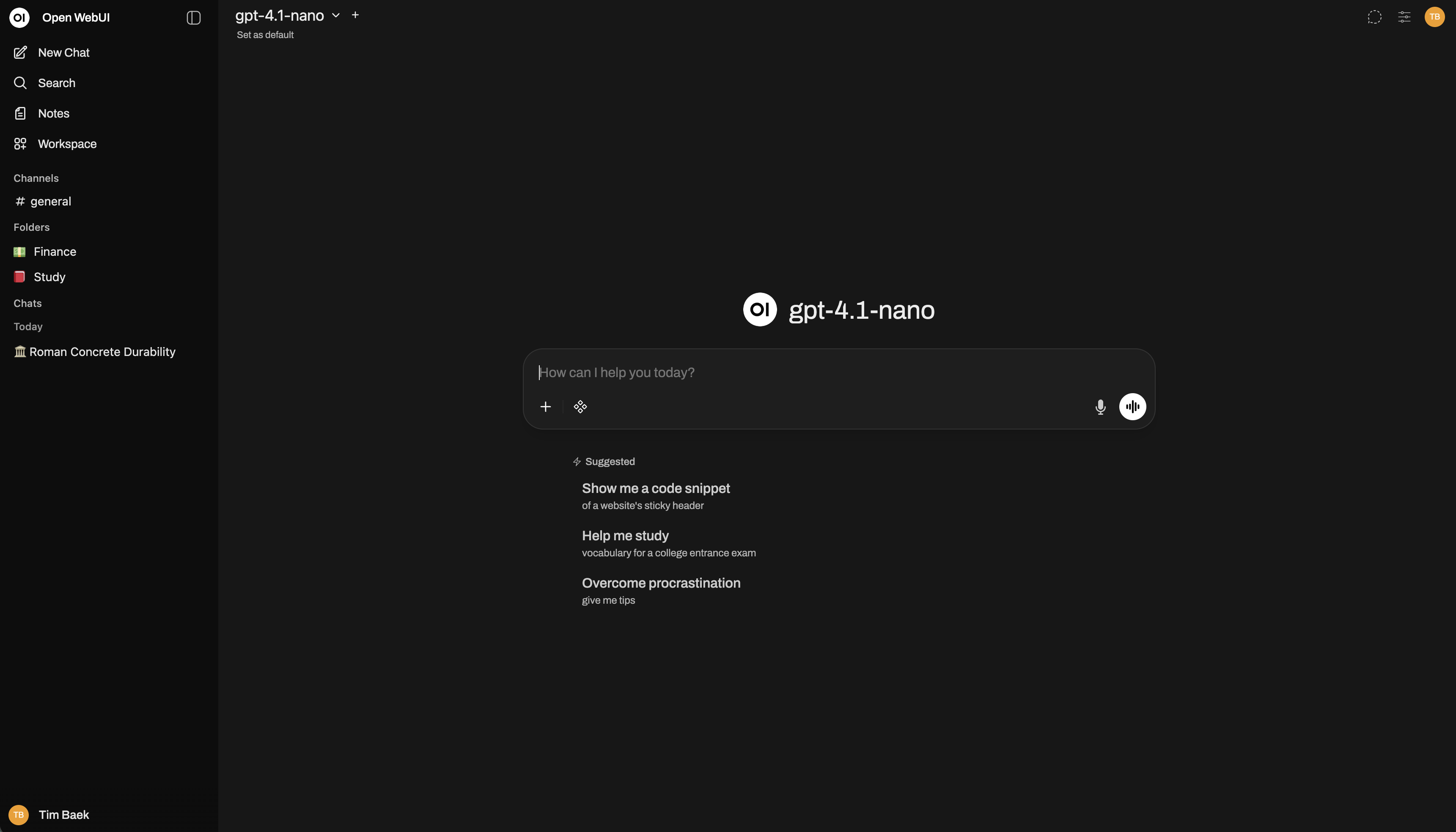
Open WebUI is an extensible, feature-rich, and user-friendly self-hosted AI platform designed to operate entirely offline. It supports Ollama and OpenAI-compatible APIs, making it a powerful, provider-agnostic solution for both local and cloud-based models.



Quick Start
- Docker
- pip
- uv
- Desktop
docker run -d -p 3000:8080 --add-host=host.docker.internal:host-gateway -v open-webui:/app/backend/data --name open-webui --restart always ghcr.io/open-webui/open-webui:mainThen open http://localhost:3000.
For GPU support, Docker Compose, and more → Full Docker guide
Running? Read this next.
Installed Open WebUI but not sure where to start? The Essentials for Open WebUI guide covers the six things every new user needs to know: plugins, tool calling, task models, context management, RAG, and Open Terminal.
Getting Started
- Quick Start — Docker, Python, Kubernetes install options
- Connect a Provider — Ollama, OpenAI, Anthropic, vLLM, and more
- Essentials for Open WebUI - Start here after your first install. Plugins, tool calling, task models, context management, RAG, Open Terminal.
- Connect an Agent — Open WebUI Computer (
cptr), Hermes Agent, OpenClaw, and other autonomous AI agents - Updating — Keep your instance current
- Development Branch — Help test the latest changes before stable release
- Advanced Topics — Scaling, logging, and advanced configuration
Explore
- Features — Discover what Open WebUI can do
- Tutorials — Step-by-step guides
- FAQ — Common questions answered
- Troubleshooting — Fix common issues
- Reference — Environment variables and API details
Also by Open WebUI
- cptr (Open WebUI Computer) — Your computer in a browser tab. Files, terminal, git, editor, and AI, accessible from any device. Connect it to Open WebUI →
- open-terminal — Give your AI a real computer. Sandboxed terminal, file browser, and code execution for Open WebUI.
- oikb — Keep your Open WebUI knowledge bases in sync. Watches local folders, GitHub repos, S3 buckets, Confluence, and 40+ other sources.
- mcpo — MCP-to-OpenAPI proxy. Use any MCP tool server with Open WebUI (or any OpenAPI client) without custom glue code.
Enterprise
Need custom branding, SLA support, or Long-Term Support (LTS) versions? → Learn about Enterprise plans
Get Involved
- Contributing — Help build Open WebUI
- Development Setup — Run the project locally from source
- Discord — Join the community
- GitHub — Report issues, submit PRs
- Careers — Join our team
Sponsors
Acknowledgements
This content is for informational purposes only and does not constitute a warranty, guarantee, or contractual commitment. Open WebUI is provided "as is." See your license for applicable terms.