Instructions for Properly Setting Up the Form (original) (raw)
How to Correctly Set Up Google Forms.
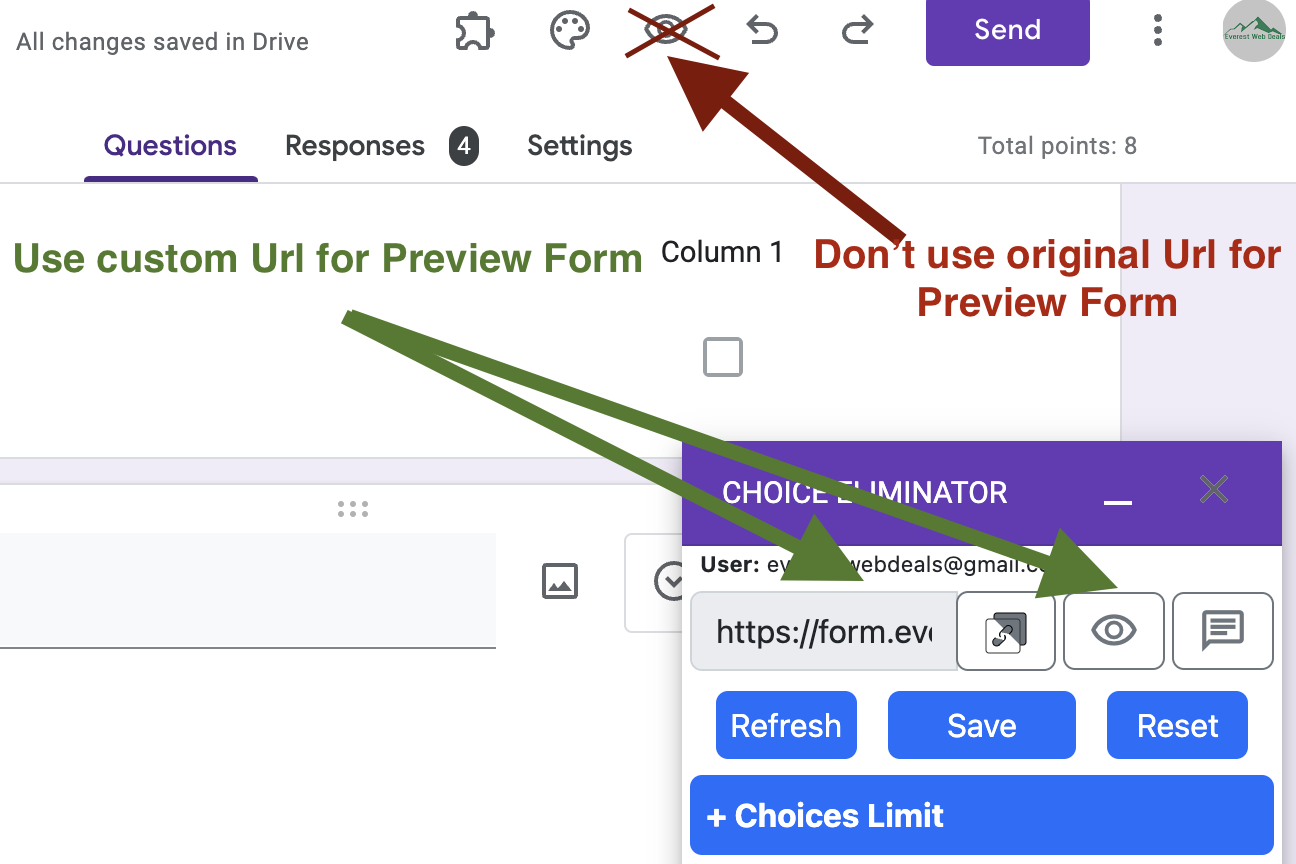
- Choice Eliminator for Google Forms™ uses a custom preview URL: https://form.everestwebdeals.co/?form=a2rk….. If you use the original Google Form preview URL, Choice Eliminator will not calculate correctly and will not cross out (eliminate) choices.
- Form Limit Timer also uses a custom preview URL: _https://formlimit.everestwebdeals.co/?form=2a74e.._If you use the original Google Form preview URL, the Form Limit Timer will not function correctly.
- Form Quiz Timer uses a custom preview URL: https://quiz.everestwebdeals.co/?form=38emk... If you use the original Google Form preview URL, the Form Quiz Timer will not work as expected.
1.The settings in the screenshot should be disabled.
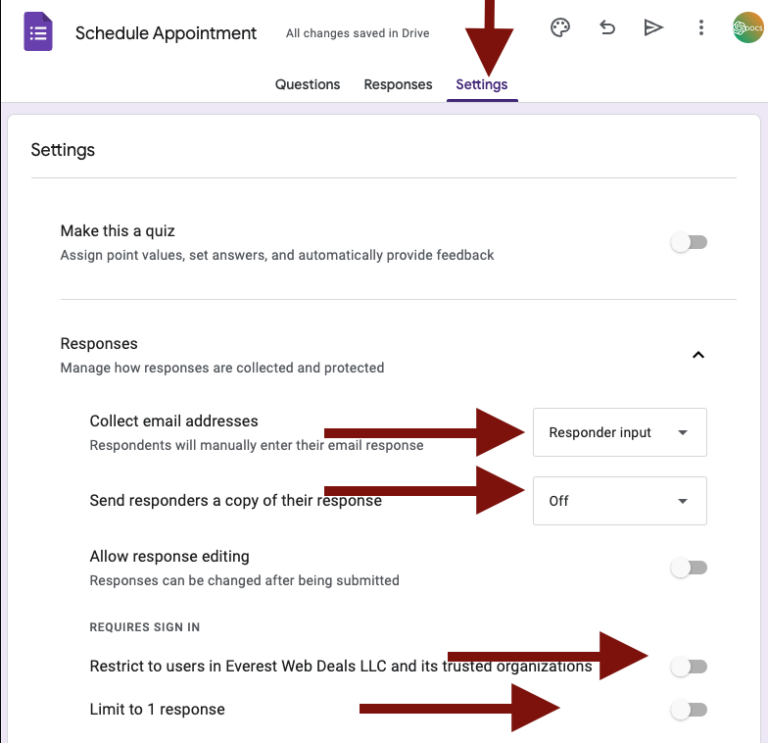
- Click on the Settings tab in the open Google Form and adjust the settings.
- Click on the Responses tab.
- Check or change the “Collect email addresses” option; it should be set to either “Responder Input” or “Do not collect.”
- Check or change the “Send responders a copy of their response” option; it should be disabled.
- Check or change the “Restrict to users in Everest Web Deals LLC (for domain users) and its trusted organizations” option; it should be disabled.
- Check or change the “Limit to 1 response” option; it should be disabled.
2. Most Common Incorrect Google Forms Settings Leading to Non-Functional Forms
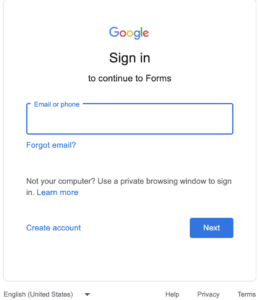
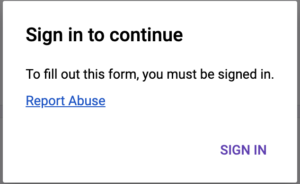
2.1. When the Google forms opens, you will see a popup saying ‘_Sign in to continue_‘.
If you try to sign in, the form will not open.
To fix this issue:
- Go to the Settings tab in Google Forms and change the ‘**Collect email addresses‘ setting to ‘Responder Input_‘** or ‘Do not collect_‘.
- Turn off the ‘**Limit to 1 response**‘ setting.
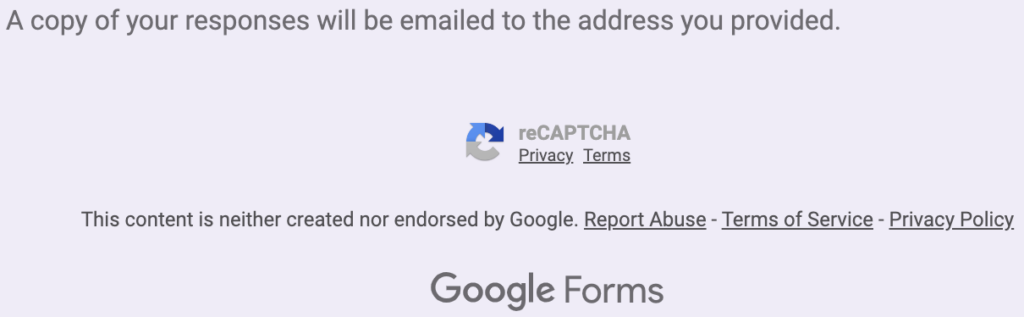
2.2. At the end of the form, you will see a reCAPTCHA.
If you try to submit the Google forms, it will not be submitted.
To fix this issue, go to the Settings tab in Google Forms and turn off the ‘Send responders a copy of their response’ setting.
2.3. When you log in as G-Admin and open the Google forms, you will see a popup saying ‘_Google Sign in to continue to Forms_‘.
If you try to sign in, the form will not open and will display a 400 error.
To fix this issue, turn off the ‘**Restrict to users in YOUR DOMAIN NAME and its trusted organizations**‘ setting.