GitHub - duyanming/Viper: Viper 是一个基于Anno微服务引擎开发的Dashboard示例项目。Anno 底层通讯采用 grpc、thrift。自带服务发现、调用链追踪、Cron 调度、限流、事件总线等等 (original) (raw)
Viper 是一个基于Anno微服务引擎开发的Dashboard项目、示例项目。Anno 底层通讯可选用grpc、thrift。自带服务发现、调用链追踪、Cron 调度、限流、事件总线等等
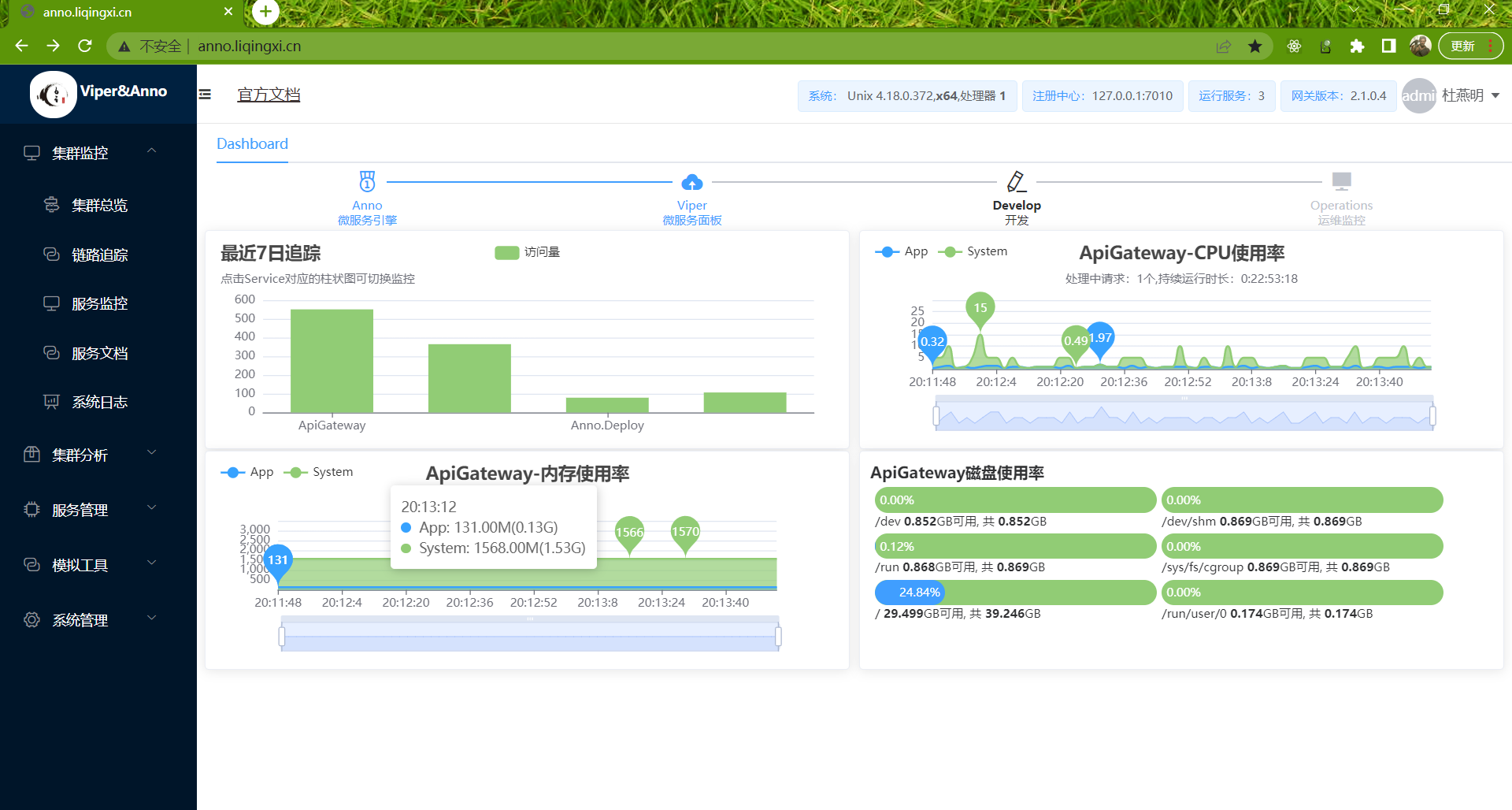
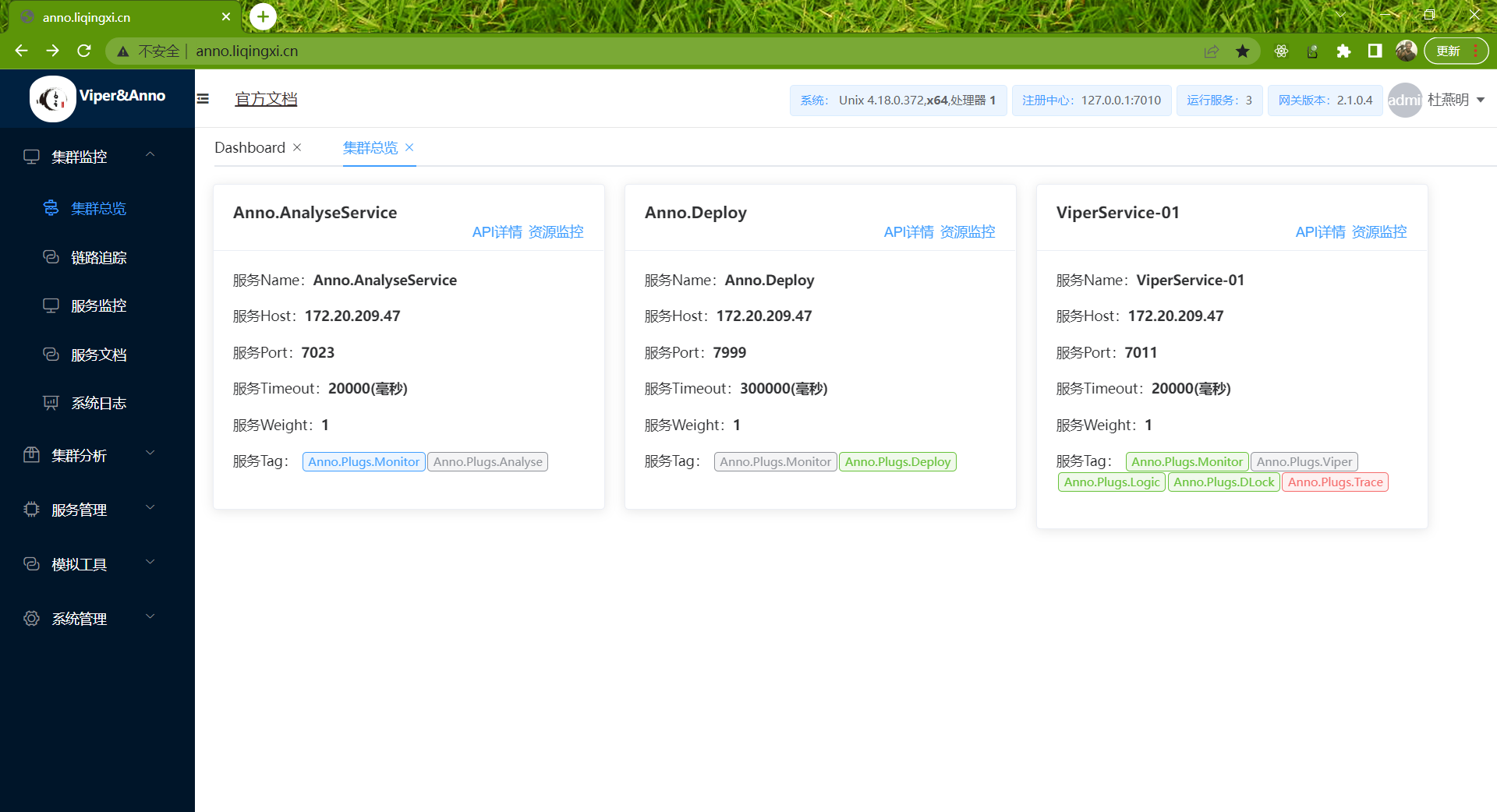
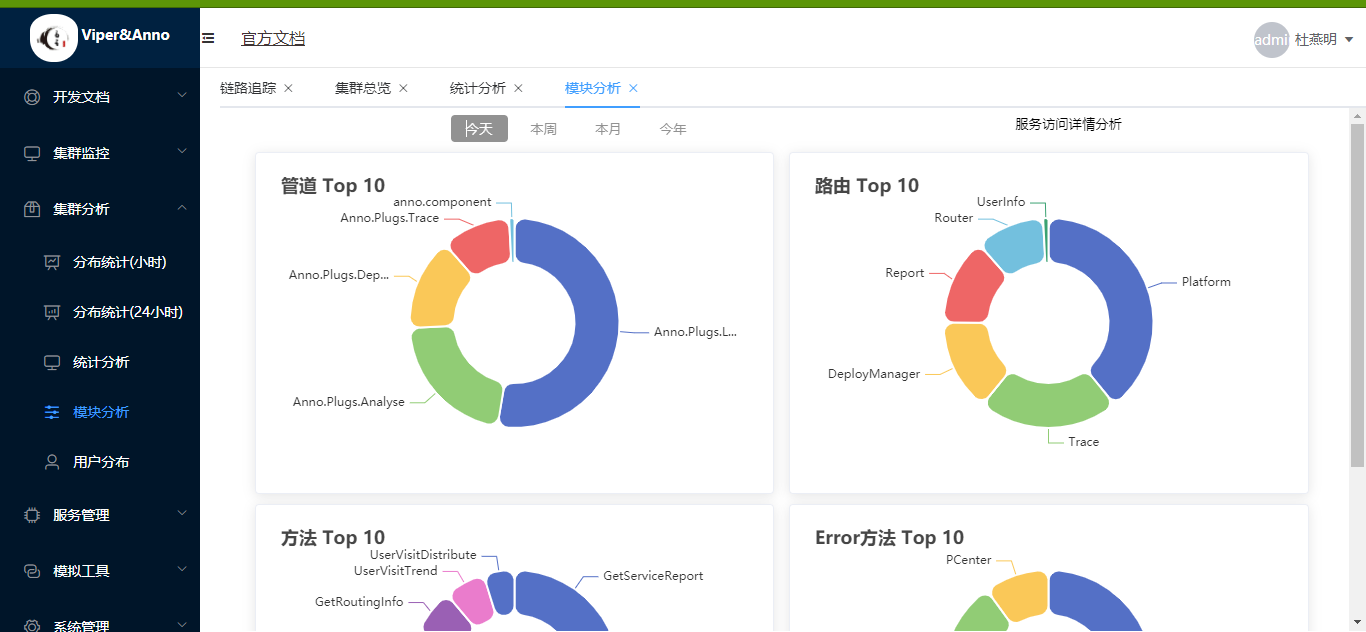
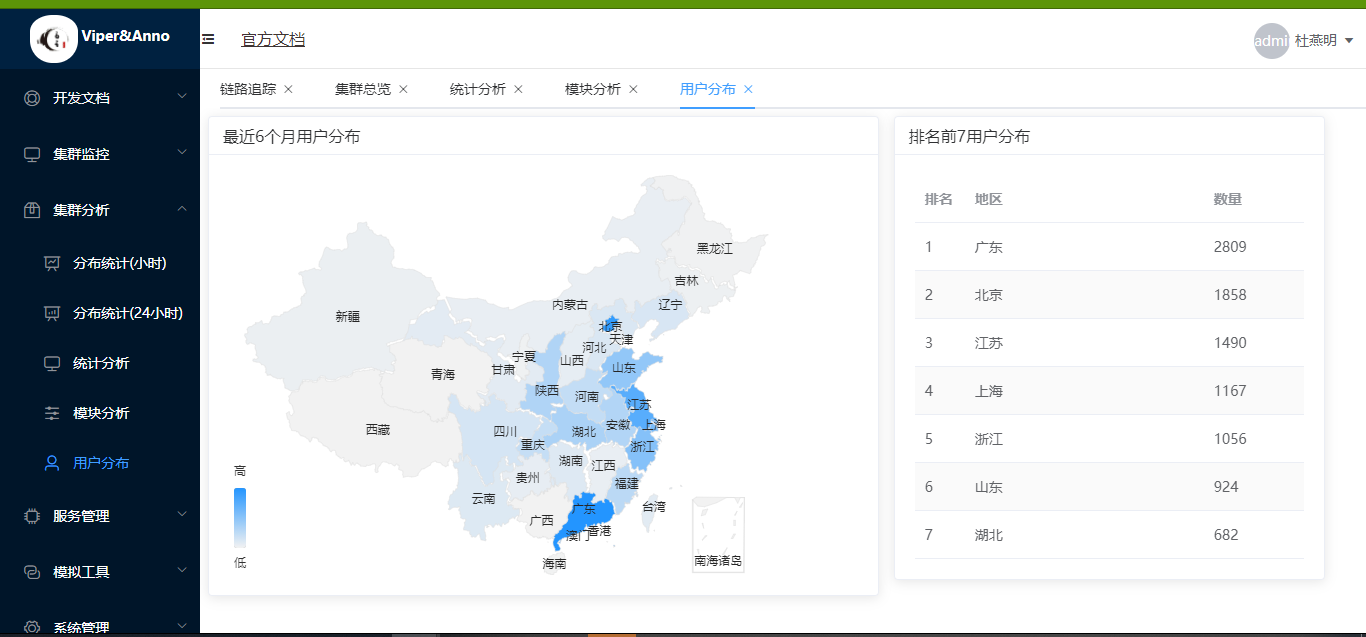
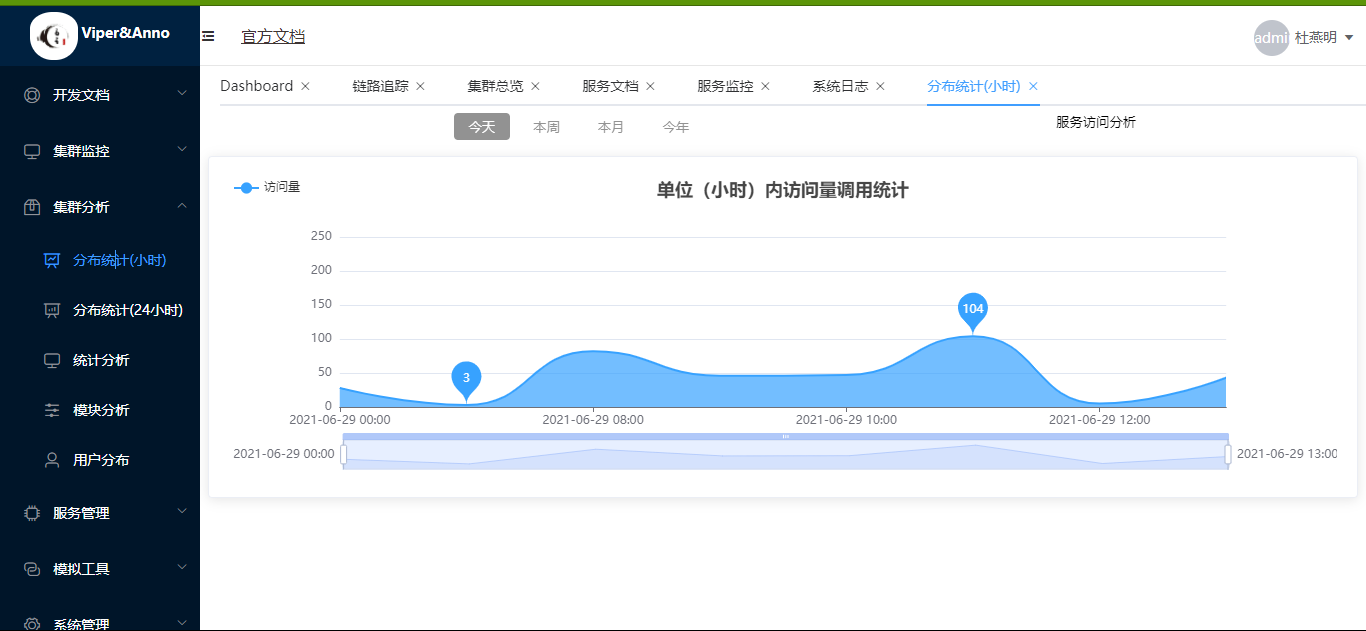
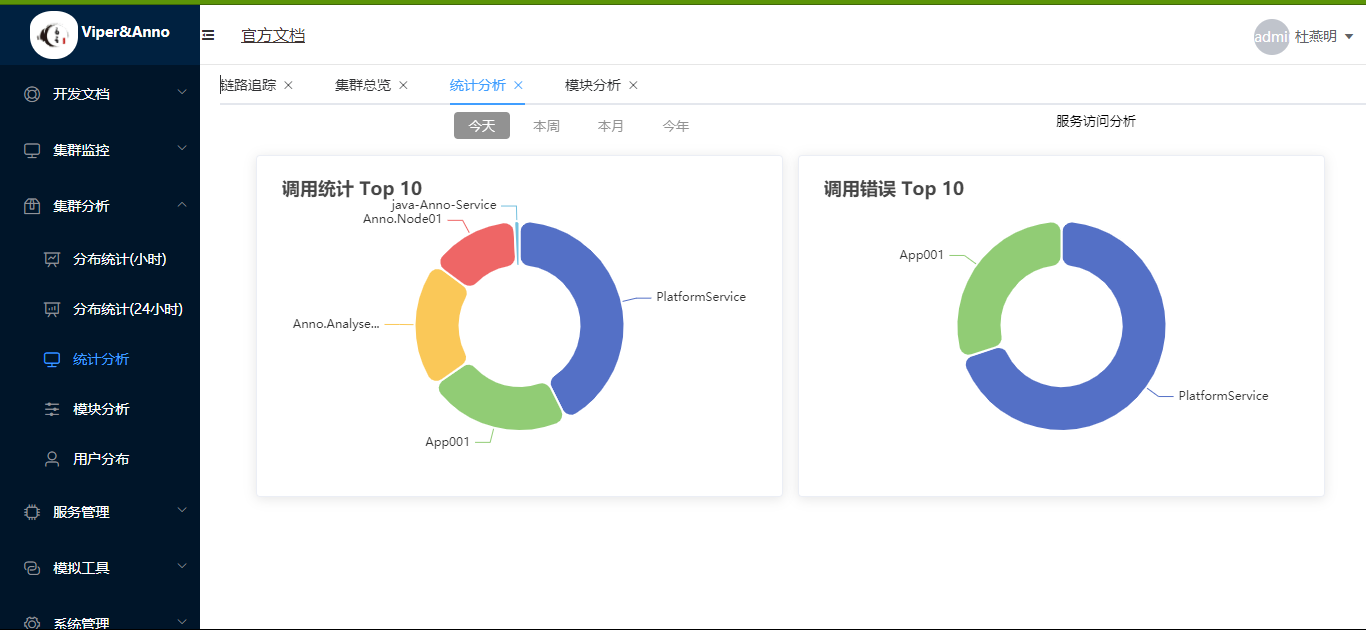
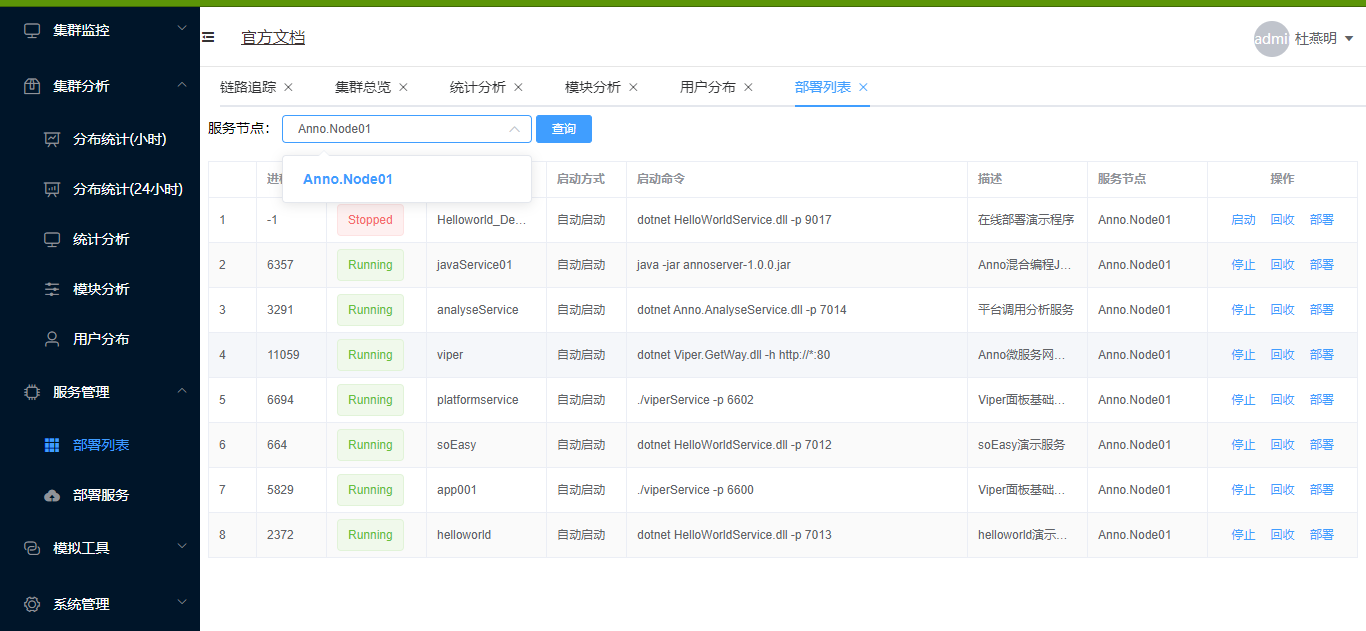
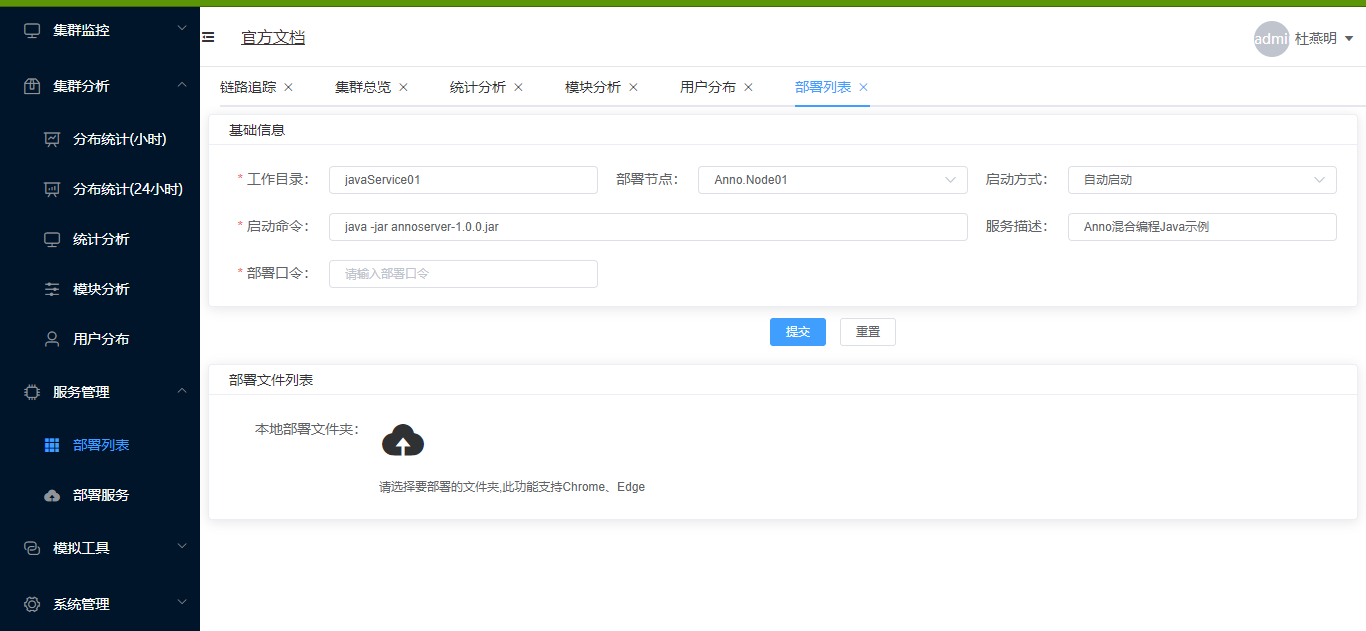
🎩Java 实现 : https://github.com/duyanming/anno.thrift-parent
🔥在线演示地址 :http://anno.liqingxi.cn
🎃Anno 分布式开发框架
Anno 是一个分布式开发框架,支持 .net core3.1 、.net frameworker4.5 、 java
🎯1、运行Viper
🔫MySQL 数据库
运行数据库脚本创建数据库
1、Viper\database\viper20210617_01.sql

2、修改viperService 数据库连接字符串
    Viper\ViperService\bin\Debug\net6.0\Anno.config
第一步:启动注册中心
Viper\ViperCenter\bin\Debug\net6.0\Anno.config
进入项目文件夹
Viper\ViperCenter\bin\Debug\net6.0 运行命令 dotnet ViperCenter.dll 看到下图 说明运行成功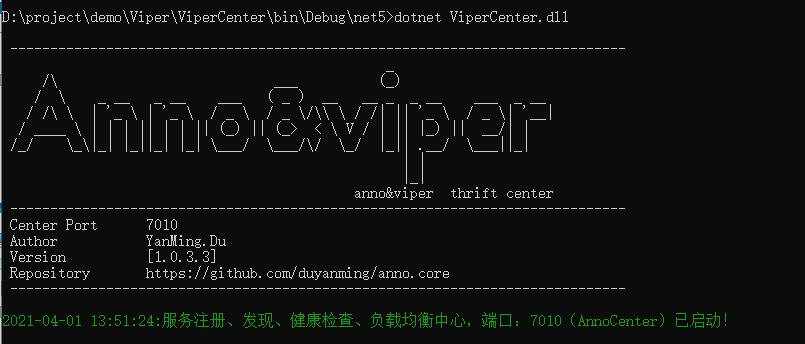
第二步:启动 ViperService
    Viper\ViperService\bin\Debug\net6.0\Anno.config
一般情况下只用修改
<add key="ConnStr" value="server=127.0.0.1;database=viper;uid=bif;pwd=123456;SslMode=None;"/>ViperService 可以和 ViperCenter 不在同一台电脑,也可以运行多个server 也可以负载均衡,高级用法随后介绍
进入项目文件夹 Viper\ViperService\bin\Debug\net6.0
运行命令 dotnet ViperService.dll
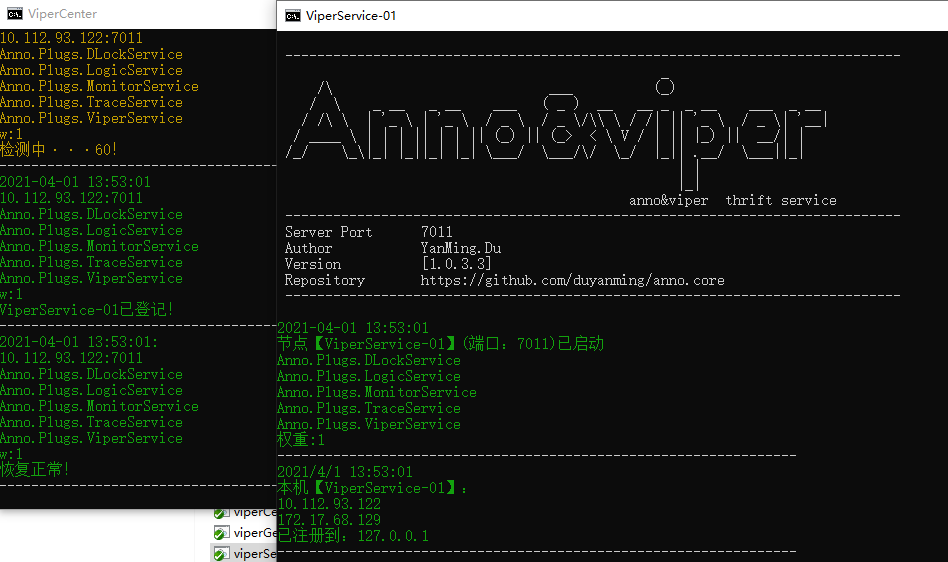
看到下图 说明 ViperService 成功运行 并且已经注册到 注册中心(ViperCenter)运行成功
启动 Viper.GetWay
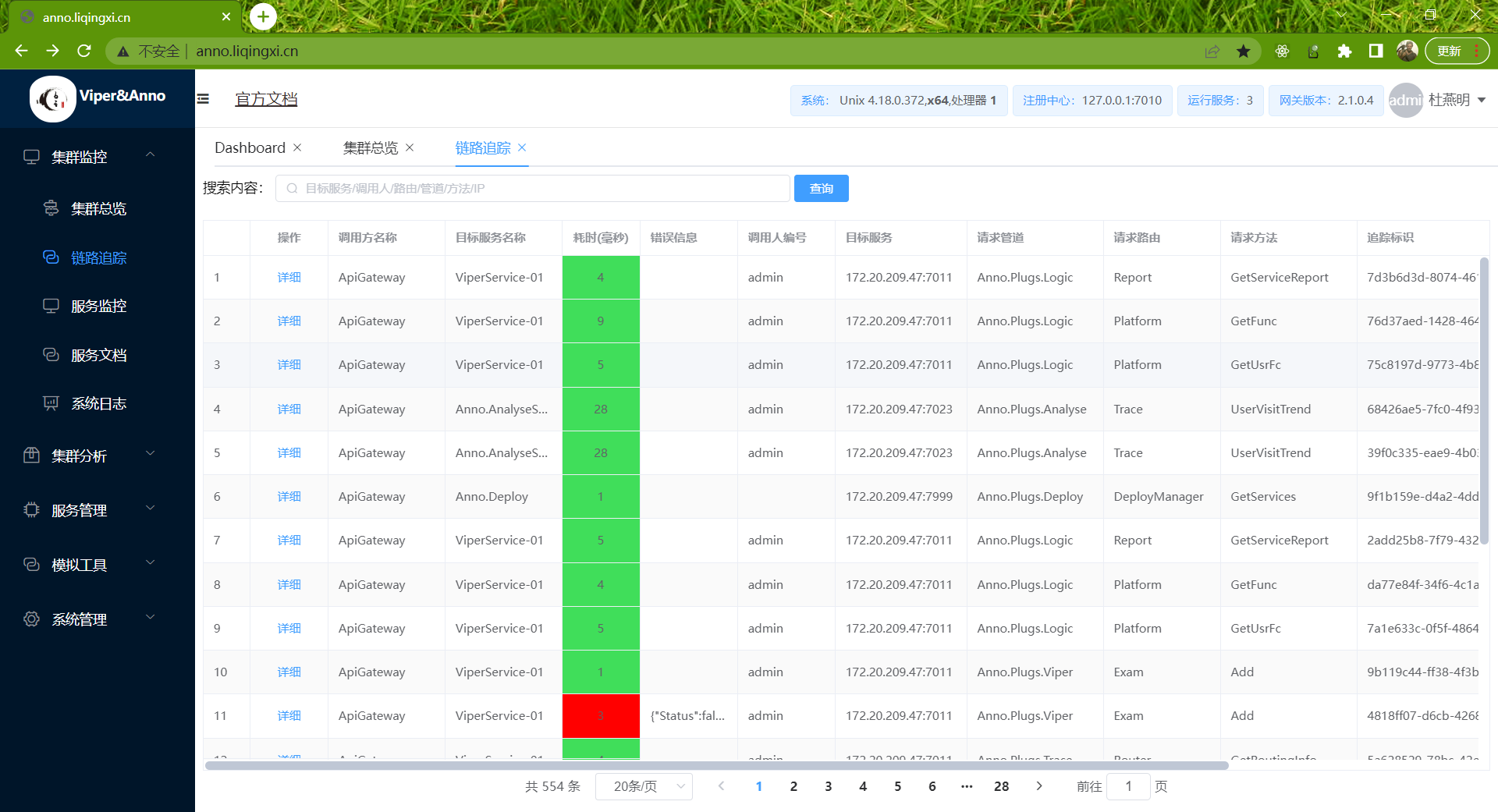
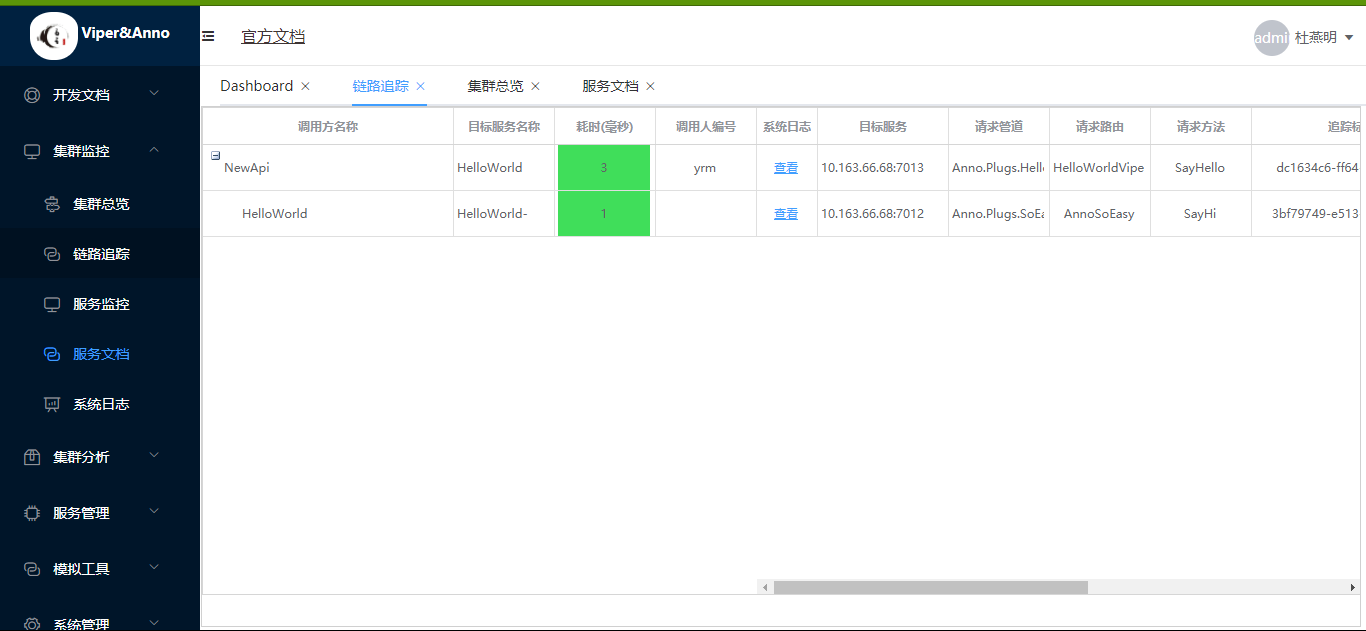
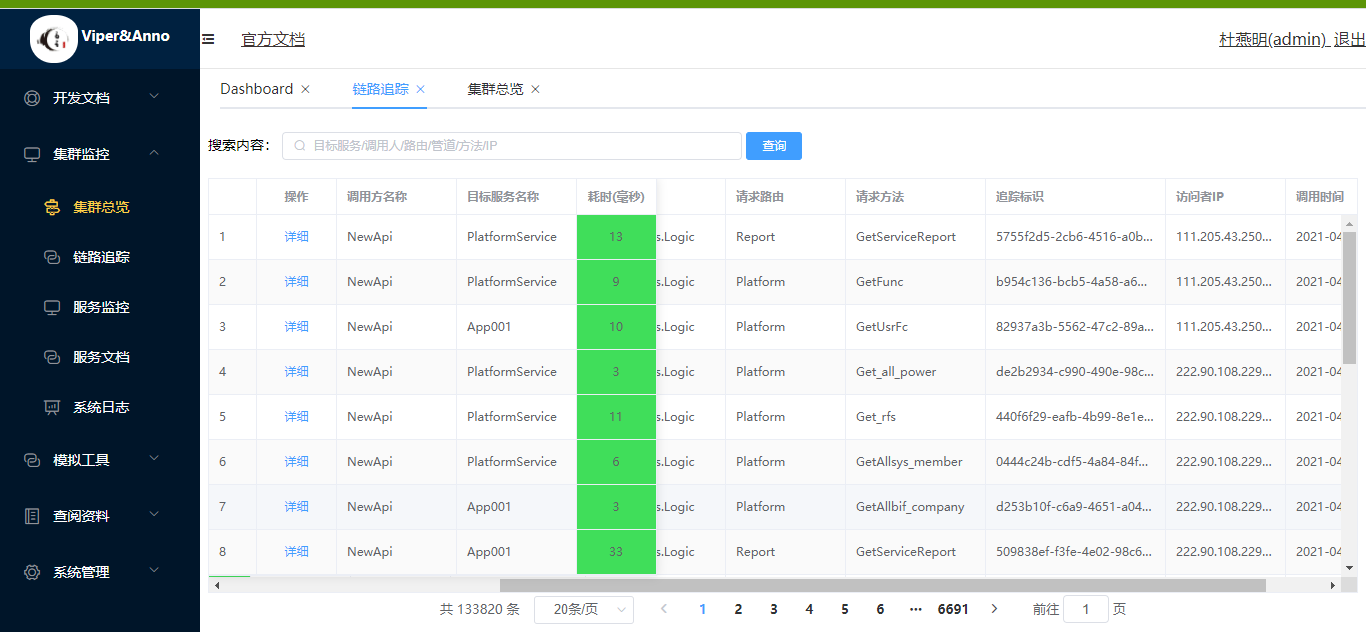
第三步:调用链追踪
    Viper\Viper\appsettings.json
{ "Target": { "AppName": "ApiGateway", "IpAddress": "127.0.0.1", "Port": 7010, "TraceOnOff": true }, "Limit": { "Enable": true, "TagLimits": [ { "channel": "", "router": "", "timeSpan": "1", "rps": 100, "limitSize": 100 } ], "DefaultIpLimit": { "timeSpan": 1, "rps": 200, "limitSize": 200 }, "IpLimits": [ { "ipMatch": "0.0.0.1", "timeSpan": 1, "rps": 100, "limitSize": 100 }, { "ipMatch": "192.168.0.10 - 192.168.10.20", "timeSpan": 1, "rps": 100, "limitSize": 100 } ], "White": [ "0.0.0.1", "192.168.1.2", "192.168.2.18" ], "Black": [ "0.0.0.2", "192.168.3.18" ] } }

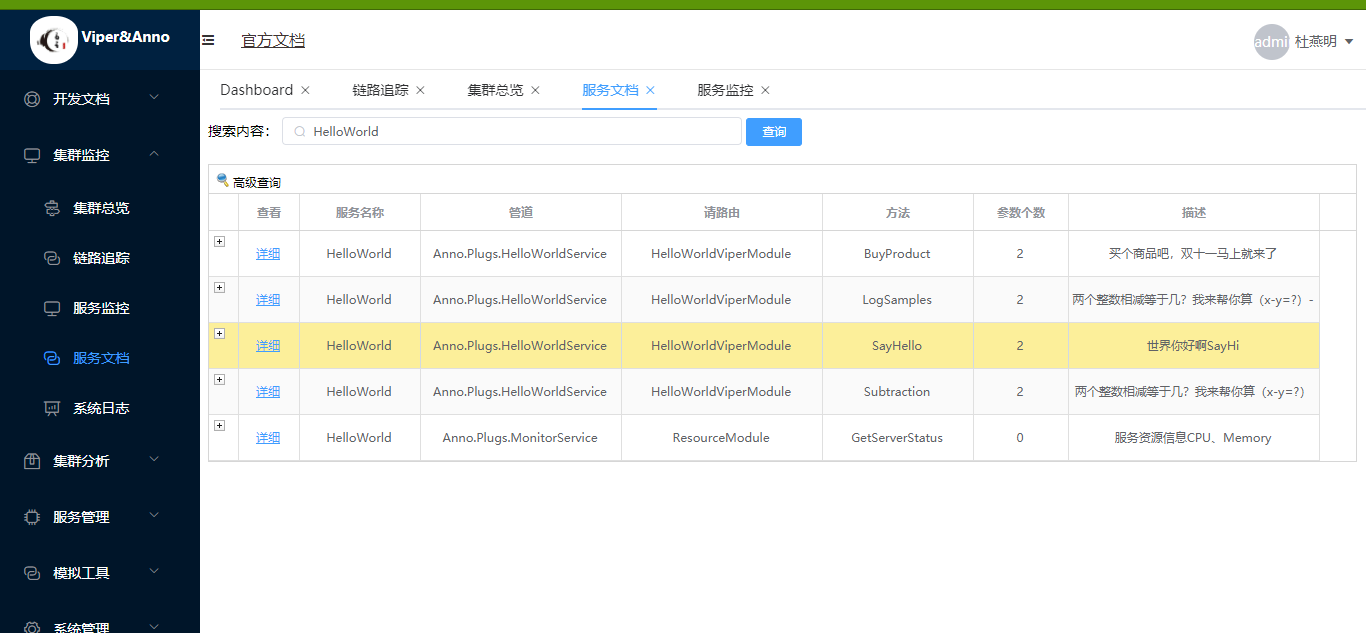
第四步:集群路由信息
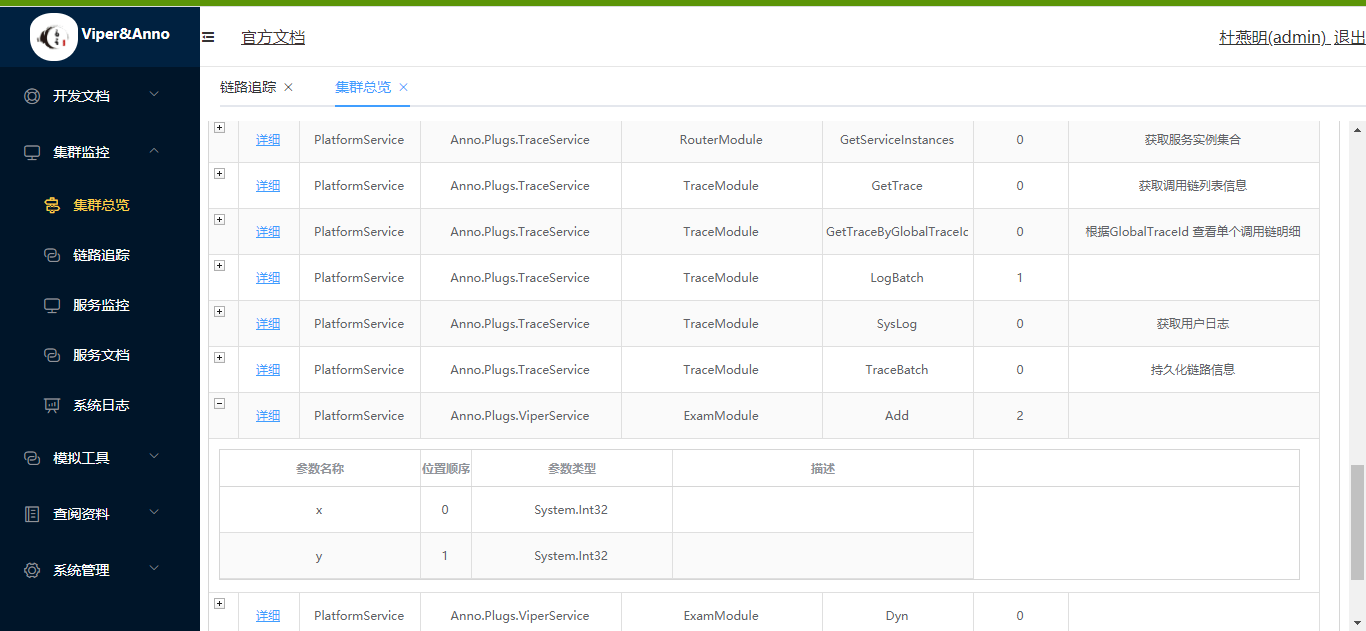
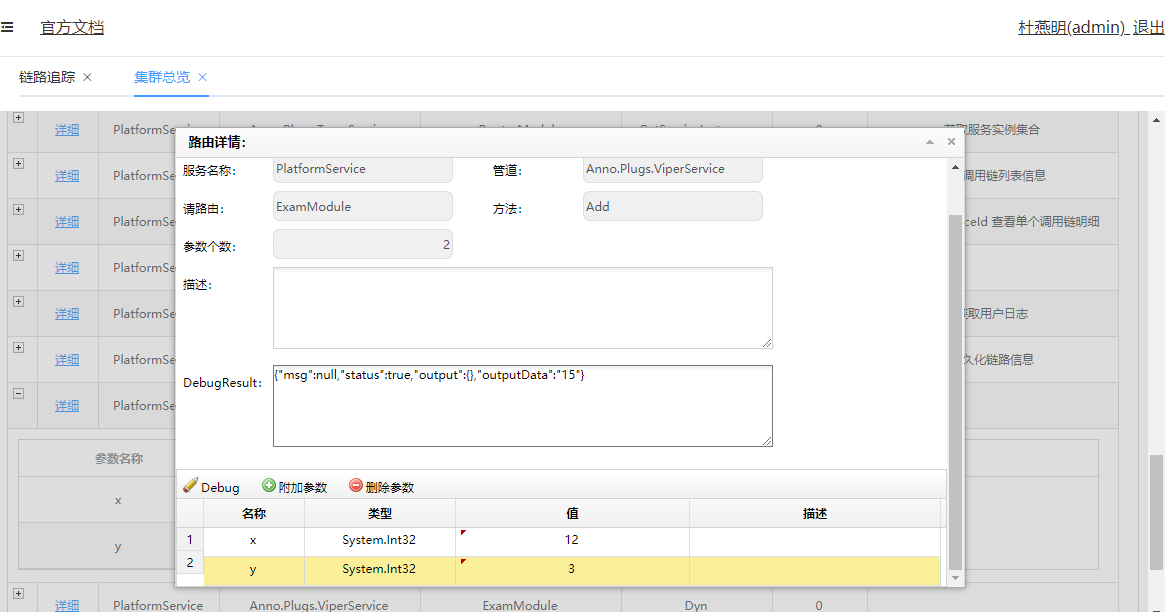
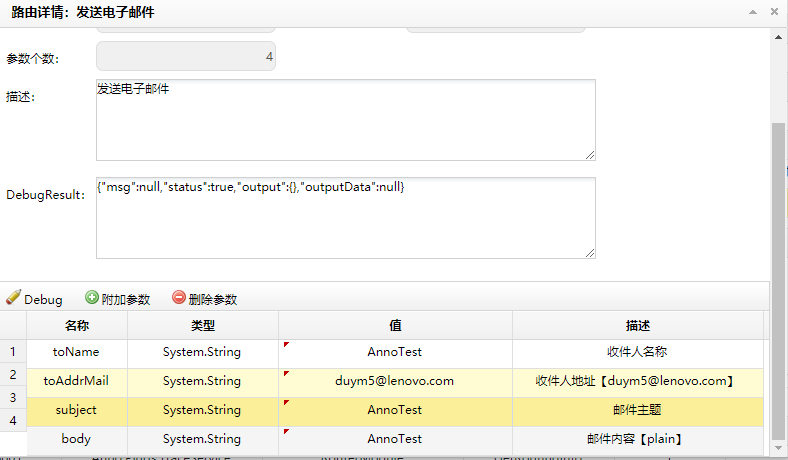
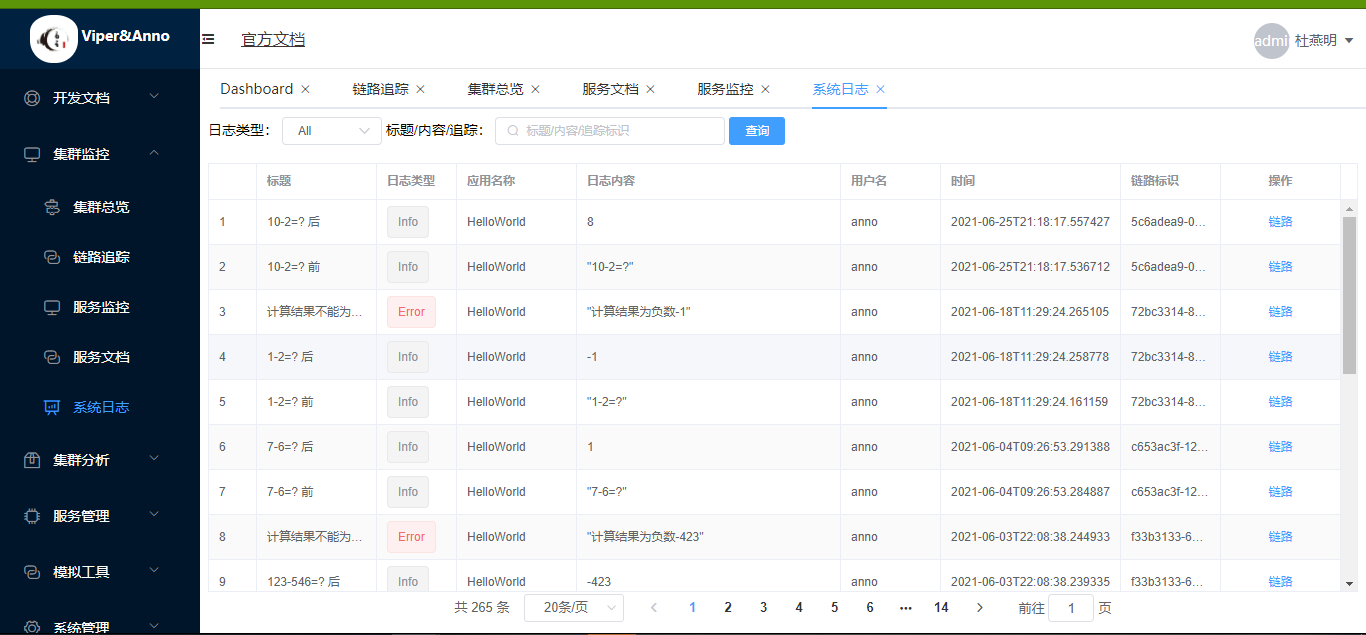
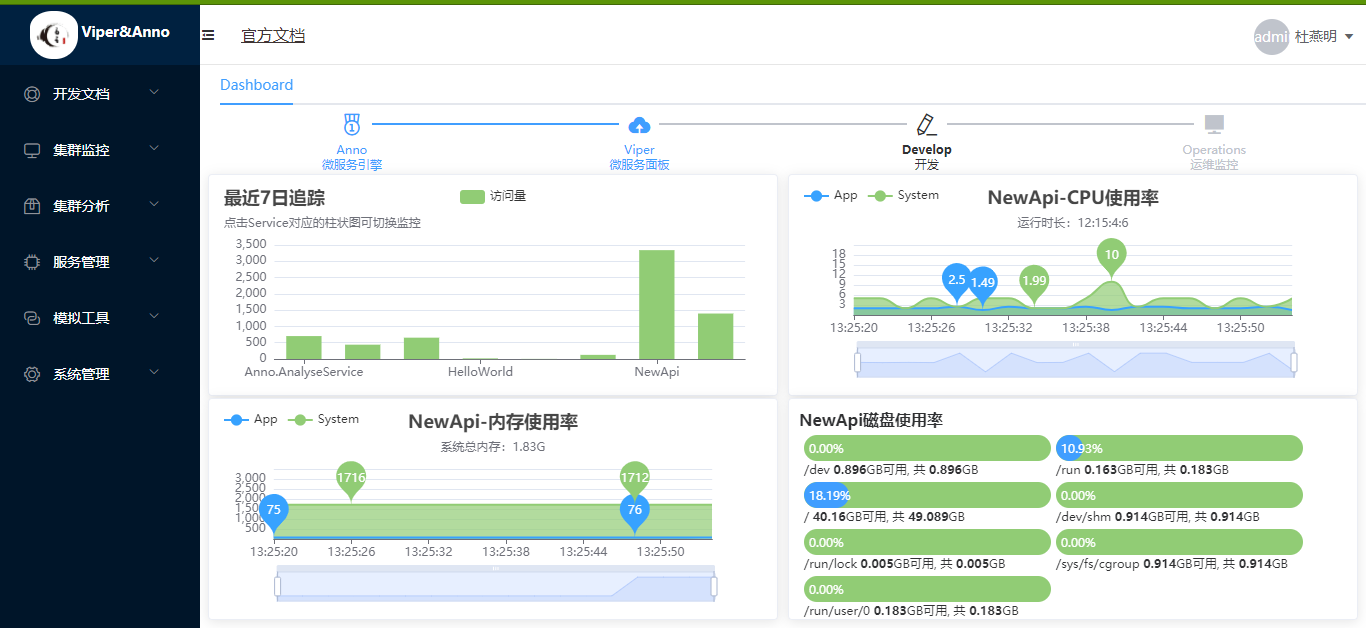
第五步:服务性能监控
👒Anno EventBus
Eventbus Support InMemory and Rabbitmq
⛳1、Server配置
//指定EventHandler的 所在程序集
var funcs = Anno.Const.Assemblys.Dic.Values.ToList();
            #region RabbitMQEventBus
            //消费失败通知
            EventBusSetting.Default.RabbitConfiguration = new RabbitConfiguration()
            {
                HostName = "192.168.100.173",
                VirtualHost = "dev",
                UserName = "dev",
                Password = "dev",
                Port = 5672
            };
            RabbitMQEventBus.Instance.ErrorNotice += (string exchange, string routingKey, Exception exception, string body) =>
                    {
                        Log.Fatal(new { exchange, routingKey, exception, body }, typeof(RabbitMQEventBus));
                    };
            RabbitMQEventBus.Instance.SubscribeAll(funcs);

            #endregion
            #region InMemory EventBus
            EventBus.Instance.ErrorNotice += (string exchange, string routingKey, Exception exception, string body) =>
            {
                Log.Fatal(new { exchange, routingKey, exception, body }, typeof(EventBus));
            };
            EventBus.Instance.SubscribeAll(funcs);
⚾2、EventData配置
using Anno.EventBus;

namespace Events
{
    public class FirstMessageEvent:EventData
    {
        public string Message { get; set; }
    }
}
🎳3、EventHandler配置
namespace Anno.Plugs.SamsundotService.EventHandler
{
    using Anno.EventBus;
    using Events;

    class FirstMessageEventHandler : IEventHandler<FirstMessageEvent>
    {
        public void Handler(FirstMessageEvent entity)
        {
            Log.Log.Info(new { Plugs= "Samsundot",Entity=entity },typeof(FirstMessageEventHandler));
        }
    }
}
namespace Anno.Plugs.YYTestService.EventHandler { using Anno.EventBus; using Events;
   class FirstMessageEventHandler : IEventHandler<FirstMessageEvent>
   {
       public void Handler(FirstMessageEvent entity)
       {
           Log.Log.Info(new { Plugs = "YYTest", Entity = entity },               typeof(FirstMessageEventHandler));
       }
   }
   /// <summary>
   /// 异常消费演示,测试 消费失败通知
   /// </summary>
   class FirstMessageExceptionEventHandler : IEventHandler<FirstMessageEvent>
   {
       public void Handler(FirstMessageEvent entity)
       {
           Log.Log.Info(new { Plugs = "YYTest",Handle= "FirstMessageExceptionEventHandler", Entity = entity }, typeof(FirstMessageEventHandler));
           throw new Exception("异常消费演示,测试 消费失败通知 From FirstMessageExceptionEventHandler!");
       }
   }
}
🐎4、中间件
💥4.1 缓存中间件
💪Install-Package Anno.EngineData.Cache
Install-Package Anno.EngineData.Cache
using System; using System.Collections.Generic; using System.Text; using Anno.EngineData; using Anno.EngineData.Cache;
namespace Anno.Plugs.CacheRateLimitService { public class CacheModule : BaseModule { /* 参数1:缓存长度 参数2:缓存存活时间 参数3:缓存存活时间是否滑动 */ [CacheLRU(5,6,true)] public ActionResult Cache(string msg) { Console.WriteLine(msg); return new ActionResult(true, null,null,msg); } } }
🔰4.2 限流中间件
💄Install-Package Anno.EngineData.RateLimit
Install-Package Anno.EngineData.RateLimit
using System; using System.Collections.Generic; using System.Text; using Anno.EngineData; using Anno.RateLimit;
namespace Anno.Plugs.CacheRateLimitService { public class LimitModule : BaseModule { /* 参数1:限流算法是令牌桶还是漏桶 参数2:限流时间片段单位秒 参数3:单位时间可以通过的请求个数 参数4:桶容量 */ [EngineData.Limit.RateLimit(LimitingType.TokenBucket,1,5,5)] public ActionResult Limit(string msg) { Console.WriteLine(msg); return new ActionResult(true, null, null, msg); } } }
#dotnet dotnet publish "E:\gitProject\Anno\DCS\AppCenter\AppCenter.csproj" -c Release -r linux-x64 -o "E:\gitProject\Anno\DCS\AppCenter\bin"
#配置文件说明
{ "Target": { "AppName": "traceWeb",--服务名称 "IpAddress": "127.0.0.1",--注册中心地址 "Port": 6660,--注册中心端口 "TraceOnOff": true--启用调用链追踪 }, "Limit": {--限流 "Enable": true,--是否启用限流 "TagLimits": [--标签限流 { "channel": "",--管道 "router": "",--路由 "timeSpan": "10",--时间片单位秒 "rps": 1,--时间片内的 有效请求个数 "limitSize": 2--漏桶容量大小 做缓冲用 } ], "DefaultIpLimit": {--默认IP限流策略 "timeSpan": 1, "rps": 20, "limitSize": 200 }, "IpLimits": [--IP限流策略(ipMatch参考IPAddressRange) { "ipMatch": "0.0.0.1", "timeSpan": 1, "rps": 100, "limitSize": 100 }, { "ipMatch": "192.168.0.10 - 192.168.10.20", "timeSpan": 1, "rps": 100, "limitSize": 100 } ], "White": [--白名单 "0.0.0.1", "192.168.1.2", "192.168.2.18" ], "Black": [--黑名单 "0.0.0.2", "192.168.3.18" ] } }