To do app specification (original) (raw)
The TODO app
The TODO app lets a user create, read, update and delete to-do tasks. A task has a title and description and can be completed or active. Completed tasks can be deleted at once.
User interface
All screens have a drawer to switch between "Tasks" and "Statistics" and a toolbar.

Tasks Screen
Shows a list with the tasks' titles. Tasks can be marked completed/active. The menu shows actions to refresh the list and delete completed tasks. The toolbar has a filtering menu to show all, active or completed tasks.


Detail Screen
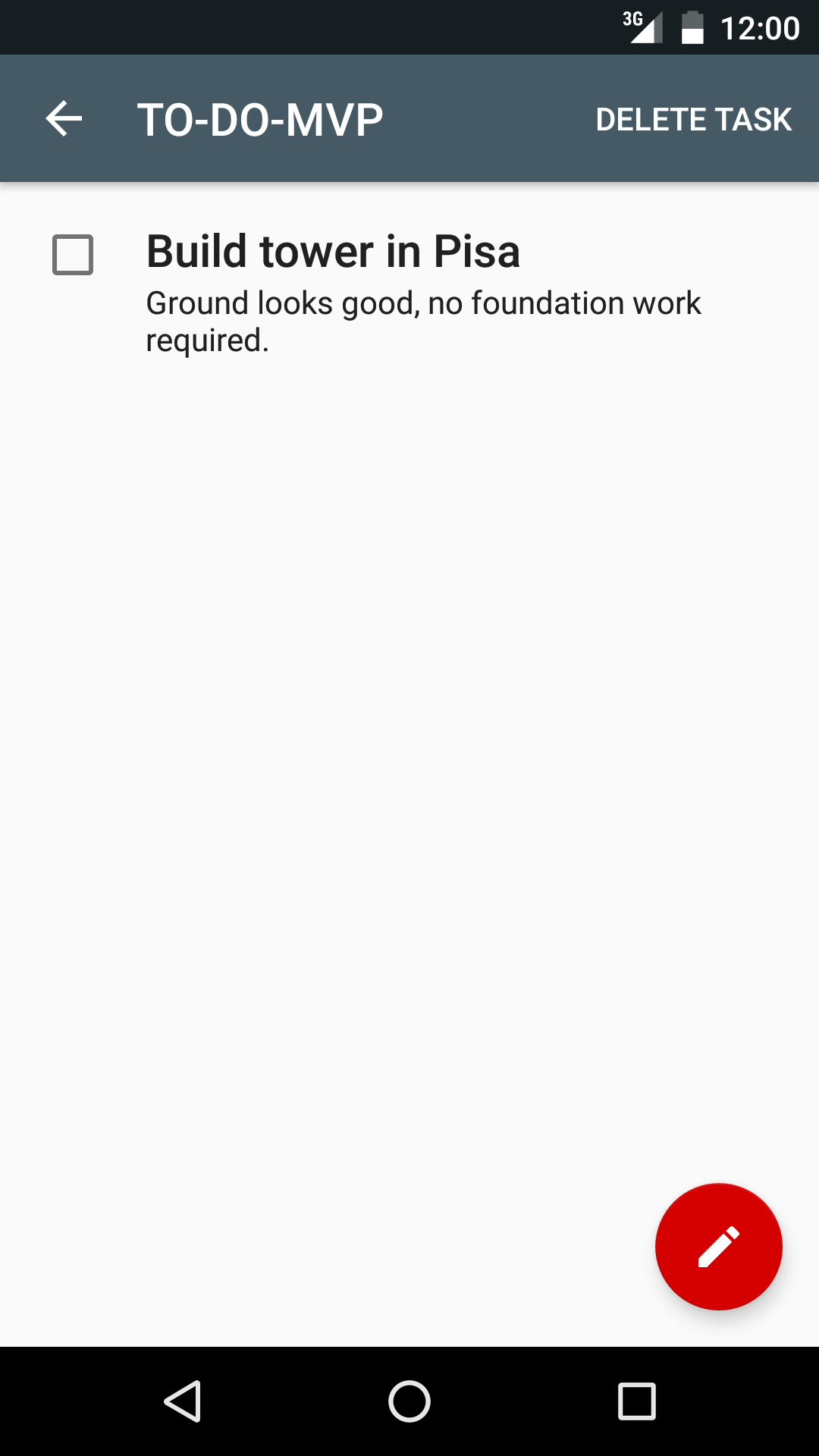
Shows the title and the description. Tasks can be marked completed/active. The menu shows an action to delete the task.
Add/Edit Screen
Lets the user edit the title and description of a new or existing task.

Statistics Screen
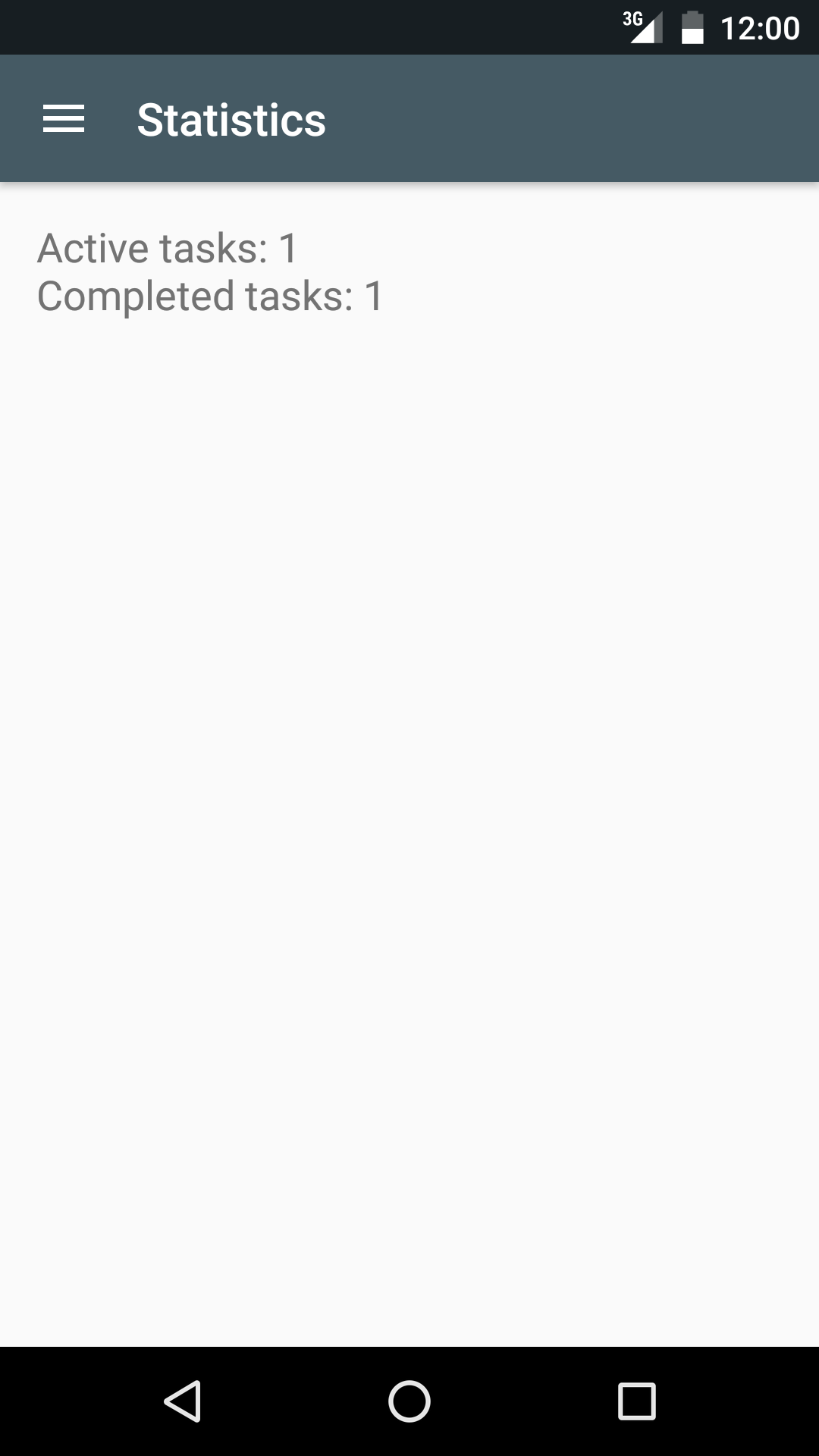
Shows the percentage of active tasks and completed tasks.
Flavors
The project has a flavor dimension to let the developer test against fake data or the real remote data source. mock will use a fake remote data source that returns immediately, and prod a remote data source that simulates a slow network request with a small delay.
Data Sources
There are three levels of data persistence:
- In-memory cache - Fast
- Disk (SQLiteDb) - Slow
- Network - Very slow
Synchronization between layers is hard and depends on the case so it's out of the scope for the samples. The chosen sync implementation is very simple:
- In every get operation:
- Return cache if available, or
- return local copy if it exists, or
- return remote copy
- Every write/delete operation will simply:
- Update cache
- Update local
- Update remote
Note that after the first request to the network, it's never hit again except when a refresh is forced by the user.
Remote data source
Using the mock flavor, the remote data source will return a response immediately from an in-memory object, similar to the in-memory cache. See FakeTasksRemoteDataSource class.
The prod flavor does something similar but it adds a delay, simulating lag in the network. See TasksRemoteDataSource class.
Object creation and dependency injection
The ServiceLocator class exists in both mock/ and **prod/ **directories so it's replaced depending on the selected flavor to provide the different modules in compilation time. It creates the TasksRepository and its dependencies, which are passed via Dependency Injection.
Testing
Instrumentation tests
There are two options when it comes to running Android tests:
- Running against the mock version. Execution will be isolated from the network because it will be using fake data. Tests run very fast and, because the remote data source is fake, no production data will be modified.
- Running against the prod version. Tests will take longer because the network latency will be simulated.
UI tests are equal in all architectures as the app's behavior must not change between variants.
Run tests with the mock version executing:
$ ./gradlew connectedMockDebugAndroidTest
(or cMDAT)
Or from Android Studio running all Android tests.
Device/emulator requirements:
- Disable animations
- A real-world screen resolution
Unit tests
Those tests are for individual classes and as such, they vary between architectures.
Run unit test executing:
Or from Android Studio choosing all JUnit tests.
Robolectric tests
Tests in the sharedTest/ directory contain the Robolectric tests that can be run both as host-side tests (alongside unit tests) or as Instrumented tests (with the UI tests). In this case they run fragment tests in isolation.