GitHub - k0kubun/pp: Colored pretty printer for Go language (original) (raw)
Colored pretty printer for Go language
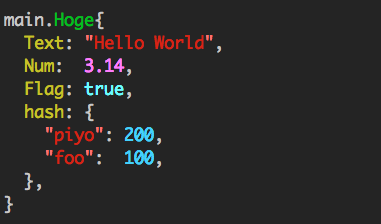
Usage
Just call pp.Print().
import "github.com/k0kubun/pp/v3"
m := map[string]string{"foo": "bar", "hello": "world"} pp.Print(m)
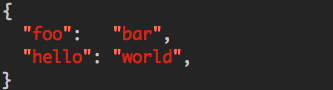
API
fmt package-like functions are provided.
pp.Print() pp.Println() pp.Sprint() pp.Fprintf()
See the documentation for API details.
Configuration
They can be customized globally with pp.Default.
pp.Default.SetColoringEnabled(false) pp.Println() // no color
You can also create individual instances that do not interfere with the default printer:
mypp := pp.New() mypp.SetColoringEnabled(false) mypp.SetExportedOnly(true) mypp.SetOmitEmpty(true) mypp.Println()
See PrettyPrinter documentation for all available configurations.
Custom colors
If you require, you may change the colors (all or some) for syntax highlighting:
// Create a struct describing your scheme scheme := pp.ColorScheme{ Integer: pp.Green | pp.Bold, Float: pp.Black | pp.BackgroundWhite | pp.Bold, String: pp.Yellow, }
// Register it for usage pp.Default.SetColorScheme(scheme)
Look into ColorScheme struct for the field names.
If you would like to revert to the default highlighting, you may do so by calling pp.ResetColorScheme().
Out of the following color flags, you may combine any color with a background color and optionally with the bold parameter. Please note that bold will likely not work on the windows platform.
// Colors Black Red Green Yellow Blue Magenta Cyan White
// Background colors BackgroundBlack BackgroundRed BackgroundGreen BackgroundYellow BackgroundBlue BackgroundMagenta BackgroundCyan BackgroundWhite
// Other Bold
// Special NoColor
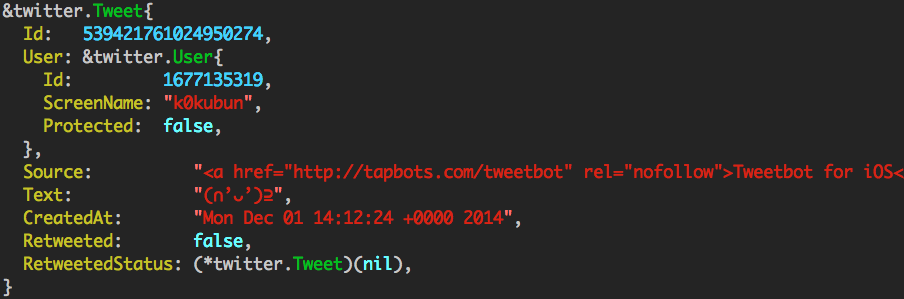
Demo
Timeline
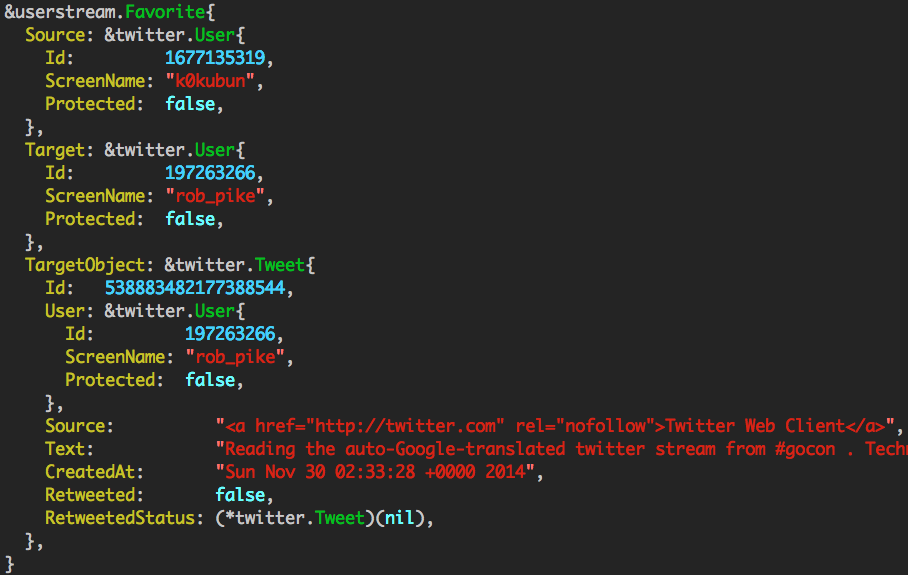
UserStream event
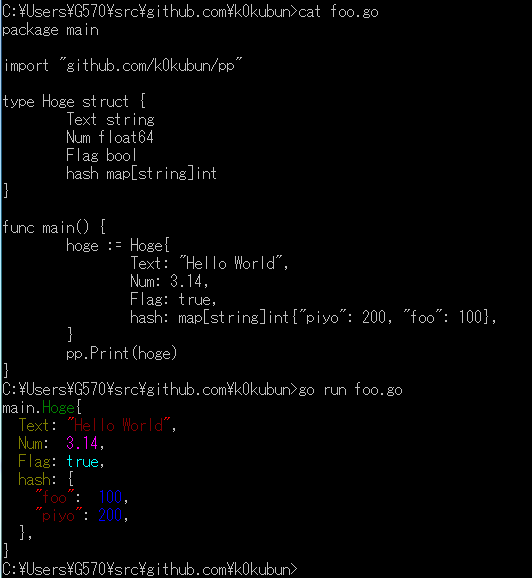
Works on windows
License
MIT License