Add Date Ordinals (UK Date Format) in Go (original) (raw)
Written byEdd Turtle on gophercoding.com
on 1st of June 2023
(Updated: 17th of January 2024)
Go, despite its robust standard library, does not support ordinal dates out of the box like ‘th’ and ‘st’. This makes producing dates in the format “1st January 2000” much harder - which we use a lot here in the UK. In this post we’ll aim to show how you can make this easier.
For reference, these are the options Go uses when chosing a new format:
| 1 | Mon Jan 2 15:04:05 MST 2006 |
|---|
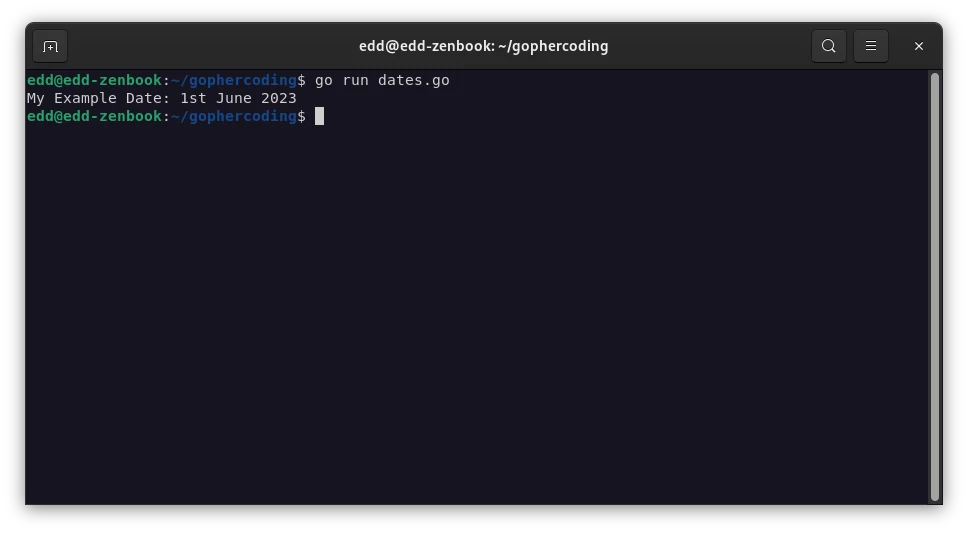
Our example below implements this for ourselves, as we create formatDateWithOrdinal() to print a given time in this format. This uses all three of the .Day() .Month() and .Year() functions within the time package, but passes the day through our extra function to add the ordinal.
| 1 2 3 4 5 6 7 8 9 10 11 12 13 14 15 16 17 18 19 20 21 22 23 24 25 26 27 28 29 30 | package main import ( "fmt" "time" ) func main() { // Call our example: fmt.Println("My Example Date:", formatDateWithOrdinal(time.Now())) } // formatDateWithOrdinal prints a given time in the format 1st January 2000. func formatDateWithOrdinal(t time.Time) string { return fmt.Sprintf("%s %s %d", addOrdinal(t.Day()), t.Month(), t.Year()) } // addOrdinal takes a number and adds its ordinal (like st or th) to the end. func addOrdinal(n int) string { switch n { case 1, 21, 31: return fmt.Sprintf("%dst", n) case 2, 22: return fmt.Sprintf("%dnd", n) case 3, 23: return fmt.Sprintf("%drd", n) default: return fmt.Sprintf("%dth", n) } } |
|---|

Edd is a PHP and Go developer who enjoys blogging about his experiences, mostly about creating and coding new things he's working on and is a big beliver in open-source and Linux.