Get Unix Time in Go (Time Since Epoch) (original) (raw)
Written byEdd Turtle on gophercoding.com
on 25th of September 2024
(Updated: 4th of October 2024)
Unix time is the number of seconds since ‘Epoch’ (00:00:00 UTC on 1 January 1970). It’s a widely adopted way of representing time in a simple, uniform, manner - as it’s an integer and not a string. Because of it’s simplicity, it also used it many programming languages.
In Go, you can easily access it from the time package by getting the current time, then calling the Unix() function.
| 1 2 3 4 5 6 7 8 9 10 11 12 13 14 15 | package main import ( "fmt" "time" ) func main() { // Get the current time and convert // to Unix time (seconds since January 1, 1970) unixTime := time.Now().Unix() fmt.Println("Current Unix Time in seconds:", unixTime) } |
|---|
Alternatives:
Below are two alternatives which offer greater precision, but also more store (as they will be larger numbers).
Milliseconds
Nanoseconds
As String
The Unix() function will return the time as an int64, but there are occasions where you need it as a string, either to pass to other services or for saving purposes. One of the simpler ways of achieving this is by using Sprint() to convert to int64 into a string.
| 1 | fmt.Sprint(time.Now().Unix()) |
|---|
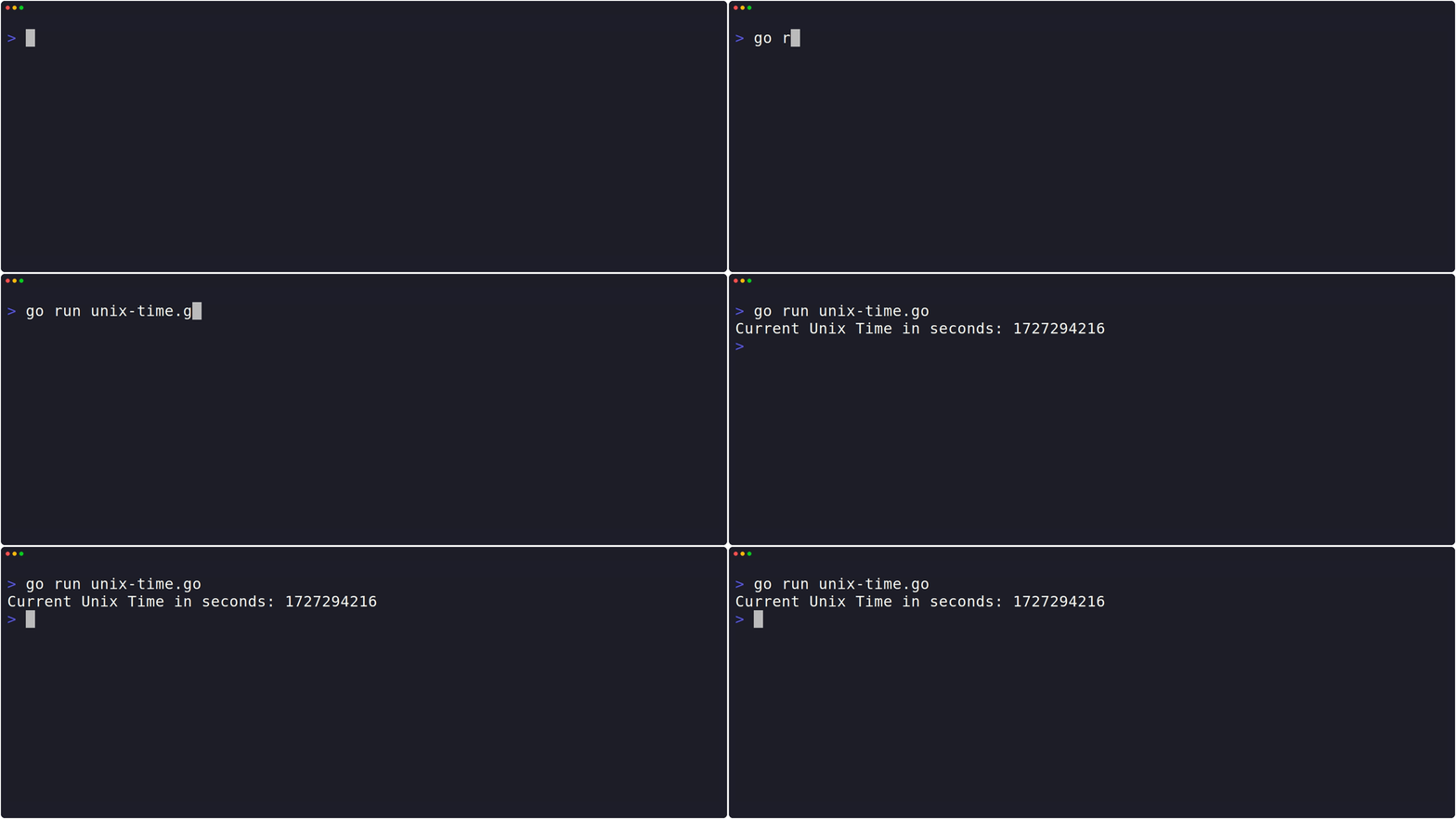
 Example In Action

Edd is a PHP and Go developer who enjoys blogging about his experiences, mostly about creating and coding new things he's working on and is a big beliver in open-source and Linux.