Writing Tests in Go (a Beginners Guide) (original) (raw)
Written byEdd Turtle on gophercoding.com
on 2nd of March 2024
(Updated: 27th of September 2024)
There a many benefits to testing your code in general, which we won’t go into detail on (but if you’re interested, take a look here) all we will say is the quote below.
“Imperfect tests, run frequently, are much better than perfect tests that are never written at all”. - Fowler
First Test
We’ve created the most basic progam, to add two numbers together, below in main.go which we’re going to write a test for. Tests in Go are found in separate files to the code and are within *_test.go - where * is the filename. So our test would be main_test.go - but if your go file was address.go, you’d create a address_test.go and store them here.
main.go
| 1 2 3 4 5 6 7 8 9 10 11 12 13 14 | package main import "fmt" func main() { total := addNumbers(3, 9) fmt.Println("Total =", total) } // addNumbers is a basic example of a function we are going to write a test for, // it should add two numbers together and return the total. func addNumbers(num1, num2 int) int { return num1 + num2 } |
|---|
main_test.go
| 1 2 3 4 5 6 7 8 9 10 11 12 13 14 15 16 17 18 | package main import ( "testing" ) func TestAddNumbers(t *testing.T) { // Test "sunny-day" working scenario r := addNumbers(2, 8) if r != 10 { t.Errorf("addNumbers() returned an unexpected response: got %v want %v", r, 10) } // Test negative numbers r = addNumbers(-2, 0) if r != -2 { t.Errorf("addNumbers() returned an unexpected response: got %v want %v", r, -2) } } |
|---|
You can see in our test above, we have imported the testing package which allows us to a) define a test and b) mark tests as failed.
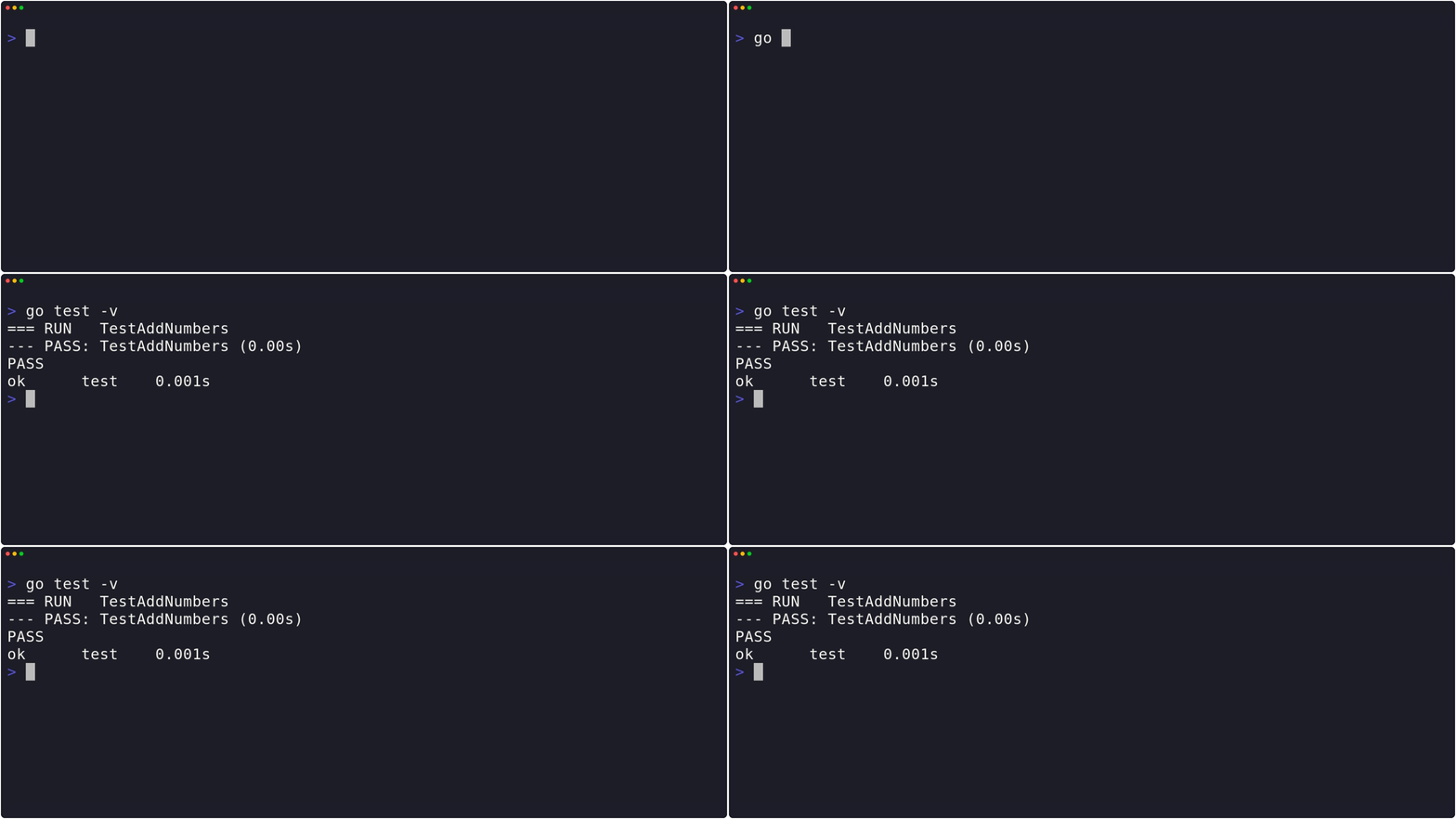
This is great, but how do I run them?
Run in the command line:
Should output something like:
| 1 2 3 | $ go test PASS ok test 0.001s |
|---|
If you want to find out how to run all tests for your project, or running them in more detail.
 Example In Action

Edd is a PHP and Go developer who enjoys blogging about his experiences, mostly about creating and coding new things he's working on and is a big beliver in open-source and Linux.