MyKinsta: Manage all your WordPress projects the easy way (original) (raw)
Host all your WordPress projects in one place with unlimited users with your MyKinsta dashboard.
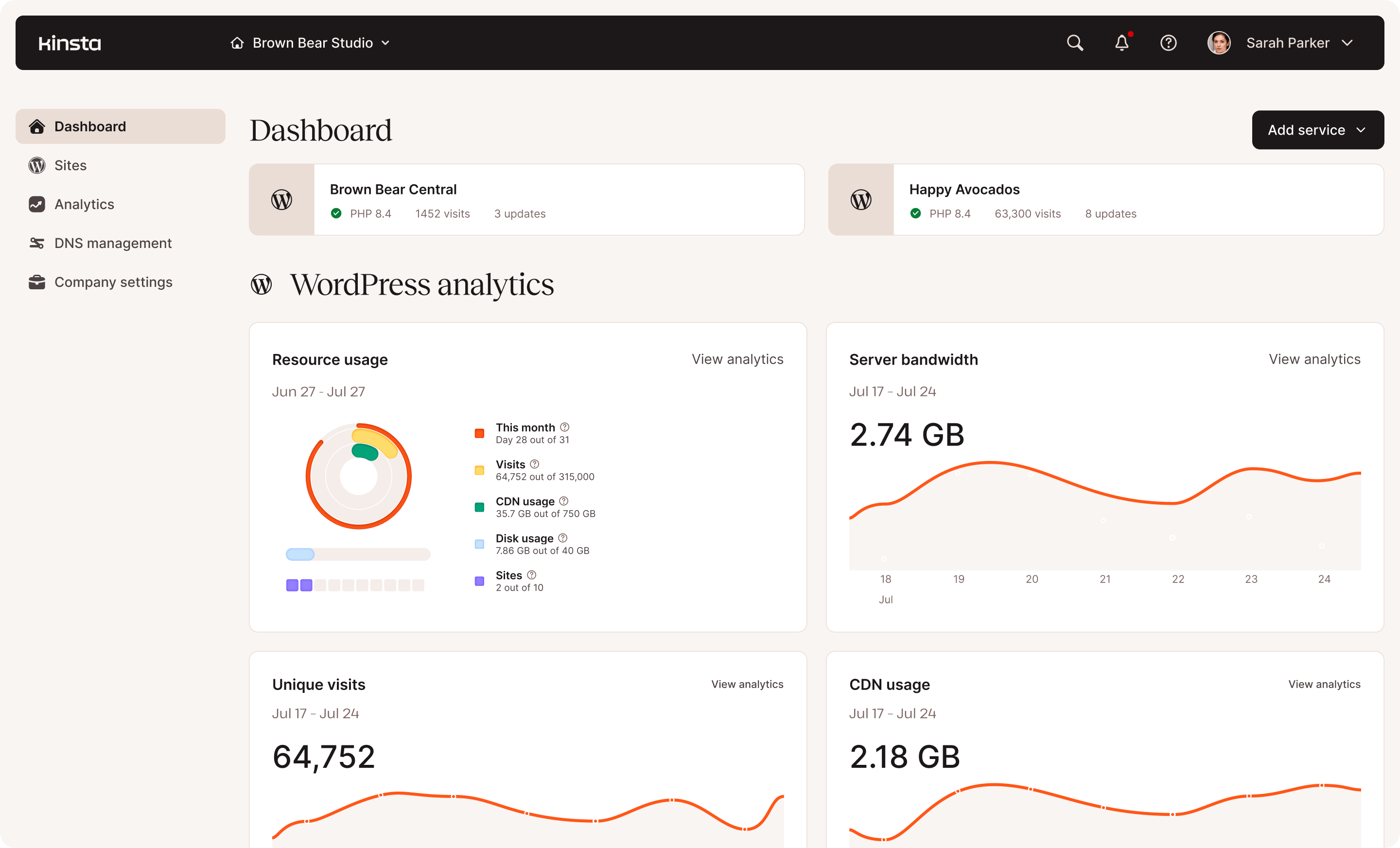
Managed WordPress sites
Create a WordPress site or migrate from your existing host. It’s just a few clicks in MyKinsta:
- Start new, request a migration, or clone an existing install
- Select your data center
- Configure site title, administrator, and password
- Deploy your new WordPress site
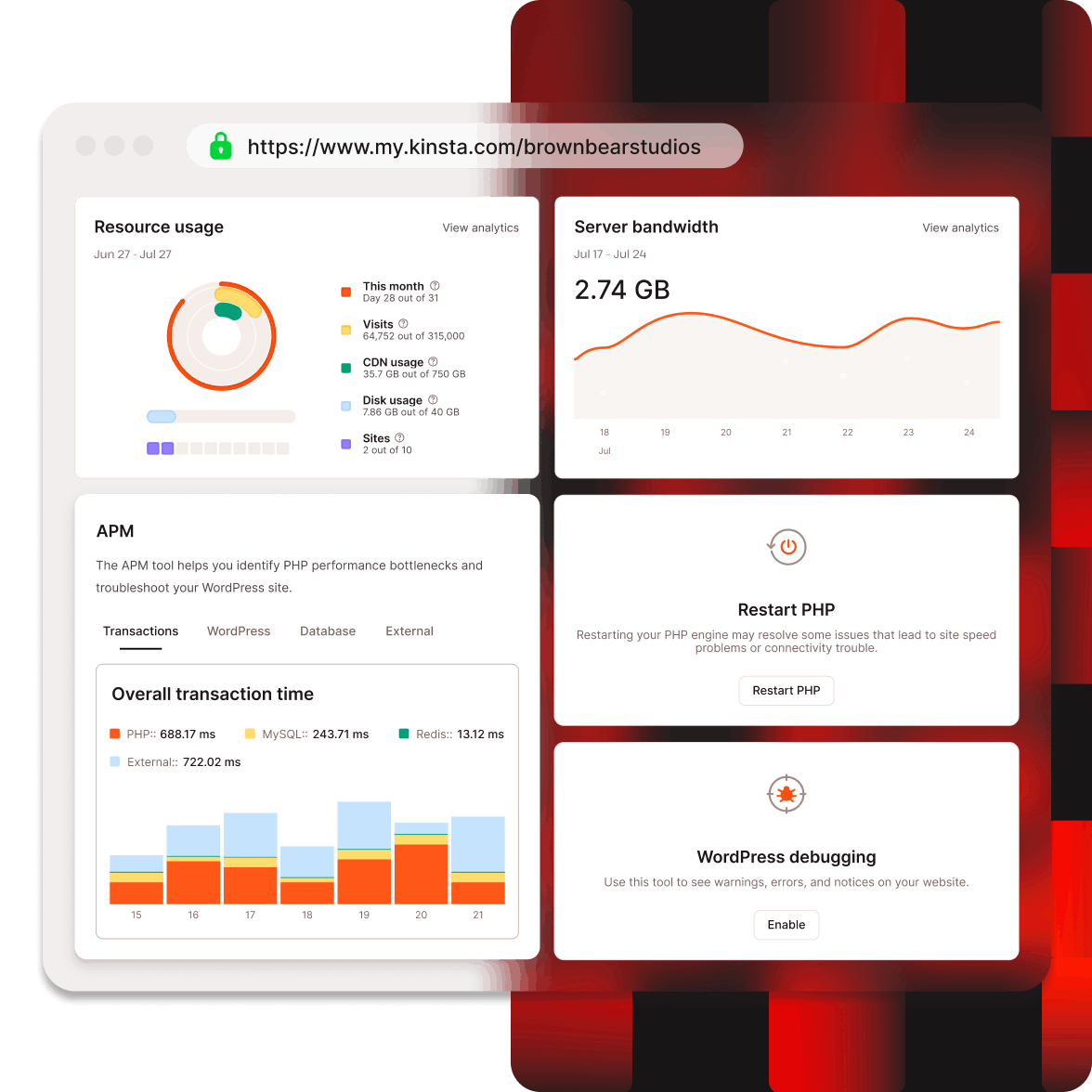
Complete WordPress performance optimization
Your MyKinsta dashboard has dozens of settings and tools to improve your WordPress site performance. Some web hosts charge extra for these tools. We include them with every plan!
Edge Caching
Enable or disable Edge Caching, create a separate mobile cache, clear your cache globally, or clear cache for specific URLs or subdirectories.
CDN
Enable/disable your CDN, clear cache, and control settings for image optimization and excluding files.
Backups
View your automatic daily backups, download archives, restore from backups, or configure additional options like hourly or external.
Themes and Plugins
See all themes and plugins installed on your site, monitor versions, and perform upgrades right from MyKinsta (no need to log in to WP Admin!).
APM
Enable our custom-made Application Performance Monitoring to analyze and improve your site performance by finding issues or slowdowns.
Redirects
Redirect pages to avoid 404 errors. Add rules with Regular Expressions syntax (RegEx) or bulk import RegEx rules from CSV.
Analytics
Monitor performance metrics like: server resource consumption, CDN usage, user devices, PHP speed, cache, and geographic and IP information.
IP deny
Block access to your site by IP address if you are having a problem with spammers or a bot.
Unlimited users
Invite unlimited users as ‘full admins’ (full access) or ‘site developers’ (staging access).
User activity
Monitor all actions performed on your install/s: user, action taken, date, and time.
Logs
Debug your site if needed with searchable error, cache, and access logs.
Kinsta API
Create new sites, gather site details, clear cache, restart PHP, and more with our open REST API.
Granular WordPress customization and controls
Access and customize detailed settings and actions for your WordPress install, all from MyKinsta’s visual interface. We also provide SSH and WP-CLI access if that is your preference.
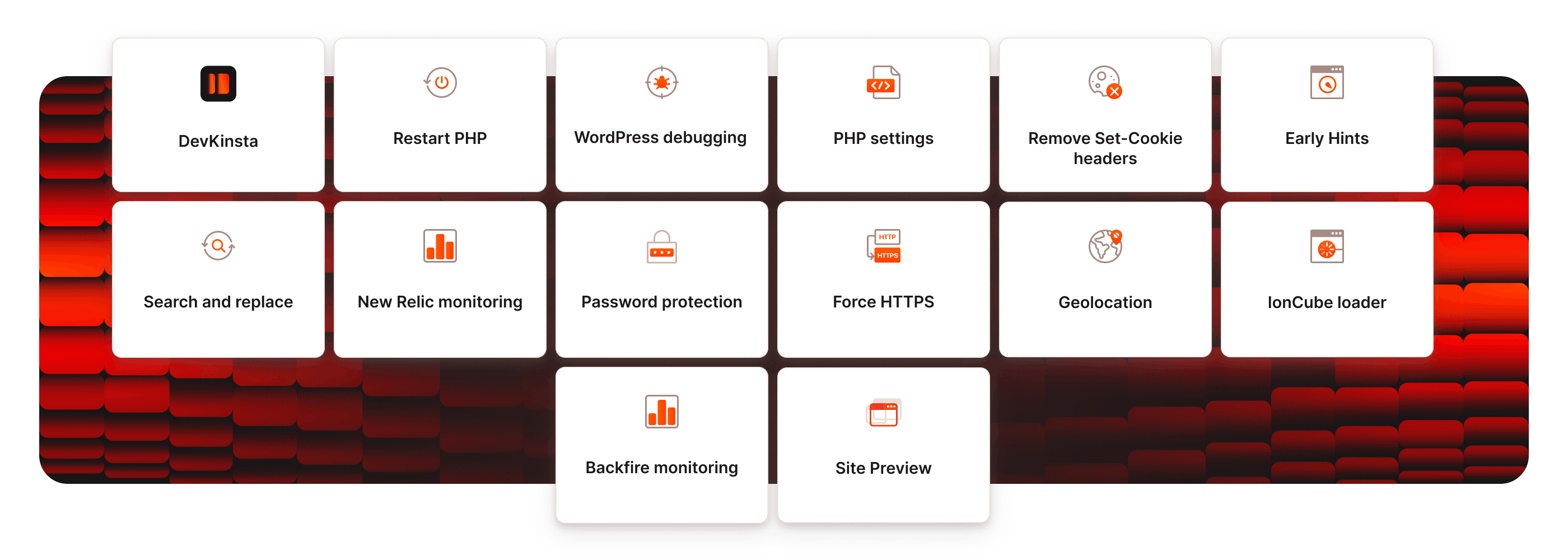
Domain management
SFTP / SSH
Site caching
Restart PHP
WordPress debugging
Database access and PHPmyAdmin
Database search and replace
New Relic monitoring
Password protection
Force HTTPS
Geolocation
ionCUBE Loader
PHP Engine (switch 7.4, 8.0, 8.1, 8.2, 8.3, 8.4, 8.5)
Remove set-cookie headers
Site preview (no DNS work needed)
Simplify your hosting
See how easy it is to manage all your WordPress sites with your MyKinsta dashboard.
Create a WordPress site risk-free with our free migrations and 30-day money-back guarantee.
Collaborate with your team
Hands-free platform
Reclaim hundreds of hours a year with effortless site management, automated backups, and integrated security.
More than just a dashboard
From one-click staging to built-in Kinsta APM, Kinsta helps your team work smarter, not harder.
Easy site management
Manage all your sites from one intuitive dashboard with granular user roles, labels, and easy collaboration.
Notifications and emails
You’ll see team member changes, site actions, deployment information, and billing status.
Email notification
Decide if you want overage notifications, newsletters, product updates, PDF invoices, and site monitoring alerts.
Trusted and Certified
Kinsta is a SOC-2 Type II compliant organization. We also comply with GDPR and CCPR privacy standards. See our security and trust report.
Launch your first project
There’s a lot to love with MyKinsta. We made your control panel simple and fluff-free. Focus on building. Leave the infrastructure management to us.
FAQ
Do you offer a demo of MyKinsta?
Yes! Our expert Sales Team is ready to provide you with a demo, free of charge. Enter your information and our team will be in touch.
Do you have a free trial?
We offer the first month free on our Single 35k and WP 2 plans. This allows you to try Kinsta at no cost and explore all our features without paying upfront.
We also offer a 30-day money-back guarantee on all other plans, allowing you to try it out risk-free. We also offer free migrations for most website situations (restrictions apply for larger multisite networks, certain eCommerce sites, or unusual situations).
Am I charged when I enter my credit card?
Yes. Managed WordPress hosting plans are prepaid. If you have a new or existing Managed WordPress plan, it will be billed at the beginning of your monthly billing cycle.
How does billing work?
WordPress sites are prepaid each month. You can get two months free when you set up annual billing.
Do You Have an Affiliate Program?
Yes! Get up to a $500 commission for each customer you refer and 10% recurring commission for each month your referred customer stays with us.
Whether you’re a developer, agency owner, blogger, product manager, or running an open source project, share Kinsta to help others build better and faster. We’ll make it worth your while.
What languages are available in MyKinsta?
The dashboard is available in 10 languages, including English, Spanish, German, French, Italian, Dutch, Portuguese, Japanese, Swedish, and Danish.