Zero hassle performance monitoring for WordPress (original) (raw)
Kinsta APM is our custom-designed performance monitoring tool for WordPress sites. It helps you identify WordPress performance issues, and it’s free for all sites hosted on Kinsta.
What are customers saying about Kinsta APM?
Kinsta APM makes it easy to optimize our website. It supplies us with information about resource-heavy plugins and bottlenecks in the database and website codebase.
Loving the new Kinsta APM tool that helps me monitor my WordPress website for potential speed degradation issues!
The Kinsta APM tool did a great job of providing key performance metrics, allowing us to identify real-world bottlenecks and in other cases, simply getting a better understanding of how our WordPress stack was loading. Compared to New Relic, Kinsta’s APM tool was very easy to use and provided all of the details we required.
The Kinsta APM is mind-blowingly easy to turn on, review the results, and find any bottlenecks. You are armed with the data to make informed decisions for fine-tuning your website.
Over the last year, Kinsta APM has assisted me to figure out several perf bottlenecks that’d be a hassle without it. Furthermore, it’s a completely FREE add-on, say what?! 🤯 Kinsta is the most dependable WordPress hosting for me.
The APM tool provided on all accounts by Kinsta has helped our team make continuous improvements to the optimization of our websites. The reporting is not only easy to set up, but it’s also straightforward to review and implement updates. All of the websites hosted on their platform have seen an even larger performance boost once we implemented updates based on the findings of APM.
I believe this is yet another great integration that helps to do even more diagnostics without even leaving the MyKinsta dashboard. Even more so because it reduces relying on third party solutions.
Kinsta APM allowed me to identify a plugin that was seriously slowing down WordPress, and thus my visitors’ experience, leading to a potential loss of revenue. While running the tool, there was barely a noticeable difference in the site’s speed, and I didn’t have to run Kinsta APM for more than two hours.
Ok this is seriously amazing. I was shocked to see this released as a free feature. Good job to the entire Kinsta team.
Just enabled Kinsta’s new APM performance monitoring tool on a client website to take it for a spin. Kinsta just keeps getting better!! Included in all plans for free
Kinsta’s APM tool gives you a behind-the-scenes look at your website, and clearly shows which plugins are consuming the most resources while visitors browse your site. If you’ve got a bad one, APM will reveal it. I’m a publisher, not a web developer. APM simplifies troubleshooting and gets me quickly back to content creation. For me, that’s hugely important.
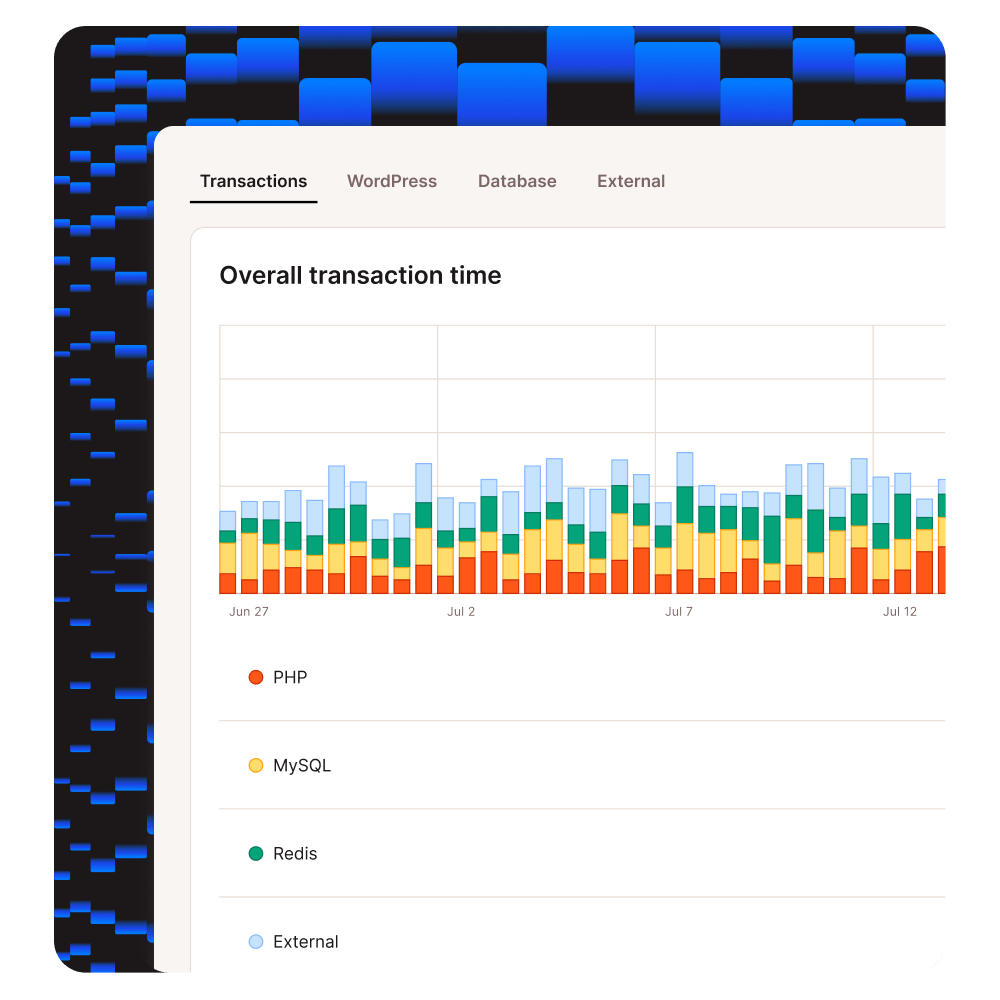
What Does the Kinsta APM Tool Do (in a Nutshell)?
Kinsta APM captures timestamped information about your WordPress site’s PHP processes, MySQL database queries, external HTTP calls, and lots more. Find out more in the APM Documentation.
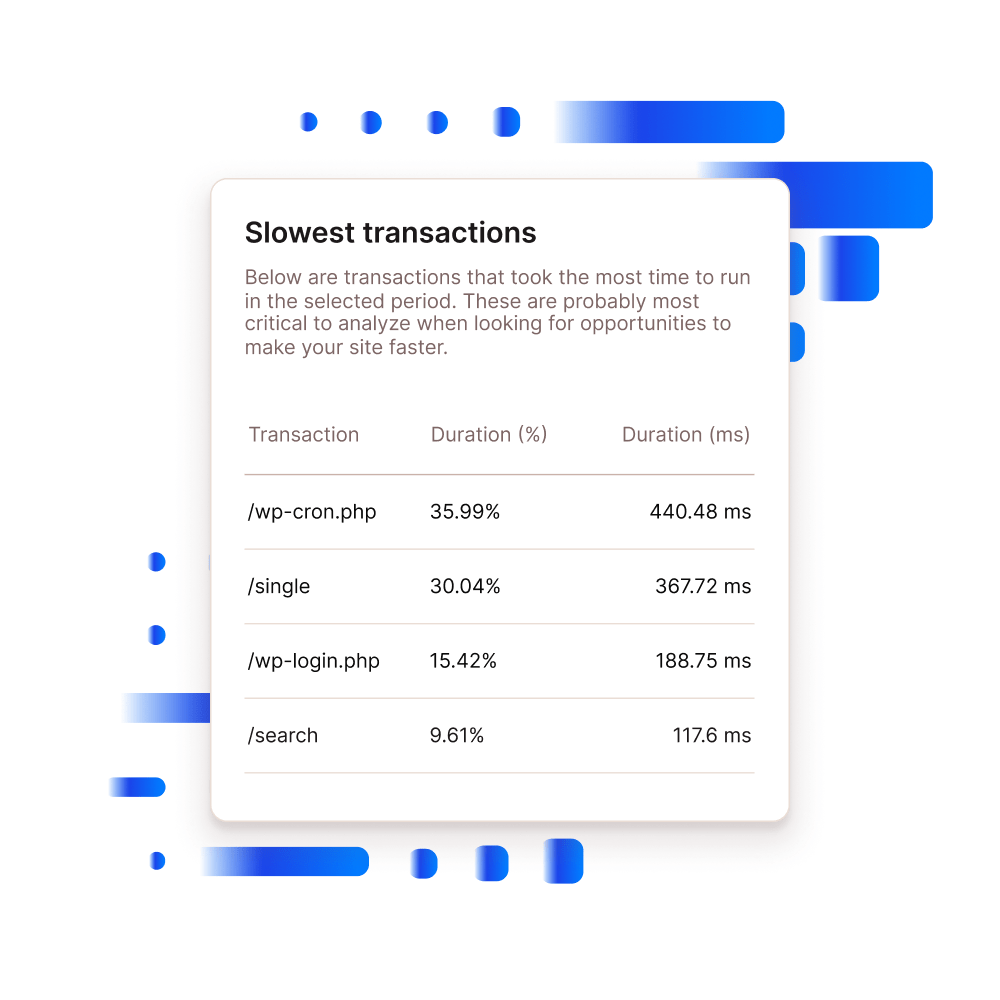
With Kinsta APM You’ll Be Able to Debug:
- Slow database queries
- Long API calls
- Non-optimized plugin and/or theme code
- Slowest, average, and median transactions
- Long external URL requests
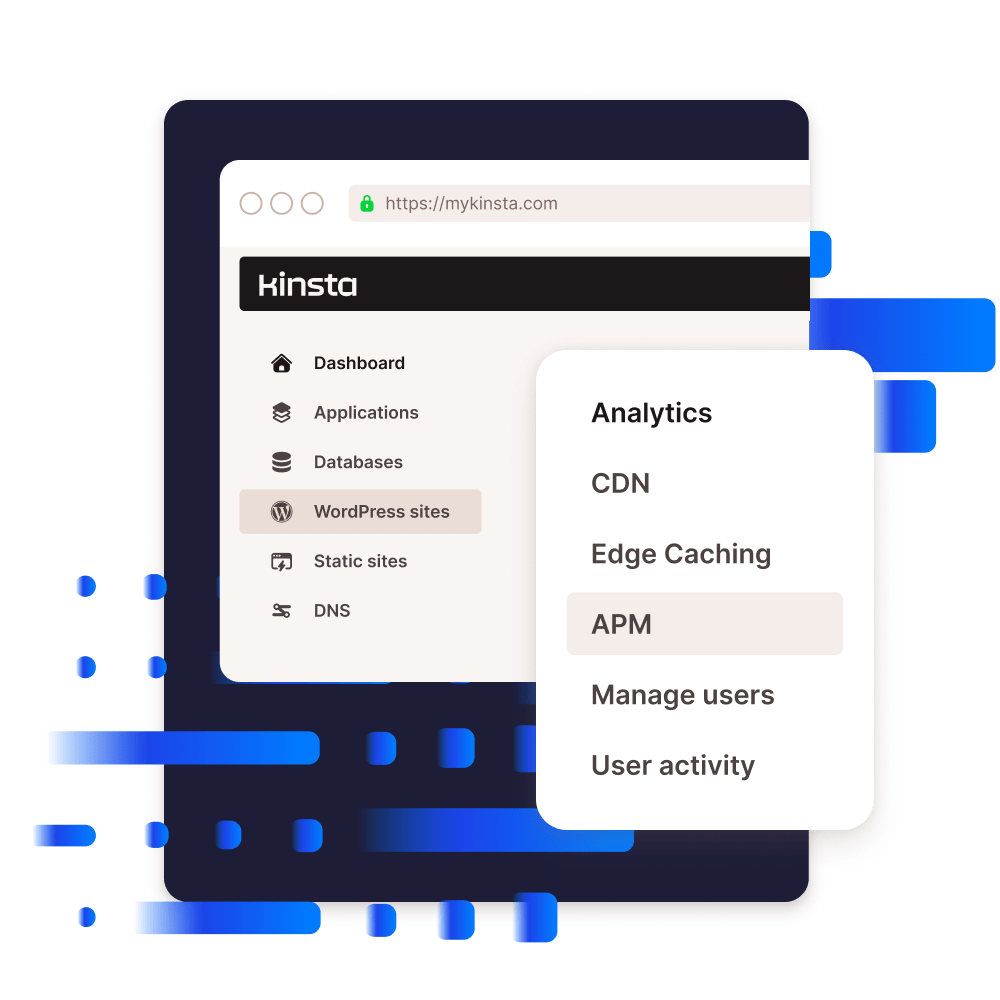
A Free Built-In APM Tool
Kinsta APM is available for free on all plans and can be accessed directly from the MyKinsta dashboard. With APM, there’s no need to pay for additional licenses or any third-party services.
- No need for external and expensive APM services like New Relic.
- Manage WordPress sites and view performance data in MyKinsta.
- Free for all WordPress sites hosted on Kinsta.
- Available in 10 languages.
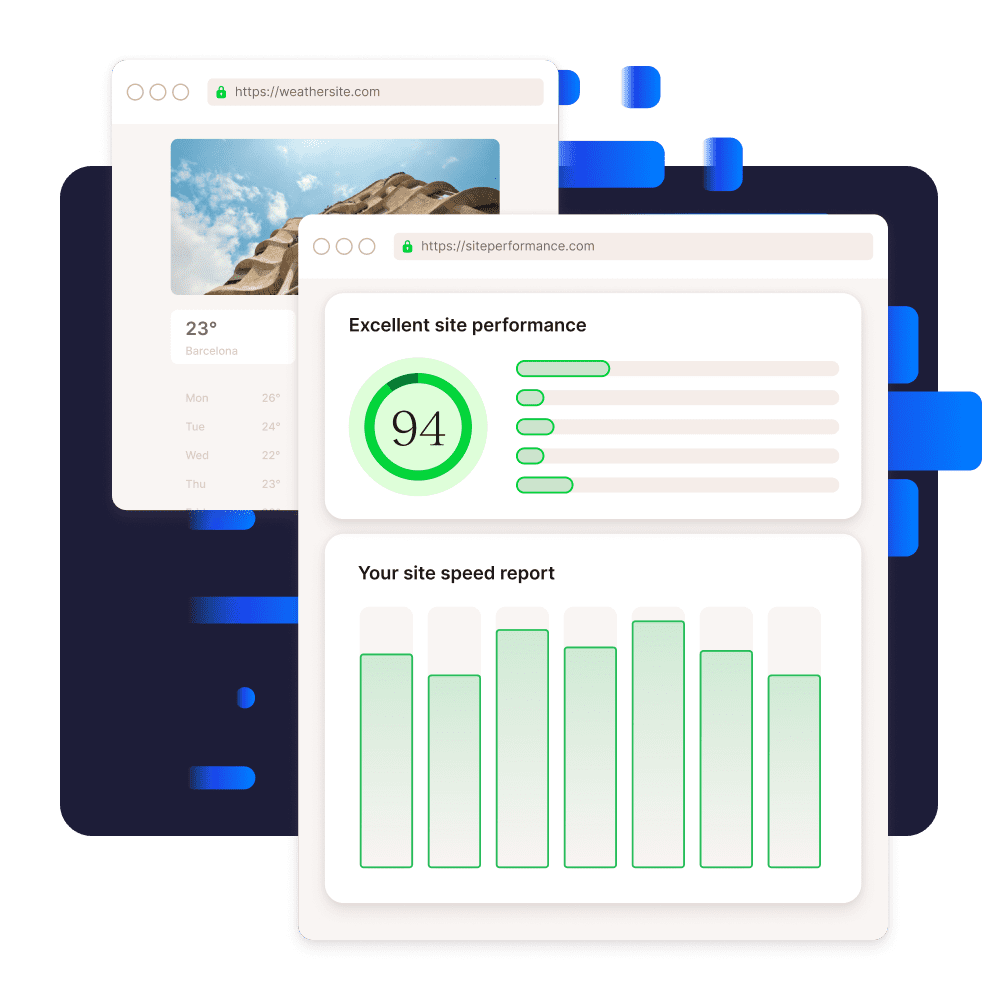
Kinsta APM is Designed for WordPress
Performance is our bread and butter. WordPress hosting is what we do best. Kinsta APM is the bridge between these two worlds as it helps you get to the bottom of performance issues on your WordPress sites.
- Break down long requests into specific PHP calls and MySQL queries.
- View complete stack traces for in-depth troubleshooting.
- Identify problematic WordPress plugins and themes.
- Boost site performance and reduce page load time with data from Kinsta APM.

Kinsta APM is for everyone
There are many use cases where Kinsta APM could be useful, but let’s talk about the major ones:
APM for Agencies
An efficient and scalable performance monitoring tool for WordPress agencies.
- Reduce business spending by removing third-party APM tools.
- Debug WordPress performance issues for all client sites in MyKinsta.
- Expand your services by providing more technical reports to clients.
APM for Ecommerce
Troubleshoot WooCommerce, Easy Digital Downloads, and other ecommerce plugins.
- Identify the culprit of your payment gateway timing out.
- Gain insight into how MySQL queries and AJAX calls are slowing down your online store.
- Find out which WooCommerce add-ons are slowing down your WordPress site.
APM for Developers
Develop and debug high-performance WordPress plugins and themes.
- Monitor the performance of your custom WordPress plugins and themes.
- Troubleshoot bug reports from customers with Kinsta APM.
- Optimize MySQL queries and PHP code with full stack traces.