10 Best WordPress PDF Viewer Plugins (original) (raw)
Imagine you’re a teacher with a simple WordPress site. You’re getting excited about the new school year yet you’d like to give your students some digital-friendly documents for them to prepare for classes and understand the material. Your first order of business is to share the class rubric with all of the assignments and tests throughout the semester. You have the PDF file, but you’re unable to make it all that printer-friendly as a blog post or page.
Why doesn’t WordPress have a PDF viewer where visitors can view a full PDF and download it if they want? WordPress has plenty of features, but a PDF viewer isn’t one of them. Luckily, the wonderful world of WordPress PDF viewer plugins come to the rescue.
What’s a WordPress PDF Viewer Plugin and When Would You Use It?
Take our example of the teacher and the rubric above. In this situation, there’s no substitute for a viewable and printable PDF on the class website. Chances are, half of the students will throw out printed handouts and the idea of copying and pasting the PDF content into a blog post is a formatting and printing nightmare.
PDFs are great for many situations, and a PDF plugin allows you to embed a full WordPress PDF viewer into a WordPress page.
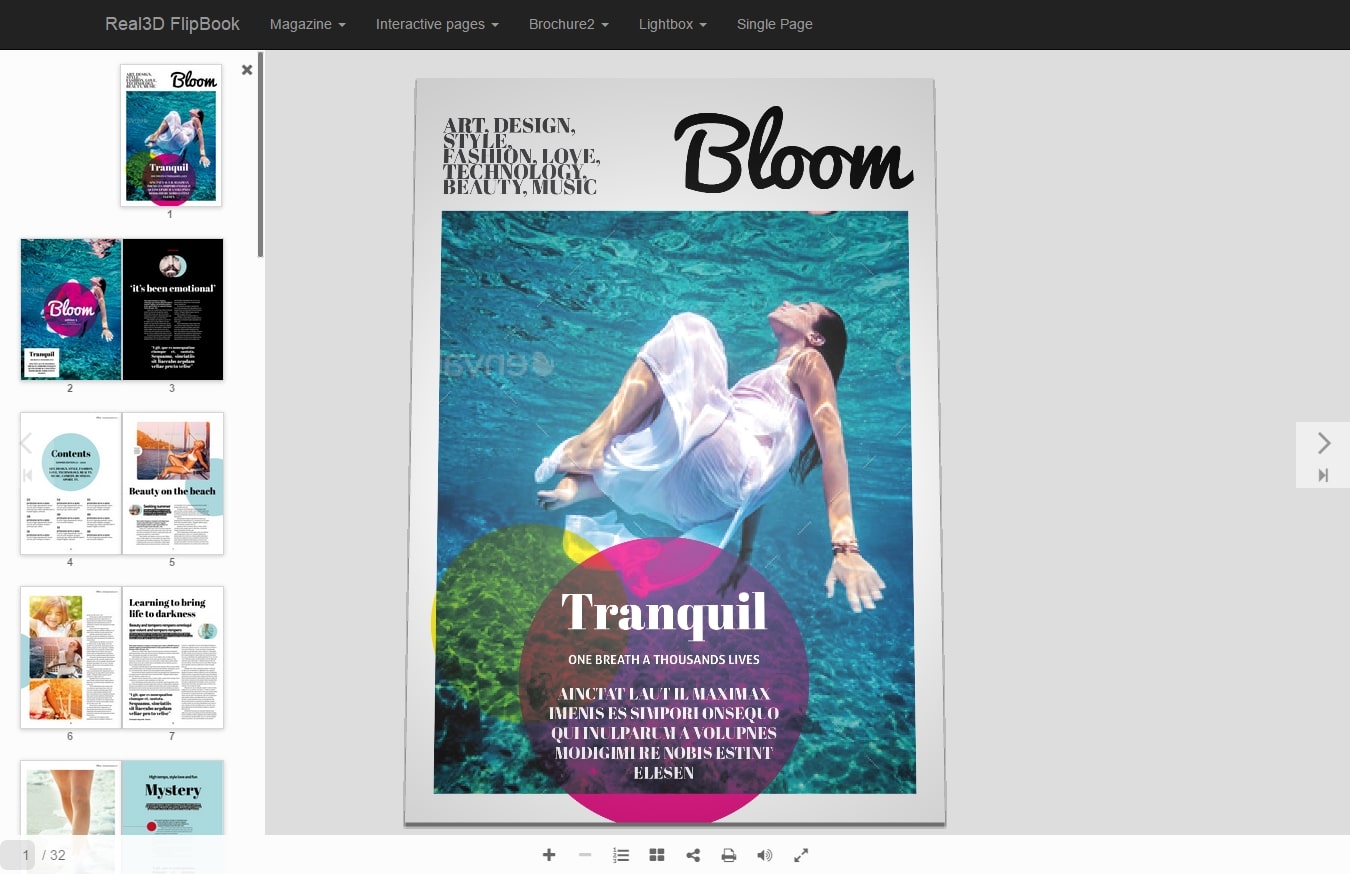
WordPress PDF viewer
This way, your visitors can flip through the pages like a real document, while also zooming in, taking notes and printing out the document when needed. Some of the PDF plugins offer other useful tools for converting a blog post to a PDF or generating a cover image for a PDF you upload to your WordPress blog.
In short, a standard PDF viewer enables users to see a PDF as if the file were saved on their own computer. They get the capabilities expected of a PDF along with some other handy features the WordPress plugin developers have thrown in there.
When Would You Use a PDF Viewer Plugin?
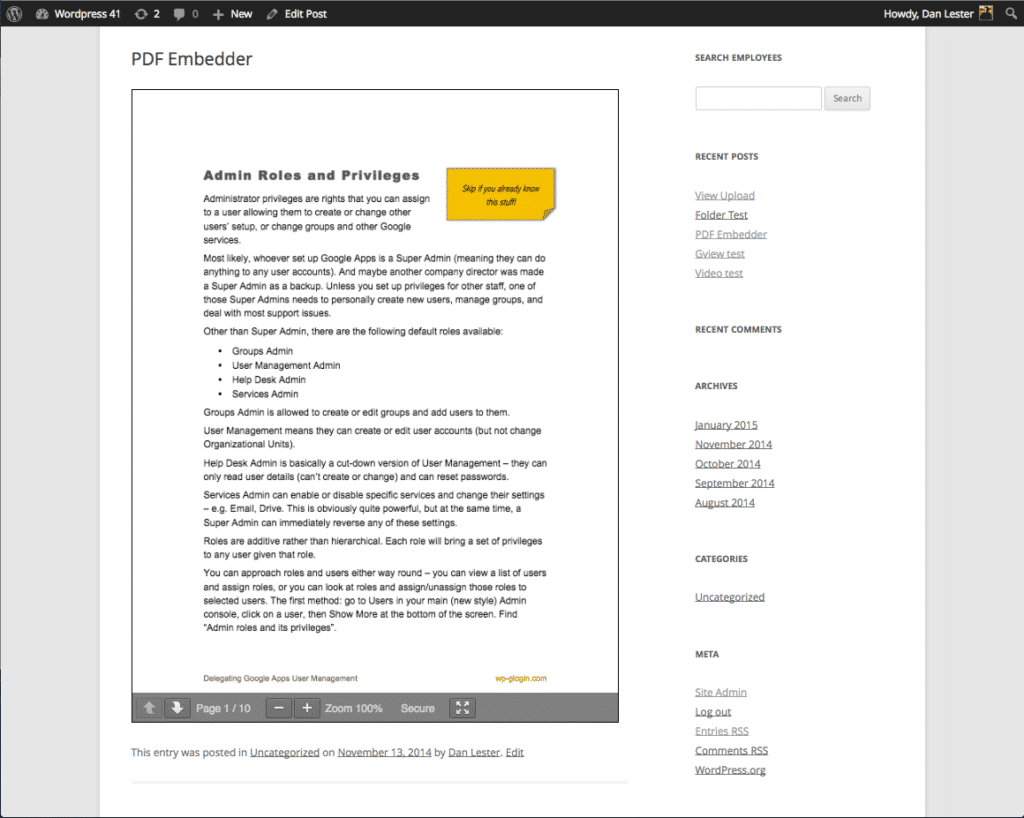
When to use a WordPress PDF viewer
- When you already have a large document formatted and made into a PDF. It would be a waste to rewrite or reformate.
- For displaying large documents that would look silly as a blog post or page.
- If you need to share links to documents that shouldn’t be modified by the people who download them. Technically you can convert a PDF to an editable document, but there are ways to secure the PDFs or at least make them harder to modify.
- When you’re sharing documentation that needs to be signed and dated by numerous people. For example, a real estate agent can either send out the same contract to hundreds of clients or simply have them all download it from a website.
- If you’d like to share something online and not have it discoverable by search engines. One example might be an eBook, where you’d rather protect the content and not have the search engines crawling for it.
- When you need to generate a PDF based on some of your current website content, like a series of blog posts you’d like to turn into an eBook.
The Best WordPress PDF Viewers
To help you weed through all the options available, here are the 10 best WordPress PDF Viewer plugins worth looking into (in no particular order).
1. PDF Viewer for WordPress
For one payment of $17, you gain access to the majority of WordPress PDF viewer features you and your visitors need. In fact, PDF Viewer for WordPress is one of the most powerful, feature-rich viewer plugins on the market.
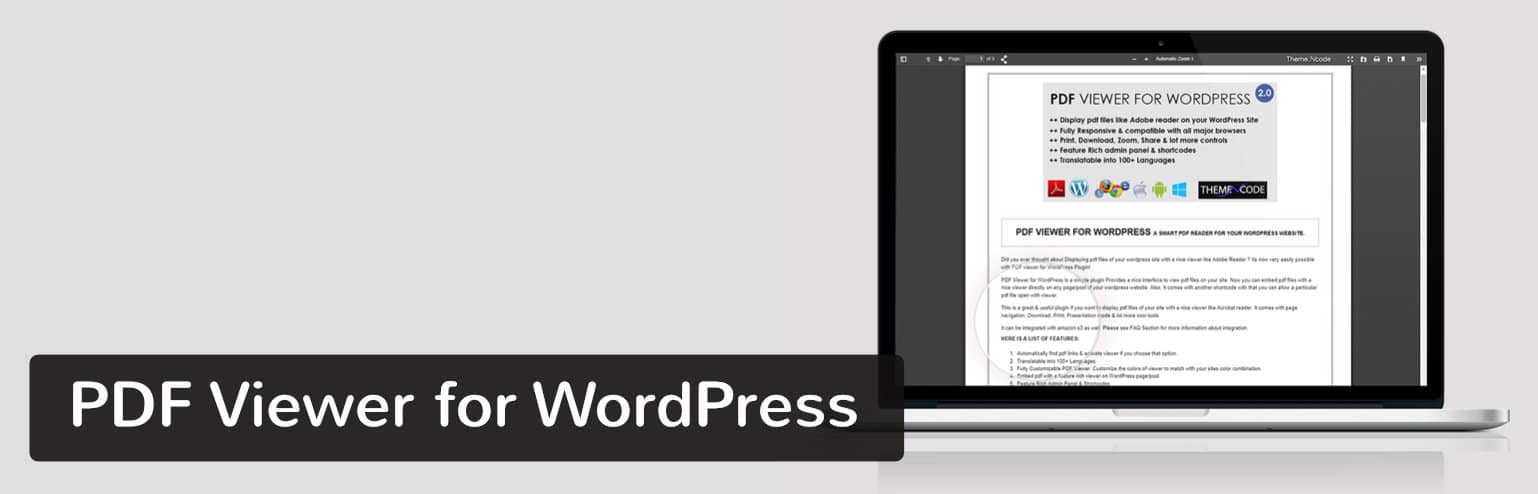
PDF Viewer for WordPress plugin
It’s fully responsive, so all of your PDF files get displayed nicely on every device. A beginner wouldn’t have any trouble working with the plugin since it has a quick embed function that supports unlimited PDF files and sizes.
Why This PDF Viewer Rocks
- It can be translated into more than 100 languages.
- The plugin connects to Google Analytics for tracking how many people read and download your PDFs.
- Bookmarks and links are supported in the documents.
- Shortcodes are available if you’d rather insert PDFs that way.
- The developer offers some of the best support and documentation in this niche.
The Downsides
- The PDF Viewer for WordPress plugin doesn’t have any tools for securing your PDFs.
2. PDF.js Viewer Shortcode
With the worst name of the bunch, PDF.js Viewer Shortcode is still no slouch when it comes to displaying your PDFs in a beautiful manner. In fact, the user side of this viewer definitely competes for the top spot. It has an elegant gray theme frame and a document outline for people to jump around from page to page.
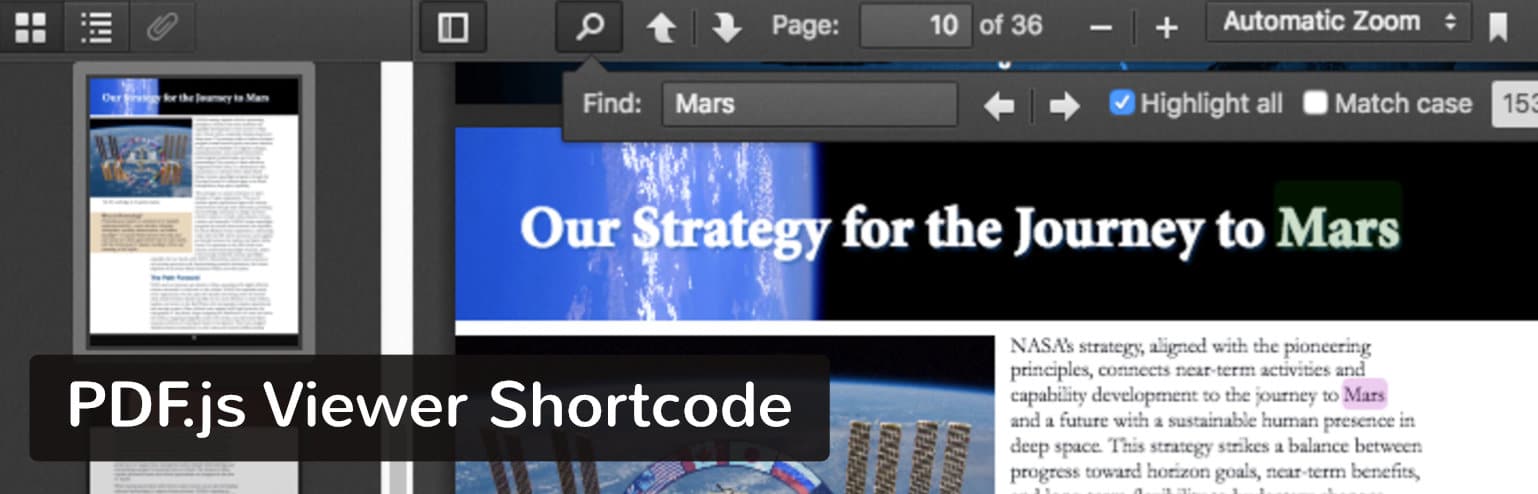
PDF.js Viewer Shortcode plugin
Not to mention, it’s completely free without any upsells along the way.
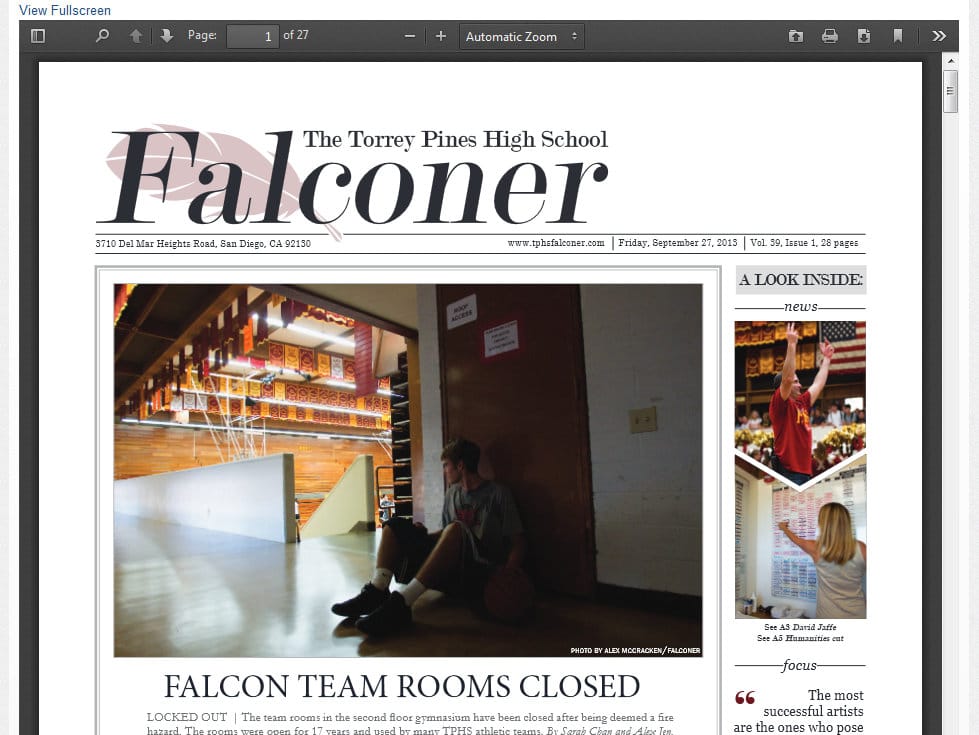
PDF.js Viewer Shortcode plugin
Why This PDF Viewer Rocks
- The document outline shows content on each page, allowing users to quickly scan through.
- It’s one of the few PDF viewers with customizable buttons.
- You can protect your PDFs with passwords.
- The plugin has a feature similar to image lazy loading where a large document doesn’t completely show up until specific pages are navigated to. This keeps your site speeds fast.
The Downsides
- Several users have reported problems with conflicting security and caching plugins.
- Some Internet Explorer users have seen issues when viewing PDFs in their browser.
3. Flowpaper
Flowpaper has an advanced-looking WordPress PDF viewer without any price tag. It looks nice, but the backend controls are far from user-friendly. If you’re a more advanced developer who wants a beautiful, free PDF viewer, this might be the one for you. If you’re a beginner, you may get tripped up by the code customizations and storage limits.

Flowpaper WordPress plugin
Why This PDF Viewer Rocks
- Users have three options for getting their PDFs online. One of them involves hosting the PDF somewhere else and pasting in the link. Another lets you upload to WordPress. The third option uploads the PDF to the Flowpaper cloud.
The Downsides
- If you don’t host your PDFs on the Flowpaper cloud you’re limited to 15MB per publication.
- Flowpaper is known for not supporting all browsers and devices right out of the box. There are ways to fix this though.
- The PDF embed process requires you to use a shortcode. Some might rather have a quick upload button that drops the PDF into the post without a code.
- All customizations must be done by editing code.
4. PDF Viewer
A few years ago, the PDF Viewer plugin would have been one of the top mentions on this list. But the developers have stopped managing it, so it’s tough to recommend it unless you’re willing to take that risk.
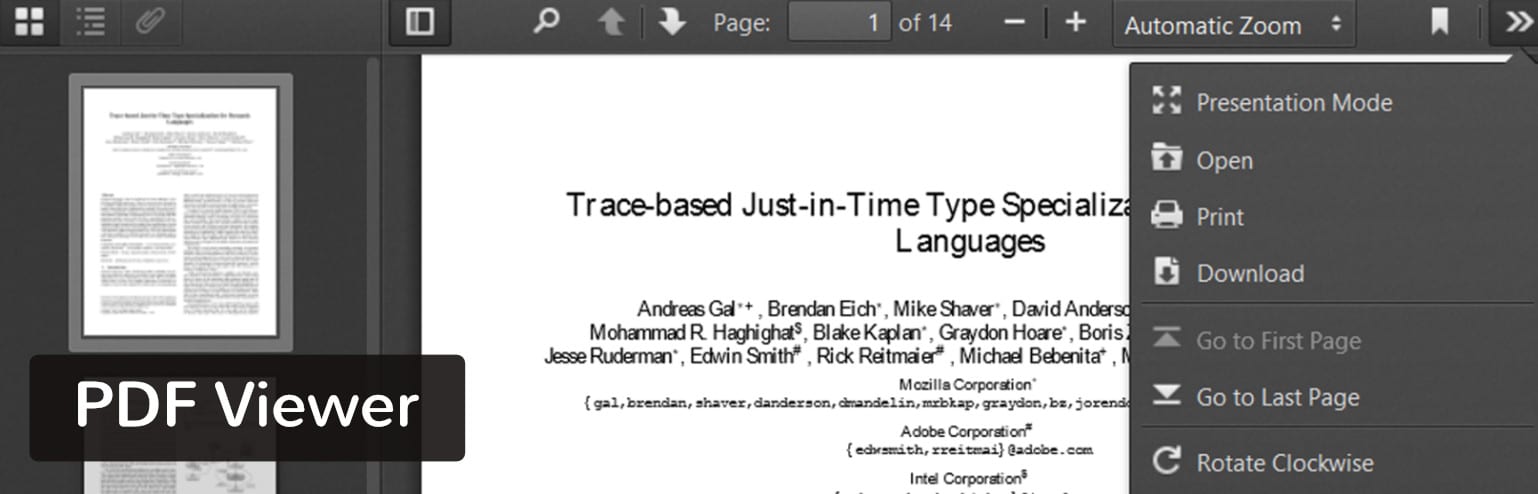
PDF Viewer plugin
Anyway, the plugin only utilizes JavaScript, making for a smooth experience on the frontend. This also means that your users don’t have to install any additional browser software to view the PDFs. Other than that, the viewer has several tools including page jumping, zooming and bookmarking.
Why This PDF Viewer Rocks
- The viewer plugin is supported in WordPress multisite.
- Search for keywords to find specific spots in the document.
- The Settings page is simple and to the point, providing the shortcode needed, along with some settings for adjusting the height and width of your viewer.
The Downsides
- The plugin hasn’t been updated in over two years. This might cause problems in the future, but for now, it seems to be working rather well.
- The plugin has experienced glitches with Internet Explorer. They do, however, have an option to display a warning for IE users.
5. PDF and Print by BestWebSoft
Not all WordPress PDF plugins serve as WordPress PDF viewers. Some of them act as converters when you’d like to take a blog post and switch it to a PDF. That’s exactly what the PDF and Print plugin does, allowing you or your users to complete the conversion directly from your website.

PDF and Print by BestWebSoft plugin
Most of the required features are packed into the free version, but they do have a premium plan for things like adding watermarks, creating custom document headers, integrating with WooCommerce and other niche capabilities.
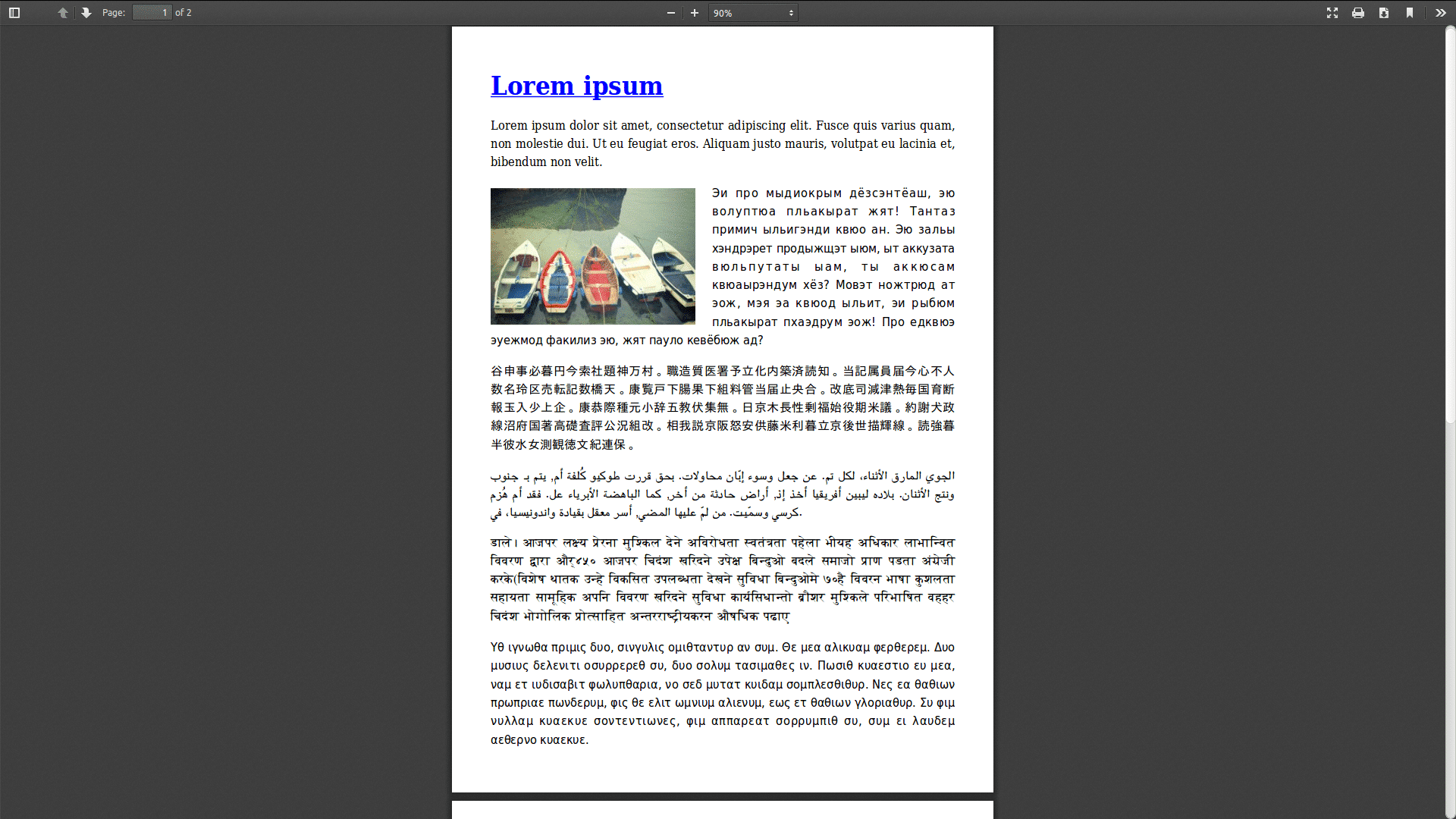
PDF and Print viewer
Why This PDF Viewer Rocks
- It lets your users download PDFs from your posts.
- The plugin also supports pages, search results, archives, and custom post types.
- You can add the conversion buttons by using widgets or shortcodes.
- The plugin offers different icons for your print buttons.
The Downsides
- The premium version requires a yearly payment. It’s only around $30, but it kind of stinks that you get roped into a recurring payment for such a basic plugin.
- Page builder compatibility is completely non-existent.
6. Real3D FlipBook WordPress Plugin
We saved the most beautiful for last since Real3D is pretty astounding in its design, but it’s also overkill for what most people are looking for. We like Real3D if you’re making an online magazine or sharing image-rich pamphlets with clients and customers.
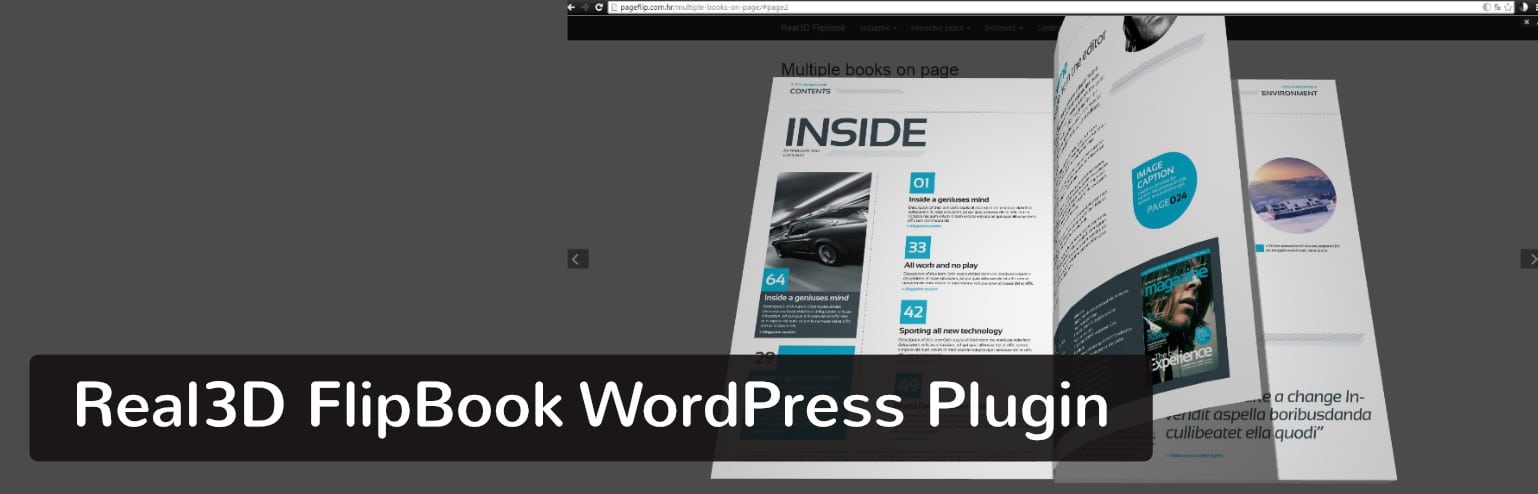
Real3D FlipBook WordPress Plugin
The page flipping technology is the closest you can get to reading an actual magazine, and the lightbox effect clears out all distractions for the reader.
Why This PDF Viewer Rocks
- It’s hands down the best-designed WordPress PDF viewer.
- It has a fully customizable user interface for changing items like colors, buttons, borders, page flip sounds and page shininess.
- You can upload both PDFs and images.
- The realistic viewing experience translates well to mobile devices.
The Downsides
- Basic PDFs don’t require this level of style.
- It’s a little pricier than other options on the market.
- Users seem to report frequent bugs that crash the entire plugin.
7. Embed PDF Viewer
If you want a super simple and lightweight WordPress PDF viewer, then you might want to check out Embed PDF Viewer.
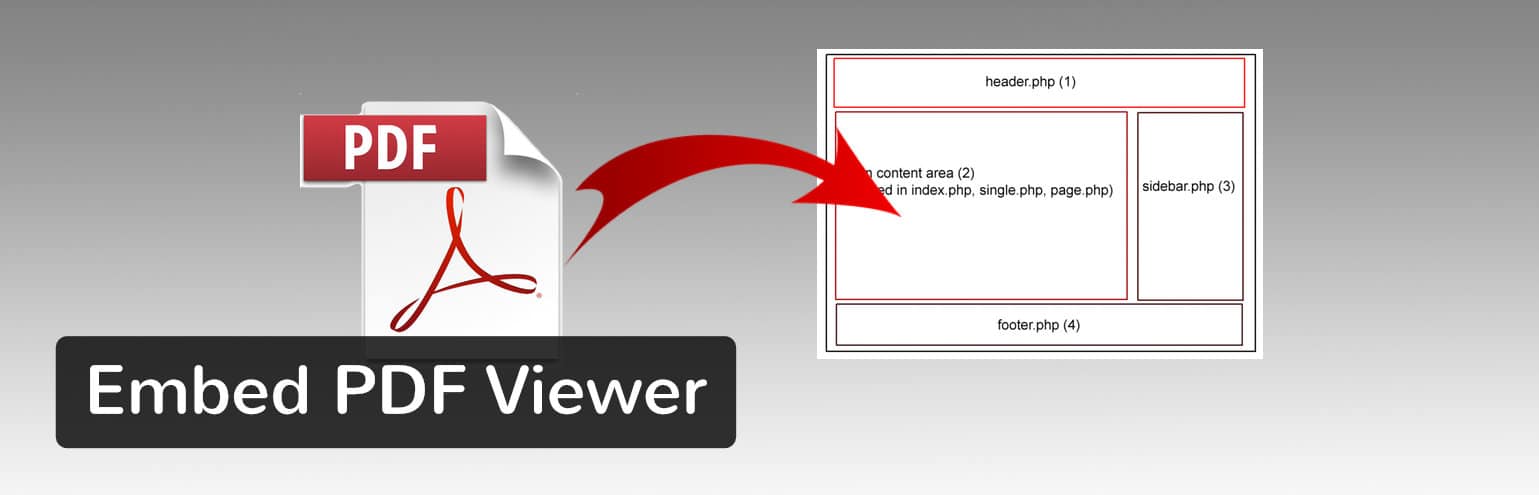
Embed PDF Viewer plugin
You can embed a PDF from the media library or elsewhere via oEmbed into an object tag or Google Doc Viewer as a fallback. The only requirement is that the URL has to be a reachable link.
Why This PDF Viewer Rocks
- Super lightweight with no gimmicks or extra unnecessary frills
- Does what it was created to do
- Inspired by two popular older PDF plugins which are no longer maintained (good replacement)
- Developer is open to pull requests to help debug any issues
- Works with multisite and on mobile devices
The Downsides
- Lack of documentation
- Might not have all the features you are needing
8. PrintFriendly
Save paper and ink by generating PDFs with PrintFriendly, a stylish and intuitive plugin that users seem to really enjoy.

PrintFriendly
This plugin can automatically detect page content so you don’t have to create print.css. The plugin is professional, stable, and has over 40,000 active installations.
Why This PDF Viewer Rocks
- All options supported (print, pdf, email) can be turned on or off.
- Works on HTTP or HTTPS, as well as password-protected sites.
- Tons of customization features.
- Custom headers and footers
- Button styles available or you can use your own text/image option
- Localized in 30 languages
The Downsides
- Free version is not GDPR compliant, only the Pro version is
- You need to upgrade to get rid of ads
9. PDF Invoices and Packing Slips for WooCommerce
If you run a WooCommerce website, PDF Invoices and Packing Slips for WooCommerce is a must-have PDF viewer.
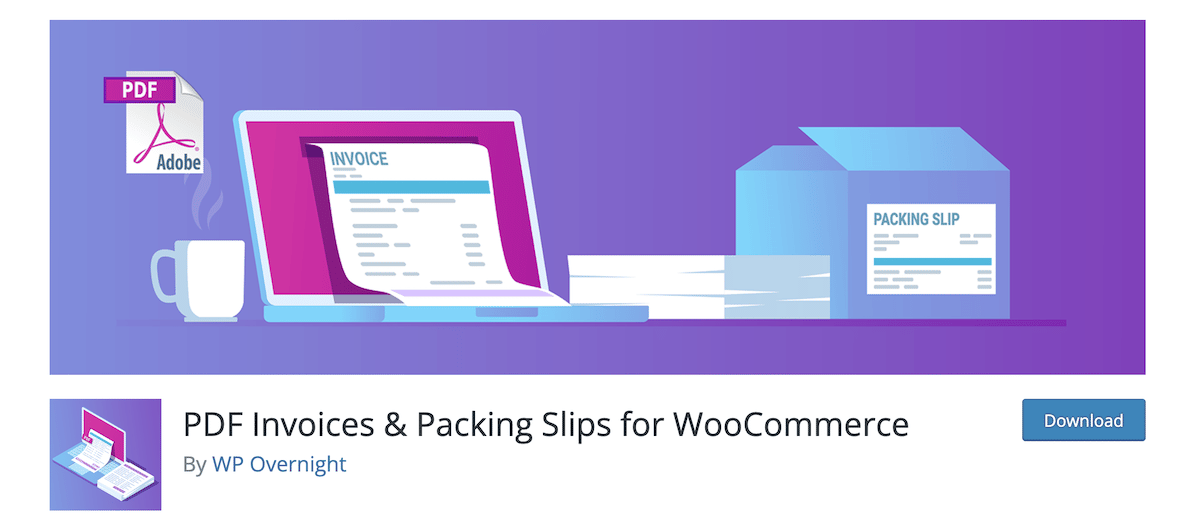
PDF Invoices & Packing Slips for WooCommerce
This is a WooCommerce-specific extension that automatically adds a PDF invoice to all order confirmation emails that are sent out to customers. It includes a basic template and the ability to add your own templates as well.
Why This PDF Viewer Rocks
- You can automatically attach the PDF invoice to emails of choice
- Generate PDFs and packing slips in bulk
- Sequential invoice numbers are available
- Fully customizable HTML/CSS invoice templates
- Insert a custom image/header logo
The Downsides
- You need the professional version to integrate with other apps like DropBox
- This is for WooCommerce store owners only
10. Gravity PDF
Gravity PDF is a self-hosted solution that allows users to create digital PDF documents using Gravity Forms and WordPress.
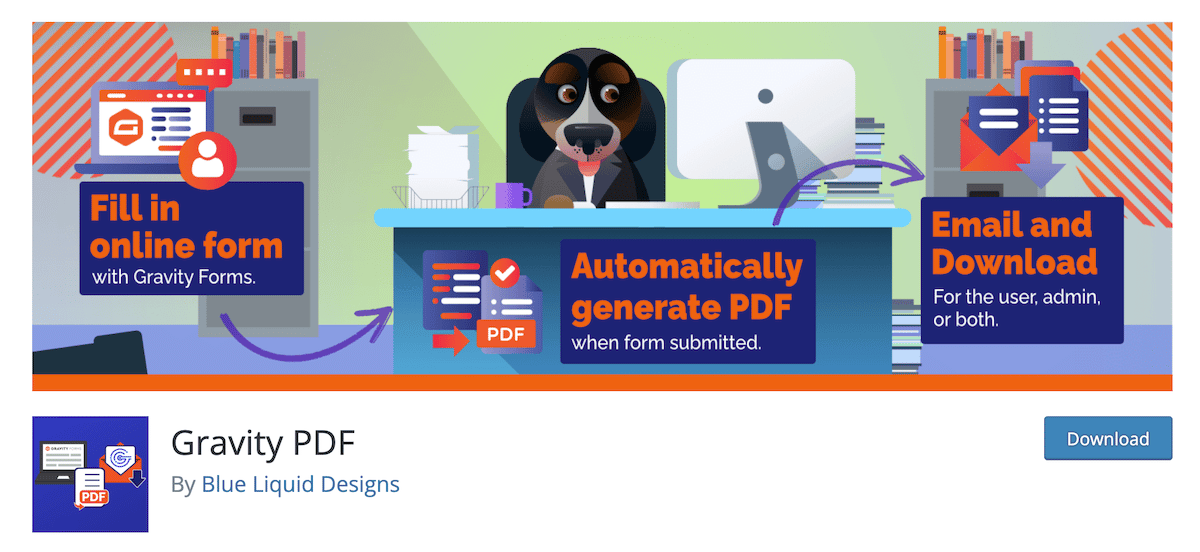
Gravity PDF
If you use Gravity Forms on your website, then this is a fantastic plugin to have. There are no hard limits on the number of PDFs you can configure across all the forms on your site.
Why This PDF Viewer Rocks
- Unlimited use with no restrictions
- Strong privacy and security to prevent unauthenticated access to your PDFs
- Additional fonts as well as shortcode and merge tags available
- Extensive documentation and support is available
The Downsides
- Limited to 4 design styles with the free version of the plugin
- Watermarking is only available with the pro version
Which WordPress PDF Viewer is Right for You?
With such a long list of reputable WordPress PDF viewers, it might seem tough deciding on which one to go with.
Here’s what we think:
- If you don’t want to pay any money for your PDF viewer, go with PDF.js Viewer Shortcode or Flowpaper.
- If you’re interested in plentiful features and the most elegant displays, consider Real3d Flipbook.
- If you need to integrate with WooCommerce, consider PDF Invoices & Packing Slips for WooCommerce or PDF and Print by BestWebSoft.
- If you’d like to convert blog posts or pages into PDFs, PDF and Print by BestWebSoft is your plugin.
Overall, your WordPress PDF viewer decision depends entirely on your situation. Luckily, most of them have free versions or inexpensive premium packages. So, give them a try and see which works best for you. If you have any questions about choosing a WordPress PDF viewer, let us know in the comments below.
Brian Jackson
Brian has a huge passion for WordPress, has been using it for over a decade, and even develops a couple of premium plugins. Brian enjoys blogging, movies, and hiking. Connect with Brian on Twitter.