Windows - Make Tech Easier (original) (raw)

Forget Task Manager: This App Finds Exactly What’s Slowing Down Your System
Stop guessing why your PC lagged. This Task Manager alternative logs three days of performance history to catch spikes that usually vanish.
By Karrar Haider – Mar 19, 2026
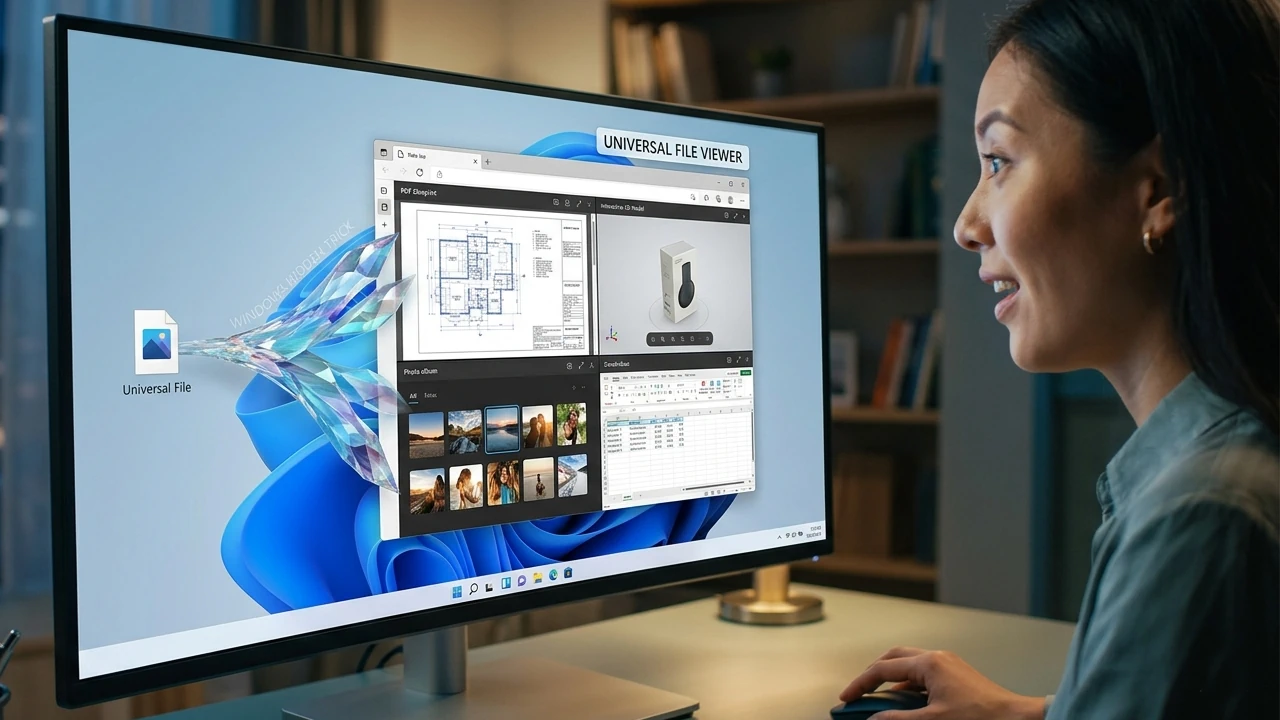
Windows Hidden Trick: Use Your Web Browser as a Universal File Viewer
Learn the quick way to open local files, PDFs, and media directly in Chrome, Firefox, or Brave for a faster, more unified Windows experience.
By Crystal Crowder – Mar 14, 2026
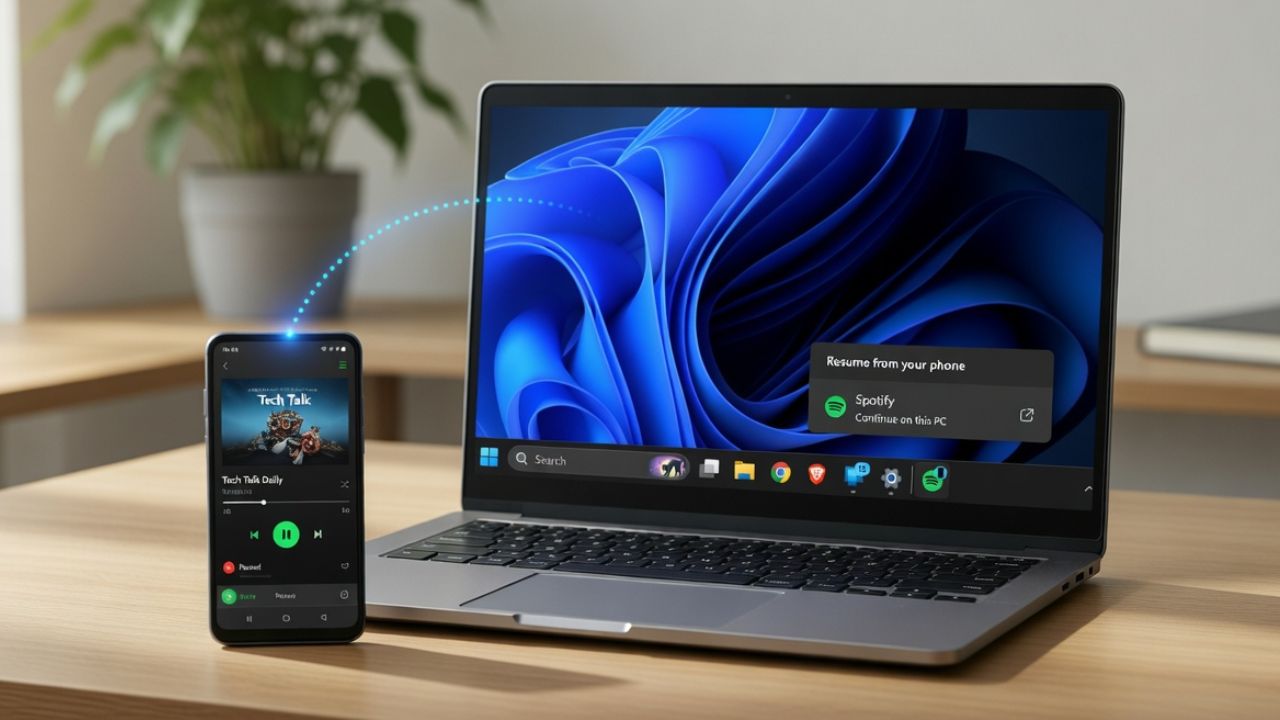
Windows 11 Finally Got Its Version of Apple Handoff — But There’s a Catch
Windows 11 Cross-Device Resume promises Apple-style device continuity, but does it work as well? Here’s our verdict.
By Henderson Jayden Harper – Mar 13, 2026
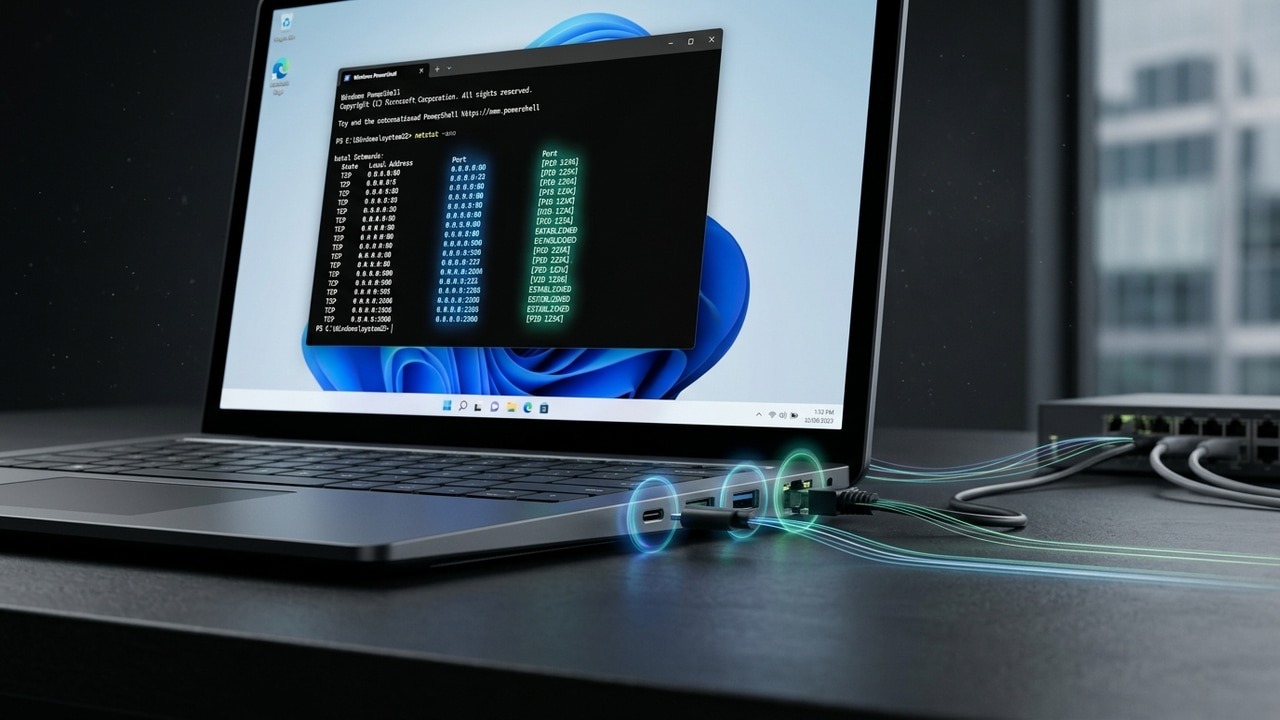
Windows Hidden Command to See Exactly Which Apps Are Using Your Ports
It is good to do an audit of your Windows system to find which port is in use. Here’s how to check the ports in use in Windows.
By Karrar Haider – Mar 13, 2026

The Proper Method to Block Windows Upgrade for Good
Stop accidental upgrades from ruining your setup. Freeze your Windows version now and ensure your computer stays on your own terms.
By Karrar Haider – Mar 11, 2026
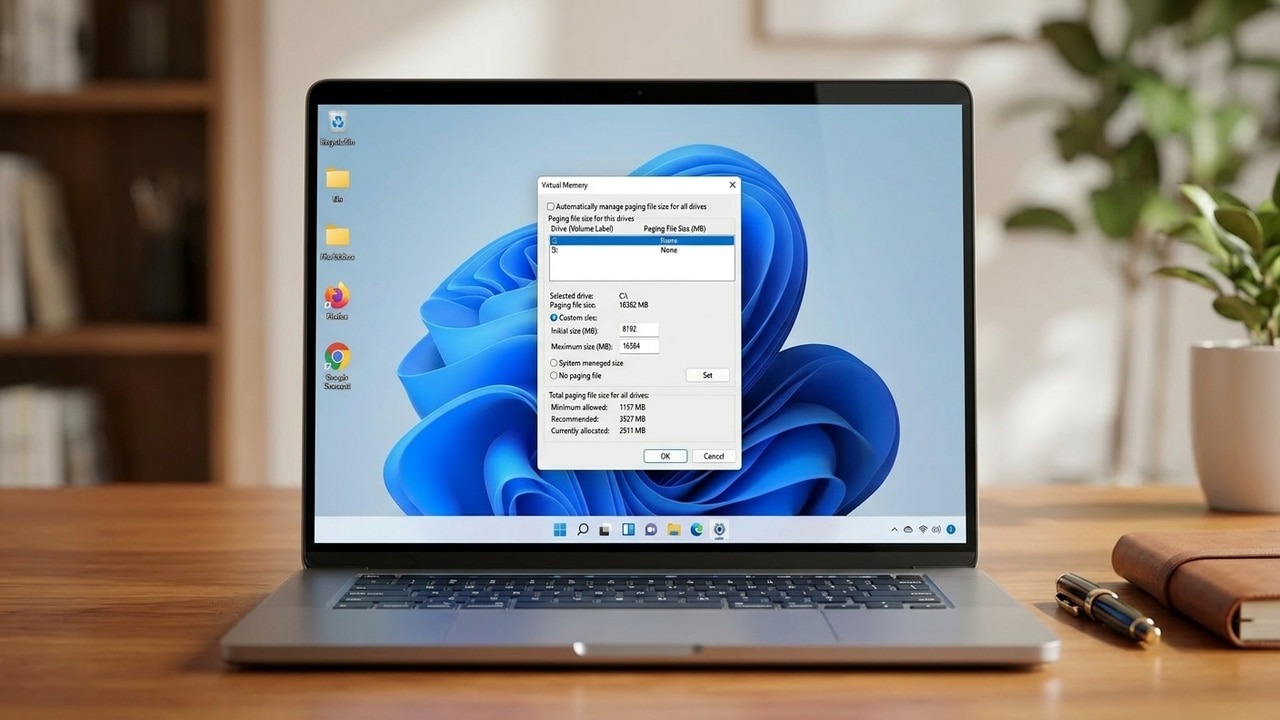
How to Modify Pagefile.sys in Windows to Your Advantage
Don’t delete pagefile.sys just to save space. This hidden Windows file keeps your PC stable, but you can definitely tweak it to your needs.
By Karrar Haider – Mar 10, 2026
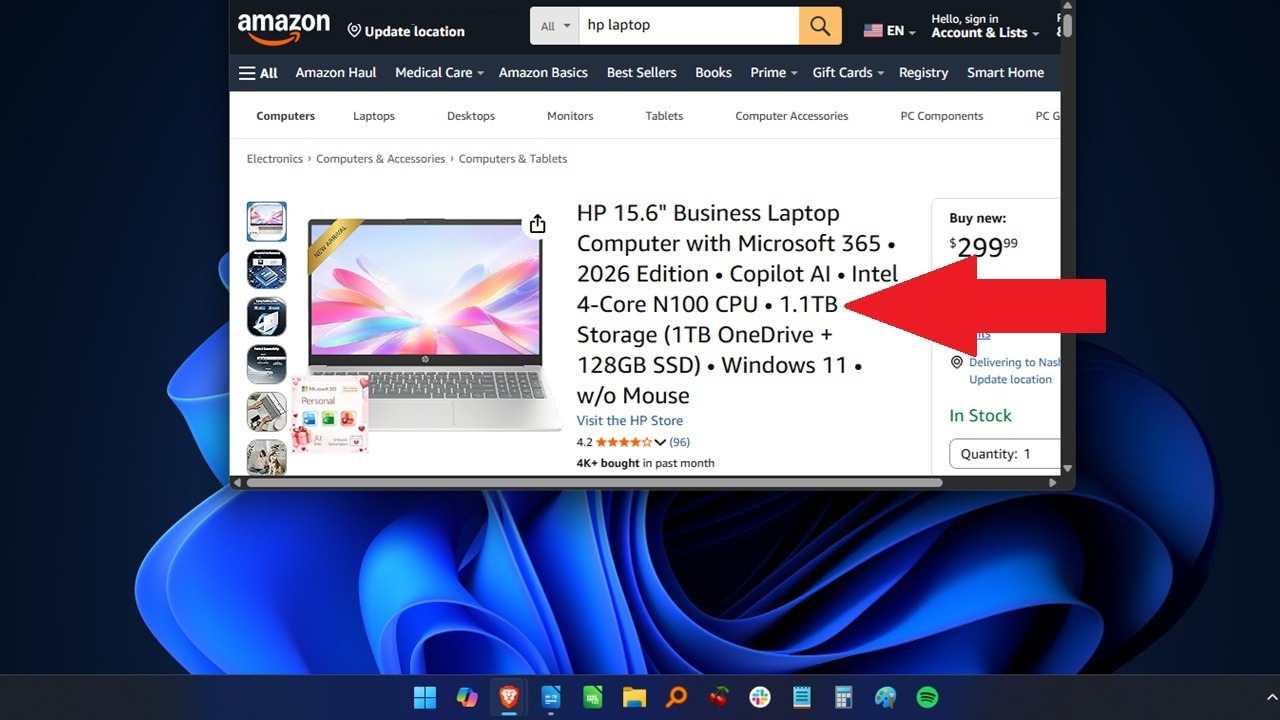
The Amazon PC Trap: Why Those “Cheap” Deals Are Actually Scams
Think that Amazon PC deal is a steal? Think again.
By Crystal Crowder – Mar 6, 2026
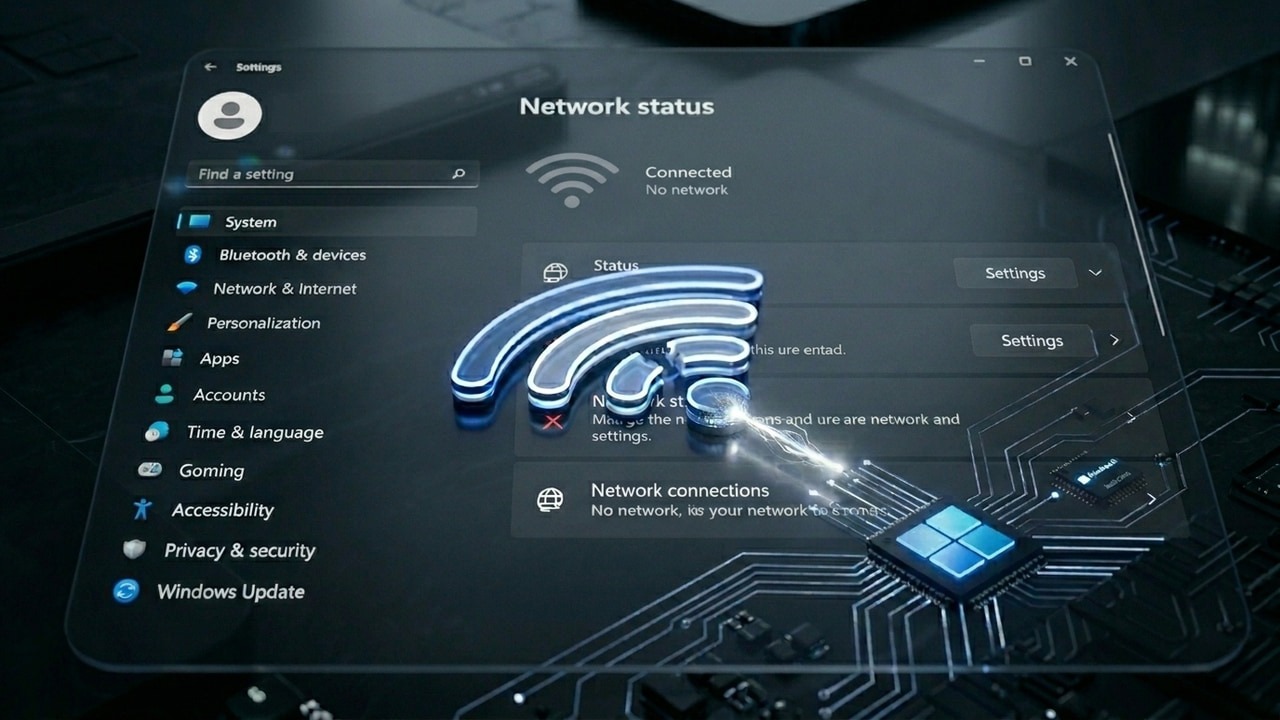
How to Fix the Wi-Fi Connected No Internet Issue in Windows
Does the “you are connected to Wi-Fi but can’t connect to the Internet” issue sounds familiar? Here’s how to fix it.
By Karrar Haider – Mar 3, 2026
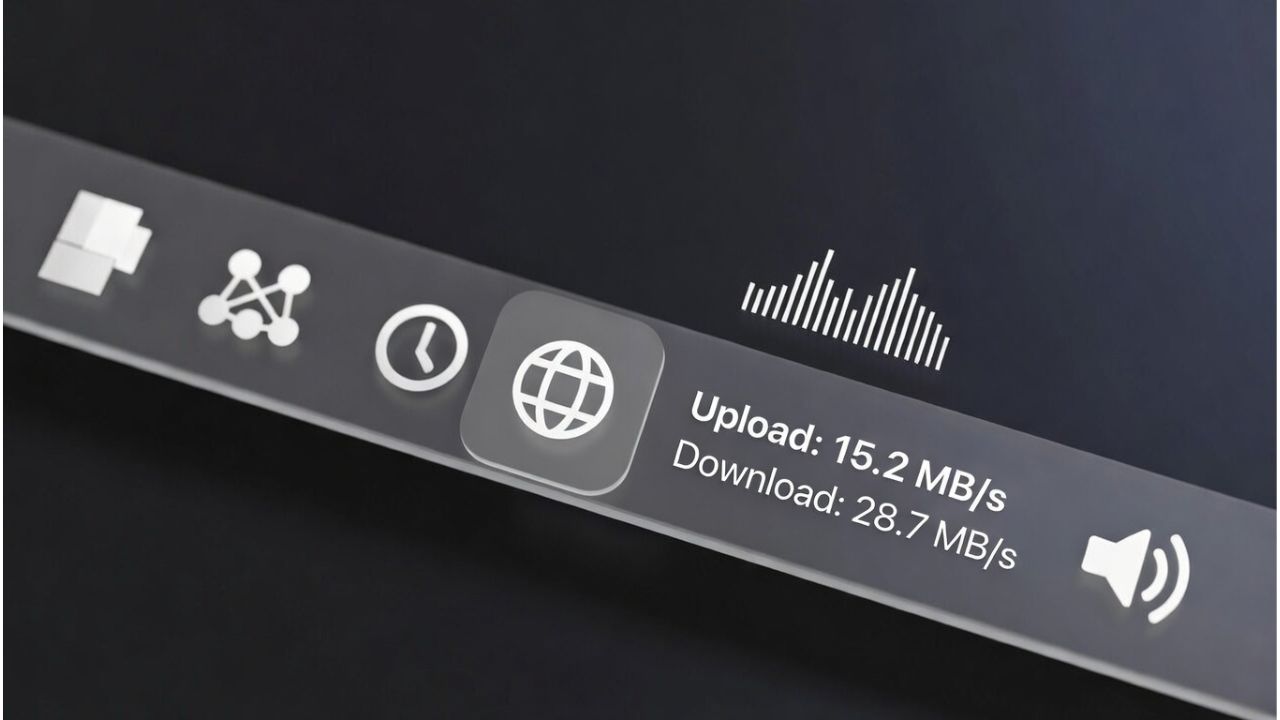
How to Display Your Internet Speed on the Taskbar in Windows
Learn how to display internet speed on the Windows taskbar with tools like Net Speed Meter and TrafficMonitor for real-time monitoring.
By Henderson Jayden Harper – Mar 1, 2026
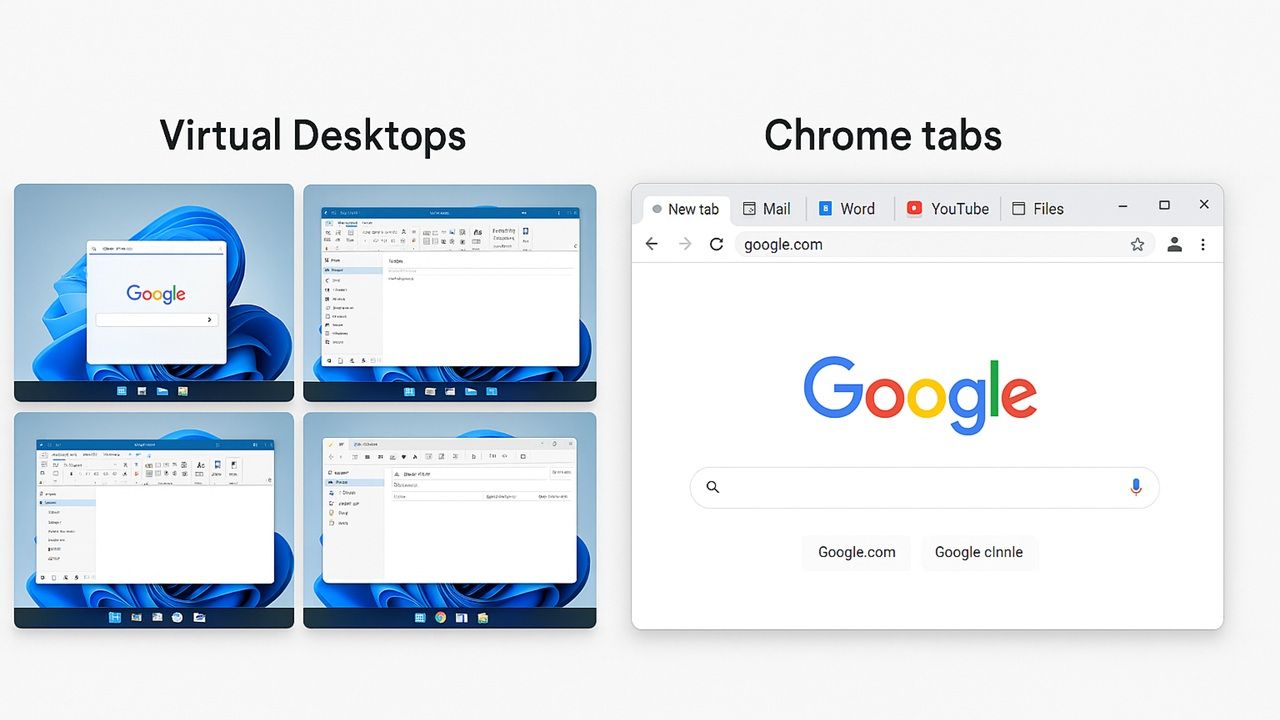
Why Using Virtual Desktops Beats Having 100 Tabs Open
Do you mostly use browsers for all your computing needs? By using virtual desktops instead of browser tabs, you get real speed improvements in Windows.
By Sayak Boral – Feb 25, 2026
How to Clean Up the WinSxS Folder in Windows the Right Way
You might’ve seen the “WinSxS” folder taking up a lot of space. Find out what this is and how you can clean it up to regain storage space.
By Karrar Haider – Feb 25, 2026
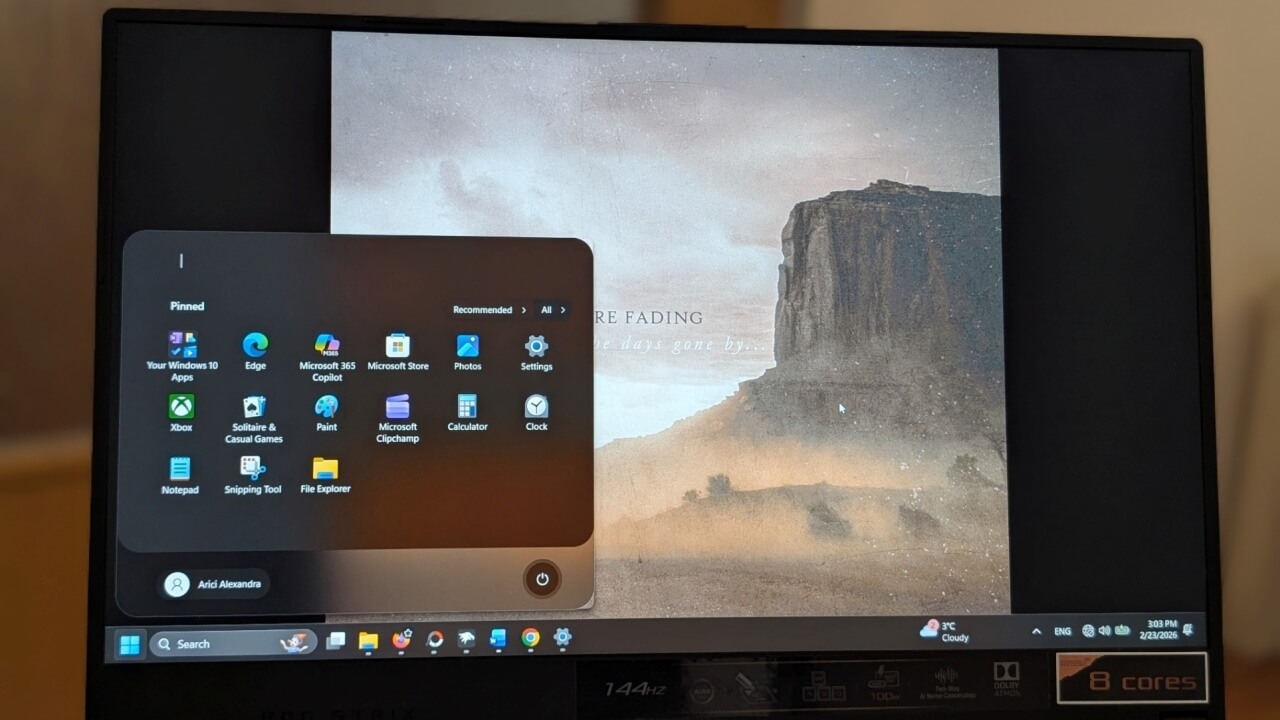
How to Resize the Increasingly Huge Start Menu in Windows 11
If you wish your Windows Start Menu were smaller than it currently is, check out the various ways we used to reduce its size.
By Alexandra Arici – Feb 24, 2026
Your Windows Secure Boot Certificates are Expiring Soon: Here’s How to Update to the Latest
Microsoft is taking its time with the certificate rollout, but you don’t have to. Activate the latest UEFI CA 2023 right now.
By Karrar Haider – Feb 24, 2026
Why is There So Much Bloatware on Windows? How to Identify and Safely Uninstall It
While Microsoft and manufacturers add bloatware to your system, and trade your disk space for profit, you don’t have to live with it.
By Karrar Haider – Feb 22, 2026
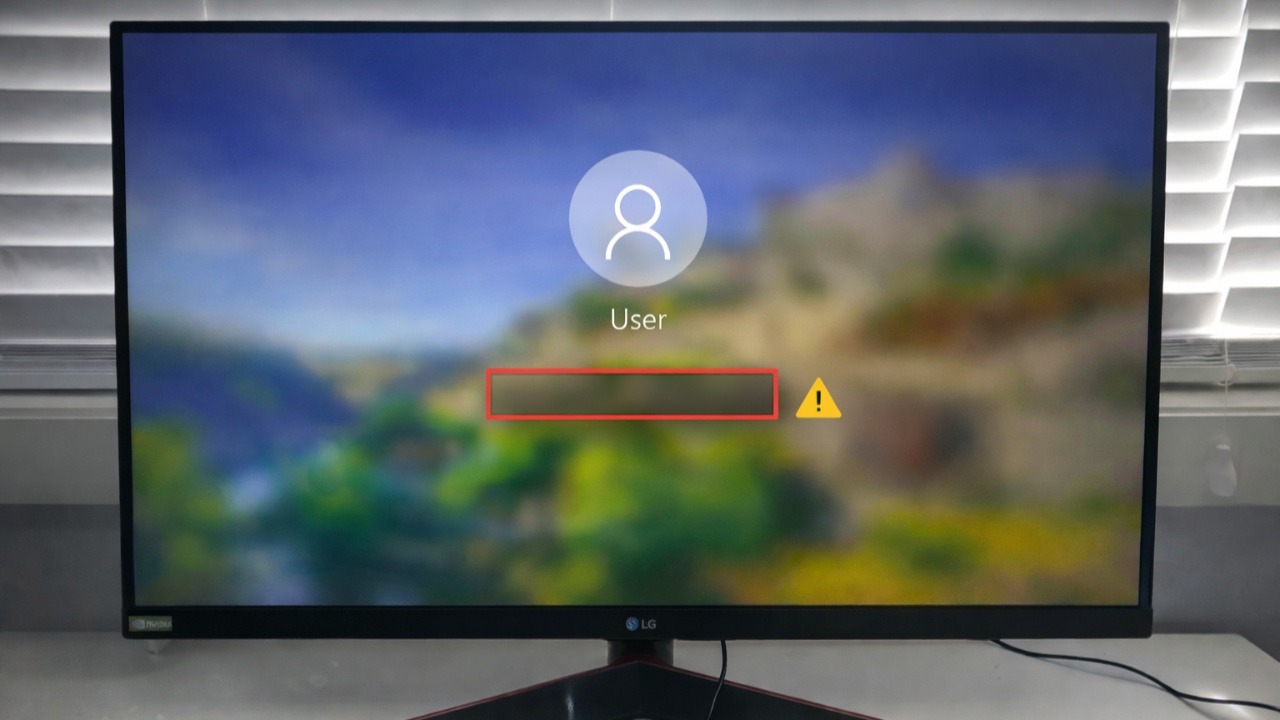
Why Did Your Windows Password Box Disappear? (And How to Force it Back)
Can’t sign in because your Windows password box is missing? Here’s how you can easily fix this Windows glitch.
By Oluwatokiloba Folami – Feb 13, 2026