Vue Bootstrap Modal - free examples & tutorial (original) (raw)
Vue Bootstrap 5 Modal component
Use MDB modal plugin to add dialogs to your site for lightboxes, user notifications, or completely custom content.
Note: Read the API tab to find all available options and advanced customization
Basic example
Click the button to launch the modal.
Advanced examples
Click the buttons to launch the modals.
Frame modal
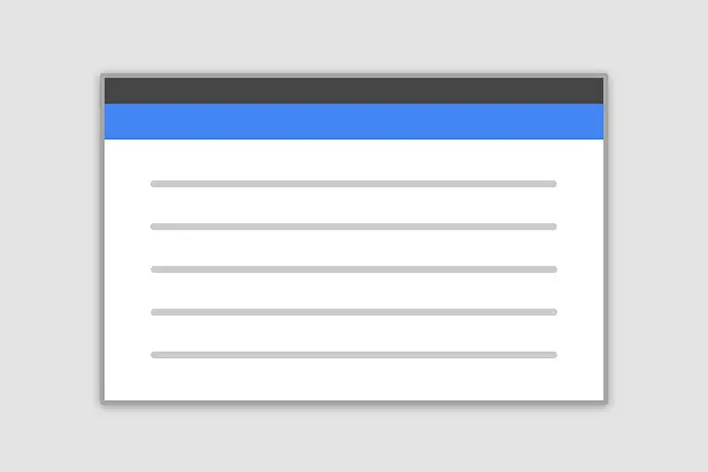
Position
Side modal
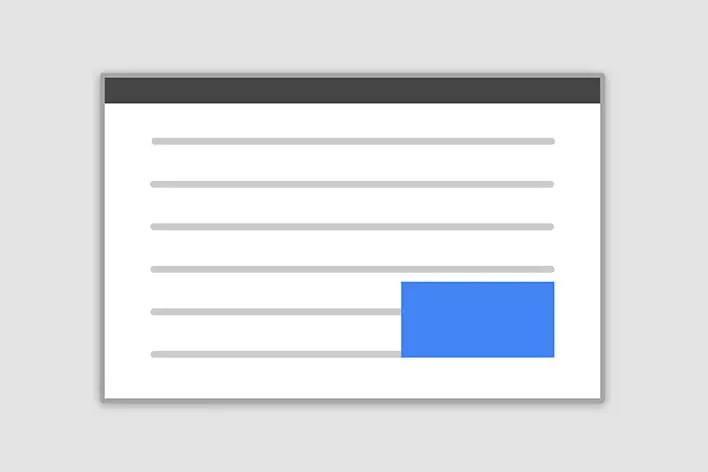
Position
Central modal
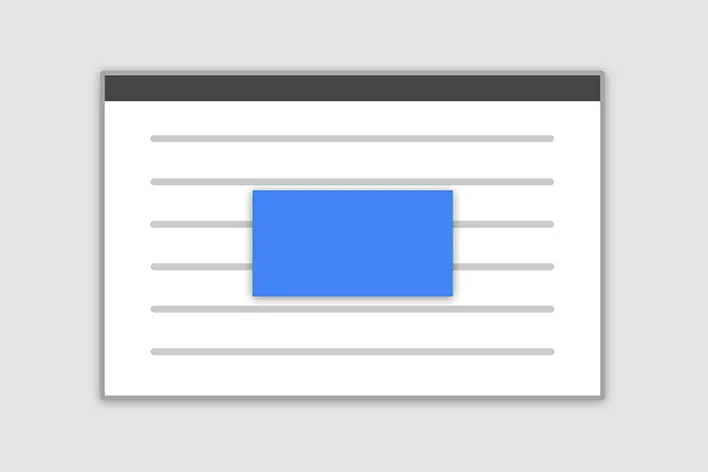
Size
How it works
Before getting started with MDB modal component, be sure to read the following as our menu options have recently changed.
- Modals are positioned over everything else in the document and remove scroll from the
<body>so that modal content scrolls instead. - Clicking on the modal “backdrop” will automatically close the modal.
- Bootstrap only supports one modal window at a time. Nested modals aren’t supported as we believe them to be poor user experiences.
- Modals use
position: fixed, which can sometimes be a bit particular about its rendering. Whenever possible, place your modal HTML in a top-level position to avoid potential interference from other elements. You’ll likely run into issues when nesting aMDBModalwithin another fixed element. - Once again, due to
position: fixed, there are some caveats with using modals on mobile devices. - Due to how HTML5 defines its semantics,the autofocus HTML attribute has no effect in Bootstrap modals. To achieve the same effect, use some custom JavaScript:
Modal components
Below is a static MDBModal example (meaning itsposition and display have been overridden). Included are theMDBModalHeader, MDBModalBody (required for padding), and MDBModalFooter (optional). MDBModalHeader is by default included with dismiss action button. You can also provide another explicit dismiss action, e.g. insideMDBModalFooter component.
Modal body text goes here.
Position
To change the position of the modal add one of the following properties to theMDBModal
Top right: side +position="top-right"
Top left: side +position="top-left"
Bottom right: side +position="bottom-right"
Bottom left: side +position="bottom-right"
Note: If you want to change the direction of modal animation, addposition="top | right | bottom | left" property to the MDBModal.
Frame
To make the modal "frame-like" add frame property to theMDBModal element. You also need to specify the position property with bottom or top values.
Static backdrop
When staticBackdrop property is added to MDBModal, the modal will not close when clicking outside it. Click the button below to try it.
Scrolling long content
When modals become too long for the user’s viewport or device, they scroll independent of the page itself. Try the demo below to see what we mean.
You can also create a scrollable modal that allows scroll the modal body by addingscrollable property to MDBModal.
Vertically centered
Add centered to MDBModal to vertically center the modal.
Tooltips and popovers
Tooltips andpopovers can be placed within modals as needed. You can add function on hide event to manually close any opened popover or tooltip when closing modal.
Using the grid
Utilize the Bootstrap grid system within a modal by nestingMDBContainer fluid{ within the MDBModalBody{. Then, use the normal grid system properties/classes as you would anywhere else.
Varying modal content
Have a bunch of buttons that all trigger the same modal with slightly different contents? Use Vuerefs to vary the contents of the modal depending on which button was clicked.
Below is a live demo followed by example Vue template and script.
Toggle between modals
Toggle between multiple modals with some clever placement of thedata-mdb-target and data-mdb-toggle attributes. For example, you could toggle a password reset modal from within an already open sign in modal.Please note multiple modals cannot be open at the same time—this method simply toggles between two separate modals.
Below is a live demo followed by example HTML and JavaScript. For more information, read the modal API/events doc for details on relatedTarget.
Change animation
The $modal-fade-transform variable determines the transform state ofmodal dialog content before the modal fade-in animation, the$modal-show-transform variable determines the transform of.modal-dialog at the end of the modal fade-in animation.
If you want for example a zoom-in animation, you can set$modal-fade-transform: scale(.8).
Remove animation
For modals that simply appear rather than fade in to view, add the:animation="false" property to your modal markup.
Button with icon
Accessibility
Be sure to add labelledby="...">, referencing the modal title, toMDBModal>. Additionally, you may give a description of your modal dialog witharia-describedby> on MDBModal>. Note that you don’t need to addrole="dialog"> since we already add it inside component.
Embedding YouTube videos
Embedding YouTube videos in modals requires additional JavaScript not in Bootstrap to automatically stop playback and more.See this helpful Stack Overflow post for more information.
Optional sizes
Modals have three optional sizes, available via modifier properties to be placed on aMDBModal. These sizes kick in at certain breakpoints to avoid horizontal scrollbars on narrower viewports.
| Size | Property | Modal max-width |
|---|---|---|
| Small | size="sm" | 300px |
| Default | None | 500px |
| Large | size="lg" | 800px |
| Extra large | size="xl" | 1140px |
Fullscreen Modal
Another override is the option to pop up a modal that covers the user viewport, available viafullscreen properties that are placed on a MDBModal.
| Class | Availability |
|---|---|
| fullscreen | Always |
| fullscreen="sm-down" | Below 576px |
| fullscreen="md-down" | Below 768px |
| fullscreen="lg-down" | Below 992px |
| fullscreen="xl-down" | Below 1200px |
| fullscreen="xxl-down" | Below 1400px |
Non-Invasive Modal
This type of modal does not block any interaction on the page. Simply add property nonInvasive to MDBModal.