Android Performance Tuner | Google Play Console (original) (raw)
Get game performance insights that help you deliver the best possible user experience by optimizing frame rate stability, loading time, and fidelity across devices


Essentials
Find the tools and guidance you need to accomplish your goals with Google Play.
Find the tools and guidance you need to accomplish your goals with Google Play.
Topics
Resources
Topics
Resources
Learning
Learn the skills and best practices to help every part of your business thrive.
Learn the skills and best practices to help every part of your business thrive.
Guides for every topic
Find the right tools and resources for your goals.
Play Academy
Get online training, targeted for every stage of your business growth.
Insights
Find the most impactful reports and insights to drive your app growth.
Case studies
See real-world stories and businesses thriving on Google Play.
#WeArePlay
Learn about the global community building amazing apps on Google Play.
Programs
Get involved with programs designed to support the needs of all types of businesses.
Get involved with programs designed to support the needs of all types of businesses.
For reaching new audiences
Google Play Games
For childrens' app
For content and media apps
Pilot programs
For reaching new audiences
Google Play Games
For childrens' app
For content and media apps
Pilot programs
Play Console
Learn about Play Console features and leverage our best practices.
Learn about Play Console features and leverage our best practices.
Test
Release
Grow
Quality
Monetize
Manage
- Monitor your users’ experience
Track your game’s performance on actual user devices in the real world - Diagnose performance issues
Narrow down the root cause of issues, from game-specific problems to device spec or device models, quality levels, and more - Get the most out of every device
Understand when devices are able to support a higher fidelity or frame rate
Best practices
- Unlock performance insights by integrating Android Performance Tuner (APT)
- Validate your integration by publishing your title to internal users before releasing to external users
- Check your game’s launch readiness by using APT during closed or open testing
- Monitor your frame rate stability to maintain at least 30fps
- Set effective loading time targets by understanding your user abandonment
- Get more specific performance insights by labeling parts of your code
Find out more
- Game performance insights Learn about the new insights you unlock when you integrate APT Learn more
- Integration paths Learn how to integrate APT into your game Learn more
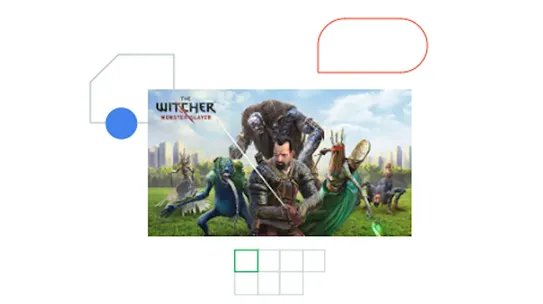
The Witcher: Monster Slayer increases reach with Android Performance Tuner

Learn about new loading time insights in APT, including metrics for different types of loading and loading abandonment.
Watch video

Get an overview of how to integrate APT into your game and the new insights that this will unlock.
Watch video
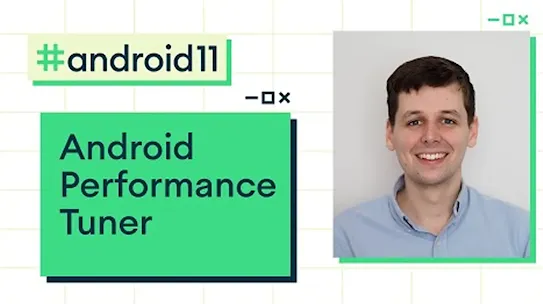
Go deeper on how to ensure your integration is a success, and how to make the most of the new insights.
Watch video
More on app quality
Drive long term success by improving key app quality components including content, user experience and technical performance

Console features
- Android vitals Monitor and improve the technical quality of your app or game. Android vitals reports on key user-impacting issues and helps you to debug and prioritize across them
- Pre-launch report Spot issues before they affect your users. Test on a range of Android devices to learn more about your app's stability, performance, accessibility, and more.
- Ratings Your app rating is a reflection of how users respond to your app. Learn what affects your rating and what you can do to influence it.
- Reviews Discover what users are saying about your app. Engage with users by responding directly to their feedback.

Try Android Performance Tuner
Get game performance insights that help you deliver the best possible user experience by optimizing frame rate stability, loading time, and fidelity across devices.