YouTube Masthead - Google Ads Help (original) (raw)
With YouTube Masthead, you can showcase your brand, product, or service in a native video-based ad format that appears in the YouTube Home feed across all devices. YouTube Masthead is ideal for people who want to:

In this article, you’ll learn about YouTube Masthead types, assets, technical specs, and reporting tools.
On this page
- YouTube Masthead types
- How Masthead appears on YouTube
- Available assets
- Pricing
- Reporting tools
- Third-party measurement
- Remarketing
YouTube Masthead types
There are 2 available YouTube Masthead types that you can buy:
- Cost-Per-thousand Impression (CPM) Masthead: This provides a reserved and fixed volume of impressions that are delivered over the course of your campaign. CPM Mastheads are available globally through your Google Representative or directly in Display and Video 360 (DV360) Instant Reserve or Google Ads Reservation. Learn about CPM Masthead campaigns
- Cost-Per-Hour (CPH) Masthead: This provides 100% Share-of-Voice (SOV) of eligible impressions of YouTube’s Masthead unit during the reserved hours you buy. Available only through your Google Representative.
How Masthead appears on YouTube
Desktop
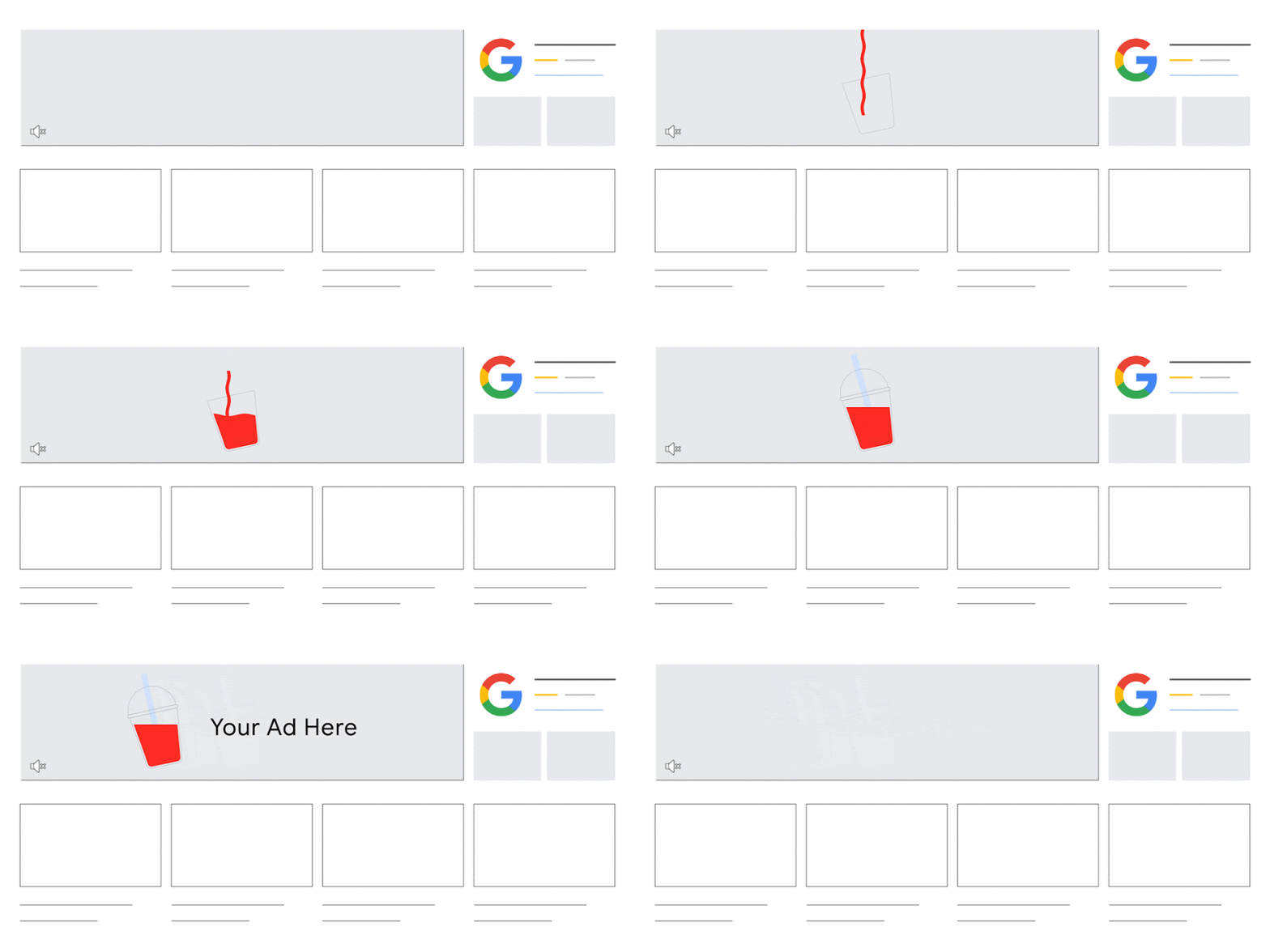
Mobile

TV screens
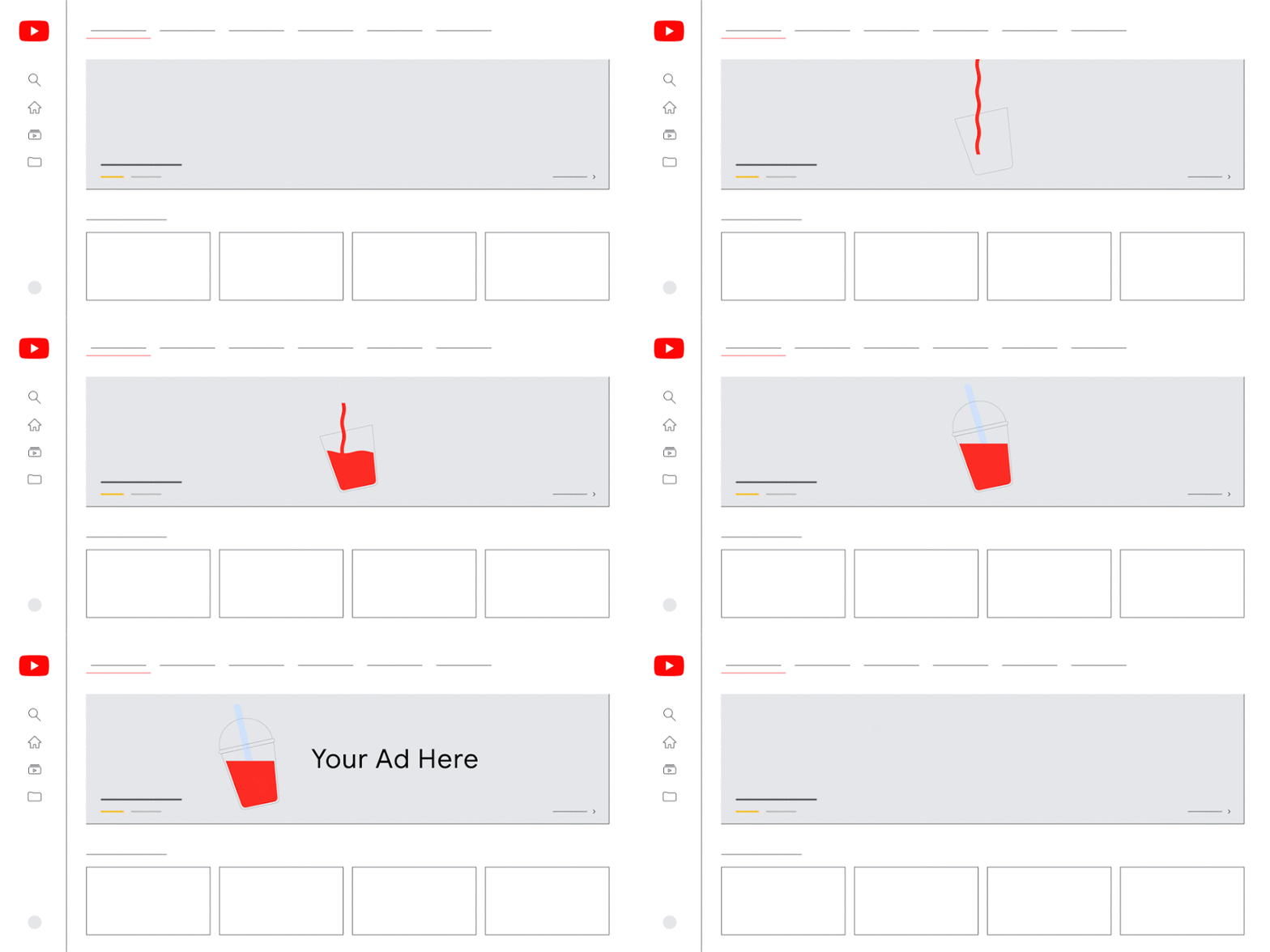
Tablet
Available assets
You can use these assets in a Masthead. To preview your assets, use the YouTube Masthead Preview Tool. The YouTube Masthead Preview Tool shows what your Masthead will look like on YouTube across desktop, mobile, and TV screens.
Notes:
- YouTube Masthead ads use responsive formatting to show the most optimal ads across different devices. This provides greater flexibility when it comes to asset specifications.
- Some assets may not be supported or have limited support in the Masthead format:
- 360 videos and app install campaigns aren’t supported.
- YouTube Premieres have limited support for Masthead campaigns.
| Asset | Supported device(s) | Guidelines |
|---|---|---|
| YouTube video URL | Desktop Mobile TV screen | The link to your video. The URL can be any standard video uploaded to YouTube. The video must be "Public" or "Unlisted" to be eligible to serve. (Recommended) Provide a 16:9 video for optimal performance. The resolution should be 1920 x 1080 or higher. |
| Headline | Desktop Mobile TV screen | The text that appears next to, on, or under the Masthead. Use the YouTube Masthead Preview Tool for recommendations on text lengths. |
| Call-to-action button text | Desktop Mobile | The text in the call-to-action button. Use the YouTube Masthead Preview Tool for recommendations on text lengths. |
| Final URL | Desktop Mobile | The Final URL is mandatory when you use a call-to-action button. The Final URL can go to other pages on YouTube or go directly to another website. Use the YouTube Masthead Preview Tool for recommendations on text lengths. All creatives within a Masthead must use the same final URL’s domain. Note: For Mastheads, the final URL is the YouTube URL used in a Masthead and not the CTA. |
| Click-tracking URL (Optional) | Desktop Mobile | This URL can be used to track click activities on the call-to-action button. The Click-tracking URL should be cache-busted and should redirect to the Final URL defined in the Masthead Preview Tool. |
| Supporting description text | Mobile TV screen | An optional description that accompanies the Masthead. Use the YouTube Masthead Preview Tool for recommendations on text lengths. |
| Primary video layout | Desktop TV screen | The way the Masthead appears on a compatible device. You can select either "Widescreen" or "Standard video size". |
| Autoplay timing | Desktop | The video start time and duration. For desktop, the Masthead video will autoplay for up to 30 seconds. You can specify the exact start point in the video when autoplay should begin, and the amount of time it should run, up to 30 seconds. Captions may be automatically added to videos when the video is muted. You can turn off automatically generated captions for your videos in Video Manager. Learn how to Edit and remove captions. |
| Companion videos | Desktop | Optional: Videos that appear next to the Masthead ad on desktop. 2 unique YouTube videos must be added to enable companion videos. The companion videos don’t need to be from the same channel. Note: Enter the IDs of the videos you want to accompany your Masthead ad. YouTube playlist URLs are no longer supported to add companion videos. |
| Channel art | Desktop | A background or banner that appears at the top of a YouTube page. Channel art is automatically pulled from the YouTube Channel and accompanies the Masthead. You can choose to enable or disable channel art for both "Standard video size" and "Widescreen". You can only enable channel art for "Widescreen" if "Companion videos" are disabled. You should finalize channel art at least 2 days before you run a Masthead ad. |
| Channel icon | Desktop Mobile | An icon that represents the YouTube channel. The channel icon is automatically pulled from the YouTube channel and accompanies the Masthead. You should finalize the channel icon at least 2 to 3 days before you run a Masthead ad. |
Pricing
- Mastheads have a fixed CPM price and will include upcharges depending on the targeting criteria used.
- Rates vary by market, so you can only target one country per campaign.
- You can check your final CPM price in the quote session during campaign construction.
Note: You’ll only be charged for impressions actually delivered in all reservation campaigns, including Masthead. This means we won’t charge you for over delivered impressions, and you'll only pay for the impressions served in case your campaign didn't spend the entire budget.
Reporting tools
Metrics
The Masthead format supports these metrics in reporting. Availability of some metrics depends on the buying model and the device where the Masthead appears.
- Impressions
- Impressions (co-viewed)
- Clicks to video
- Video viewership ("Video played to: 25% or 50% or 75% or 100%")
- Clicks to your website (optional)
- Clicks to YouTube channel
- Clicks on companion videos
Note: For Masthead on TV screens, metrics are limited to ad impressions, clicks to video, video viewership, and clicks to a YouTube channel. The "Impressions (co-viewed)" metric is inclusive of co-viewing, which occurs when multiple people watch ads together on connected TV devices.
Third-party measurement
- Allowed: Ad impressions (1x1 pixel URL), clicks to your website (redirect URL), viewability, reach and brand lift.
- Not allowed: Pixels intended to collect data on audience composition and JavaScript pixels aren't allowed. Brand safety measurement is also not supported with YouTube Masthead third-party measurements.
Notes:
- All impression tracking pixel URLs must begin with "https://".
- Google only accepts third-party redirect URLs or tracking pixels from certified vendors. View the full list of approved vendors.
Remarketing
- Impressions: Remarketing tags aren't accepted for impressions.
- Views: Remarketing lists can be created based on YouTube Audience lists and video views.
- Clicks (to play): Floodlight remarketing tags are accepted (only for Masthead on desktop).
Related link
Was this helpful?
How can we improve it?