Update Firefox to the latest release (original) (raw)

FirefoxFirefox  Last updated: 10/10/25
  60% of users voted this helpful
Note: If you use your Linux distribution's packaged version of Firefox, you will need to wait for an updated package to be released to its package repository. This article only applies if you installed Firefox manually (without using your distribution's package manager).
Firefox updates automatically in most cases, but you can manually check for and install updates if needed. Keeping Firefox up to date ensures you have the latest features, security improvements, and compatibility with websites.
Update Firefox
- Click the menu button
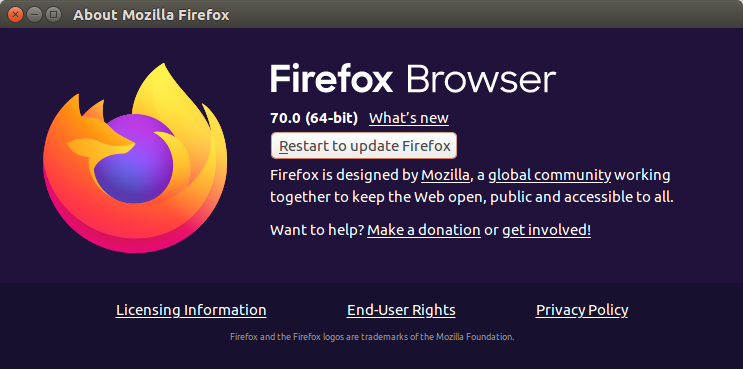
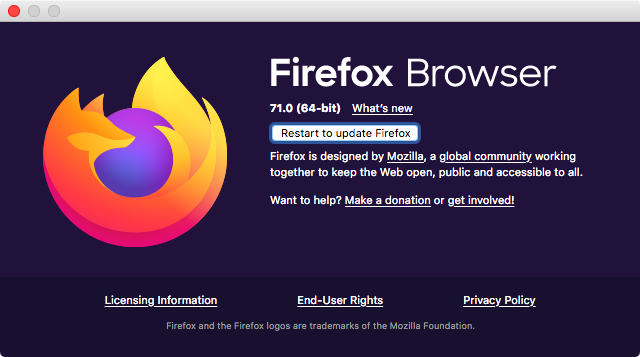
 at the right side of the Firefox toolbar, go to , and select .In the menu bar, open the menu and choose . The About Mozilla Firefox About Firefox window will open.
 - Firefox will check for updates automatically. If an update is available, it will be downloaded.
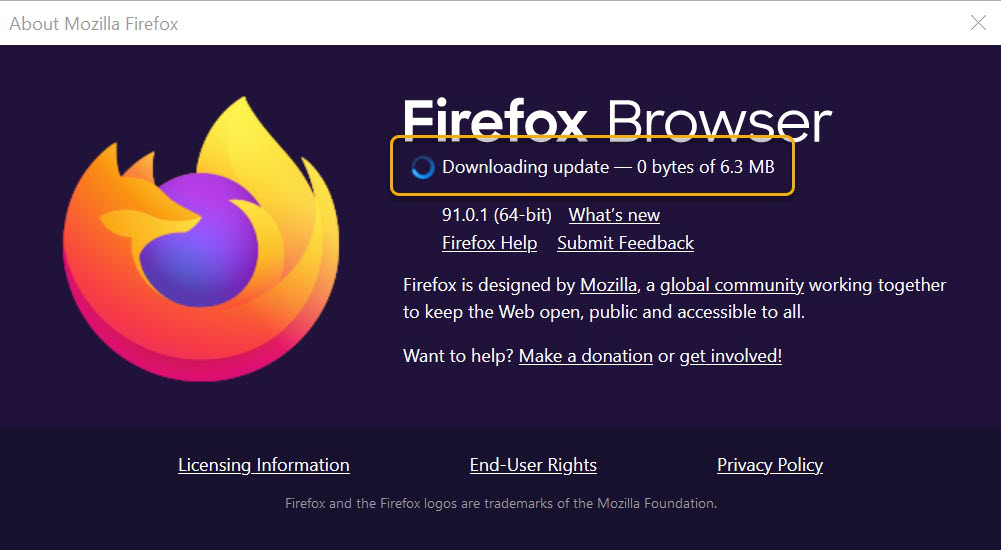
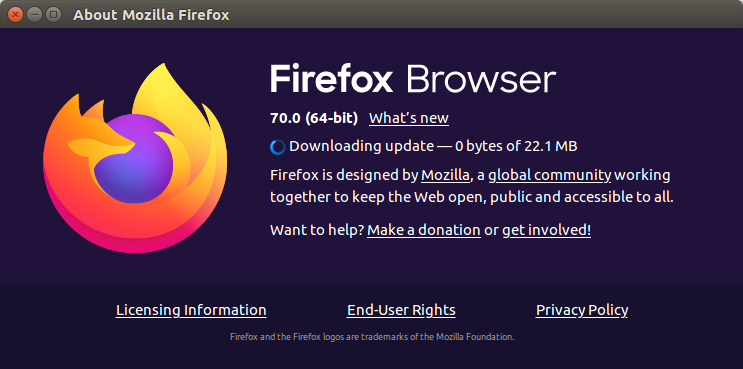
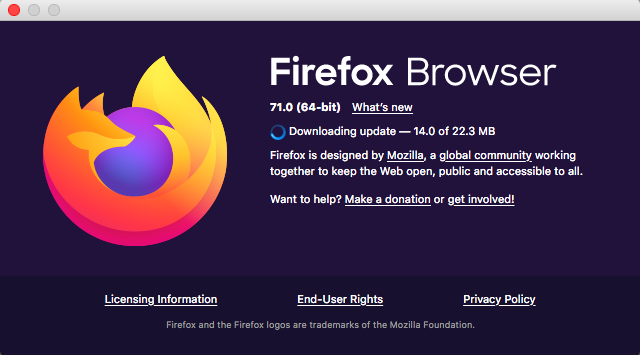
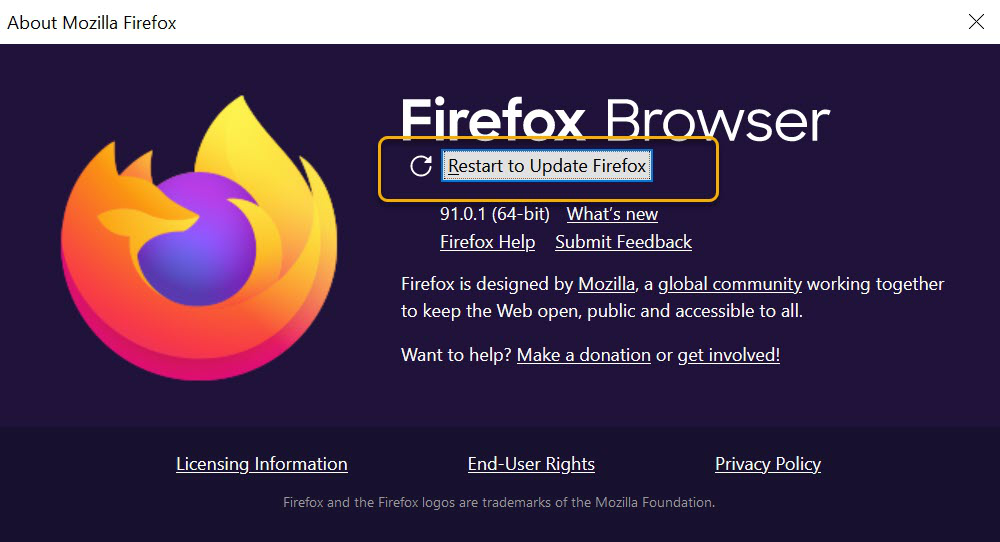
Note: Firefox may still be downloading the latest update in the background even if the “About Firefox” window says it’s up to date. Updates are applied after restarting Firefox. - When the download is complete, click Restart to update Firefox.
Note: If you're using a version of Firefox installed through your Linux distribution’s package manager, Firefox updates are managed by your system’s software updates. You won’t see update options in the Firefox settings.
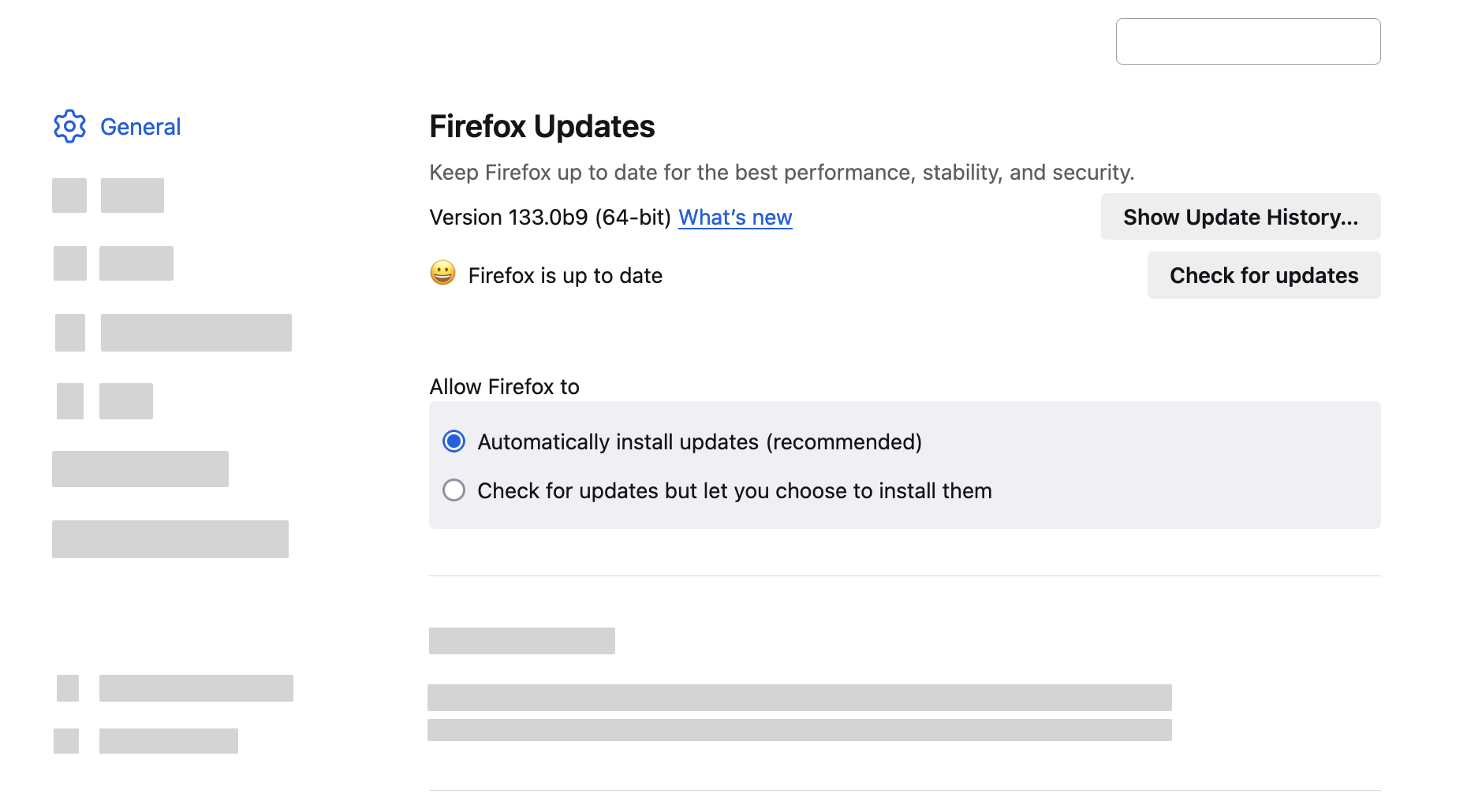
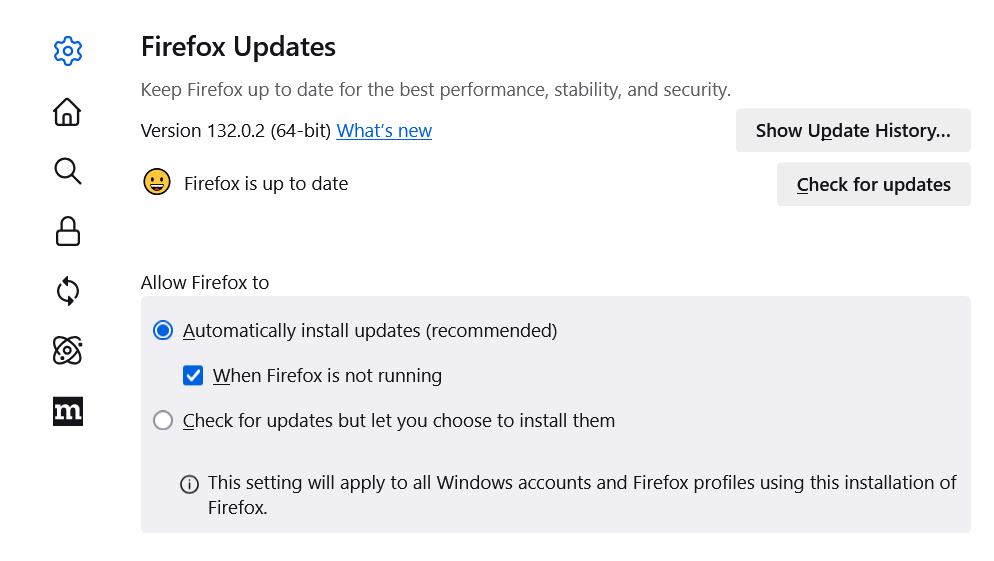
Configure how Firefox installs updates
- In the Menu bar at the top of the screen, click and select (select on older macOS versions).Click the menu button and select .
- In the panel, go to the Firefox Updates section.
Troubleshooting update problems
If you updated Firefox but cannot open the application or the update does not install properly, try the following:
- Download the Firefox installer, then close Firefox and run the installer. All of your data will be preserved.
- Follow the steps in Firefox won't start - find solutions.
- Restart Firefox, and restart your computer.
Related articles
- Manage Firefox updates
- Best practices for installing and updating Firefox
- I found a fake Firefox update
These fine people helped write this article:
AliceWyman, Chris Ilias, Kevin, Cheng Wang, Kadir Topal, Michele Rodaro, Michael Verdi, scoobidiver, rgnjilx, Swarnava Sengupta, fredy, ideato, Mozinet, user669794, Sourav Lahoti, hoosteeno, Wesley Branton, Lan, Joni, Marcelo Ghelman, TalkingFirefox, Ömer Timur, John E Case, khdzstudio, Random121, Rashid, RRobinson, Bobby, Angela Lazar, Victoria Wang, adhistac, p18009423, romado33, Julie, BD, Lucas Siebert, Donna Kelly, Denys

Volunteer
Grow and share your expertise with others. Answer questions and improve our knowledge base.