Web content blocker: safer and cleaner browsing (original) (raw)
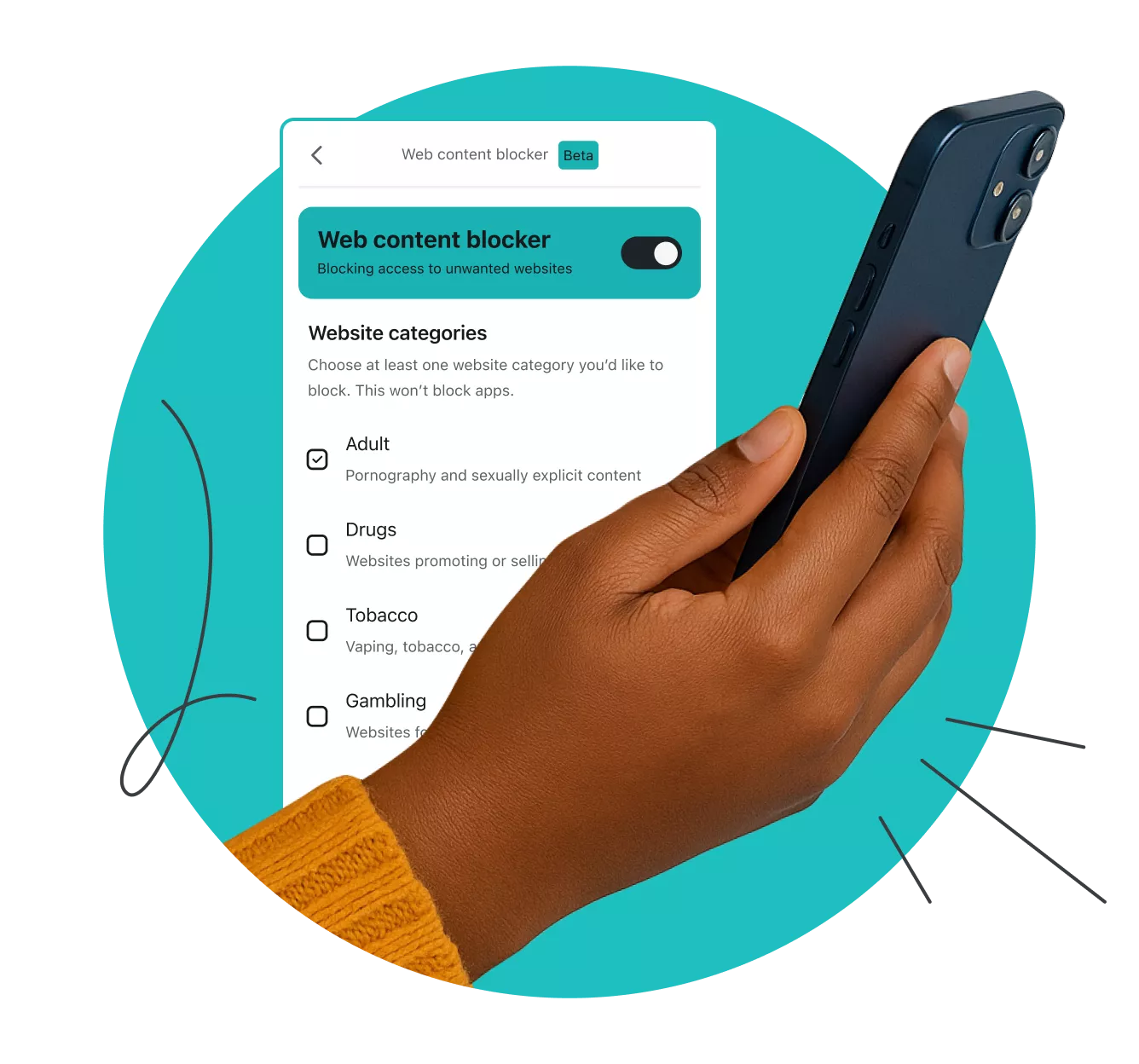
Protect your family with web content blocker
- Block unwanted website categories from your browser
- Defend your household devices with customizable filters
- Safeguard others from internet threats while respecting their privacy
What is Surfshark’s web content blocker?
Web content blocker blocks access to specific website categories that users select from a provided list. It lets you manage content access on your family’s devices and lock your settings with 2FA (Two-factor Authentication).
Unlike traditional parental controls, our feature lets you shield others from malicious content and website categories without snooping on their browsing activity.
Web content blocker works on an unlimited number of Windows, macOS, iOS, and Android devices.

How to activate web content blocker
Rid your screens of unwanted or harmful sites in three easy steps:

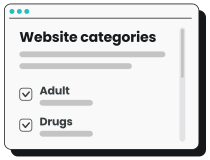
2. Pick your categories
Select the categories you want to block access to, whether it’s risky sites or graphic content.
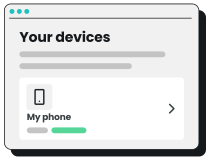
3. Apply your rules
Choose what to protect — you can block website categories on Windows, macOS, iOS, and Android devices.
Why should you filter your content?
With web content filtering from Surfshark, you can block website categories and enjoy:
Greater safety for your family
Secure your loved ones from malicious sites and inappropriate content. Whether you block adult content to protect children or help older relatives avoid sites with scams or malware, you can turn control into care.

Simplified household life
Effortlessly manage what household members can’t access on their browsers. Our category-based website blocker lets you and your family surf the web without worrying about inappropriate content.

Cleaner online experience
Enjoy smoother surfing that doesn’t have the pitfalls of problematic content. Head straight to your favorite sites and take control of your free time, knowing pages from your chosen categories are blocked.
Multidevice protection
From laptops to smartphones, you can guard all the household devices you want. Surfshark’s web filtering lets you control access to sites on the most popular platforms — Windows, macOS, iOS, and Android.
User-friendly interface
Create web content filters without needing to install clunky software or extensions. Toggle on your web blocker in the intuitive Surfshark web app, which includes our VPN, Antivirus, and more.

Fewer distractions
Removing unwanted sites from your screens can help boost productivity. Stay focused on what’s important by blocking distracting or intrusive websites that get in the way of all your household users.
Note: Other VPN providers can often only filter content when the VPN is on. With Surfshark’s web content blocker, you can block websites whether the VPN is on or off — the choice is yours.
Experience web content blocker with a Surfshark One subscription
Surfshark offers three plans that provide robust security features tailored to different needs. Surfshark’s web content blocker is available in the Surfshark One and Surfshark One+ bundles.
Surfshark Starter
Essential privacy protection for your daily browsing.
- VPN: surf safely online
- Alternative ID: protect your identity
- Clean Web: block ads and
pop-ups
Surfshark One
All-around coverage for your online activities and devices.
- VPN: surf safely online
- Alternative ID: protect your identity
- Clean Web: block ads and
pop-ups - Web content blocker: block unwanted sites
- Antivirus: defend your devices
- Alert: monitor your data leaks
Surfshark One+
Extra security for your browsing, devices, and identity.
- VPN: surf safely online
- Alternative ID: protect your identity
- Clean Web: block ads and
pop-ups - Web content blocker: block unwanted sites
- Antivirus: defend your devices
- Alert: monitor your data leaks
- Incogni: reclaim your data
See why millions trust Surfshark
Check out what users and tech experts around the world have to say about Surfshark.
The reviews highlighted in this section were selected from publicly available posts on social media platforms. They reflect the opinions of individual users at the time of posting and may not represent the full range of our product features and qualities.
“Surfshark is a highly polished and powerful VPN that competes with the very best premium providers, all while offering a seriously tempting price point.”
“Surfshark is one of the best VPN services, comes crammed with features, runs on almost anything, and has some of the best download speeds around.”
“Surfshark is an excellent, well-rounded virtual private network that consistently ranks as one of CNET’s best VPNs.”
The reviews quoted on this page have been published by media outlets associated with Surfshark through affiliate partnerships. Their recommendations are based on their own independent research and insights to ensure value for the readers.
I have been using Surfshark since I got it and I love it!

MRWHOSETHEBOSS 20.2M subscribers
When I am traveling, I use Surfshark to access the internet quickly and securely, works like a treat in China.

SAM CHUI 3.61M subscribers
We love Surfshark because it is an easy-to-use app that you can download on all your devices.

MAX & OCCY 265K subscribers
The reviews quoted on this page have been published by media outlets associated with Surfshark through affiliate partnerships. Their recommendations are based on their own independent research and insights to ensure value for the readers.
“This is my first year and I absolutely love it. The fact I can have a good antivirus, great VPN, and incognito for like $120 a year is great.”
“I’ve been using Surfshark for 4 years on Android and ChromeOS with zero issues, it’s an absolute bargain”
“I’ve had it for 3 years and just renewed it for the next 2 years. I never have any issues with it and get my full internet speed..”
The reviews highlighted in this section were selected from publicly available posts on social media platforms. They reflect the opinions of individual users at the time of posting and may not represent the full range of our product features and qualities.

FT 1000: Europe’s Fastest Growing Companies 2024

Tech Advisor Editors’ Choice 2024

TechRadar Recommended 2024

Surfshark Antivirus AV-TEST Top Product 2024

Independent’s Editor’s Choice Best Value VPN 2023
Surfshark supports the open internet
We partner with digital rights organizations to promote online freedom and keep the internet safe and accessible to all.
Protect all your devices with one account
With Surfshark, you can use web content filtering to block website categories on your favorite devices. Select an icon to visit your chosen platform’s dedicated Surfshark download page.
Surfshark’s web content blocker lets you customize which site categories you want to block on each device — all while using a single account. Block websites on popular internet browsers and apps like Google Chrome, Firefox, and Edge.
FAQ
You can block access to inappropriate content using a website blocker. These tools let you filter websites to prevent you and other members of your household from reaching unwanted or malicious sites.
Surfshark’s web filtering blocks websites on Windows, macOS, iOS, and Android devices.
Yes, content blockers are legal in most countries and let you create filters to enhance privacy, increase security, and promote safer browsing. This makes them popular for households and organizations like businesses and educational institutions.
However, specific websites or services may restrict web content filtering in their terms of service, so review platform policies if you’re unsure.
Yes, completely free content blockers are available, but these often offer basic features for a limited number of devices. For advanced protection and customization, look for paid tools like Surfshark’s web content blocker, which comes in the Surfshark web app.
Use a web app with web content filtering to block inappropriate sites on your phone. Tools such as Surfshark’s web content blocker can let you block websites by restricting specific categories on mobile devices running iOS or Android.