Automate your workflow with Trello (original) (raw)
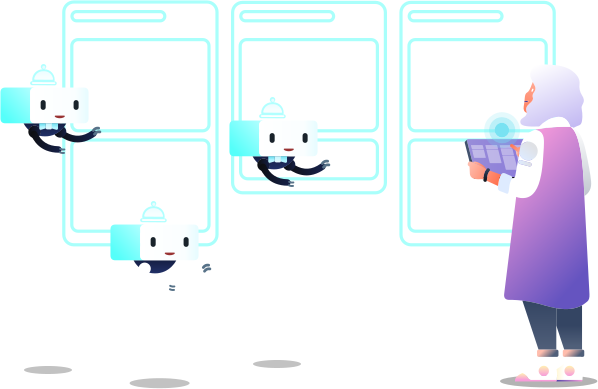
Powerful no-code automation is built into every Trello board. With Automation, you can focus on the work that matters most.
Start automating today — It’s free!
Create rules, buttons, and commands to automate almost any action in Trello.
Rule your boards

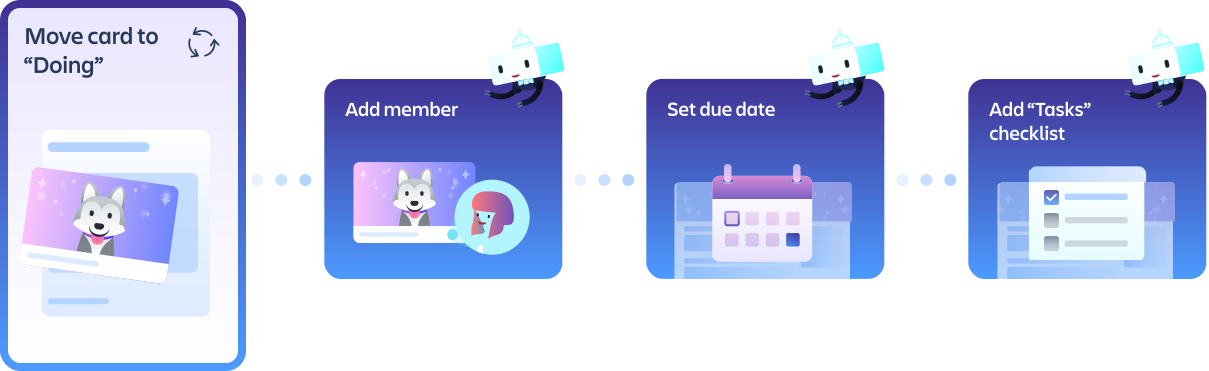
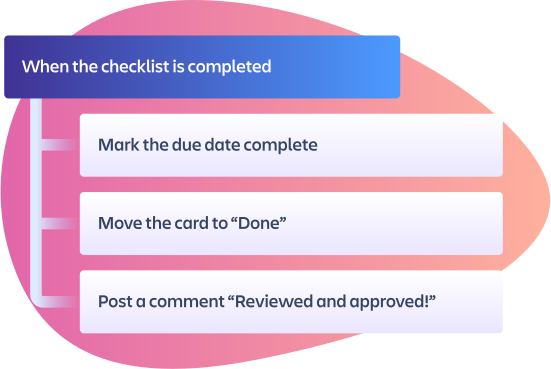
Setting rules means important tasks won’t fall through the cracks. Just set a trigger and the actions to be performed, and let Automation run the show. Doesn’t that rule?
- When a card is created in a "To Do" list, add the "Steps" checklist so that you don’t miss a beat.
- When you enter a card name ending with a date, set the card to be due on that date. Perfect for when emailing cards to your board.
- When a card is marked as “Done,” automatically mark the due date as complete, cross off checklist items, and remove members.
Move work forward
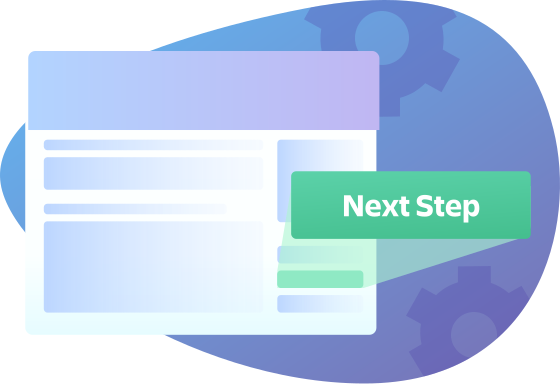
Get to the next step faster with custom card and board buttons. Card buttons appear on the back of every card, and board buttons are in the top right corner. They both perform a series of actions in a single click!
- Create a card button named “Done!” that moves the card to the “Done” list, and marks the date complete.
- Add a “Start” card button that when pressed moves the card to list "In Progress,” and adds you to the card with a due date.
- Create a board button that sorts cards by Custom Field story points, due date, and votes, so you know what to prioritize next sprint.

Integrate your favorite apps
The power of Trello’s automation can be extended beyond the boundary of your boards with integrations for Slack, Jira, and email. Trello can post messages to Slack channels, create new Jira tickets, post comments to existing tickets, and send automated emails right from your boards.
Add integrations to a “Ready for development” card button to:
- Notify the #development Slack channel
- Create a new ticket for the task in Jira
- And send an email to any project stakeholders with an update.

Intelligent automation tips
As you use a Trello board, Automation will recognize repetitive actions being performed and suggest automations based on those actions that can be enabled in a single click.