How to Create a Jobs-to-be-Done Survey: Template & Questions (original) (raw)
The jobs-to-be-done survey is a great process to help you find out what your customers’ desired outcomes are, so you can make tangible improvements to your product that customers will find helpful.
This article will cover everything you need to get started with your product.
What’s your main goal with a jobs-to-be-done survey?
Understanding your primary objective helps tailor the right approach for your product development and innovation strategy.
What’s your biggest challenge with customer insights?
Pinpointing your main obstacle is the first step to overcoming it and gathering actionable data.
How do you currently run surveys?
Your current toolset gives us a clue about the resources and processes you have in place for your jobs-to-be-done survey.
Ready to build surveys that uncover real user needs?
Userpilot can help you create, target, and analyze a jobs-to-be-done survey right inside your product—no code required. See how you can get deep customer insights to build products people love.
What is a jobs-to-be-done survey?
A jobs-to-be-done survey, incorporating principles of outcome-driven innovation, helps businesses understand what users need from a product or service.
It finds out the tasks or core functional jobs customers want to do and checks if current solutions are good enough. These surveys show how extremely important these tasks are to users and if they’re happy with what’s available.
This info is great for businesses to make their products better and fit what customers want. JTBD surveys are useful for spotting what’s missing, shaping new products, and making users happier.
What is the JTBD framework?
The jobs-to-be-done framework is a customer-centric approach to product development and innovation. It revolves around the concept that customers “hire” products or services to accomplish specific tasks or “jobs.”
The framework seeks to understand these jobs in all the details – what users are trying to achieve, the circumstances, and the desired outcome.
Why it’s used:
- Customer Insight: JTBD offers deep insights into customer motivations and behavior, going beyond traditional demographic data.
- Innovation Guidance: Focusing on the job and not the customer, opens up new avenues for innovation, often revealing unmet needs or pain points.
- Creating a jobs-to-be-done survey is an easy process and can be followed with a step-by-step process. Follow these steps to produce your jobs-to-be-done surveys.
- Market Segmentation: JTBD assists in identifying distinct customer segments based on the related jobs they need to accomplish, rather than just demographic or psychographic profiles.
Creating JTBD surveys: Step-by-step process
Creating a jobs-to-be-done survey is an easy process and can be followed with a step-by-step process. Follow these steps to produce your JTBD surveys.
Segment your audience to have a varying opinion scale
When creating a jobs-to-be-done survey, segmenting your target audience is crucial to gaining diverse insights.
By categorizing respondents into specific groups based on their interaction with your product or service, you can better understand their motivations and needs. Focus on these segments:
- People Who Recently Started Using Your Product/Service:
This group can offer insights into what attracts new users. They can provide fresh perspectives on what makes your product appealing and why they chose it over others. - People Who Recently Stopped Using Your Product/Service:
Understanding why users discontinue your product is as important as knowing why they start. This segment can highlight areas for improvement and reasons for customer churn. - People Who Have Not Yet Used Your Product/Service:
These potential customers can shed light on what they are trying to accomplish with current solutions and why they haven’t chosen your product yet. Their feedback can reveal gaps in your marketing or product offering.
With these groups, you can delve into key areas:
- Why People Switch to Your Product/Service:
Learn what factors or features attract users to your product, helping you to understand your product’s strengths and unique selling points. - Why People Switch Away from Your Product/Service:
Identify the reasons for losing users, which could be due to missing features, poor user experience, or better offerings by competitors. - Potential Customer Goals:
Understand what people not using your product are trying to achieve with their current solutions. This can offer insights into untapped market needs or opportunities for product development. - Factors Influencing Decisions:
Explore what pushes or pulls people towards using your (or a competitor’s) product. These can be features, pricing, brand reputation, or other factors influencing consumer choice.

Segment users with Userpilot.
Include key survey questions to learn about customer needs
In creating a jobs-to-be-done survey, it’s crucial to include specific questions that delve into customer needs.
This approach is centered on understanding the customer’s journey and the ‘job’ they ‘hire’ a product or service to do. By asking these questions, you can uncover deep insights into customer behavior and preferences.
- What other solutions have you used?
- What did and didn’t you like about other solutions you’ve tried/used?
- Tell me about how you looked for these products/services.
- What were you trying to find when you were considering those solutions?
- What were you trying to solve?
- If this product/service wasn’t available to you, what would you do instead?
- What are your desired outcomes?
- What are you doing now compared to the past?
Run customer interviews to get actionable insights about customer expectations
Customer interviews and running a focus group are key for deep insights beyond JTBD surveys. Find users who use your product and ask detailed questions about their experiences, like “What are you trying to find when watching analytics?”
This helps you understand their whole journey and needs. Focus on their words about needs and feelings.
These outcome statements guide your product’s development to meet customer needs better. This way, you create solutions that fit well in customers’ lives.

Conduct surveys with Userpilot.
Collect customer feedback with in-app surveys
In-app surveys are great for quick customer feedback. Ask short, clear questions about your product’s key features.
Questions like “How important is this to you?” and “Are you satisfied with what we offer?” help understand what users value and how customers feel about your product.

An example question of a survey.
This feedback can guide you to improve and make sure your product meets customer needs. Keep surveys brief and to the point for the best responses.

An example question of a survey.
Visualize survey responses
Visualizing survey responses helps in understanding data more effectively. Utilizing tools to create graphs and charts can highlight trends and patterns.
It enables the identification of differences in customer experience over time or across different groups.
This approach is particularly useful in pinpointing strengths and areas needing improvement, especially in customer satisfaction.
Cluster analysis, as part of visual data representation, also makes the information more accessible for sharing and explaining to various stakeholders like your team or bosses, thus aiding in decision-making and product enhancement.

Analyze user responses from surveys with Userpilot. Coming in Q1 2024.
Create JTBDs from your findings
Turning your findings into JTBDs means making clear, actionable goals for your product based on customer needs. First, analyze customer interviews for patterns and key goals customers have.
Then, create JTBDs – short statements of what users want to achieve. You can also use a job map as well.
For example, a JTBD for a budgeting app might be “help me understand my finances quickly.” This helps you make your product fit what customers need and want.
Start using the survey in your onboarding or sign-up flows
Adding a JTBD survey to your onboarding process is a great way to engage new users and understand their needs. Test the survey with new users to make sure it’s clear and useful.
For example, Userpilot uses such surveys to find out what users want from their tool, like easy onboarding or creating product tours without coding.
This helps make the onboarding experience more relevant and effective. This approach not only boosts user engagement but also gives you valuable early feedback to keep improving your process.

Userpilot’s onboarding flow.
How to create surveys code-free in Userpilot
Creating surveys in Userpilot is a straightforward process that allows you to gather valuable user feedback without needing any coding skills.
Here’s a step-by-step guide to help you set up your surveys effectively:
- Start by selecting a template or creating from scratch.
- Add your questions.
- Implement logic in your survey.
- Customize your widget settings.
- Use segmentation to target specific user groups.
- Set up triggers for when the survey should be displayed.
- Publish Your Survey.
How to create and publish a survey – Userpilot
A thorough walk-through of how to create and publish a survey
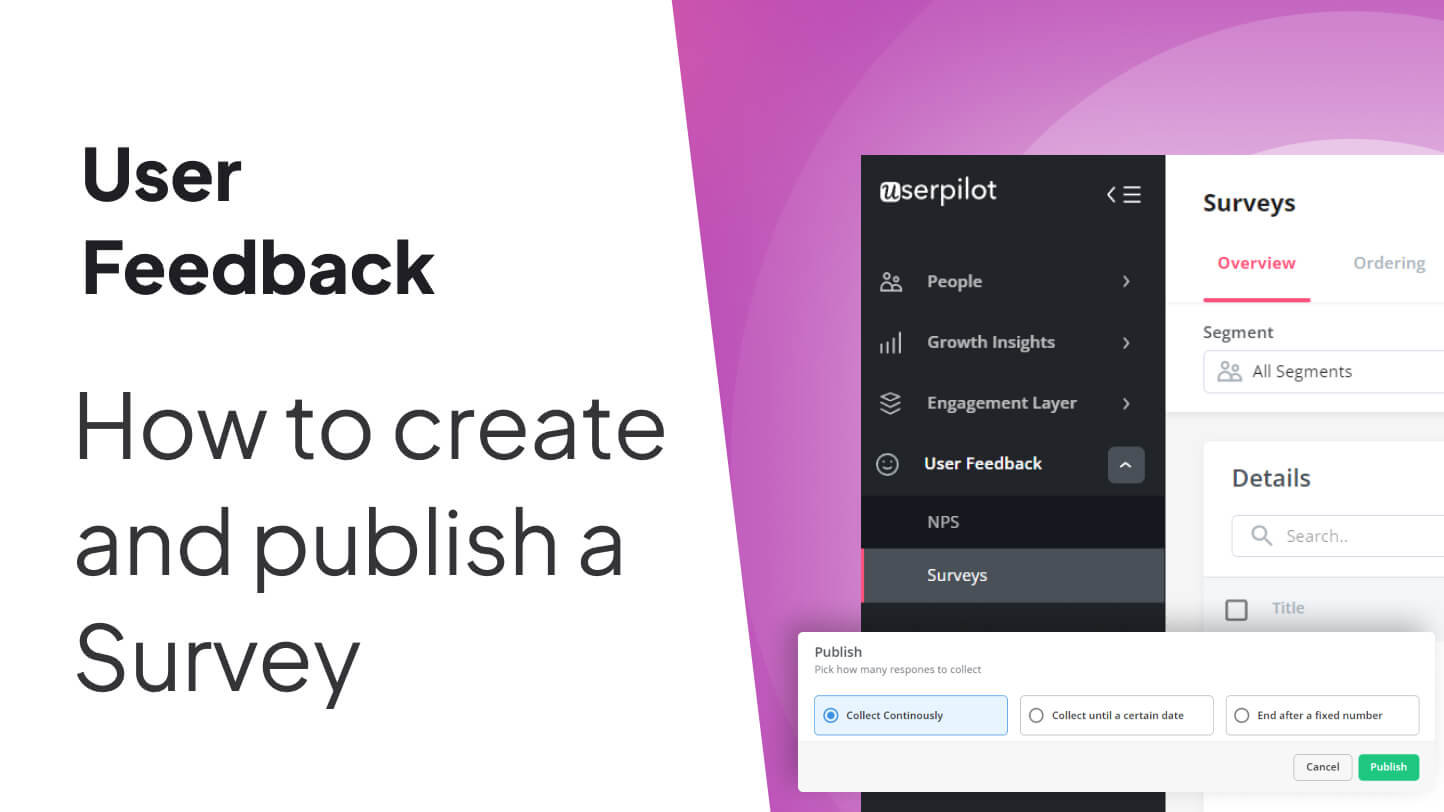
For a more comprehensive guide, watch this video tutorial on creating and publishing surveys.
Conclusion
JTBD surveys are key for understanding customer tasks, going beyond demographics to focus on the ‘jobs’ customers expect from products, and guiding innovation and product development.
Making sure that you follow the right steps with ensure that you successfully conduct jobs-to-be-done surveys and provide you with the insights to improve your product.
If you want to get started with a jobs-to-be-done survey, Get a Userpilot Demo and see how you can gather customer insights.