How to load Gravatars from your CDN and lazy load them (original) (raw)
I’m always looking for ways to speed up my WordPress sites. Gravatars in comments have always been sort of a catch-22 situation. Typically the best thing to do is lazy load them, however, that causes other issues which I’ll go into more below.

Today, however, I want to show you how to load your Gravatars from your own CDN (or locally if you’re using a service like Cloudflare). This is probably my new favorite method for speeding up comments!
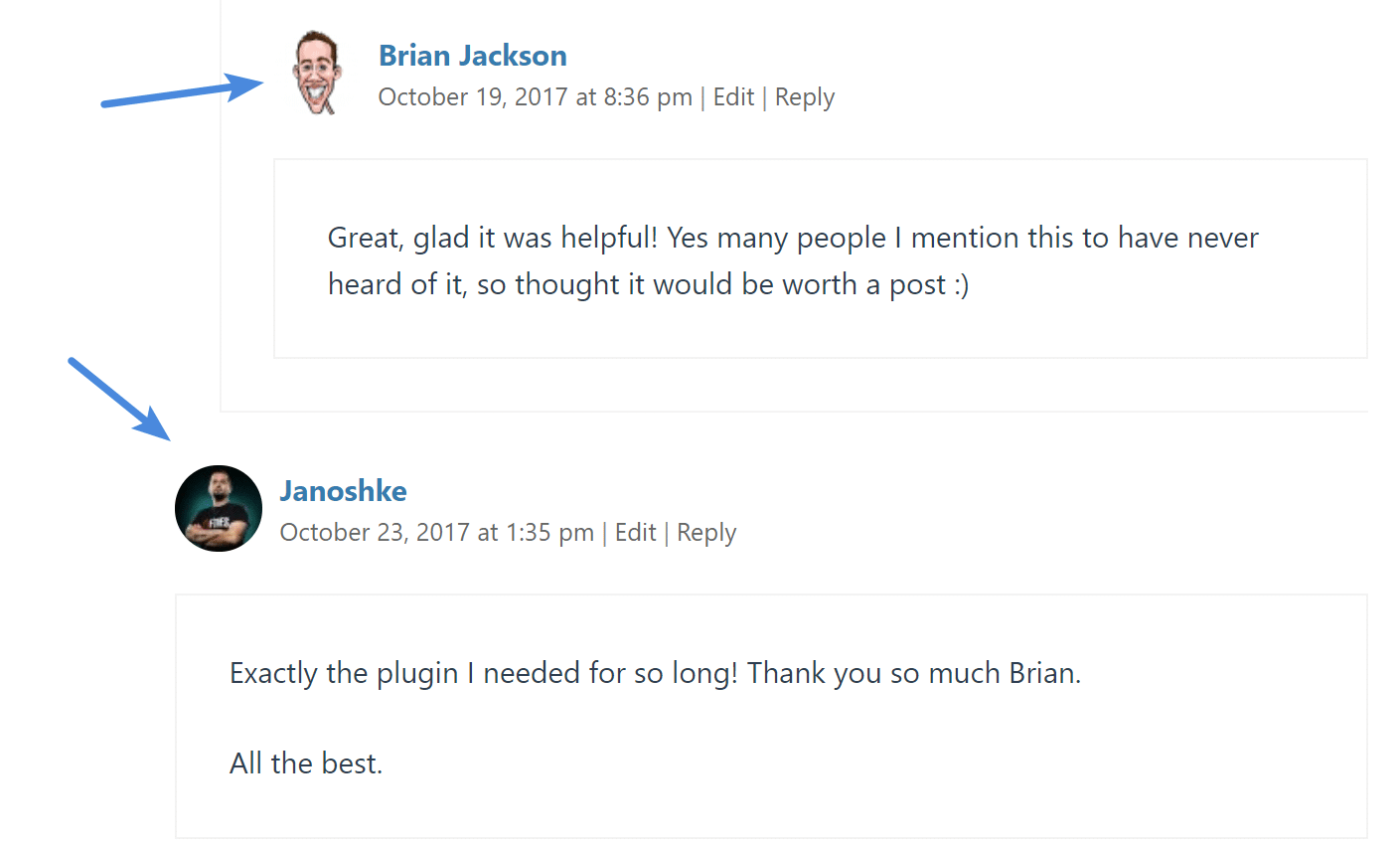
For those who you might not know, Gravatars are the icons associated with your email when you make comments on a blog post. These were developed and are managed by Automattic, the creators of WordPress. See the example below.
Gravatars
One of the biggest issues people have with these is that they create a bunch of external requests on your WordPress site. Here is an example of one:
https:// secure.gravatar.com/avatar/be9a4e95199640c95a?s=100&d=mm&r=g
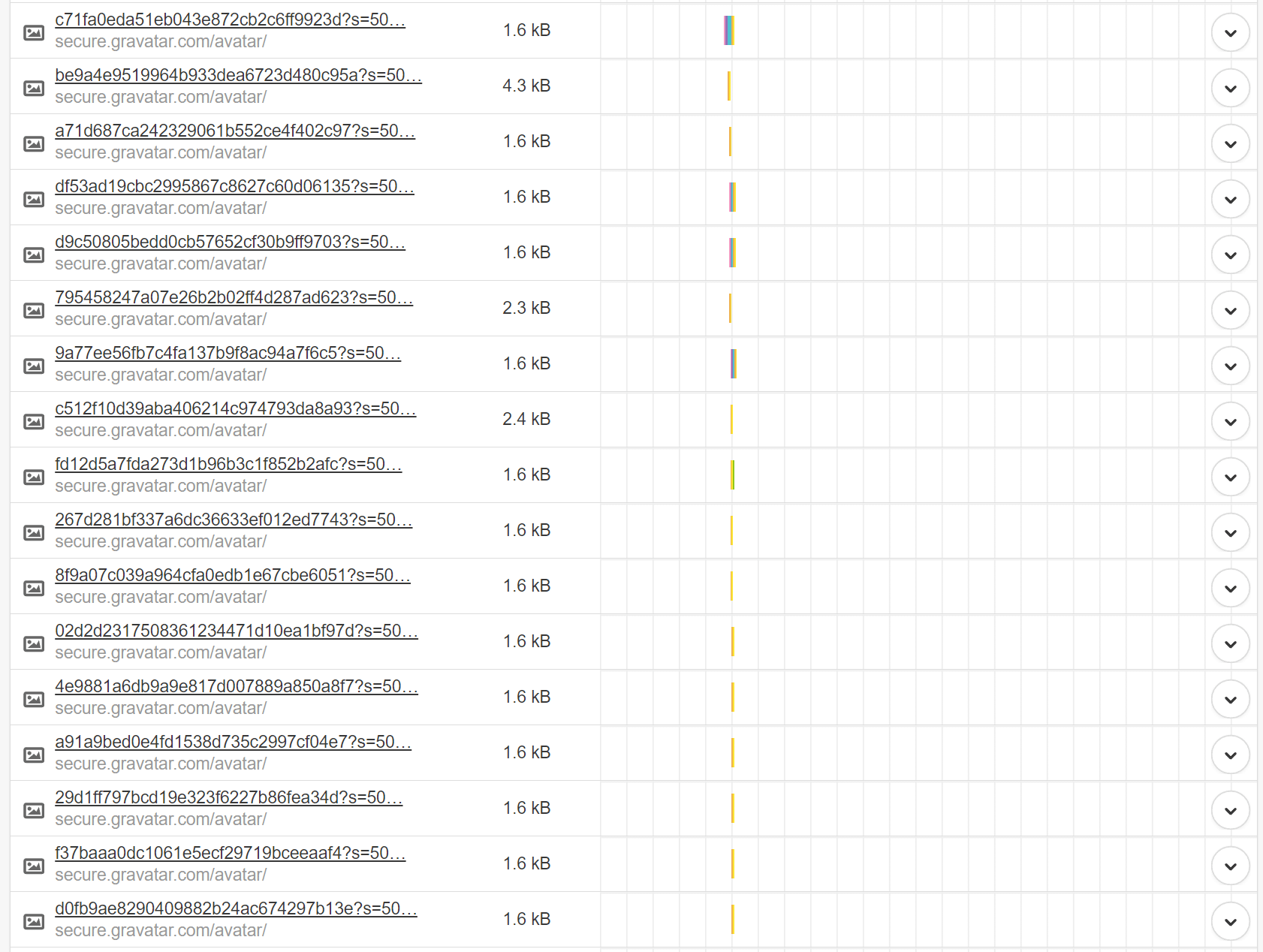
If you have 50+ comments on a blog post, you then wind up with tons of HTTP requests to gravatar’s external servers which looks like this.
External Gravatar requests
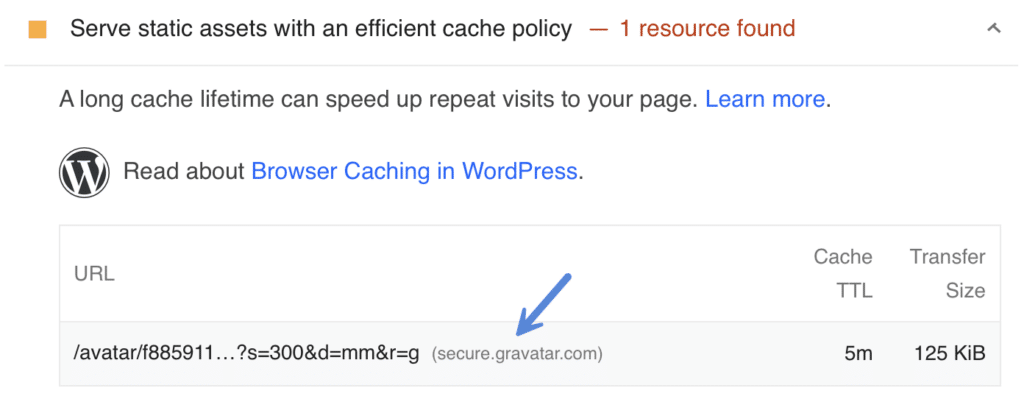
And as you know, you have no control over assets/images that are on external sites. This means you can’t control the caching, the speed, or anything. You are left at the mercy of their servers. Thankfully gravatar.com is at least using HTTP/2 now. But there is still no comparison to loading the assets from your own CDN.
Cache policy warning from Gravatar in PageSpeed Insights
Ditching Disqus
Some might wonder why I finally ditched lazy loading Disqus comments. The main reason is SEO. When you lazy load Disqus, and utilizing server-side caching, there are issues with crawlers reading the comments. And this means that comments can’t help boost your SEO. If you moderate your comments, they can, in fact, be free extra user-generated content on the page.
Lazy loading Gravatars
The great thing about the solution below is that most lazy load plugins should automatically work with your Gravatars. We use the lazy loading in our Perfmatters plugin along with locally hosted Gravatars and it works awesome on all of our sites.
How to load Gravatars from your CDN
Now before I start out I have to give full props to the team over at KeyCDN for first blogging about this method. And some of this is taken from their article. As some of you may know, I used to work for KeyCDN. But am now just a happy customer.
I have used KeyCDN on all my sites for well over three years now without a single issue. I prefer it over Cloudflare, due to it not being a full proxy, and not having to mess with the full-page caching rules. And in my speed tests, it has always been faster.
This tutorial assumes the following:
- You are running Nginx and have access to your server, or have a managed WordPress host such as Kinsta that allows you to add the following rules.
- You are utilizing a plugin like CDN enabler or Perfmatters to deploy assets to your CDN.
Step 1
Open your Nginx config file and add “sub_filter” in the relevant location block. Replace “location /” with the directory for which you are using Gravatars and replace “cdn.example.com” with your CDN URL (such as https://cdn.woorkup.com/avatar/).
Due to this being a sub_filter it automatically rewrites my example. You can grab the code from this gist.
Note: If your site is behind Cloudflare, you’ll simply want to point them to your root domain.
Step 2
While still in the configuration file, add the proxy location for the redirected avatars.
location /avatar {
proxy_pass https://secure.gravatar.com$request_uri;
}
Step 3
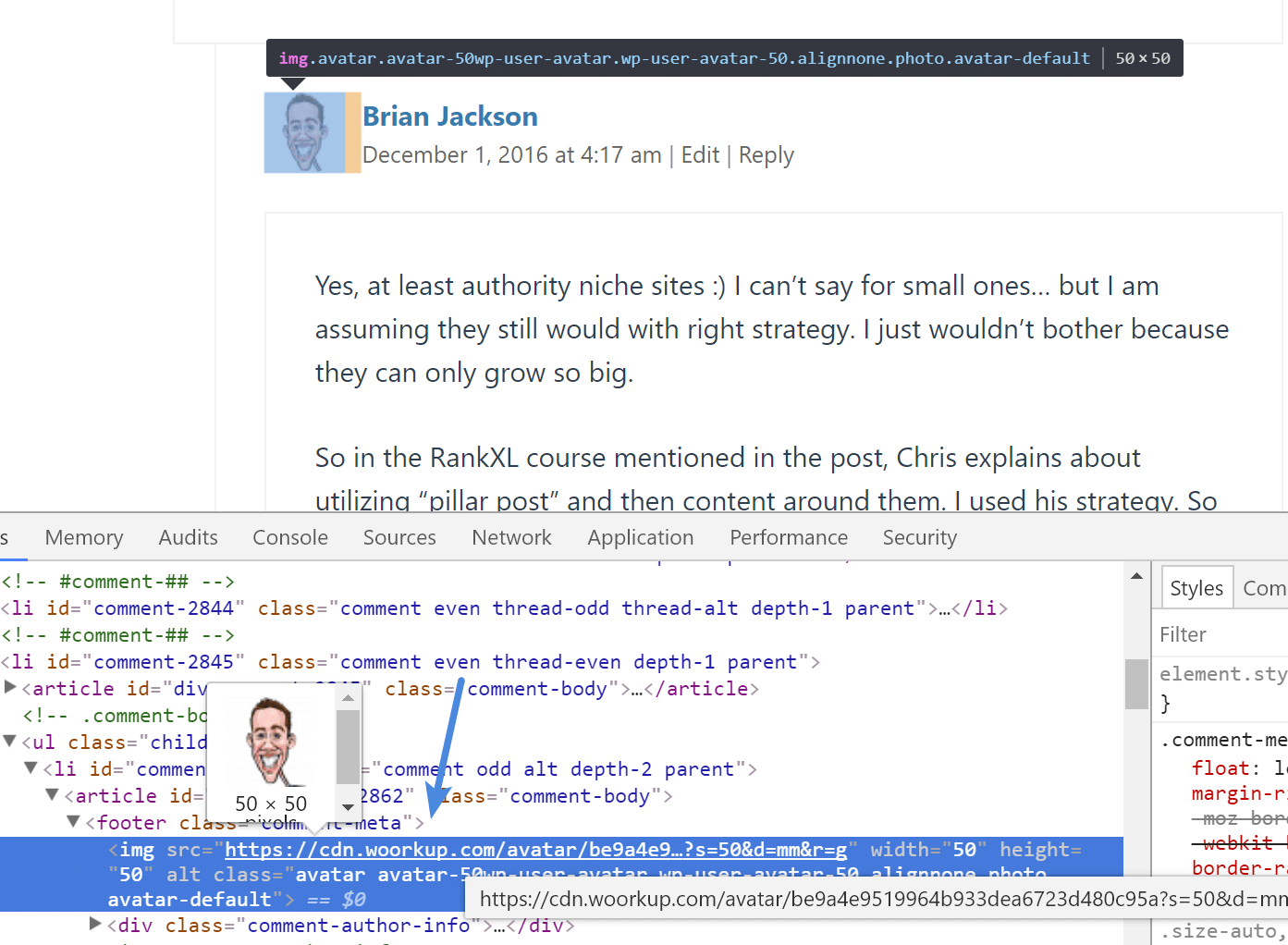
Reload Nginx. Now all of the gravatar requests on your site should be going to your own CDN.
Gravatar loading from CDN
Gravatar speed test
I ran a speed test comparison to see the difference on a post that had 40+ comments. If you’re running your own tests I also recommend using KeyCDN’s free speed test tool or WebPageTest as they both support HTTP/2.
Gravatars loading from secure.gravatar.com
I ran 5 tests from each location to ensure the assets (Gravatars) were being served from cache.
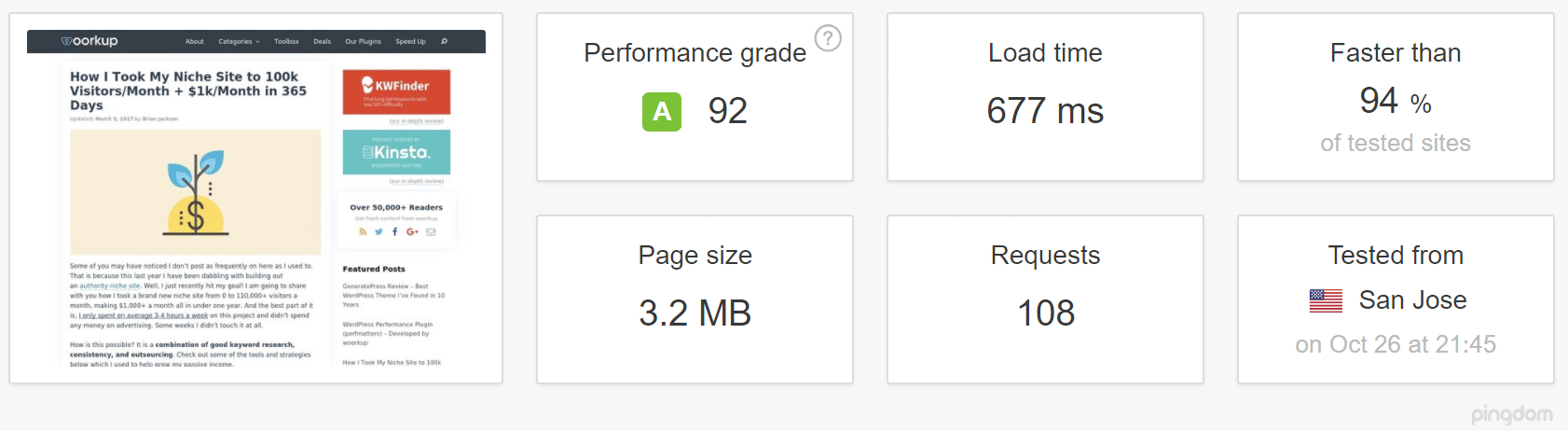
Gravatars loading from gravatar.com in San Jose
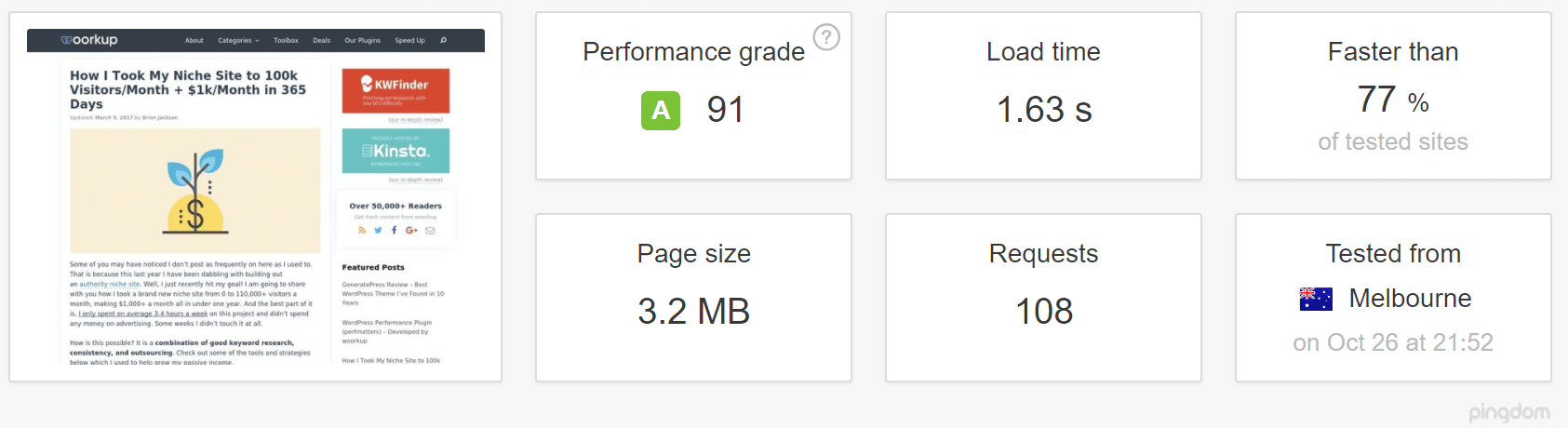
Gravatars loading from gravatar.com in Melbourne
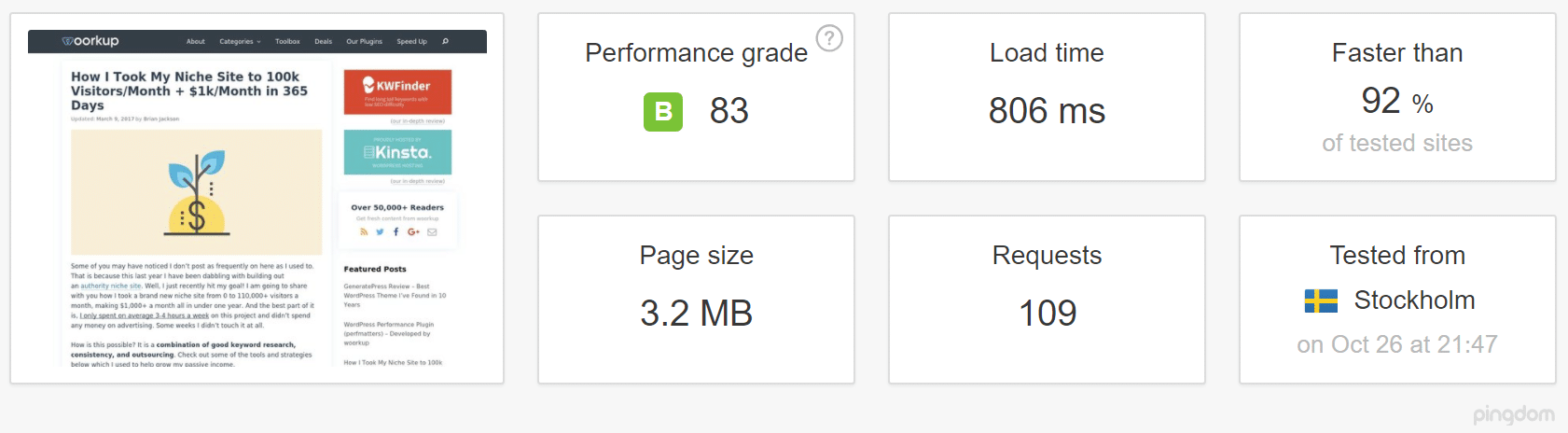
Gravatars loading from gravatar.com in Stockholm
After loading Gravatars from CDN
I then enabled the following rules above in NGINX and ran 5 tests from each location to ensure the assets (Gravatars) were being served from cache.
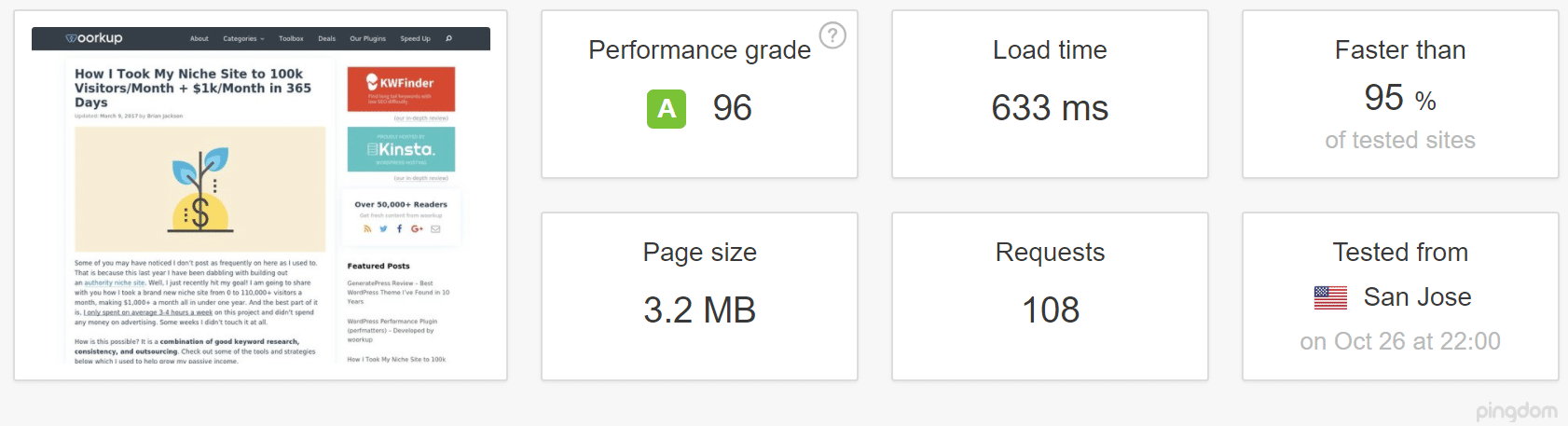
Gravatars loading from CDN in San Jose
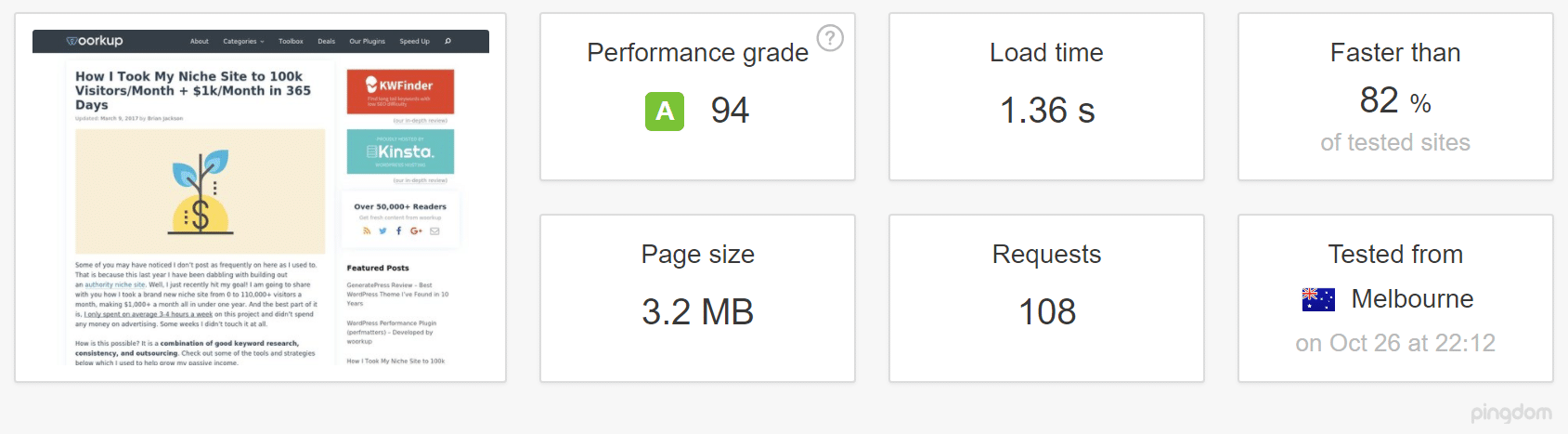
Gravatars loading from CDN in Melbourne

Gravatars loading from CDN in Stockholm
| San Jose | Melbourne | Stockholm | |
|---|---|---|---|
| Load Time (gravatar.com) | 0.677 seconds | 1.63 seconds | 0.806 seconds |
| Load Time (CDN) | 0.633 seconds | 1.36 seconds | 0.733 seconds |
It’s interesting to take a look at the results. When you load your Gravatars from gravatar.com it will be serving them up from wherever their servers are. A real CDN such as KeyCDN is always going to have more POPs. Also, it reduces DNS lookups, because I’m already making a call to my CDN for my other assets. Here’s a summary of the difference:
- San Jose: decrease of 6.5% in load time
- Melbourne: decrease of 16.56% in load time
- Stockholm: decrease of 9.06% in load time
Not too shabby for a couple of Nginx rules and utilizing a CDN I already had in place! This is probably one of the easiest optimizations I’ve done in years.
Note: Keep in mind, this obviously will use more of your CDN’s bandwidth due to no longer offloading them to gravatar.com. Also, we didn’t have lazy loading implemented yet when we took the speed tests. So you can expect even better results!
Summary
As you can see, loading Gravatars from your own CDN and lazy loading them allows you to reduce DNS lookups, take advantage of additional POPs, utilize a single HTTP/2 connection, and more! You’re almost guaranteed to see faster load times. Have you tried this on your WordPress site yet? If so, I would love to hear your thoughts below.