Top 10 Free AI Websites to Work Smarter and Faster in 2026 (original) (raw)
The race to build the best AI website has never been more intense.
This guide covers the ten AI websites worth building into your workflows, from the core platforms every senior leader should understand, to the specialist tools that save hours every week.
Our picks are based on the thousands of leaders who joined our AI Leader Advanced program and are part of the Lead with AI PRO community.
AI websites at a glance
| Tool | Best for | Key strength | Main limitation | Starting price |
|---|---|---|---|---|
| ChatGPT | Breadth and versatility | Largest feature set in the category | Feature sprawl can be disorienting | Free / $20/mo |
| Gemini | Google Workspace users | Deepest ecosystem integration + massive context window | Full experience requires admin licensing | Free / $19.99/mo |
| Microsoft Copilot | Microsoft 365 organizations | Microsoft Graph context grounding | Requires IT-assigned license for full access | Free / $18/user/mo |
| Claude | Writing, long docs, reliability | Constitutional AI; steadier, more predictable outputs | Slower to release some multimodal features | Free / $20/mo |
| NotebookLM | Source-grounded analysis | Every answer cites your chosen sources only | Not for open-ended ideation | Incl. with Workspace |
| Gamma AI | Presentation creation | Prompt-to-deck in minutes | Does not verify facts | Free / ~$8/mo |
| Granola | Bot-free meeting notes | No visible recording bot; hybrid human-AI notes | No Android app; limited speaker labeling | Free / $14/user/mo |
| Wispr Flow | AI dictation everywhere | Context-aware formatting across all apps | Cloud-only; requires internet | Free / $15/mo |
| Lovable | Building apps without code | Full-stack app from a plain-English prompt | Credits add friction; not for production scale | Free / ~$20/mo |
| Codex + Cowork Agents | Agentic AI for non-technical leaders | Autonomous multi-step task execution | Requires meaningful AI fluency to use well | Incl. with paid plans |
1-4: Core AI Platforms: ChatGPT, Gemini, Copilot, and Claude
The four dominant platforms are in a full-speed feature arms race.
OpenAI, Google, Microsoft, and Anthropic are each investing billions to outcompete each other on capabilities, speed, and integrations.
But here is the key insight most leaders miss: the top 1% of AI leaders, what we at Lead with AI call the Augmented Executive, don't bet on a single platform: they use multiple.
This isn't about using every shiny new tool.
It's about cognitive diversification: deliberately using a second AI to fact-check outputs, challenge assumptions, expose blind spots, and test whether an answer holds up under different model reasoning. Just as strong leaders seek dissenting views, advanced AI users build that challenge directly into their workflow.
All four major platforms: ChatGPT, Gemini, Claude, and Copilot, are now capable of writing, data analysis, research, image generation, presentations, email, voice, code, and agentic actions.
For almost every task a senior leader encounters daily, the question is no longer "which specialist tool should I use?" but "which platform do I already have access to?"
Specialist tools built for one capability, like dedicated image generators, standalone email summarizers, separate research apps, are under real pressure or have been outcompeted already. The core platforms have largely caught up, and for most use cases, staying in one environment is faster and simpler than managing five separate subscriptions.
That said, the platforms are not interchangeable.
Where you work, how your organization is structured, and what you need to do at the frontier still matters; and the top 1% of AI leaders understand the differences well enough to route deliberately.
ChatGPT: The Platform with the Largest Surface Area
ChatGPT, developed by OpenAI, is the most widely used AI platform globally, approaching 900 million weekly users.
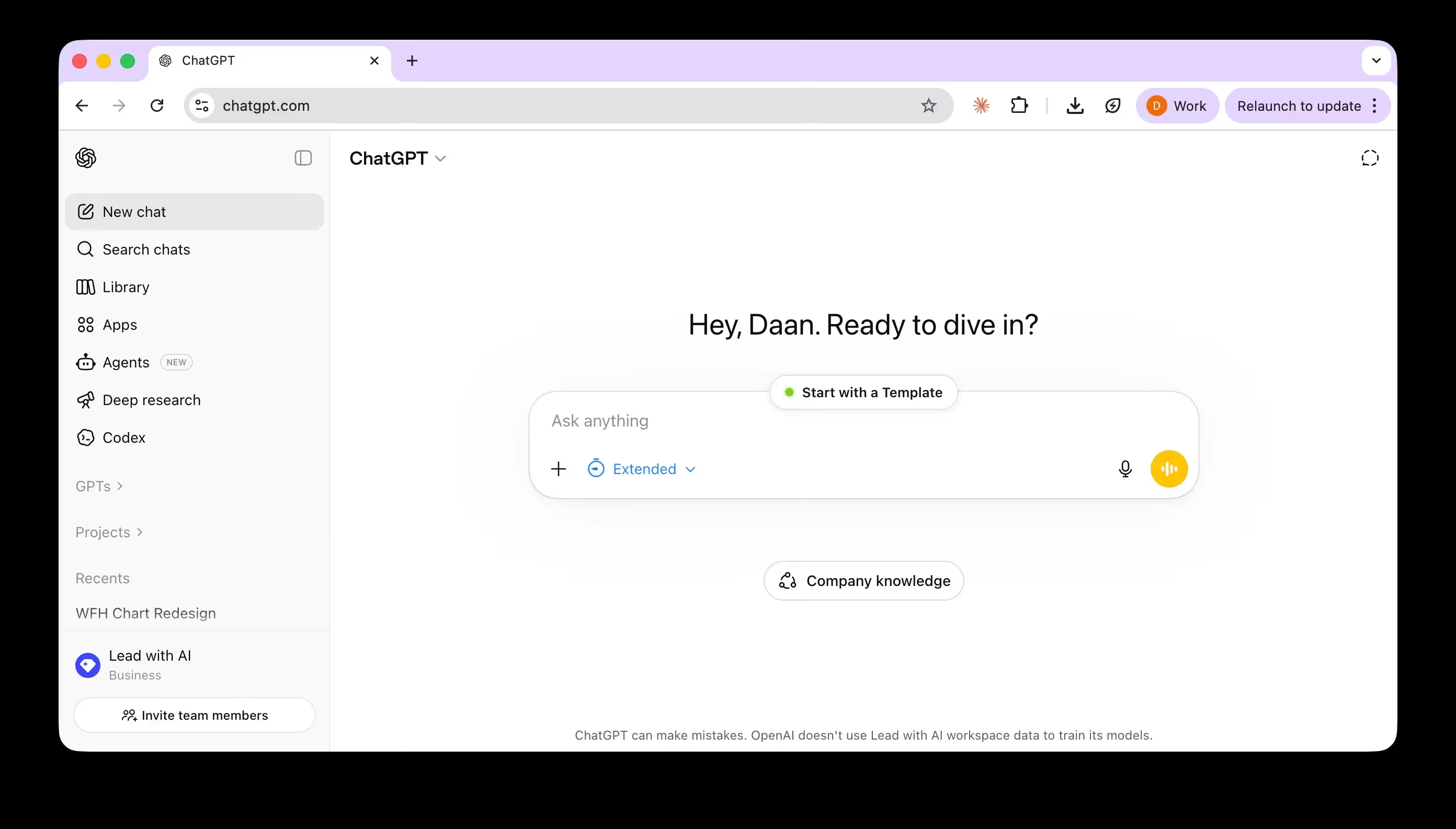
Its core strength is breadth.
ChatGPT handles content creation, analysis, research, code, image generation, and sophisticated agent workflows, with one of the most comprehensive feature sets currently available.
Key capabilities include GPT-5.3-Instant for fast everyday tasks; GPT-5.4-Thinking for complex knowledge work (with benchmarks showing performance above human experts across 44 occupations); Deep Research for multi-source, fully cited reports; ChatGPT Agent for multi-step task execution across connected tools; Codex for software engineering and agentic workflows; and Projects and Skills for building repeatable, context-aware assistants.
Apps connect ChatGPT to Google Drive, Slack, GitHub, and other services so it works with your private context, not just public data. Voice, live video, and screen sharing round out the multimodal layer.
Key strength: Breadth, ecosystem reach, and the fastest pace of feature releases in the category.
Main limitation: The sheer number of features and models can be disorienting. Knowing which mode to use for a given task matters as much as knowing how to prompt.
Pricing: Free; Plus at 20/month;Proat20/month; Pro at 20/month;Proat100-$200/month; Business at ~$25/user/month; Enterprise at custom pricing.
Gemini: The Obvious Choice if Your Organization Runs on Google
Gemini is Google's AI assistant, and its primary advantage is ecosystem depth. If your organization runs on Google Workspace, Gemini works inside the tools you already use: Gmail, Docs, Sheets, Slides, Drive, and Meet.
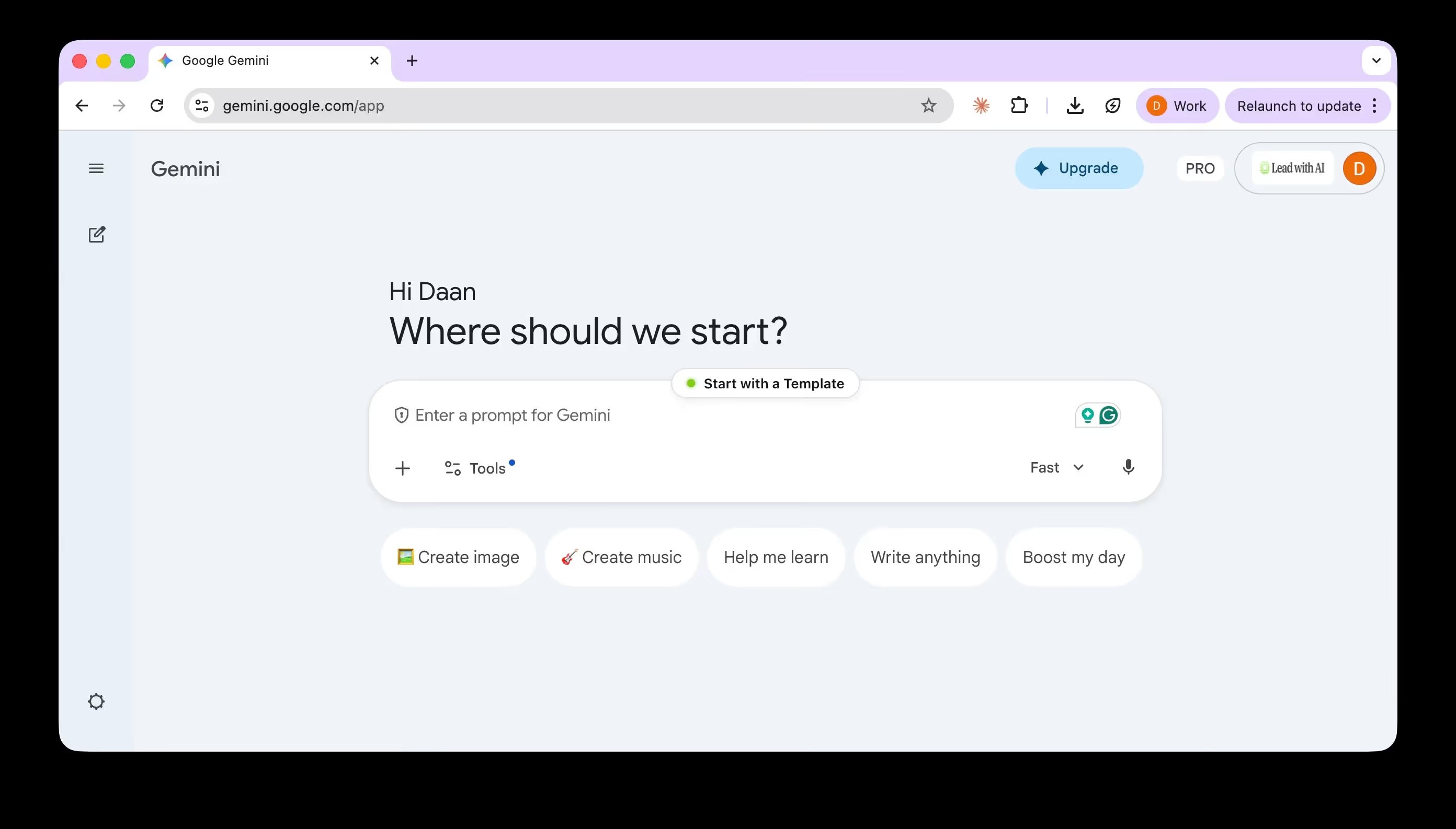
There is no workflow context switch: the AI is already where your work lives.
Beyond integration, Gemini supports a context window of up to 1 million tokens on higher plans, making it particularly useful for reasoning over long documents.
Its connection to Google Search also gives it a strong edge on up-to-date information and sourced research.
Capabilities include Gemini Live for real-time voice and screen-sharing conversations, Deep Research, Gems for reusable workflow assistants, Workspace Flows for multi-step automation across apps, and Scheduled Actions for recurring AI tasks.
Key strength: Depth of Workspace integration and the largest context window of the four core platforms.
Main limitation: The full in-app experience depends on admin settings and licensing. Not every Workspace user gets the same Gemini access.
Pricing: Free; Google AI Pro at 19.99/monthforindividuals;WorkspaceBusinessStandardat19.99/month for individuals; Workspace Business Standard at 19.99/monthforindividuals;WorkspaceBusinessStandardat14/user/month with full in-app Gemini access included.
Microsoft Copilot: The Enterprise Choice for Microsoft 365 Organizations
Microsoft Copilot is the platform of choice for organizations running on Microsoft 365.
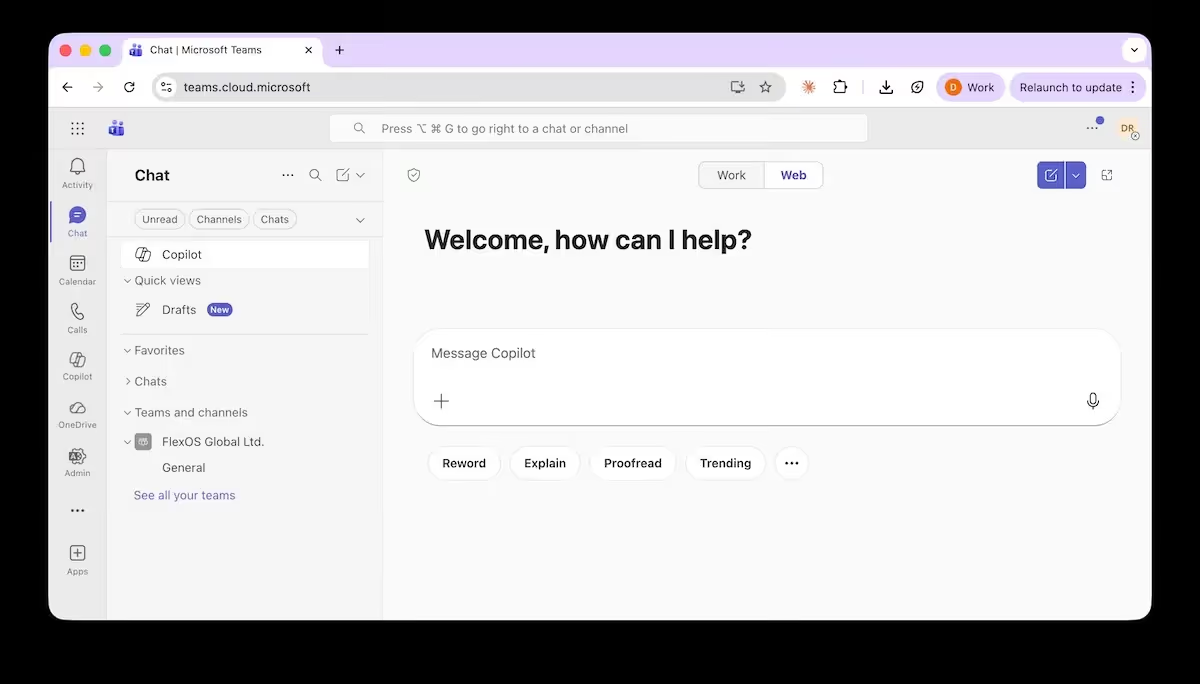
Its defining feature is Microsoft Graph: a connection layer that grounds Copilot's responses in your actual work context: emails, calendar, documents, meetings, and Teams conversations. Instead of answering in the abstract, Copilot reasons over content you already have permission to access.
This makes Copilot especially valuable inside Teams, where meeting summaries, email prioritization, and scheduling create visible, measurable ROI for knowledge workers.
Copilot also includes a Researcher Agent for multi-source reports, an Analyst Agent for data work, Designer for visuals, and Agent Builder for custom workflow automation. Behind the scenes, Copilot routes each request to the model best suited for it — primarily OpenAI's models, but with some Microsoft and Anthropic models in the mix depending on the task.
Key strength: Microsoft Graph grounding and strong data governance. Organizational data is not used to train foundation models by default, which makes Copilot the "safe" choice for many enterprise IT and compliance teams.
Main limitation: The full experience requires an IT-assigned Microsoft 365 Copilot license. Without it, deep app integration and organizational context are unavailable regardless of which plan you are on.
Pricing: Microsoft 365 Personal at 9.99/monthforindividuals;CopilotBusinessat9.99/month for individuals; Copilot Business at 9.99/monthforindividuals;CopilotBusinessat18/user/month; Copilot Enterprise at $30/user/month.
Claude: The Choice for Writing, Complex Reasoning, and Ethical Reliability
Claude, built by Anthropic, is built around Constitutional AI: the model is trained to critique and revise its own outputs against a written set of principles, rather than simply optimizing for engagement or speed.
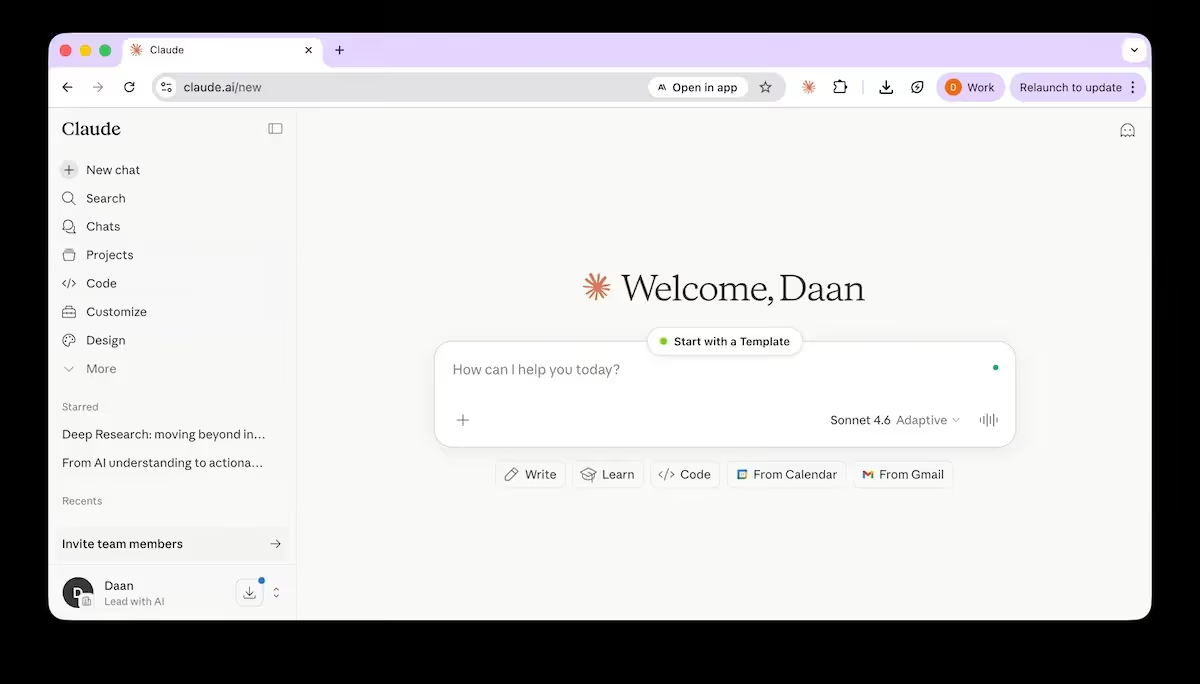
In practice, this produces a steadier tone, more predictable behavior, and extra caution in high-stakes or sensitive situations.
Claude processes up to 200,000 tokens in a single prompt (documents up to roughly 500 pages), is widely regarded as the strongest model for writing and editing, and is the most popular large language model among developers.
Its Projects feature creates persistent workspaces with bundled instructions and knowledge bases. Agent Skills allow modular, reusable capability packs that can be shared across teams. Claude also produces native Office files: Excel, PowerPoint, Word, and PDF, directly from prompts.
Cowork, Claude's agentic platform, extends these capabilities to non-technical leaders and is covered in entry 10.
Key strength: Writing quality, long-document reasoning, and reliable, predictable behavior on complex or sensitive tasks.
Main limitation: Claude has historically been slower to release features like image generation and video than its competitors. This reflects a deliberate tradeoff for its safety-first approach, not a fundamental capability gap.
Pricing: Free; Pro at 20/month;Maxat20/month; Max at 20/month;Maxat100-$200/month; Team at ~$25-30/user/month; Enterprise at custom pricing.
The Four Core AIs at a Glance
Where you work and what matters most to you will determine which platform suits you best.
Here's a quick comparison to help you choose your 1-2 core AI platforms:
AI model comparison
| ChatGPT (OpenAI) | Claude (Anthropic) | Gemini (Google) | |||||||
|---|---|---|---|---|---|---|---|---|---|
| GPT 5.3 Instant | GPT 5.4 Thinking | GPT 5.4 Pro | Haiku 4.5 | Sonnet 4.6 | Opus 4.6 | Gemini 3 Flash(Fast mode) | Gemini 3 Flash + Reasoning(Thinking mode) | Gemini 3.1 Pro(Pro mode) | |
| Description | Fast, lightweight model for everyday tasks | Reasoning model for complex, multi-step tasks | Most capable model for deep research and analysis | Fast, lightweight model for everyday tasks | Balanced model for complex knowledge work | Most capable model for agents and coding | Fast, lightweight model for everyday tasks | Reasoning model for complex knowledge work | Most capable model for dense reasoning and analysis |
| Supported data types | Text, image, Structured data (JSON) | Text, image, Structured data (JSON) | Text, image, Structured data (JSON) | Text, image, Structured data (JSON) | Text, image, Structured data (JSON) | Text, image, Structured data (JSON) | Text, image, Video, Audio, Structured data (JSON) | Text, image, Video, Audio, Structured data (JSON) | Text, image, Video, Audio, Structured data (JSON) |
| Context window | 128K tokens~96K words | 1,050K tokens~787K words | 1,050K tokens~787K words | 200K tokens~150K words | 1M tokens~750K words | 1M tokens~750K words | 1,048,576 tokens~787K words | 1,048,576 tokens~787K words | 1,048,576 tokens~787K words |
| Max output | 16,384 tokens~12,200 words | 128K tokens~96K words | 128K tokens~96K words | 64K tokens~48K words | 64K tokens~48K words | 128K tokens~96K words | 65,536 tokens~49K words | 65,536 tokens~49K words | 65,536 tokens~49K words |
| Knowledge cut-off | Aug 31, 2025 | Aug 31, 2025 | Aug 31, 2025 | Feb 2025 | May 2025 | May 2025 | Jan 2025 | Jan 2025 | Jan 2025 |
| Ranking on overall performance | #20 | #15 | #6 | N/A | #18 | #1 | #16 | #9 | #3 |
5. NotebookLM: The Best Way to Work with Sources You Actually Trust
NotebookLM (by Google) solves a problem the core AI platforms don't fully address: working only with the sources you have chosen. Instead of generating answers from broad training data, NotebookLM grounds everything in a curated set of documents like PDFs, Google Docs, Sheets, Drive links, web pages, and more, and cites every claim back to those sources.
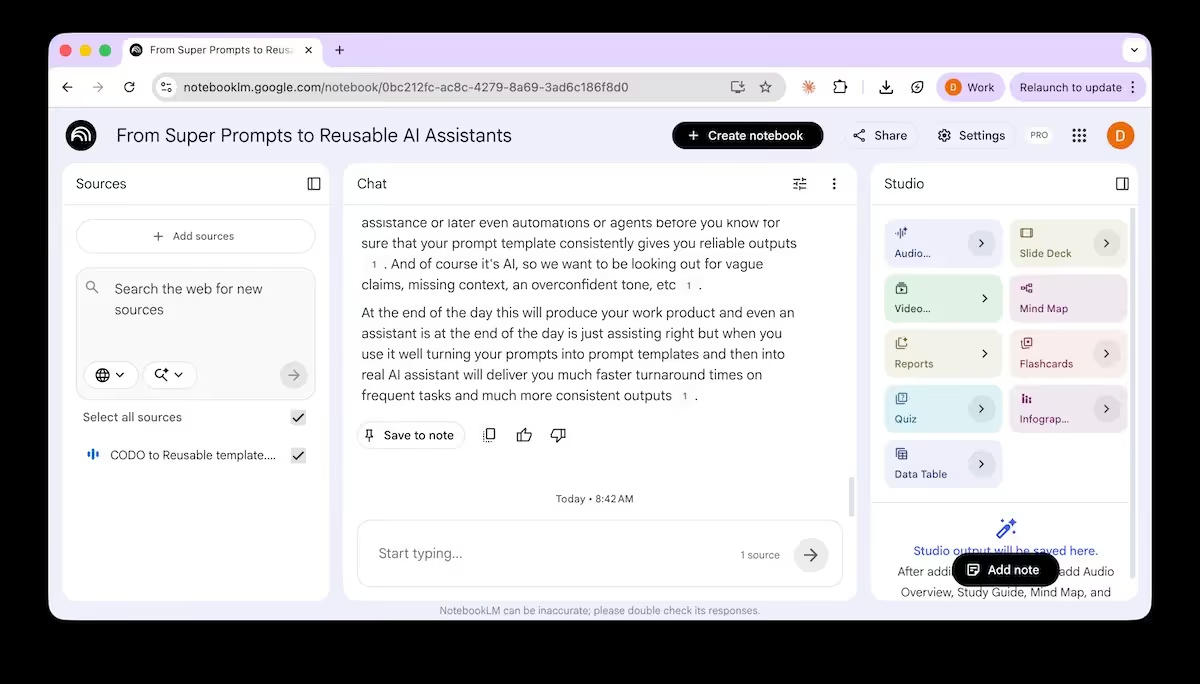
The result is a controlled environment with fewer hallucinations and faster verification.
You curate a small, citable evidence set; NotebookLM synthesizes from that set with citations so you can check quickly. The distinction matters: a focused notebook beats an overload of information.
Key features include DeepFast Research mode (where NotebookLM finds and proposes web sources before you commit them), AI Q&A grounded strictly in your selected documents, Briefing Doc generation with custom constraints, Mind Map creation (downloadable as PNG), Audio Overviews for listening to summaries, and slides and infographics generated from your sources. Notebooks sync with Gemini, letting you move between NotebookLM's source-grounded environment and Gemini's broader working context.
A practical note: when you add sources from Drive, resync manually if the underlying document changes. It does not happen automatically. And even in NotebookLM, double-checking a few key citations still makes sense.
Key strength: Source-grounded outputs with verifiable citations — the most trustworthy AI environment for analysis that matters.
Main limitation: NotebookLM is built for working within your chosen sources. It is not the right tool for open-ended ideation or tasks that require broad general knowledge.
Pricing: Included with Google One AI Pro ($19.99/month) and Google Workspace Business Standard ($14/user/month) and above.