Best Free Screen Sharing Software | Online Screen Sharing (original) (raw)
Share your screen straight from your web browser for more compelling presentations and real-time collaboration. Our free screen sharing software is easy to use and there are zero downloads required!

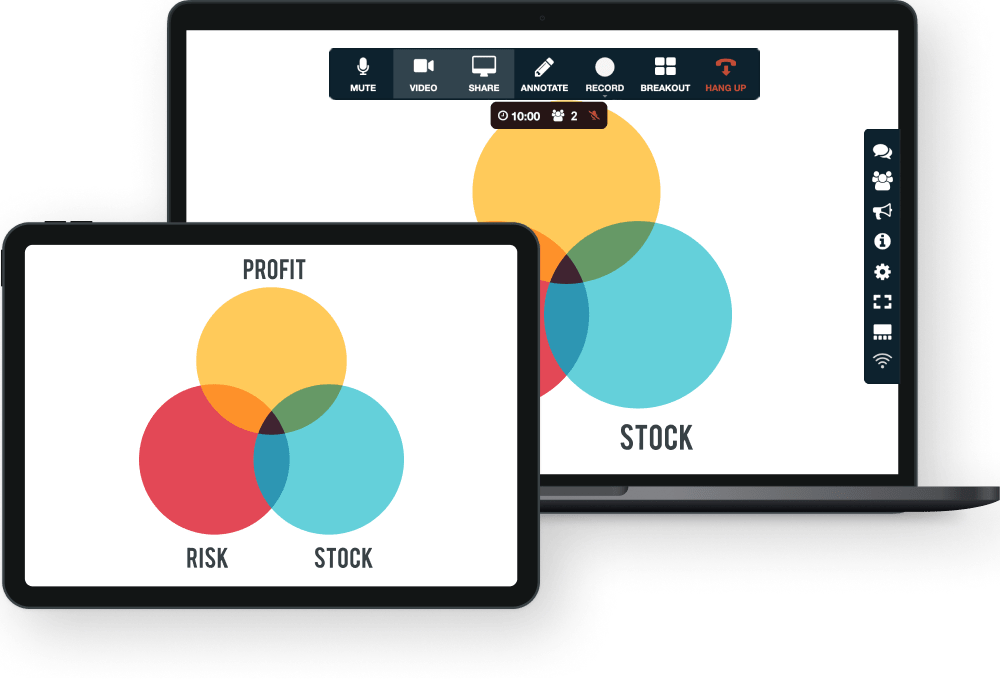
Free Screen Sharing Has Never Been Easier
Screen sharing allows others to view your computer screen. Train, present or collaborate on projects with remote participants using the free screen sharing software. Make virtual presentations more engaging by remote control. Simply hand over the screen sharing tool to another meeting participant to view their screen.

No Downloads Required. No Complications. Just Fast and Easy, Free Online Screen Sharing for Everyone.
In addition to free screen sharing FreeConference.com offers video conferencing that’s browser-based and free. Collaborate on all types of documents remotely, right from your Online Meeting Room. It’s easy with the exceptional screen sharing function from your desktop or Mobile App.
View someone else’s display content like documents, photos, spreadsheets, presentations, videos and more with free online screen sharing. Use Screen Recording to capture it all.


Online screen sharing brings a more dynamic element to your video conference from wherever you are. Display content like documents and spreadsheets, presentations, photos, websites and more while continuing to browse.
Enhance Participation, Collaboration, and Productivity With Screen Sharing
The online screen sharing feature allows everyone to literally be on the same page. You can make changes and navigate together in real-time. Eliminate back and forth exchanges and get work done in the moment.


Use Screen Sharing to Show Exactly What You’re Talking About
Make your sales pitch, sell your service or share your presentation to the group, anytime from anywhere. Videos, images, files, and recordings included.
Present in Real-Time With Other Participants
Multiple people can train, host and lead participants for a more engaging video conference. Share your entire screen or a single window with just one click. It’s easy to pass presenters the tool to view their screen, too. No downloads required to share your screen online.
With FreeConference.com, your free account comes with free screen sharing software, plus Document Sharing, crisp and clear audio and video, and more. Experience better participation collaboration, productivity, and with meetings in real-time.

Screen Sharing FAQs
Screen sharing, as the name suggests, is the ability to share your screen and its content to one or more separate devices in real-time via software solutions or other technologies.
Screen sharing allows you to show the content you’re looking at on your screen to other parties without having to send any files, and the other party can also follow all the activities happening on your screen in real-time. For example, if you are a graphic designer, you can edit an image file in real-time, and the person you’ve shared your screen with can follow the editing process.
Online screen sharing provides immediacy and interactivity in collaboration. For instance, if you share a file with a coworker via email, you can’t tell what details the other participants are actually looking at. With online screen sharing, you can direct every participant to see (i.e. via mouse cursor) what you want everyone to see.
FreeConference.com offers free, safe, and reliable screen sharing software.
While some free screen sharing software offers a totally safe and secure way to perform screen sharing, it’s true that online screen sharing still carries potential security disadvantages.
Sharing your screen online with an unknown person will technically grant remote access to this person, opening up your computer/device to various vulnerabilities. Many scammers use remote access screen share to prey on their victims.
It’s crucial to maintain adequate cybersecurity best practices while sharing your screen online with other parties and make sure you are granting screen sharing access only with authorized people.
FreeConference.com uses secure encryption methods ensuring the other party cannot access files, microphones, and cameras without the user’s explicit permission, allowing you to screen share online securely from any device.
How Do I Share My Screen?
FreeConference.Com offers free and fast screen sharing software for everyone. Being a cloud-based solution, you don’t need to download anything to use FreeConference.Com’s free screen sharing app.
Simply create your FreeConference.com account for free, and you can easily and securely share your screen straight from your web browser, on your desktop computer/laptop.
With FreeConference.Com’s free screen sharing software, you can share or view on-screen content including documents, photos, spreadsheets, presentations, videos, and more while continuing to browse, and you can also use FreeConference’s Screen Recording tool to capture all the screen sharing activities.
Can I Share My Screen Without Installing Software?
FreeConference.Com offers cloud-based, free, and browser-based screen sharing, allowing you to share your screen in real-time without requiring you to download and install any software.
In addition to the free screen sharing tool, FreeConference.Com also offers a fully functional video conferencing tool that is also free and browser-based. Without downloading and installing any software, you can collaborate on all types of documents remotely straight from a browser-based Online Meeting Room.
You can do all this straight from your desktop browser with ease.
Is Screen Sharing Same as Video?
No, it’s not, although in recent years the lines between video conferencing and screen sharing have blurred, there are still some differences to consider.
For instance, in online screen sharing, for example with FreeConference.com, you have the option not to involve any camera use, and as we know, some people may not be comfortable with web cameras. In a video conference, camera usage is more common.
Also, video requires more bandwidth than standard online screen sharing, although this is becoming less and less of an issue with the wide availability of internet bandwidth at the moment.
Where Can I Share My Screen?
FreeConference.Com offers cloud-based, free, and browser-based screen sharing software, allowing you to share your screen in real-time without requiring you to download and install any software.
Simply create your FreeConference.Com account for free, and you can easily and securely share your screen online straight from your web browser, both from your desktop computer/laptop or your mobile device.