Spring Security Logout (original) (raw)
Last Updated : 28 May, 2026
Spring Security Logout is a mechanism used to securely end a user session in a Spring application. It clears authentication details, invalidates the session, and redirects the user to the login page after logout.
- Prevents unauthorized access after the user signs out.
- Clears session data and security context automatically.
- Supports custom logout URLs and logout success pages.
When the user logs out
- The authentication is cleared from the current SecurityContext and it ensures the user is no longer recognized as the authenticated of the application.
- The user's session is invalidated.
- Optional the cookies can be cleared then the other cleanup activities can be performed.
Implementation of the Spring Security - Logout
Below are the implementation steps of the logout mechanism in Spring Security.
Step 1: Create a Spring Boot Project
Create a new project using Spring Initializr with the following configuration:
**Add Dependencies:
- Spring Web
- Spring Security
- Thymeleaf
- Lombok
- Spring DevTools
Once the project is created, the file structure will resemble the following:
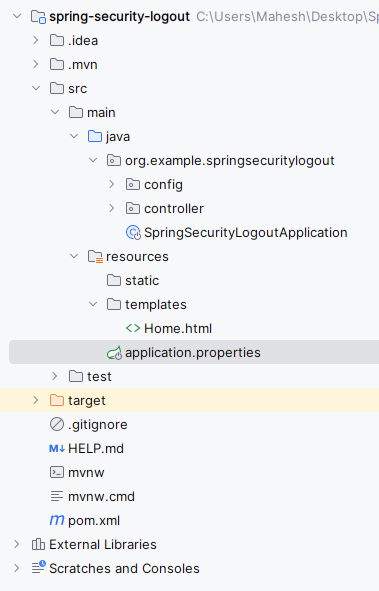
Step 2: Configure Security Credentials
Open the application.properties file and add the security username and password configuration for the Spring Security application:
Java `
spring.application.name=spring-security-logout
server.port=8080
spring.security.user.name=user spring.security.user.password=user
`
Step 3: Create the Security Configuration class
Create the SecurityConfig class to configure Spring Security in the project.
- .formLogin() enables the default login page.
- .logoutSuccessUrl() redirects users after logout.
- .invalidateHttpSession(true) clears the session. Java `
package org.example.springsecuritylogout.config;
import org.springframework.context.annotation.Bean; import org.springframework.context.annotation.Configuration; import org.springframework.security.config.Customizer; import org.springframework.security.config.annotation.web.builders.HttpSecurity; import org.springframework.security.web.SecurityFilterChain;
@Configuration public class SecurityConfig {
@Bean
public SecurityFilterChain securityFilterChain(HttpSecurity http) throws Exception {

    http
        .authorizeHttpRequests(auth -> auth
            .anyRequest().authenticated()
        )
        .formLogin(Customizer.withDefaults())
        .logout(logout -> logout
            .logoutSuccessUrl("/login?logout")
            .invalidateHttpSession(true)
            .deleteCookies("JSESSIONID")
            .permitAll()
        );

    return http.build();
}
}
`
Step 4: Create the Controller clas**s
Create the HomeController class to create the home REST API of the Spring project.
- @Controller handles web page requests.
- @GetMapping("/") maps the home page. Java `
package org.example.springsecuritylogout.controller;
import org.springframework.stereotype.Controller; import org.springframework.web.bind.annotation.GetMapping;
@Controller public class HomeController {
@GetMapping("/")
public String home() {
    return "home";
}

@GetMapping("/login")
public String login() {
    return "login";
}
}
`
**Step 5: Main Class(No Changes are required)
Go src > org.example.springsecuritylogout > SpringSecurityLogoutApplication.
- @SpringBootApplication enables Spring Boot features.
- Main method starts the application. Java `
package org.example.springsecuritylogout;
import org.springframework.boot.SpringApplication; import org.springframework.boot.autoconfigure.SpringBootApplication;
@SpringBootApplication public class SpringSecurityLogoutApplication {
public static void main(String[] args) {
    SpringApplication.run(SpringSecurityLogoutApplication.class, args);
}
}
`
Step 6: Create the Home HTML page
Create the home.html file inside the templates folder.
- Displays the home page after login
- Logout link calls Spring Security logout endpoint HTML `
Welcome to the Home Page!
Logout`
**Step 7: Run the Application
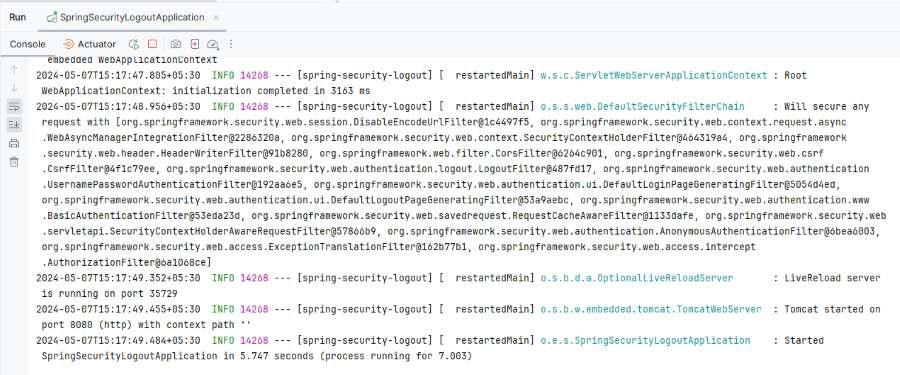
Finally, we will run the application then it will be start at port number 8080.
**Step 7: Test the Application
**Endpoint API:
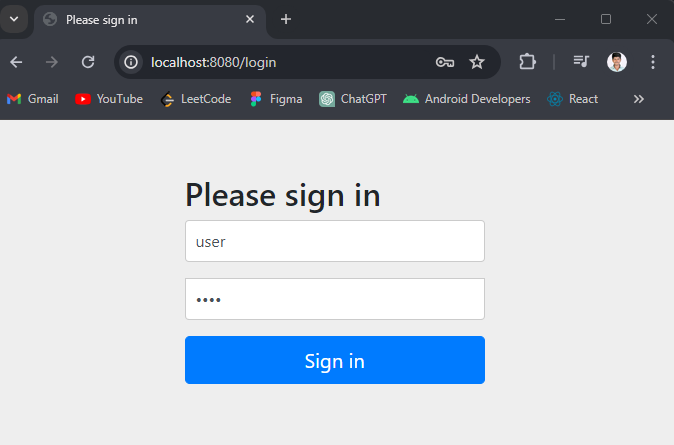
If user not login into the application its redirects to the /login endpoint of the Spring application.
- Username: user
- password: user
**Output:
Once logged into the application, it goes to the below URL.
**Output:
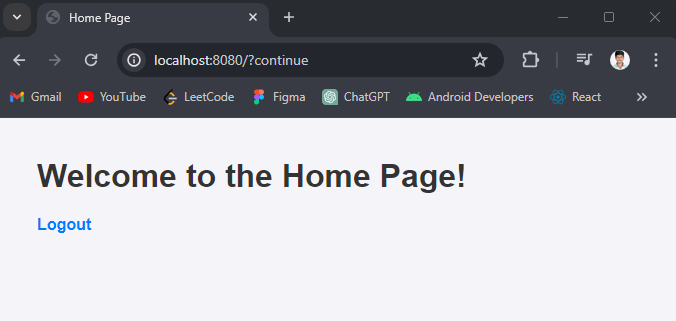
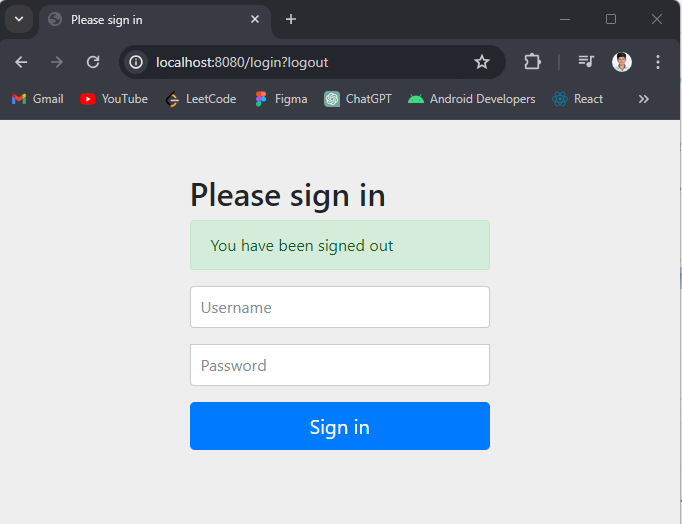
Click on the logout button, then its redirects to the below URL.
**Output:
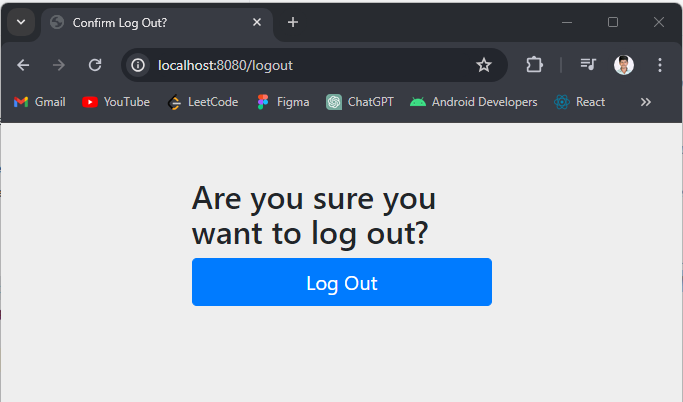
Once the user logs out of the application, they are redirected to the login page.
**Output: