How to Build a Simple Magic 8 Ball App in Android? (original) (raw)
Last Updated : 23 Jul, 2025
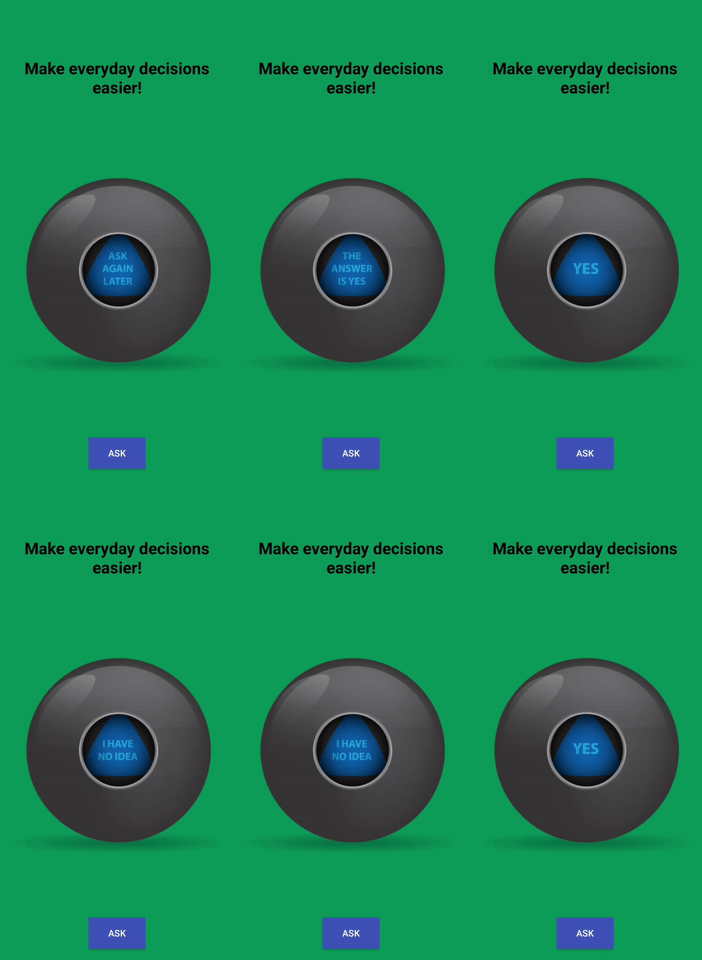
In this article, we will be building a Magic 8 Ball App Project using Java and XML in Android. The application is based on a decision making application. In this app, a user can ask the ball what decision they should make. The ball will randomly answer Yes, No, Not Sure, and other such answers. There will be a single activity in this application. A sample GIF is given below to get an idea about what we are going to do in this article.
Step by Step Implementation
Step 1: Create a New Project
To create a new project in Android Studio please refer to How to Create/Start a New Project in Android Studio. Note that select Java as the programming language.
Step 2: Before going to the coding section first you have to do some pre-task
Ball Images: All the ball images are listed below. Save them in your drawable folder in resources. Go to the app > res > drawable and paste the following files:


Change the style to NoActionBar in the themes.xml file: