Image Segmentation with Hugging Face (original) (raw)
Last Updated : 14 Apr, 2026
Image segmentation using models from Hugging Face allows developers to divide an image into meaningful segments or regions by assigning labels to each pixel. With pretrained vision models, it becomes easy to build applications that require detailed understanding of image content. It is commonly used in medical imaging, autonomous driving and object tracking
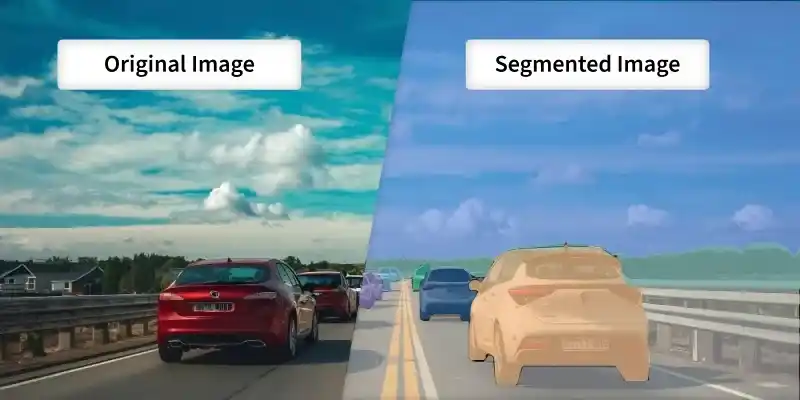
Image Segmentation
Implementation
Step 1: Set Up the Environment
First, install the required libraries. Run the following command in your command prompt.
pip install transformers torch pillow matplotlib
Step 2: Import Libraries
Python `
from transformers import pipeline from PIL import Image import matplotlib.pyplot as plt
`
Step 3: Initialize Segmentation Pipeline
- ****"image-segmentation"** Specifies the segmentation task
- ****"facebook/detr-resnet-50-panoptic"** Loads a pre trained panoptic segmentation model
- The pipeline automatically handles image preprocessing and model inference Python `
segmenter = pipeline( task="image-segmentation", model="facebook/detr-resnet-50-panoptic" )
`
**Output:

Loading pretrained model
Step 4: Load Image
This opens the image file and displays it using Matplotlib, confirming that the image has been loaded correctly before running image segmentation
You can download the image from here

Python `
image = Image.open("your image path") plt.imshow(image) plt.axis("off") plt.show()
`
**Output:
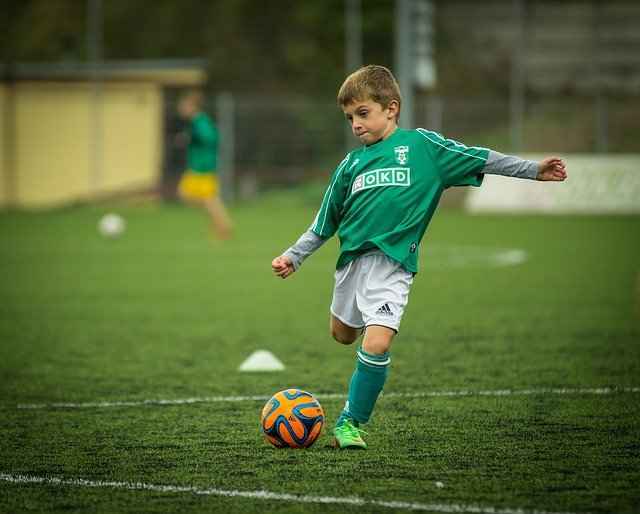
Image
Step 5: Run Segmentation
This runs the segmentation model on the image and returns detected regions.
- **label: Predicted object category
- **score: Confidence level
- **mask: Pixel wise segmented region for that object Python `
results = segmenter(image)
print(results)
`
**Output:

Output
Step 6: Visualize Masks
This loops through all detected objects and displays their individual segmentation masks. Each mask highlights the exact pixels belonging to that object, allowing to clearly see the segmented regions.
Python `
for result in results: plt.figure() plt.title(result["label"]) plt.imshow(result["mask"]) plt.axis("off")
`
**Output:
You can download the full code from here