uptime Command in Linux (original) (raw)
Last Updated : 18 May, 2026
The uptime command in Linux is used to display how long the system has been running. It also shows the current time, the number of users logged in, and the system load averages for the past 1, 5, and 15 minutes.
Example 1: Basic Usage
**Command:
uptime
**Output:

Output
- **Current time: 15:02:08
- **Uptime: 20:47 (system has been running for 20 hours, 47 minutes)
- **Number of users: 1 user
- **Load averages: 0.22, 0.25, 0.27 (over the last 1, 5, and 15 minutes)
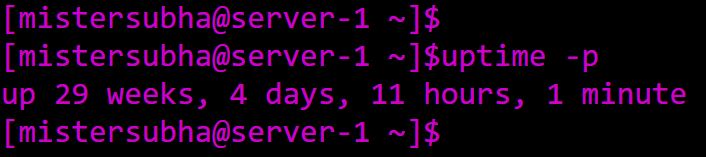
Example 2: Human-Readable Format
Just to make sure you get the uptime in human-readable format.
**Command:
uptime -p
**Output:
Example 3: Checking Load Averages Only
**Command:
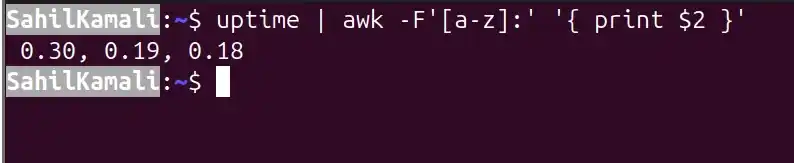
uptime | awk -F'[a-z]:' '{ print $2 }'
**Output:
Output
- Extracts only the 1, 5, and 15-minute load averages.
- Useful for monitoring scripts.
Syntax
uptime [options]
Options of uptime Command
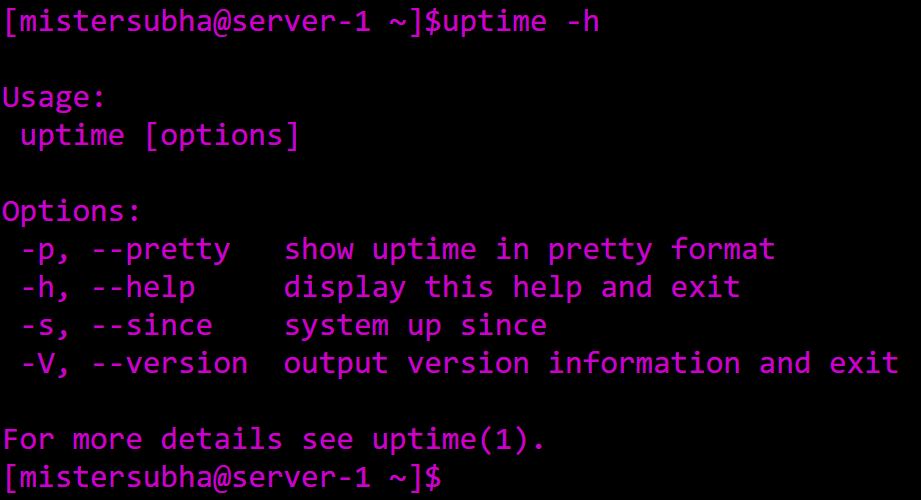
1. -h, --help
Displays the help message for the uptime command and exits. It shows usage syntax and available options. This option does not modify the system.
**Syntax:
uptime --help
**Output:
2. -p, --pretty
Shows the uptime in a human-readable format.
**Syntax:
uptime -p
**Output:
- Makes uptime easier to read at a glance.
3. -s, --since
Displays the date and time when the system was last booted.
**Syntax:
uptime -s
**Output:
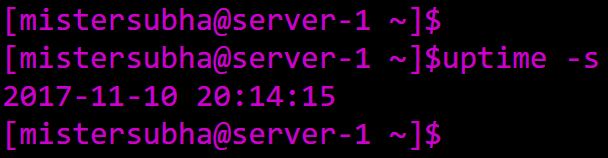
- Useful for tracking how long the system has been running since boot.
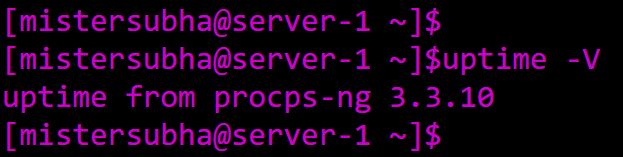
4. -V, --version
Shows version information of the uptime command.
**Syntax:
uptime -V
**Output:
Linux uptime Command Examples
The uptime command in Linux provides information about how long the system has been running, along with the number of users and the system load averages. Here are some examples of using the uptime command:
- Checking System Load Average: This command extracts and displays only the load averages for the last 1, 5, and 15 minutes using awk.
uptime | awk -F'[a-z]:' '{ print $2 }'

Alternatives to uptime
While the uptime command in Linux is useful for checking system uptime and load averages, there are several alternatives that provide similar or more detailed information.
1. top
Provides a real-time view of processes, CPU/memory usage, uptime, and load averages.
**Command:
top
**Output:
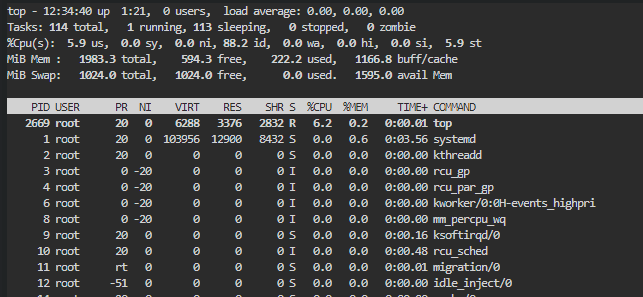
- Uptime is shown at the top of the output.
2. htop
Interactive process viewer with a color-coded display of system stats, including uptime.
**Command:
htop

- Easier to read than top, useful for monitoring in real time.
3. w
Displays logged-in users, login times, uptime, and load averages.
**Command:
w
**Output:

- Provides additional details about active users.
4. /proc/uptime
Shows uptime and idle time in seconds.
**Command:
cat /proc/uptime
**Output:

Output
- First number = total uptime (seconds)
- Second number = idle time (seconds)
5. systemd-analyze
Provides boot performance statistics and uptime on systemd-based systems.
**Command:
systemd-analyze
**Output:

- Useful for detailed boot and performance analysis.
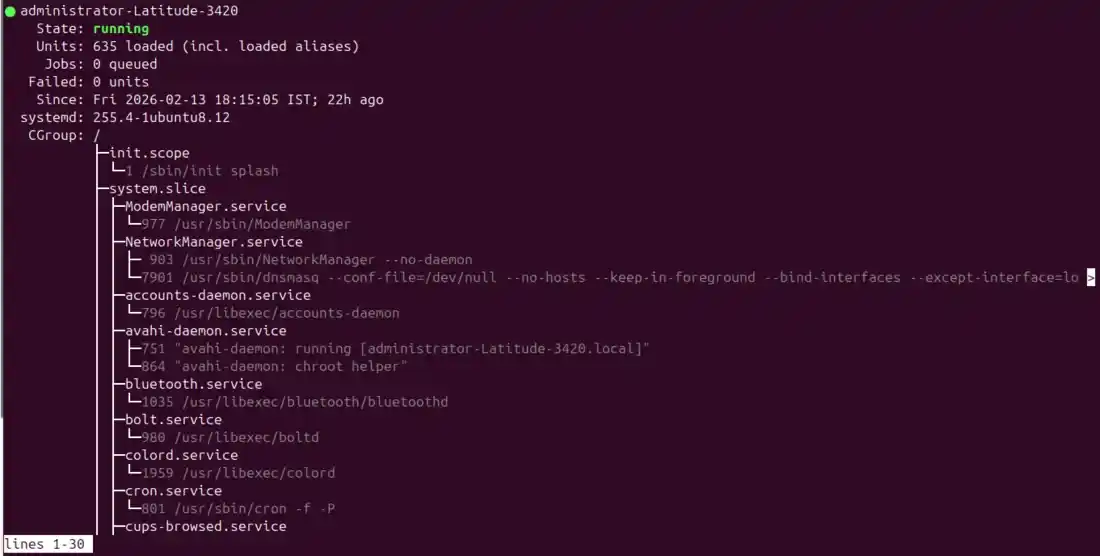
6. systemctl status
Shows system status along with uptime information.
**Command:
systemctl status
**Output:
Output
7. who -b
The who command can be used with the -b option to display the last boot time, which can help determine the system's uptime.

- Simple way to check the last boot date/time.