Bootstrap 5 Checks and radios Default (stacked) (original) (raw)
Last Updated : 1 Dec, 2022
behaviorBootstrap 5 Checks and radios Default (stacked) is used to create a stack of checks and radios as a list. To create a stack we need to put the checks and radios normally one by one that will create stacks it's the default behaviour of Bootstrap 5 Checks and radios.
Bootstrap 5 Checks and radios Default (stacked) Class: There is no pre-defined class to create the stacks we just need to put multiple checks and radios one by one that will stack them up.
Syntax:
Below examples illustrate the Bootstrap 5 Checks and radios Default (stacked):
Example 1: In this example, we will learn about Stacked Checkboxes.
HTML `
GeeksforGeeks
Checks and radios Default (stacked)
`
Output:
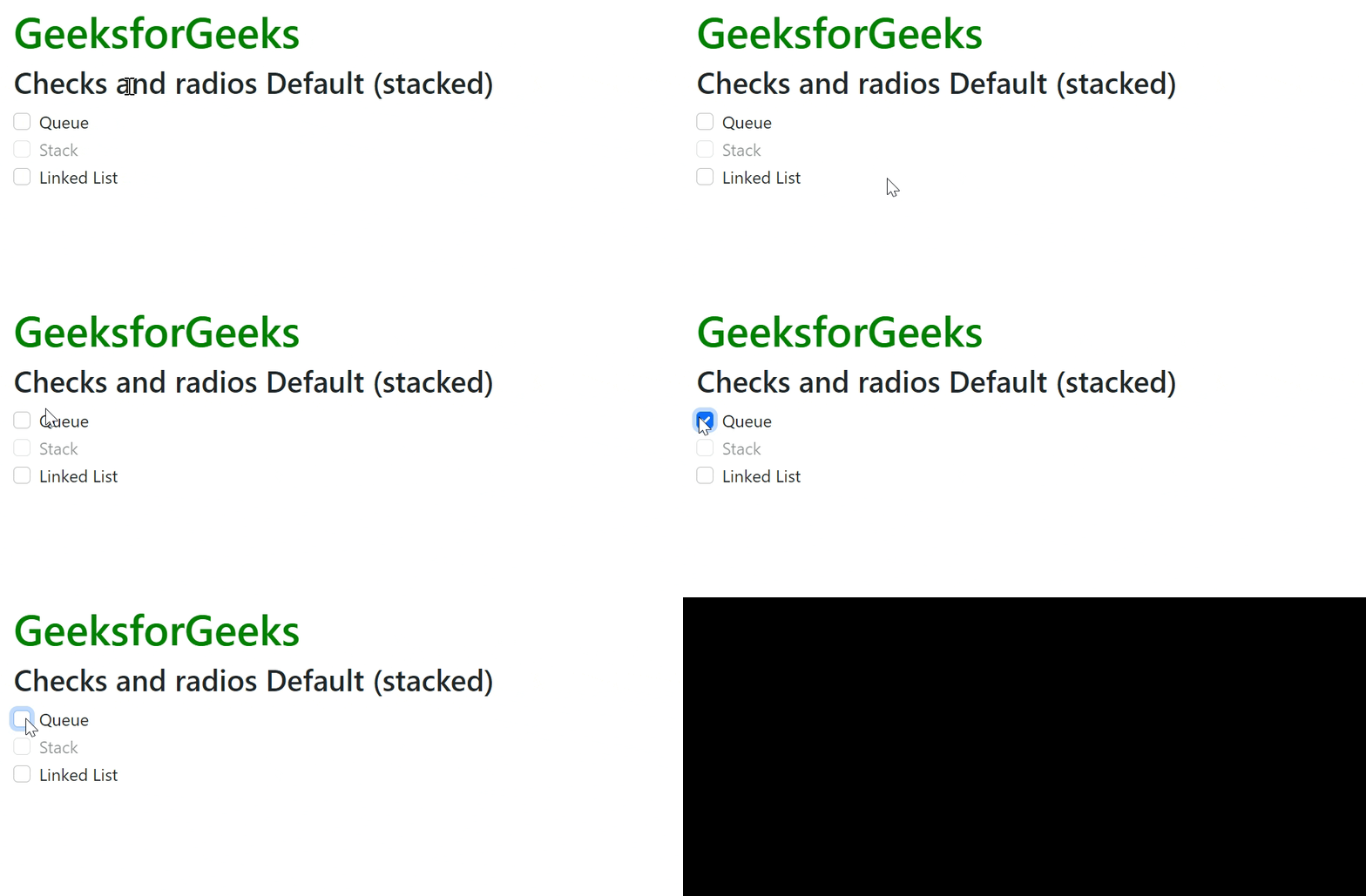
Bootstrap 5 Checks and radios Default (stacked)
Example 2: In this example, we will learn about Stacked Radio Buttons.
HTML `
GeeksforGeeks
Checks and radios Default (stacked)
`
Output:

Bootstrap 5 Checks and radios Default (stacked)
Reference: https://getbootstrap.com/docs/5.0/forms/checks-radios/#default-stacked