CSS sepia() Function (original) (raw)
Last Updated : 7 Jun, 2023
The sepia() function is an inbuilt function which is used to apply a filter to the image to convert an image into a sepia image.
Syntax:
sepia( amount )
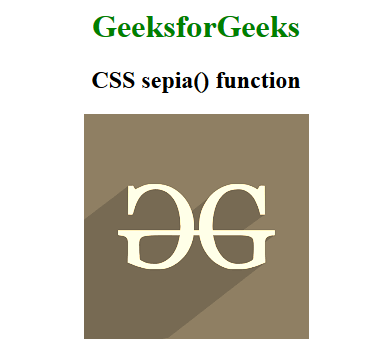
Parameters: This function accepts single parameter amount which holds the value of sepia. The value of sepia is set in terms of value and percentage. The value 0% represents original image and 100% represents the complete sepia image. Below example illustrates the sepia() function in CSS:
Example:
html `
CSS sepia() Function<style>
h1 {
color:green;
}
body {
text-align:center;
}
.sepia_effect {
filter: sepia(100%);
}
</style>GeeksforGeeks
<h2>CSS sepia() function</h2>

<img class="sepia_effect" src= "https://media.geeksforgeeks.org/wp-content/cdn-uploads/20190710102234/download3.png" alt="GeeksforGeeks logo">

`
Output:
Supported Browsers: The browsers supported by sepia() function are listed below:
- Google Chrome 18 and above
- Edge 12 and above
- Internet Explorer not supported
- Firefox 35 and above
- Safari 6 and above
- Opera 15 and above