CSS :target Selector (original) (raw)
Last Updated : 30 Aug, 2024
The target selector is used to represent a unique element (the target element) with an id matching the URL's fragment. It can be used to style the current active target element. URLs with a # followed by an anchor name link to a certain element within a document. The element being linked to is the target element.
**Syntax:
:target {
// CSS Property
}
**Example 1: In this example, The :target selector applies CSS styles to the target element specified in the URL fragment, allowing customization based on the target element.
HTML `
CSS | :target Selector:target selector
<p>
    <a href="#geek">
        Jump to Algorithms
    </a>
</p>

<p id="geek">
    <b>Algorithms</b>
</p>
`
**Output:
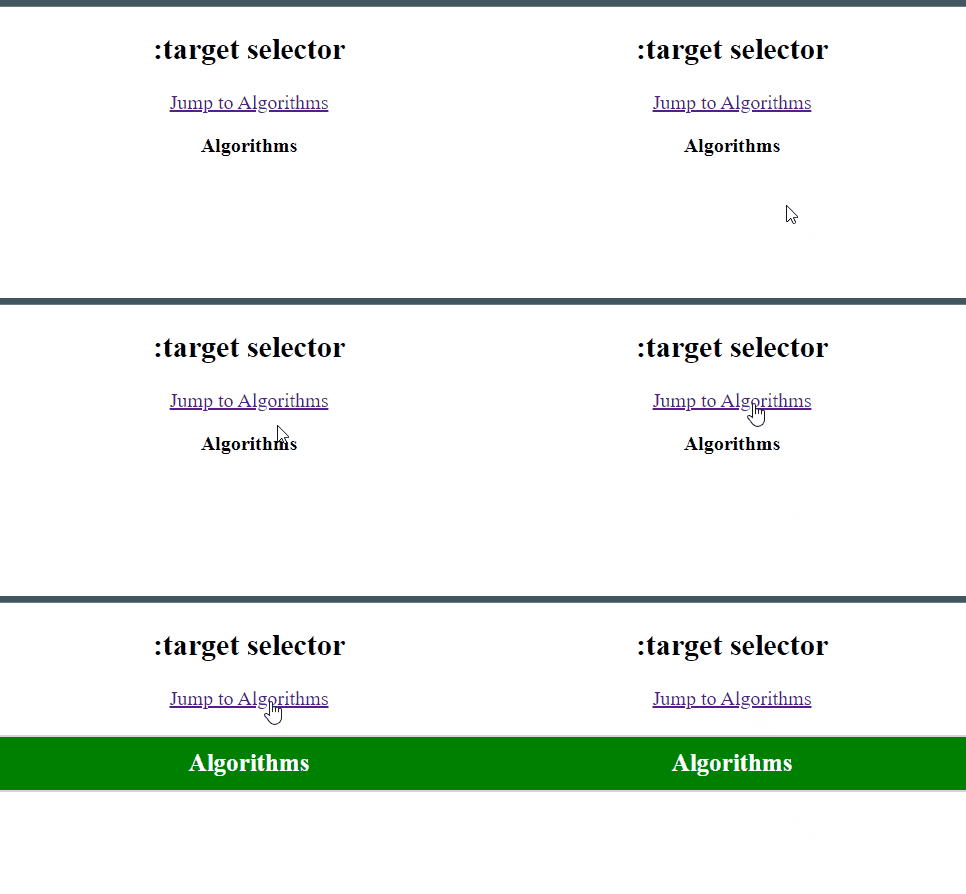
**Example 2: In this example, The :target selector is used to styling the targeted element based on the URL fragment, showing content dynamically.
HTML `
:target Selector