Primer CSS (original) (raw)
Last Updated : 23 Jul, 2025
**Primer CSS is a free open-source CSS framework built with the GitHub design system to support the broad spectrum of Github websites. It creates the foundation of the basic style elements such as spacing, typography, and color. This systematic method makes sure that our patterns are steady and interoperable with every other. Object-oriented CSS principles, functional CSS, and BEM architecture influence its approach to CSS. It is a highly reusable model.

Primer CSS
**Why Primer CSS?
- Prime CSS facilitates building a consistent user experience with ease, having enough flexibility that supsupportorts the broad spectrum of Github websites.
- It provides highly reusable components and utilities with flexible styles that can be utilized to achieve many different layouts.
- Prime CSS provides the systematic design approach, designed for GitHub, that helps to ensure that the styles are consistent and interoperable with each other.
- Prime CSS has styling that is categorized into 3 primary themes, ie the _Core style is the common dependencies, which contains the native element and typography styles, buttons, navigation, etc. The _Product style is specific to github.com, that have components like avatars, labels, markdown styles, etc. The _Marketing style which is particular to the GitHub marketing efforts, comprises the international and event-focused sites, along with more design-heavy feature pages on github.com.

Primer CSS
**Steps for installing the Primer CSS: The Primer CSS can be utilized either by installing the _Node Package Manager in the system or by directly implementing it through the CDN links. We will explore both the options for installation & understand its usage through the examples.
**Install Primer CSS via NPM
**Step 1: Use the below command to install the Primer CSS:
npm install @primer/css --save
This will help to install all the required SCSS source files into the _node_modules/@primer/css directory.

**Step 2: Add the below Import statement inside the
Primer CSS
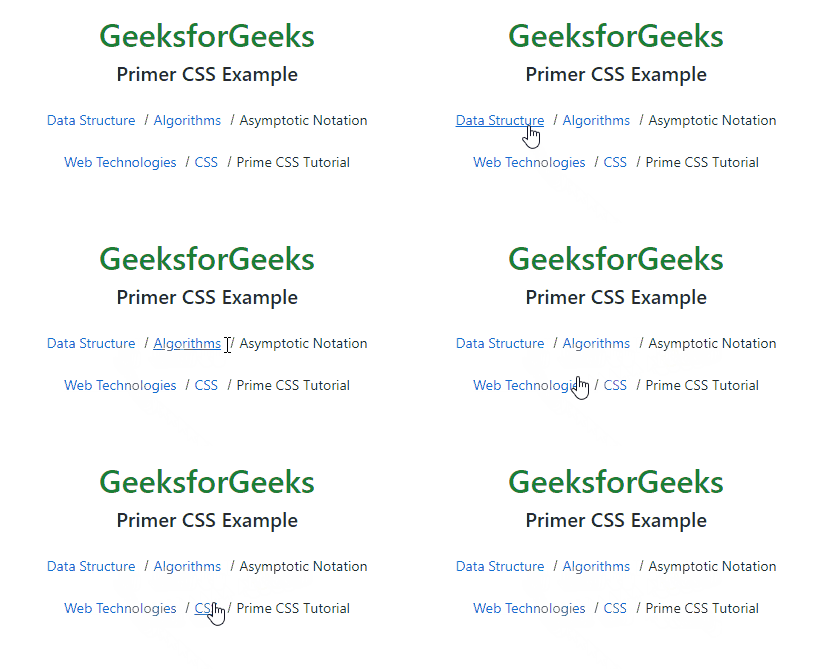
` **Output: **Example 2: This example describes the implementation of Primer CSS. HTML ` ` **Output:
GeeksforGeeks
Primer CSS Example
GeeksforGeeks
Primer CSS Example
