How To Trigger Jenkins Builds Remotely And To Pass Parameters? (original) (raw)
Last Updated : 22 Aug, 2025
Jenkins provides a built-in way to trigger jobs remotely via a simple URL with parameters. You can trigger the Jenkins job by constructing a special URL and including the parameters in the request.
Steps to trigger a Jenkins build remotely
Here are the steps to trigger a Jenkins build remotely.
**Step 1: Open the Jenkins dashboard and create a new item.

**Step 2: Give the new item a name and select a pipeline.
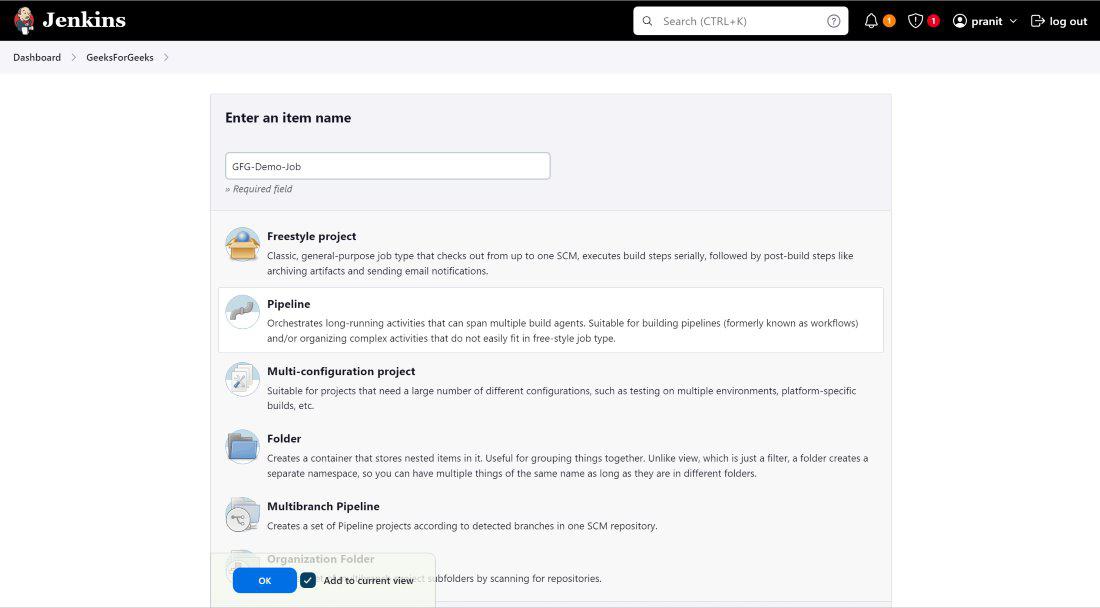
*Step 3: Add some build parameters by selecting `_****This project is parameterized`*_. Here i have added two string type build parameters , one parameter is to give username who is building the job and second parameter is to give a filename .

**Step 4: Then select `_****Trigger build remotely**_` . This option will enable you to build the job by using the URL only other browsers or scripts .

**Step 5: Now write declarative Jenkins pipeline . Here in this pipeline i am printing the username who is building it and creating a file .
pipeline {
agent any
stages {
    stage('Author name') {
        steps {
            echo "This job is executed by ${params.whoami}"
        }
    }
    stage('Creating File') {
        steps {
            echo "Filename: ${params.filename}"
            echo "Creating..."
            sh "echo 'Hello geeks' > ${params.filename}"
            echo "File successfully created."
        }
    }
}
}

**Step 6: Now go to plugins . Install a plugin from available plugins called **`** _**Build Authorization Token Root`_.

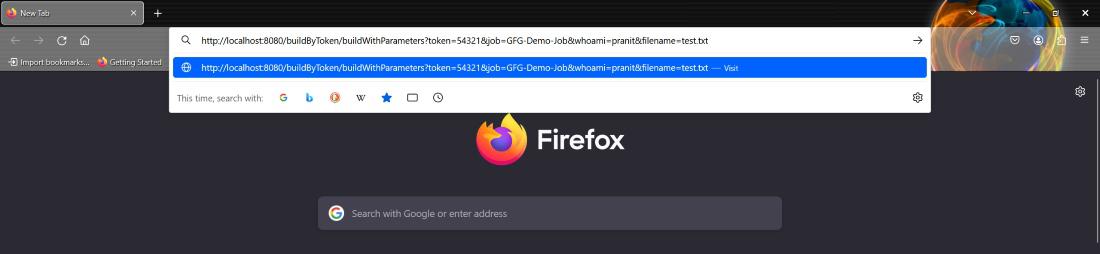
**Step 7: Now use the URL provided below and open it in another browser . The moment you opened the URL , this will automatically trigger to start the build process of the job .
http://localhost:8080/buildByToken/buildWithParameters?token=54321&job=GFG-Demo-Job&whoami=pranit&filename=test.txt (_here you can give
_your own parameters whoami and filename )
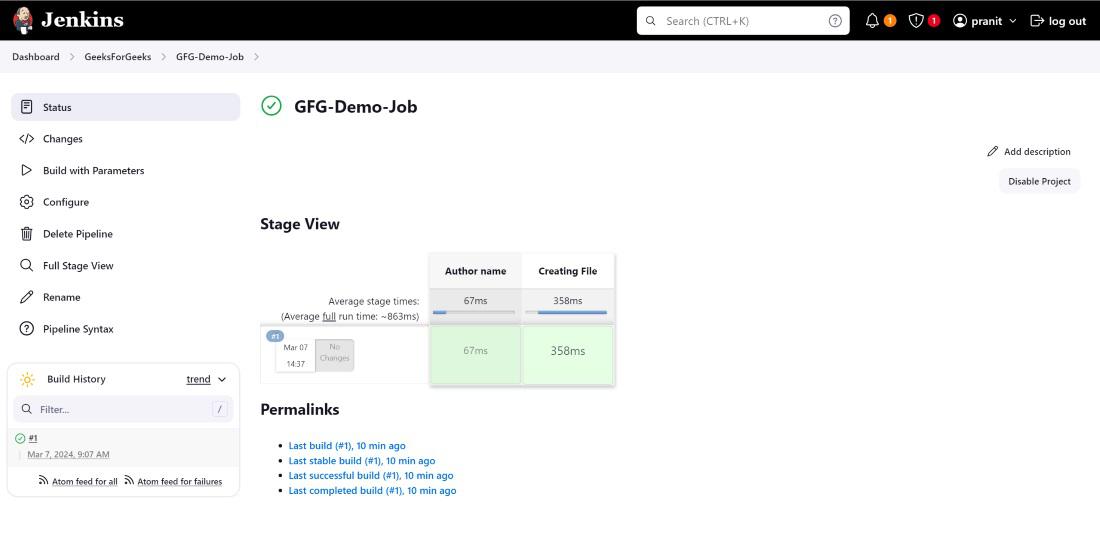
You can see the building of job successfully completed on the Jenkins dashboard .
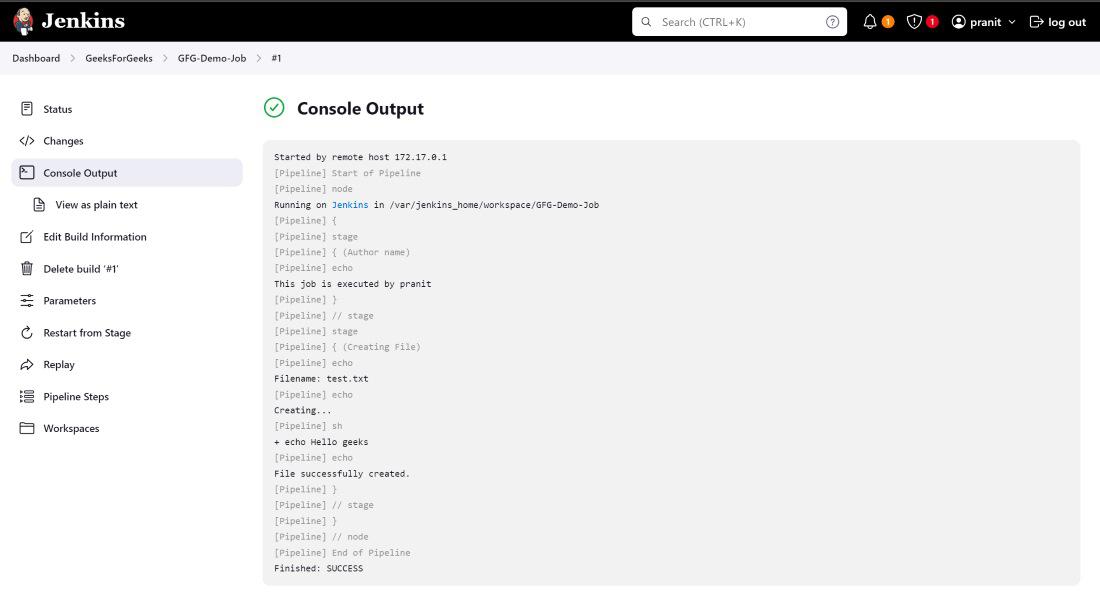
**Step 8: Observe the outputs in console output.
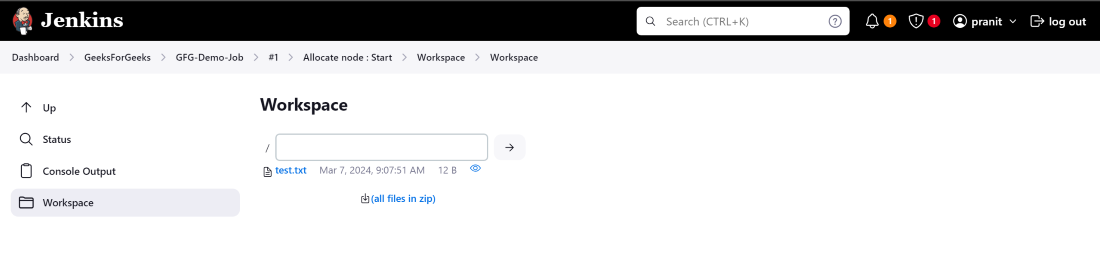
In the workspace you will also observe that a filename `_****test.txt**_` is created .
These methods offers flexibility, and the approach you choose depends on the automation scenario you're working with CI/CD pipeline, third-party service integration.