What is Burp Suite? (original) (raw)
Last Updated : 15 May, 2026
Burp Suite is a web application security testing tool used by penetration testers, ethical hackers and bug bounty hunters to identify vulnerabilities in websites and web applications. Developed by PortSwigger, Burp Suite provides an all-in-one platform for intercepting, analyzing, modifying and testing HTTP/HTTPS traffic between a browser and a web server.
- vulnerability assessment
- authentication testing
- session analysis
- API testing
- manual penetration testing
System Requirements
Before installing Burp Suite, ensure your system meets these basic requirements:
- **Operating System: Windows, Linux, macOS.
- **RAM: Minimum 4 GB.
- **Storage: At least 500 MB free space.
- **Java: Included in modern installers.
- **Internet Connection: Required for updates and extensions.
Step-by-Step Installation of Burp Suite on Windows
Step 1: Visit the Official Website
Go to the official PortSwigger Burp Suite Download Page
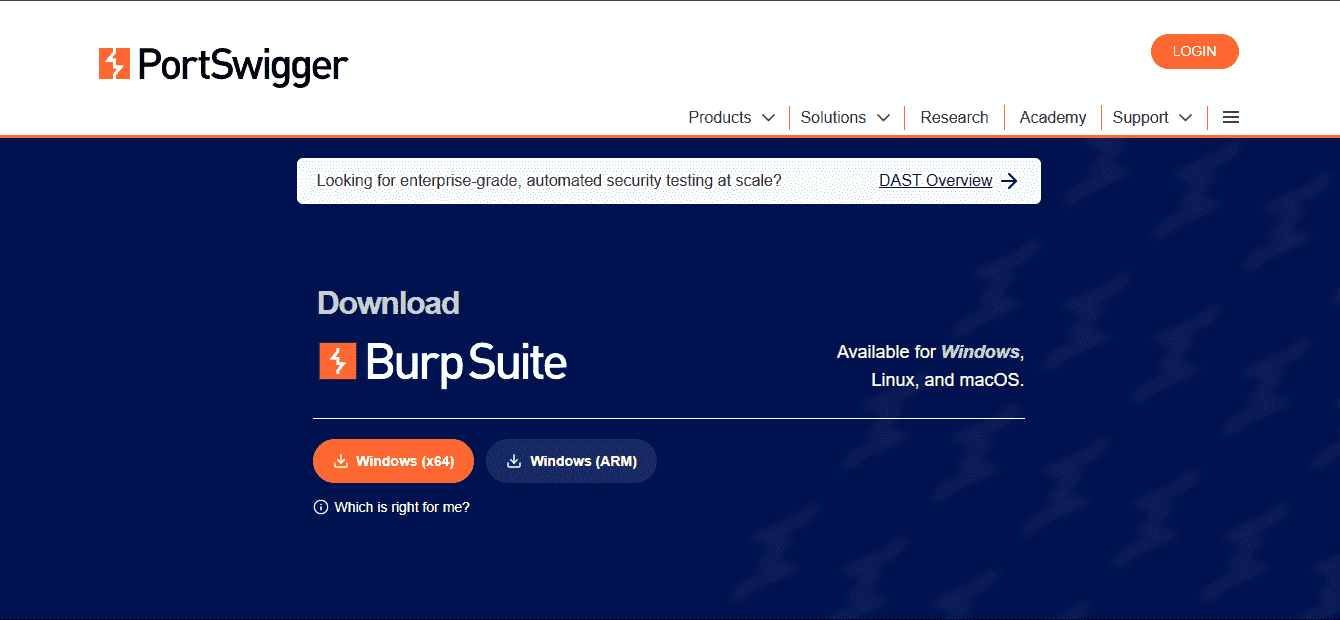
Official Download Page
Step 2: Download Burp Suite
Choose the edition you want:
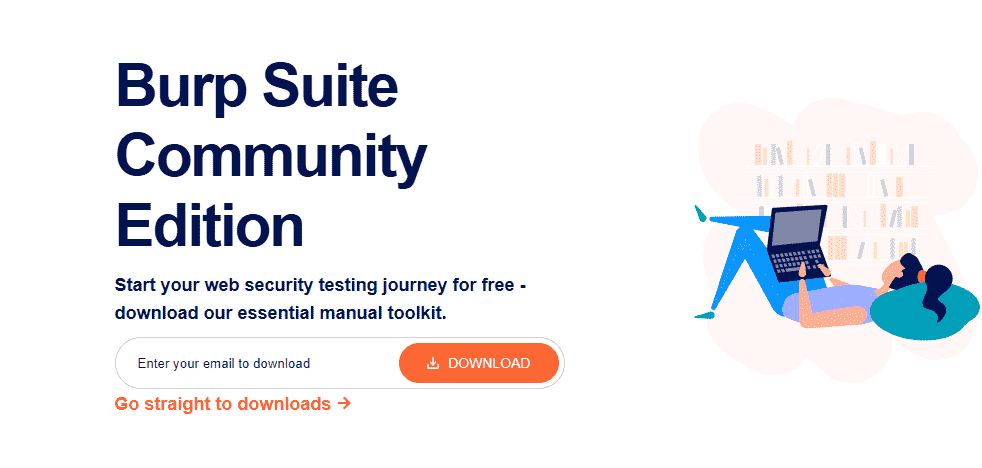
Edition
- **Community Edition: Free version.
- **Professional Edition: Paid version with advanced features.
- **Enterprise Edition: Enterprise-scale automated web vulnerability scanning
- **Click the installer for your operating system: Windows (.exe), Linux, macOS by clicking on go straight to downloads.
Step 3: Run the Installer
After downloading:
- Open the setup file.
- Click Next.
- Accept the license agreement.
- Choose the installation directory.
- Click Install.
Step 4: Launch Burp Suite
Once the Installation is complete:
- Open Burp Suite from the desktop shortcut or Start Menu.
- **Select: Temporary Project for quick testing orNew Project on Disk for saving project data
- Click Start Burp.
Installing Burp Suite on Linux
Using .sh Installer
- Download the Linux installer from the official website.
- Open Terminal in the download directory.
- Follow the installation wizard.
**Command:
chmod +x burpsuite_community_linux_v2025.sh
./burpsuite_community_linux_v2025.sh
Installing Burp Suite on macOS
- Download the .dmg installer from the official website.
- Open the downloaded file.
- Drag Burp Suite into the Applications folder.
- Launch Burp Suite from Applications.
Configuring Browser Proxy with Burp Suite
You can configure these settings manually in your browser or use browser extensions like: FoxyProxy, SwitchyOmega. To intercept browser traffic Proxy IP(127.0.0.1) and Port(8080).
Installing Burp Suite CA Certificate
To inspect HTTPS traffic, install Burp Suite’s CA certificate. Without this step, HTTPS websites will show SSL/TLS errors. This allows Burp Suite to decrypt and inspect HTTPS traffic securely. Steps:
- Open Burp Suite.
- Enable proxy interception.
- Visit http://burpsuite
- Download the CA Certificate.
- Import it into your browser’s certificate store.
Burp Suite Extensions
Burp Suite supports multiple extensions through the BApp Store.
- **Logger++: Advanced logging of requests and responses.
- **Autorize: Authorization testing.
- **Turbo Intruder: High-speed attack automation.
- **Active Scan++: Enhanced vulnerability scanning.
- **JSON Beautifier: Formatting JSON responses.
Features of Burp Suite
1. Spider
The Spider tool automatically crawls web applications to discover pages, directories, APIs, forms and hidden endpoints. This helps security testers map the complete attack surface of a target application.
- Discovering hidden pages and endpoints
- Mapping website structure
- Identifying attack surfaces
- Collecting URLs for further testing
2. Proxy
The Proxy is Burp Suite’s core feature. It acts as an intercepting proxy between the browser and the web server, allowing users to inspect and modify requests and responses in real time.
- Intercepting HTTP/HTTPS traffic
- Modifying requests and responses
- Testing headers, cookies and parameters
- Forwarding requests to other Burp tools
**3. Intruder
Intruder is an automated attack tool used for fuzzing and testing input fields with multiple payloads.
- Brute-force attacks
- Dictionary attacks
- Payload testing
- SQL Injection and XSS testing
- Rate-limit testing
4****.** Repeater
The Repeater tool allows users to resend modified HTTP requests multiple times and analyze server responses.
- Manual vulnerability testing
- Parameter manipulation
- Session testing
- Input validation analysis
- CSRF and authentication testing
5. Sequencer
The Sequencer analyzes the randomness of session tokens, cookies and CSRF tokens generated by web applications
- Detect weak session tokens
- Analyze token predictability
- Test randomness and entropy
- Identify insecure authentication mechanisms
6. Decoder
The Decoder tool helps encode and decode data in multiple formats.
- Analyzing encoded data
- Payload construction
- Session analysis
- IDOR testing
7. Extender
The Extender feature allows users to add external plugins called BApps to enhance Burp Suite’s functionality.
- Add custom security tools
- Automate testing tasks
- Extend scanning capabilities
- Integrate third-party extensions
8. Scanner
The Scanner automatically detects common web vulnerabilities in applications. The Scanner feature is available only in the Professional and Enterprise editions.
- SQL Injection
- Cross-Site Scripting (XSS)
- CSRF vulnerabilities
- Authentication issues
- Misconfigurations
Limitations of Burp Suite
- Advanced features require Professional Edition.
- Can consume significant memory during large scans.
- Requires basic knowledge of HTTP and web security.