Nikto and it's usages (original) (raw)
Last Updated : 9 May, 2026
Nikto is a powerful open-source web server vulnerability scanner written in Perl. It is widely used by penetration testers, security researchers and system administrators to identify potential security issues in web servers. Nikto scans web servers for:
- Misconfigurations
- Outdated software versions
- Dangerous files and scripts
- Known vulnerabilities
Key Features of Nikto
Nikto comes with a rich set of features that make it a valuable tool:
- **Vulnerability Scanning: Detects thousands of known vulnerabilities. Checks insecure files, scripts and configurations.
- **Server Fingerprinting: Identifies web server type and version. Uses techniques like favicon hashing.
- **Outdated Software Detection: Scans for outdated versions across 1200+ servers. Identifies issues in 200+ specific server versions.
- **SSL Support: Fully supports HTTPS scanning. Detects SSL-related issues.
- **Subdomain Discovery: Helps identify additional attack surfaces.
- **Information Gathering: Lists installed software and technologies. Provides informational findings for better hardening.
- **Multiple Output Formats: Save results in XML, CSV, HTML, TXT.
- **Authentication Testing: Supports username guessing. Can perform dictionary-based checks.
- **Integration Support: Accepts Nmap scan results as input. Works with proxies.
Installing Nikto in Linux
Follow these steps to install Nikto:
Step 1: Update system packages
Update your package list to ensure you install the latest available version of Nikto.
**Command:
sudo apt update
Step 2: Install Nikto
Install Nikto directly from the official repositories.
**Command:
sudo apt install nikto
Step 3: Verify installation
Check if Nikto is installed correctly by displaying its version.
**Command:
nikto -Version
Step 4: Run Nikto
Launch Nikto to start scanning web servers.
**Command:
nikto
**Or scan a specific target:
nikto -h http://example.com
- **-h: Specifies the host (target website) to scan
Syntax
nikto -h [options]
- **nikto: Command to run the Nikto scanner
- **-h : Specifies the target host (URL or IP)
- **[options]: Optional flags to modify scan behavior
Basic Usage of Nikto
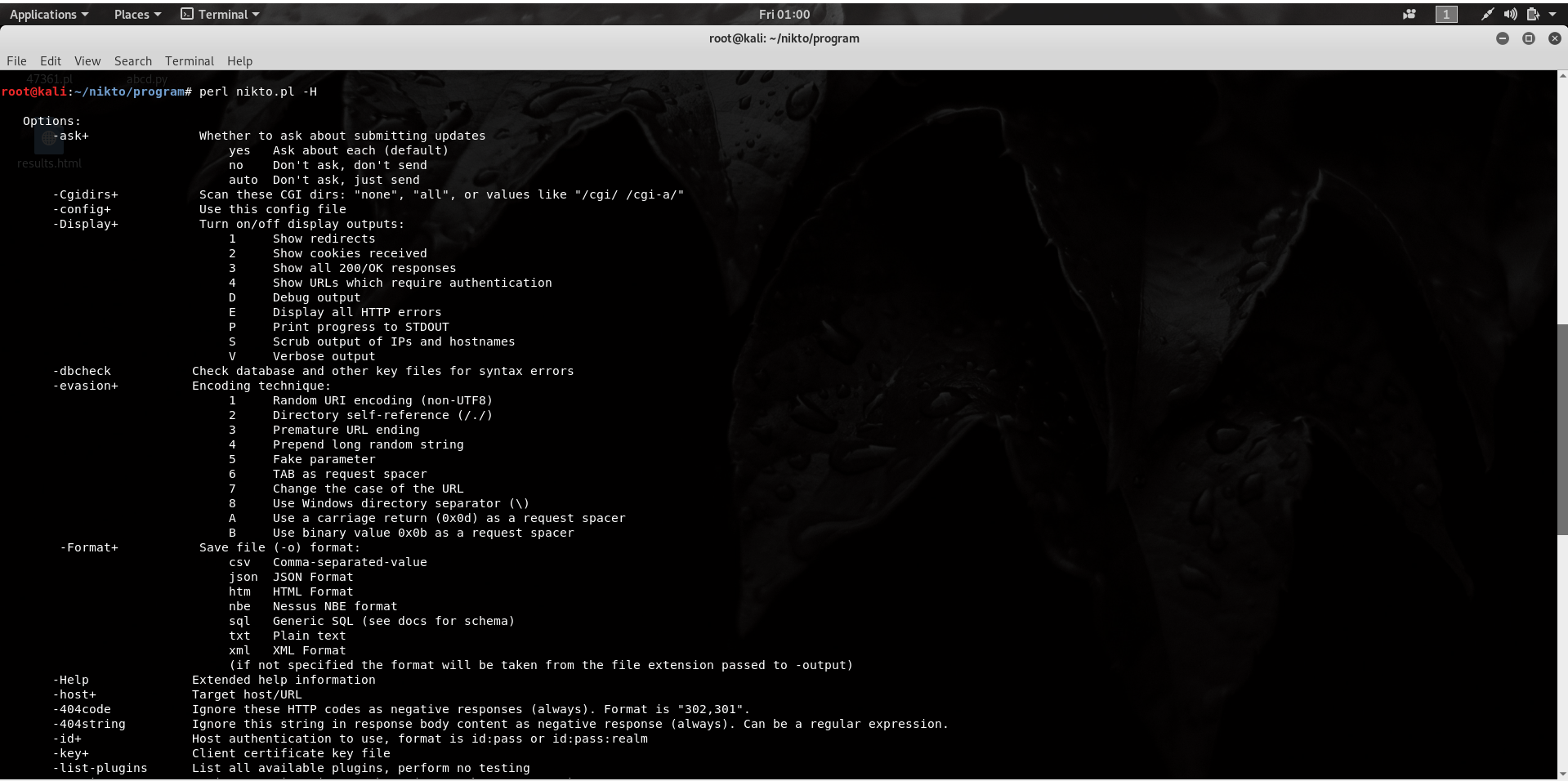
Nikto supports many flags; a few common ones are listed below:
Displays all available options and commands supported by Nikto.
**Command:
perl nikto.pl -H
**Output:
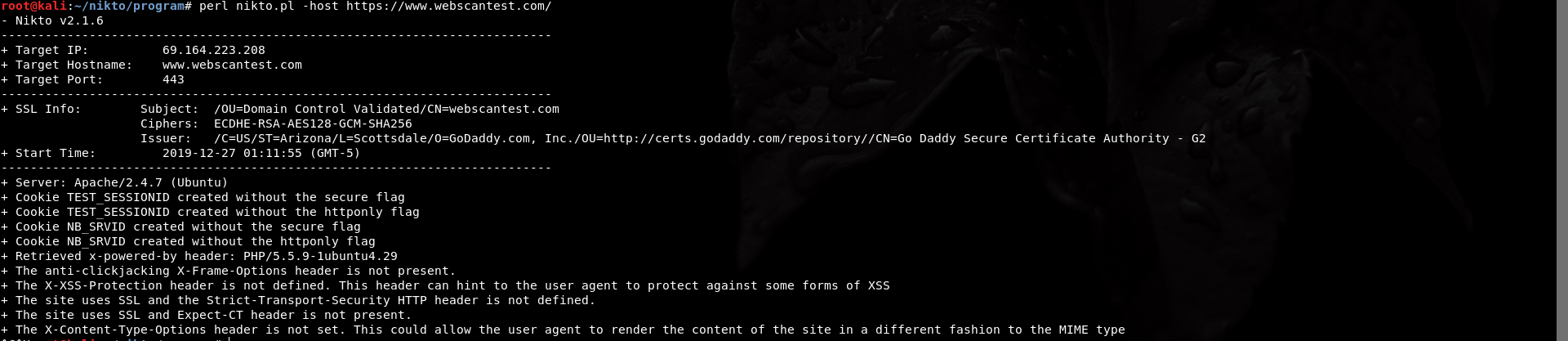
2. -host: Scan a Website
Scans the target website for vulnerabilities and misconfigurations.
**Command:
perl nikto.pl -host https://www.webscantest.com/
**Output:
3. Scan Specific Port
Targets a specific port to check services running on it.
**Command:
perl nikto.pl -host example.com -port 8080
- **-host: for scan the host
- **-port: scan the specific port9
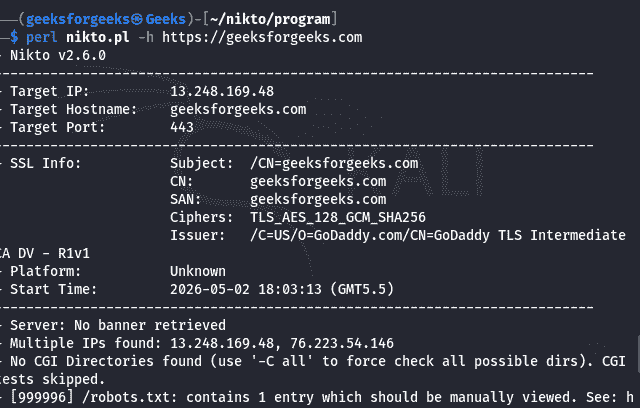
Scan specific port
4. -output: Save Output to File
Saves the scan results into a file for later analysis.
**Command:
perl nikto.pl -host example.com -output report.html
**Output:
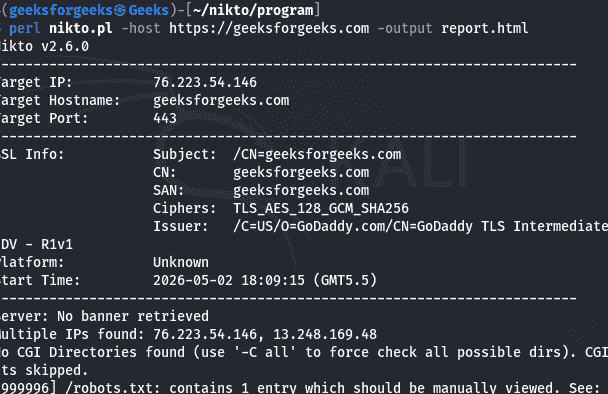
save file
5. -useproxy: Use Proxy
Routes the scan traffic through a proxy server.
**Command:
perl nikto.pl -host example.com -useproxy http://127.0.0.1:8080
**Output:
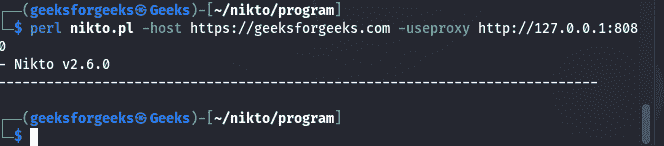
Proxy
Limitations of Nikto
- No stealth mode (easily detected)
- Generates noisy traffic
- Limited exploitation capabilities (focuses on detection only)
Real-World Use Cases
- Penetration Testing
- Security Audits
- Vulnerability Assessment Labs
- Enterprise Security Hardening
- Bug Bounty Reconnaissance