Git bisect (original) (raw)
Last Updated : 20 Jan, 2026
git bisect helps identify the exact commit that introduced a bug by efficiently searching through commit history.
- Uses a binary search approach to narrow down problematic commits.
- Marks commits as good or bad during testing.
- Automatically selects the next commit to test.
- Quickly pinpoints the commit that caused a regression.
Implementation of Git bisect command
Assume a repository contains a regression. The following steps outline the technical procedure for using git bisect to identify the faulty commit:
Step 1: Start the bisect process
Initialize the bisect session:
git bisect start
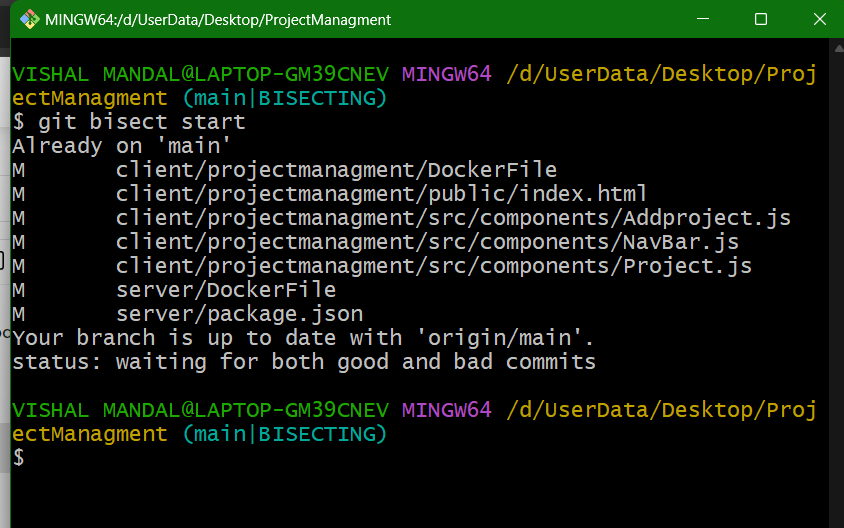
Step 2: Mark the current commit as bad
Assume HEAD is the bad commit.
git bisect bad
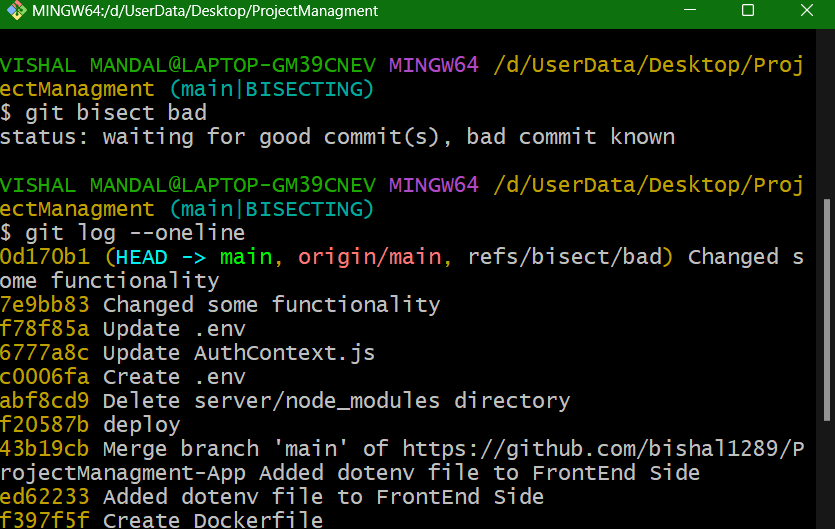
Step 3: Identify a known good commit
Specify a commit where the bug did not exist:
git bisect good
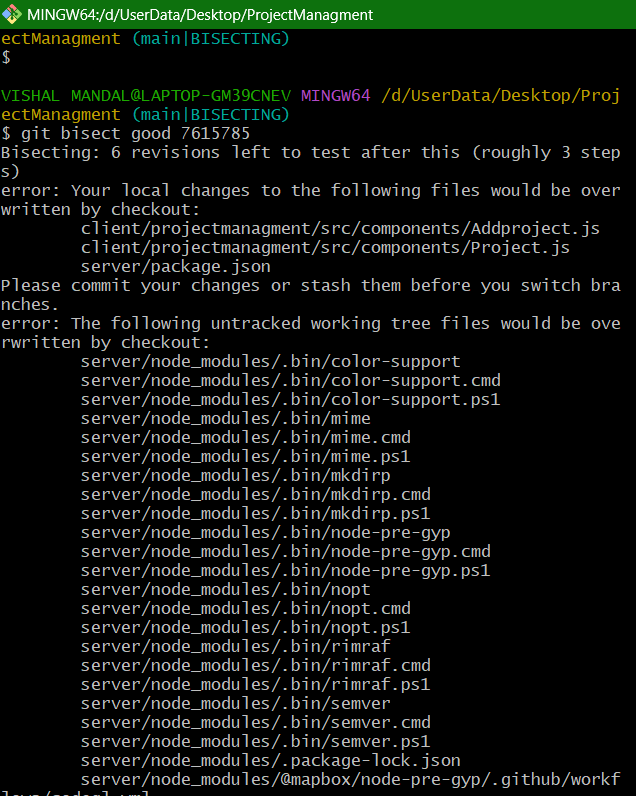

Step 4: Test each commit
- Git will now check out a commit in the middle of the range. Run your tests:
- Run your test command
./run-tests.sh
- If the tests fail (bug is present):
git bisect bad
- If the tests pass (bug is not present):
git bisect good
Step 5: Repeat until you find the offending commit
Git will continue to provide you with commits to test. Follow the previous step until you see a message indicating which commit introduced the bug.
**Output:
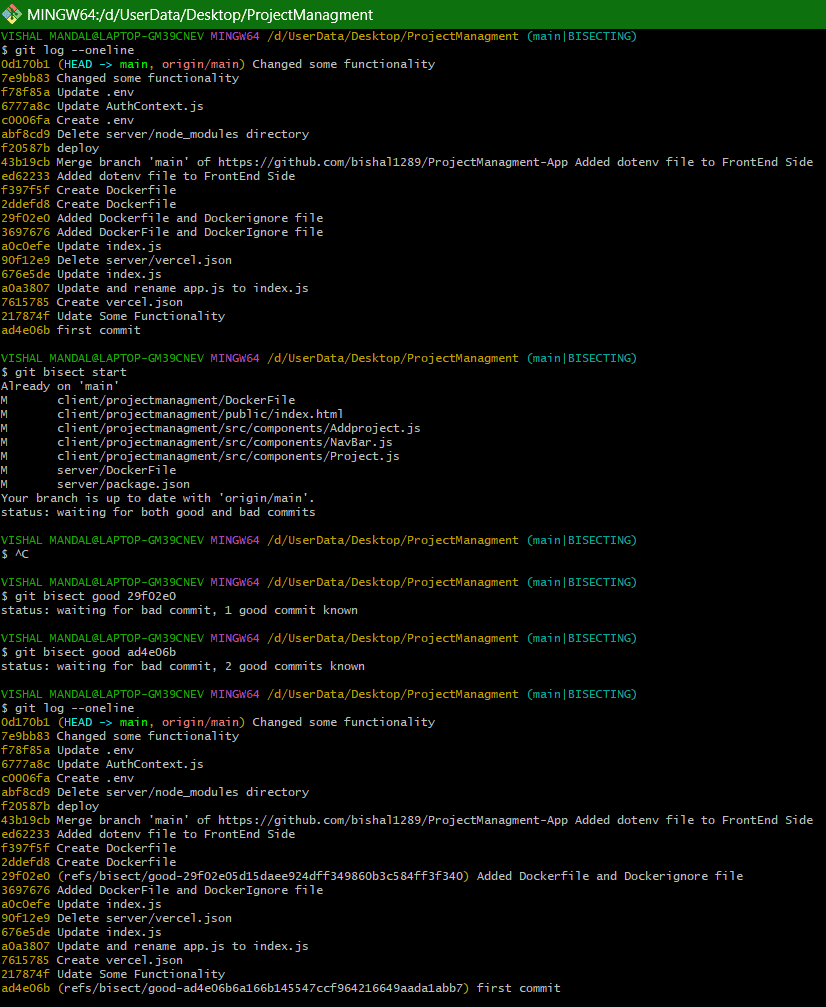
git bisect efficiently finds the commit that introduced a bug by using binary search, making debugging faster and more manageable in large projects.