Git Environment Setup (original) (raw)
Last Updated : 11 May, 2026
Setting up the Git environment is essential for using version control effectively in software development. It involves installing Git and configuring basic settings to manage and track code changes efficiently.
- Install Git on your operating system.
- Configure username and email using git config.
- Verify the installation to ensure Git works properly.
Steps for Git Environment Setup
These steps explain how to configure Git on a system so that it can be used to manage and track changes in projects efficiently.
For Windows
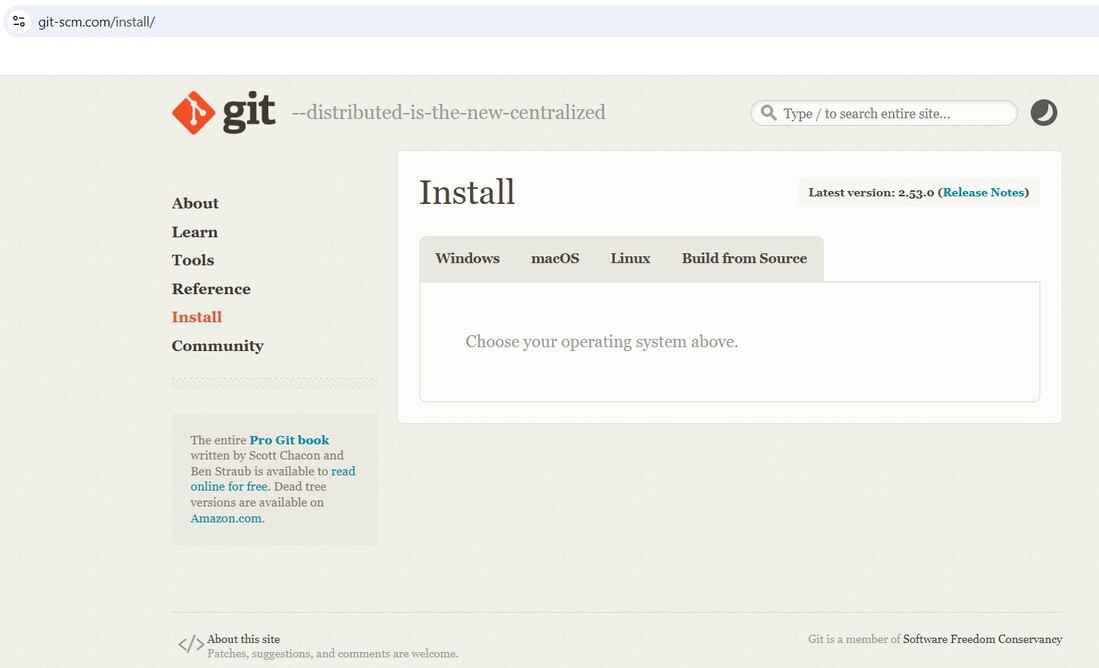
- Visit the official Git website and download Git for your system.
**For Linux (Debian Based)
sudo apt install git
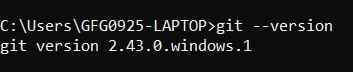
After installation, verify it by running:
git --version
Output
Setting Git Environment
Git uses the git config command to manage configuration settings. These settings can be applied globally using the --global option or locally to a specific repository if the option is omitted.
Step 1: Setting Username
This sets the username that appears as the author of commits in the repository.

Output
Step 2: Setting Email Id
This sets the email address associated with commits, helping identify the creator of the changes.

Output
Step 3: List of Git Configurations
To view the Git configuration settings, use the following command:
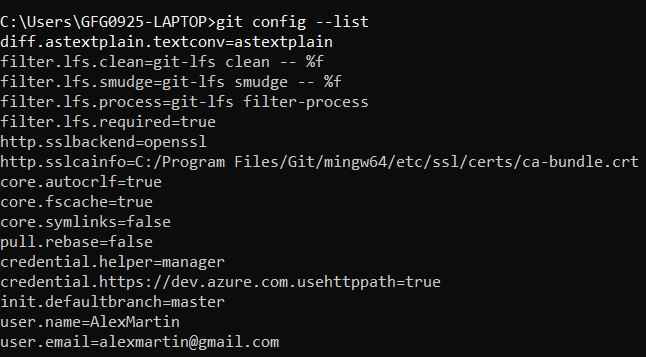
git config --list
This command displays all the configured Git settings.
Output