HTML | <area> download Attribute (original) (raw)
Last Updated : 20 Jul, 2022
The download attribute is used to download the target content when user clicks on the hyperlink. It is used only when the href attribute is set. The name of the downloaded file will be the value of the attribute. The browser automatically detects the correct file extension and add it to the file. If the value is deleted, then the original filename is used.
Syntax:
Attribute Values: It contains single value filename which is optional. It specifies the new filename for the downloaded file.
Example:
html `
HTML area download Attribute
<map name="shapemap">

    <!-- area tag contained image. -->
<area shape="poly" coords="59, 31, 28, 83, 91, 83" href="https://media.geeksforgeeks.org/wp-content/uploads/20190227165802/area2.png" alt="Triangle" download>

<area shape="circle" coords="155, 56, 26" href="https://media.geeksforgeeks.org/wp-content/uploads/20190227165934/area3.png" alt="Circle" download>
<area shape="rect" coords="224, 30, 276, 82" href="https://media.geeksforgeeks.org/wp-content/uploads/20190227170021/area4.png" alt="Square" download="rect">

`
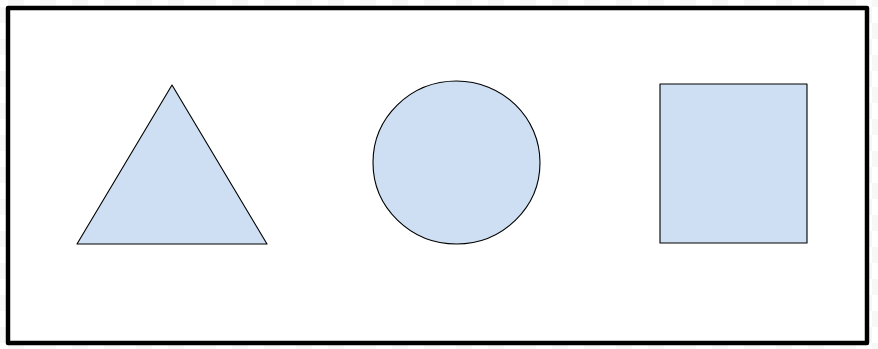
Output:
- Before click on specific clickable area:
- After click on specific clickable area: The file of this area will download.
Supported Browsers: The browser supported by download attribute are listed below:
- Google Chrome
- Edge 12 and above
- Firefox
- Opera
- Safari
- Internet Explorer