HTML DOM hasAttributes() Method (original) (raw)
Last Updated : 11 Jul, 2025
The HTML DOM hasAttribute() method is a boolean function that returns either true or false but not both. This method returns a true value if the element contains an attribute otherwise, it returns false. It is very useful to know whether the element in the document has attributes or not.
Syntax:
node.hasAttributes()
Parameters: It does not contain any parameter.
Return Value: It returns true if the element contains an attribute otherwise it returns false.
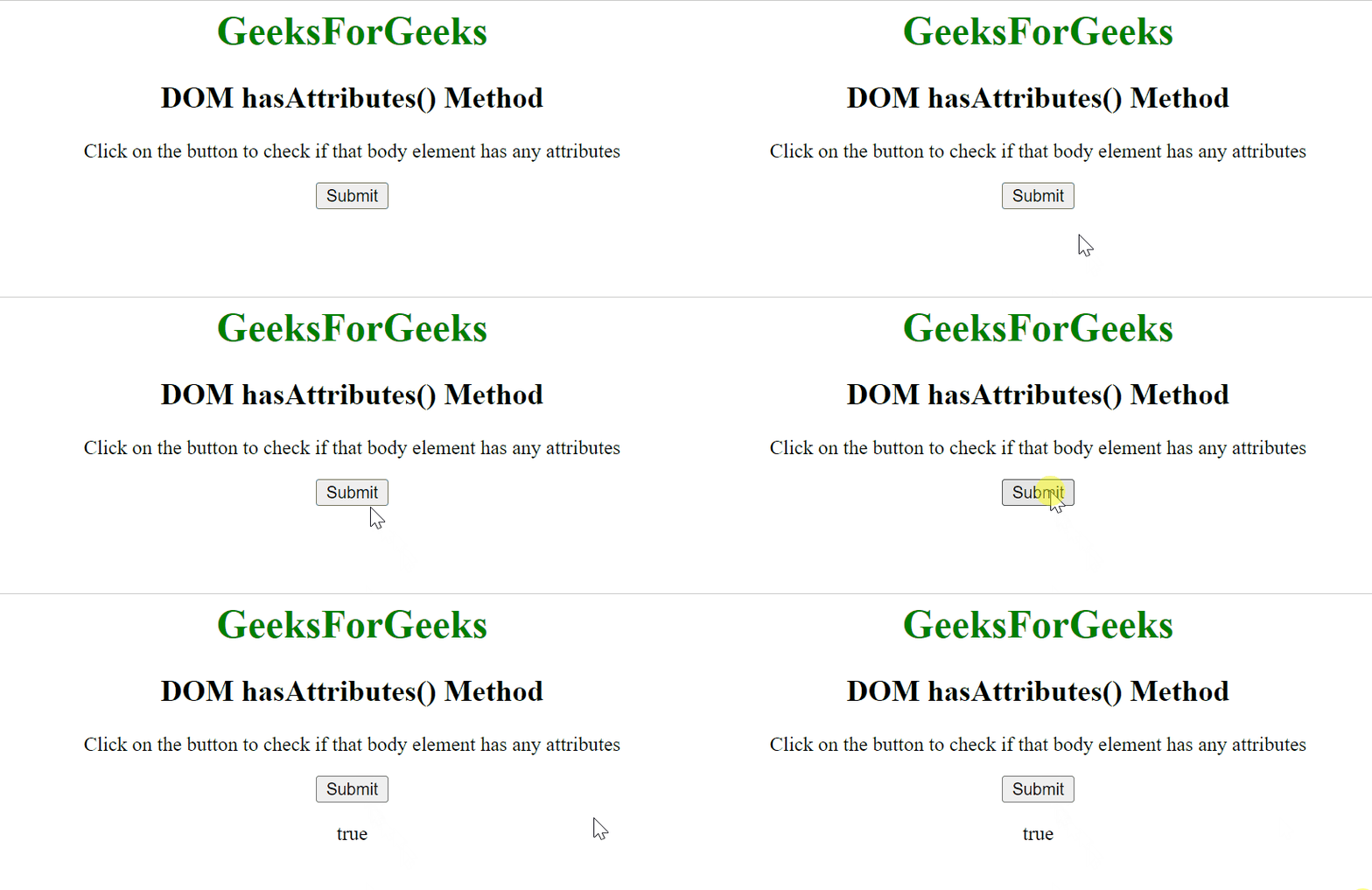
Example 1: In this example, we will see that the hasAttribute() comes out to be true when we have an attribute in our body.
HTML `
DOM hasAttributes() MethodGeeksForGeeks
DOM hasAttributes() Method
    <p>Click on the button to check if that body
        element has any attributes</p>

    <button type="button" onclick="geeks()">
        Submit
    </button>

    <script>
        function geeks() {
            let s = document.body.hasAttributes();
            document.getElementById('gfg').innerHTML = s;
        }
    </script>
    <p id="gfg"></p>

</center>
`
Output:
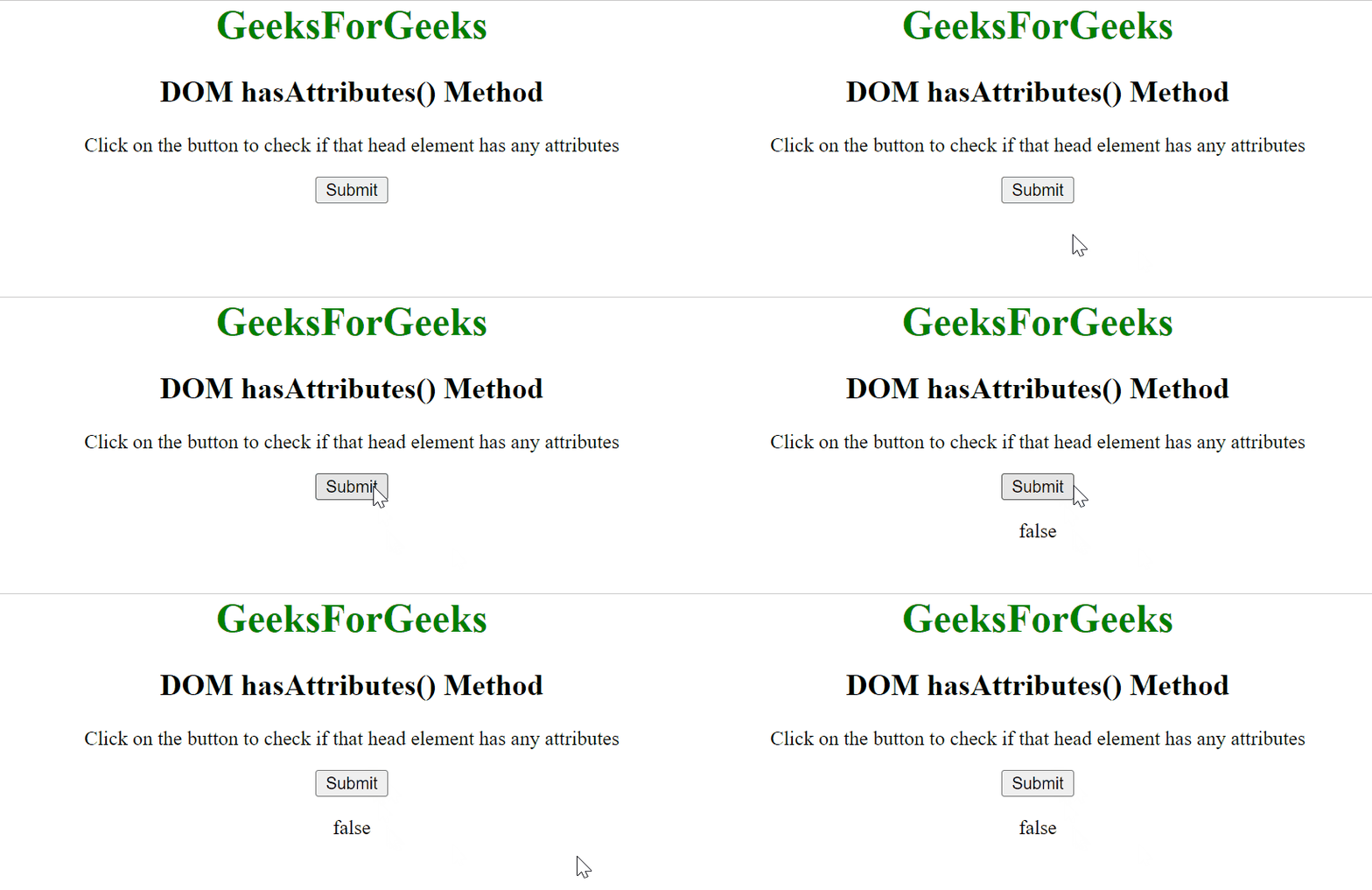
Example 2: In this example, the hasAttribute() returns false as there is no attribute in our head.
HTML `
DOM hasAttributes() MethodGeeksForGeeks
DOM hasAttributes() Method
    <p>Click on the button to check if that
        head element has any attributes</p>

    <button type="button" onclick="geeks()">
        Submit
    </button>
    <script>
        function geeks() {
            let s = document.head.hasAttributes();
            document.getElementById('gfg').innerHTML = s;
        }
    </script>
    <p id="gfg"></p>
</center>
`
Output:
We have a complete list of HTML DOM methods, to check those please go through this HTML DOM Object Complete reference article.
Supported Browsers: The browser supported by DOM hasAttributes() method are listed below:
- Google Chrome 1 and above
- Edge 12 and above
- Internet Explorer 8 and above
- Firefox 1 and above
- Opera 12.1 and above
- Safari 1 and above
We have a Cheat Sheet on Javascript where we covered all the important topics of Javascript to check those please go through Javascript Cheat Sheet-A Basic guide to JavaScript.