HTML Iframes (original) (raw)
Last Updated : 18 Dec, 2024
An iframe, or Inline Frame, is an HTML element represented by the tag. It functions as a 'window' on your webpage through which visitors can view and interact with another webpage from a different source.
Iframes are used for various purposes like:
- **Embedding Multimedia: Easily integrate videos, audio, or animations from platforms like YouTube, etc.
- **Including Maps: Embed maps from services like Google Maps directly into your site.
- **Loading Forms and Widgets: Incorporate forms or widgets from other sources without writing complex code.
**Syntax:
- The
srcattribute specifies the **URL of the document you want to embed. - Iframes can include **videos, **maps, or **entire web pages from other sources.
HTML Iframes Examples
**Example 1: Basic Iframe Embedding
In this example, an iframe is used to display another webpage within the current webpage.
HTML `
HTML iframe TagHTML iframe Tag
`
**Output:
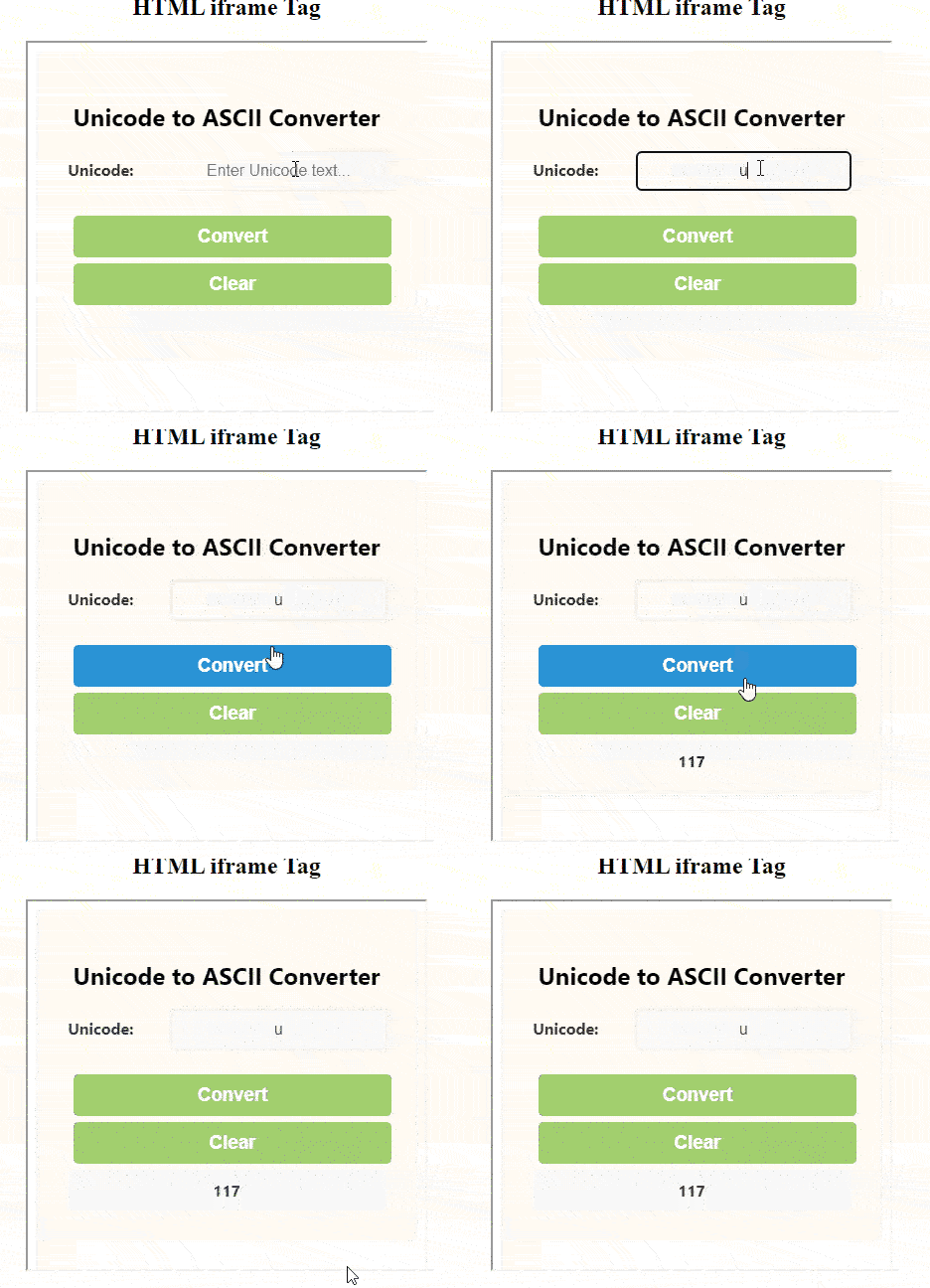
**In this example:
src: Specifies the URL of the page to display within the iframe.widthandheight: Defines the size of the iframe on your page.
**Supported Attributes of the Tag
| Attributes | Description |
|---|---|
| allow | Specifies a set of extra restrictions on the content that can be loaded in an . |
| allowfullscreen | Indicates whether the can be displayed in fullscreen mode. |
| allowpaymentrequest | Enables payment requests for content inside the . |
| **height | Sets the height of the element. |
| **width | Sets the width of the element. |
| loading | Specifies how the content of the should be loaded. |
| **scrolling | Controls whether or not the should have scrollbars. |
| **name | Specifies the name of the for targeting its content or for referencing it in JavaScript. |
| **referrerpolicy | Sets the referrer policy for the content. |
| **sandbox | Specifies an extra set of restrictions for the content in the . |
| **src | Specifies the URL of the document to embed in the . |
| **srcdoc | Specifies the HTML content of the page to display in the . |
Example 2: Using Height and Width attribute
The height and width attributes are used to specify the size of the iframe. The attribute values are specified in pixels by default. You can use pixels or percentages (e.g., “80%”).
HTML `
HTML iframe Tag
<p>
    Content goes here
</p>

<iframe src="https://media.geeksforgeeks.org/wp-content/uploads/20240206111438/uni2.html" height="395" width="400">
`
**Output:
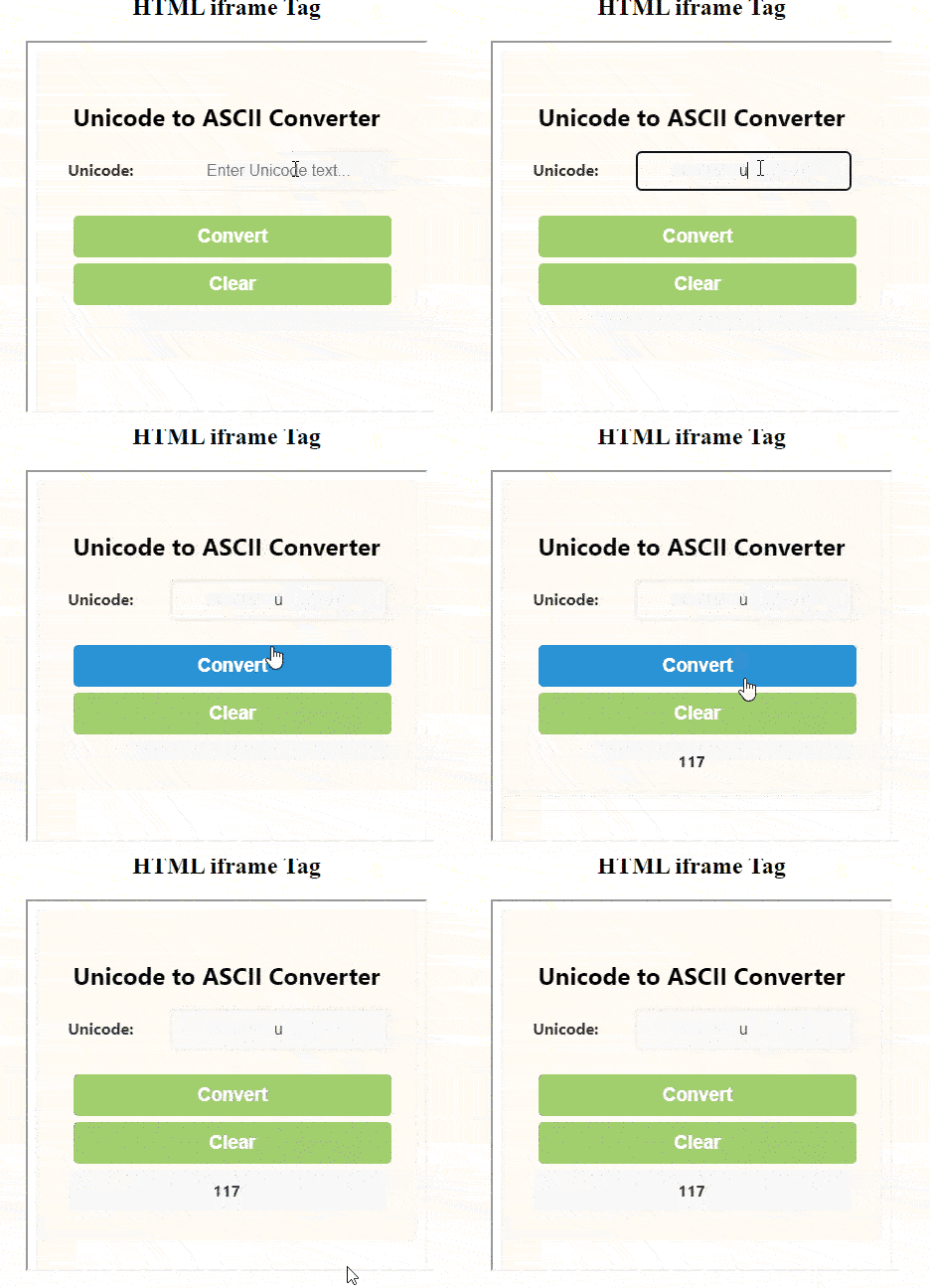
HTML Iframes Example Output
**Example 3: Removing Borders from Iframe
By default, iframe has a border around it. To remove the border, we must use the style attribute and use the CSS border property.
HTML `
HTML iframe Tag
Content goes here
<iframe src="https://media.geeksforgeeks.org/wp-content/uploads/20231227155729/jsonPrac3.html" height="300" width="400" style="border: none">
`
**Output:
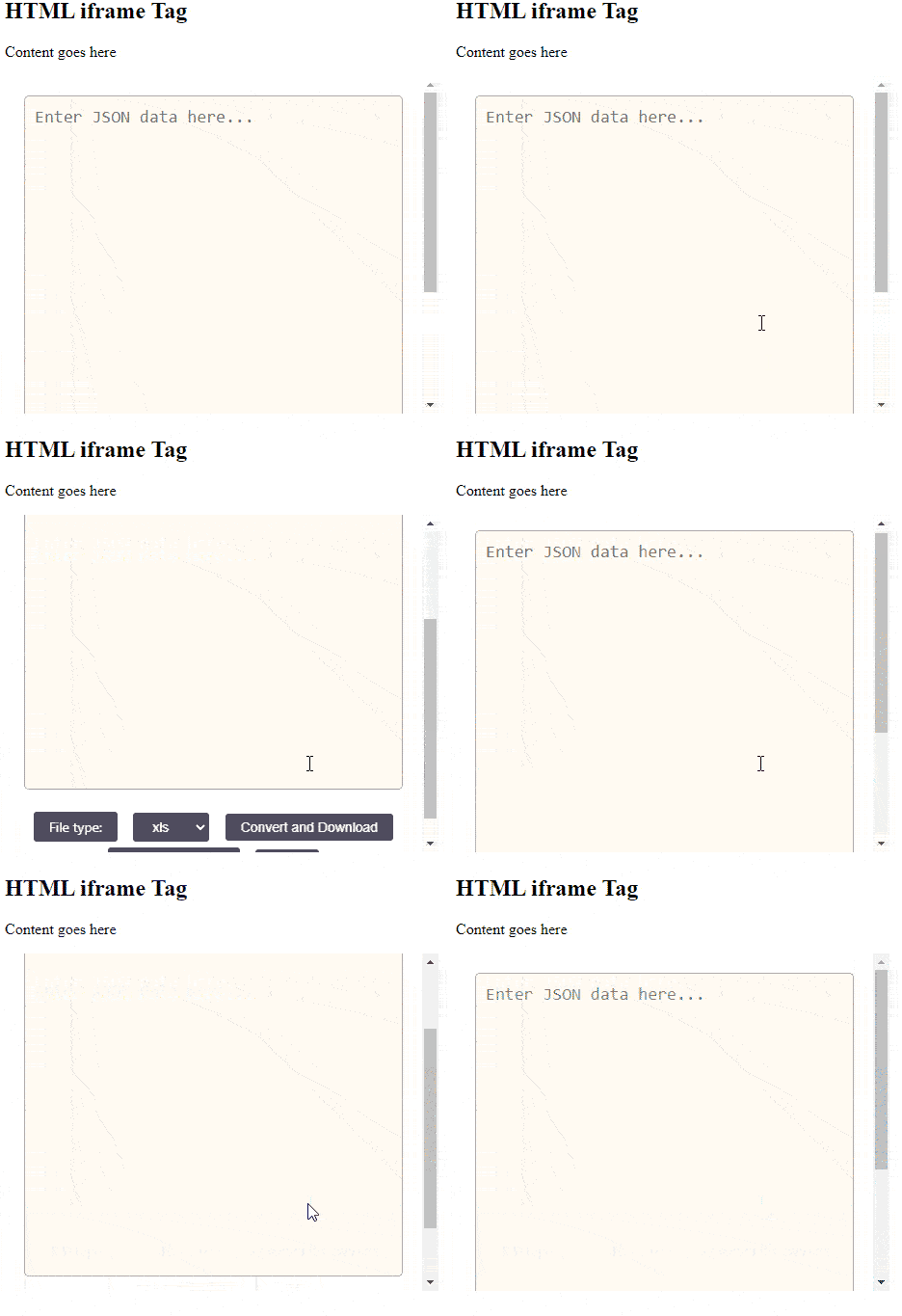
HTML Iframes Example Output
**Example 4: Styling Iframe Border Using CSS
You can change the size, style, and color of the iframe border using CSS.
HTML `
<p>Content goes here</p>
<iframe src="https://media.geeksforgeeks.org/wp-content/uploads/20240206111438/uni2.html" height="400" width="400" style="border: 4px solid orange">
`
**Output:

HTML Iframes border style Example Output
Example 5: I**frame Target in Link
You can target an iframe with links by using the name attribute of the iframe and the target attribute of the link.
HTML `
<h2>HTML iframe Tag</h2>

<p>
    Click the link text
</p>

<iframe src="https://media.geeksforgeeks.org/wp-content/uploads/20210910170539/gfg-221x300.png" height="400" width="350" name="iframe_a">

<p>
<a href="https://media.geeksforgeeks.org/wp-content/uploads/20240206111438/uni2.html" target="iframe_a"> Converter
`
**Output:
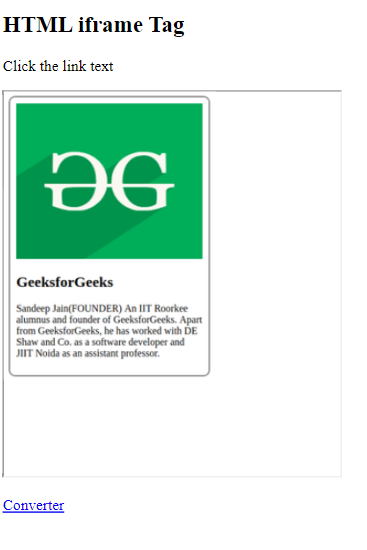
HTML iframe Tag by using the target frame for a link.
Best Practices for Using Iframes
While iframes offer significant flexibility, they should be used wisely to ensure they enhance rather than detract from the user experience.
- **Security: Always use the sandbox attribute to restrict the iframe's capabilities unless you fully trust the content. This can prevent malicious scripts from running.
- **Performance: Iframes can slow down your page loading times. Only use them when necessary and ensure the embedded content is optimized for fast loading.
- **Accessibility: Provide alternative content for users who might not be able to interact with iframes. This can be done by placing text or links inside the tags, which will only display if iframes are not supported.
**Supported Browsers
HTML iFrames in Web Development