How to Download and Install MalwareBytes on Windows? (original) (raw)
Last Updated : 30 Dec, 2022
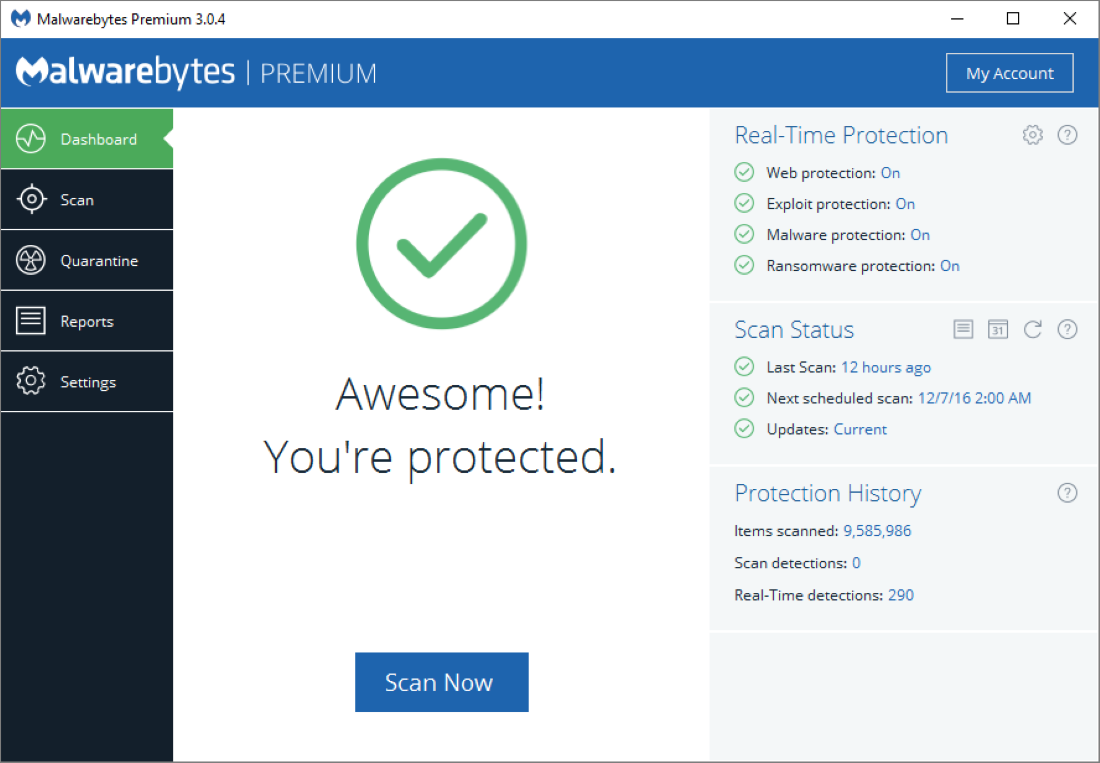
Malwarebytes is basically a scanner that finds and deletes harmful software, such as spyware, adware, and rogue security programs. Instead of scanning every file that is accessed, Malwarebytes scans in batch mode, which minimizes interference from other on-demand anti-malware programs that may be operating concurrently on the computer. Both a free and a premium version of Malwarebytes are accessible. The commercial version can run scheduled scans, scan files automatically when they are accessed, block the IP addresses of dangerous websites, and only scan services, applications, and device drivers that are really in use. The free version can only be launched manually by the user when they so want.
Key Features of Malwarebytes
- Prevents zero-hour malware.
- Conserves older systems.
- Enhances productivity.
- Simple management.
- Comprehensive threat prevention.
System Requirements
- Operating System: Windows 8.1/10/11
- CPU: 800 MHz Enables any CPU.
- RAM: 1GB for 32-bit and 2GB for 64-bit Operating System
- HDD: 20MB
- Screen Resolution: 800*600
Installation Steps of MalwareBytes
Step 1: Download Malwarebytes Package from its official sites.

Step 2: Execute the applications file. To execute it double click on it. Then Click on Yes.

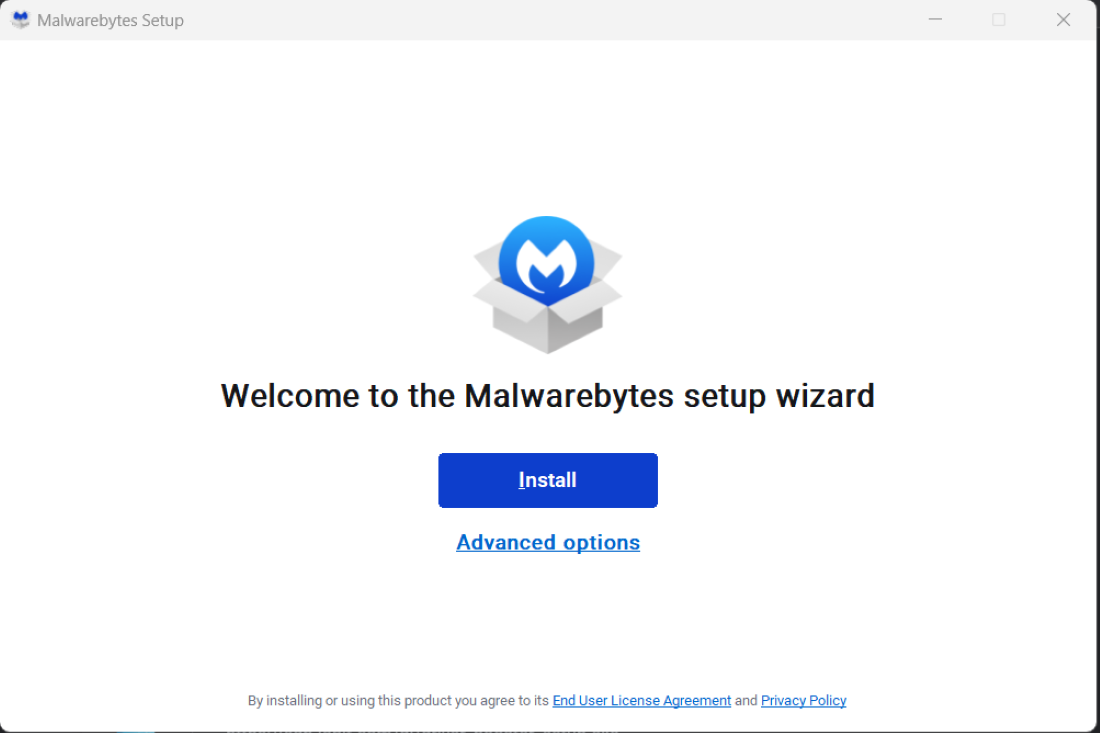
Step 3: Click on the Install button to install the application or choose Advanced Options to install manually.
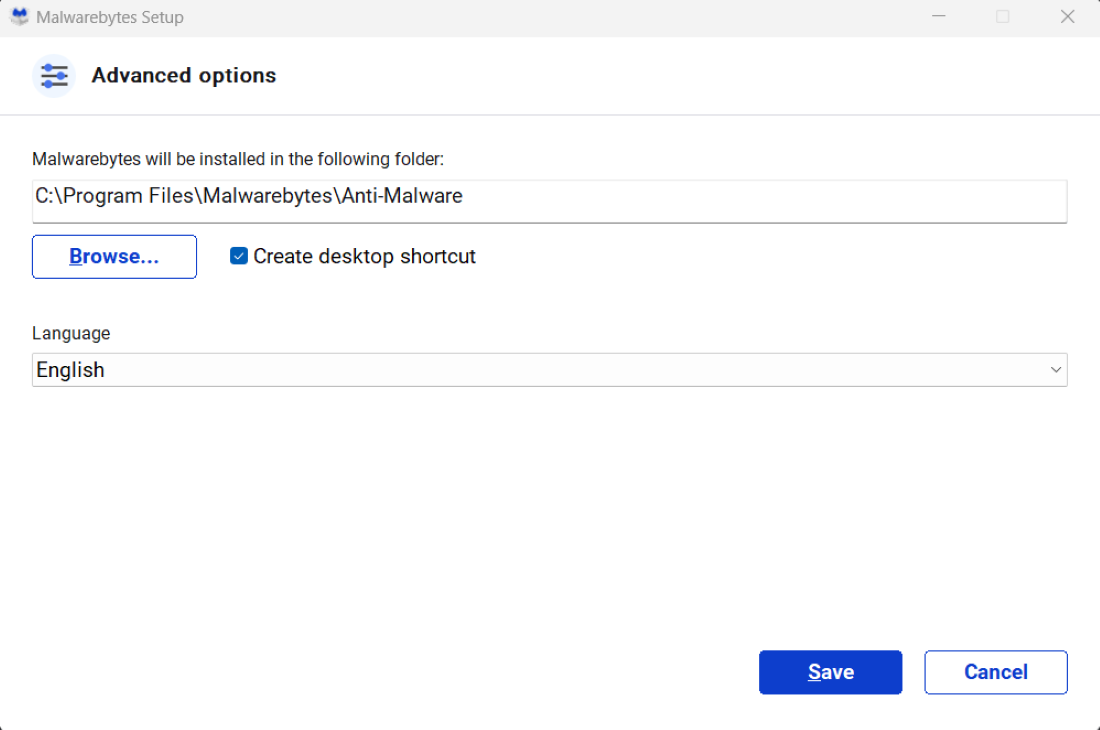
Step 4: Choose the Installation folder of Malwarebytes and click on Save.
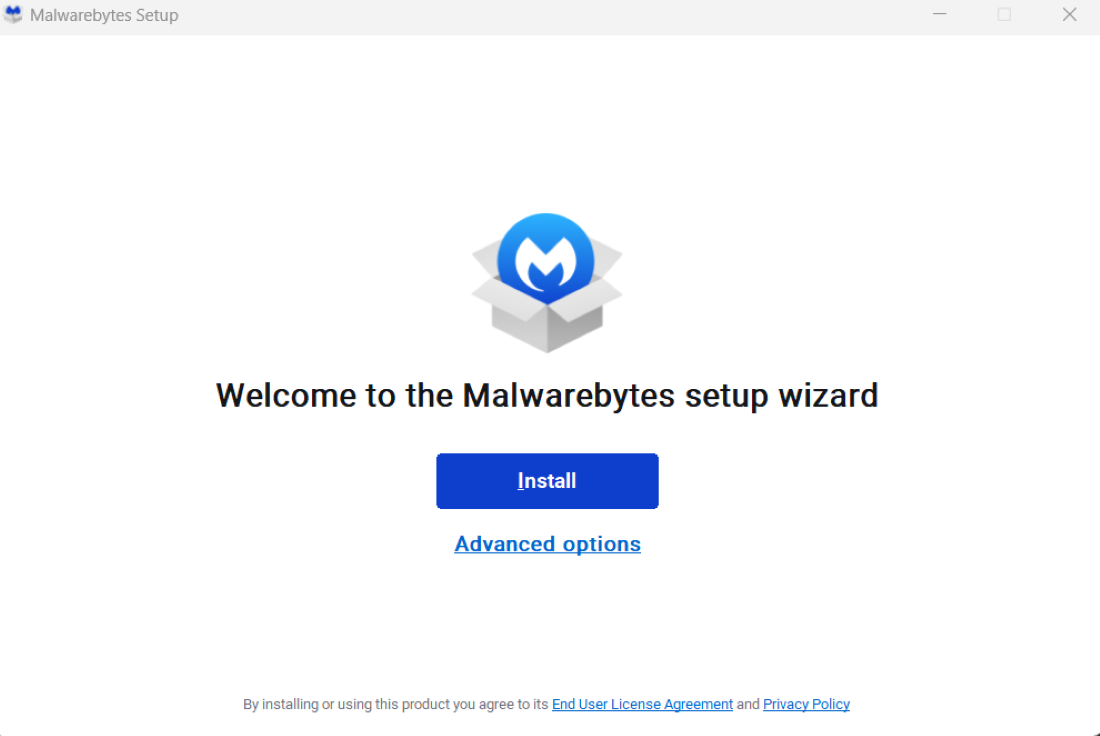
Step 5: Click on the Install button.
Step 6: Select the Product type i.e For your Family or Organization. here we are choosing Me or my_family if you want for your organization then you can choose the My organization option. Then click on Next.

Step 7: Now here ourInstallation Process Starts.

Now our application is successfully installed.