How to Install Social Engineering Toolkit in Kali Linux? (original) (raw)
Last Updated : 19 Apr, 2025
Social engineering toolkit is a free and open-source tool that is used for social engineering attacks such as phishing, faking phone numbers, sending SMS, etc. it's a free tool available in Kali Linux or you can directly download and install it from Github. The Social Engineering Toolkit is designed and developed by a programmer named Dave Kennedy. This tool is used by security researchers, penetration testers all around the globe for checking cybersecurity flaws in systems. Social engineering toolkit targets to perform attacking techniques on their machines. This tool kit also offers website vector attacks or custom vector attacks by which you can clone any website and can perform phishing attacks. There are various features of the social engineering toolkit some of them are given below.
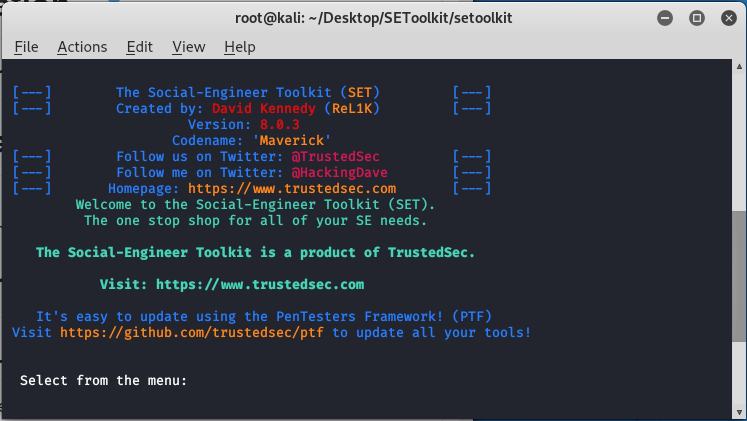
- SET is free and Open Source
- SET is already installed in your Kali Linux however you can also download and install it from Github.
- SET is portable, which means you can easily change attack vectors.
- SET is a Multi-platform tool: It can run on Linux, Unix, and Windows.
- SET Supports integration with third-party modules.
- SET Includes access to the Fast-Track Penetration Testing platform
- SET provides many attack vectors such as Spear-Phishing Attacks, Website Attacks, Infection Media Generator etc.
- **Phishing Attacks: Social Engineering Toolkit allows you to perform phishing attacks on your victim. By using SET you can create phishing pages of many websites such as Instagram, Facebook, Google, etc. SET will generate a link of the option that you have chosen, and then you can send that URL to the victim once the victim open that URL and he /she will see a legitimate webpage of a real website which is actually a phishing page .once he/she entered his/her id password then you will get that id password on your terminal screen this is how phishing attack using SET works.
- **Web Attack: Web Attack is a module in SET. This module combines different options for attacking the victim remotely by using this module you can create a payload and can deliver payload onto your victim browser using Metasploit browser exploit. web attack has Credential Harvester method using which you can clone any website for a phishing attack and can send the link of that webpage to the victim to harvest the information from user and password fields.
- **Create a Payload and Listener: when you will first run the Social Engineering Toolkit. You will see the 4th option which is to create a payload and listener by using that module of SET you’ll be able to create malicious payloads for Windows, including Shell Reverse_TCP, Reverse_TCP Meterpreter, Shell Reverse_TCP X64, and Meterpreter Reverse HTTPS. You can use these payloads in the same way how you use payloads from metasploitable.
- **Mass Mailer Attack: mass mailer attack is a module in the social engineering toolkit that is used for bombarding emails on target mail account for that you can use your own Gmail account also or you can own a server for that.
These were some attack vectors that you can perform using Social Engineering Toolkit .when you will run the SET you will feel fun because using SET is very easy now we will see how you can install Social Engineering Toolkit and how you can use it for phishing attack.
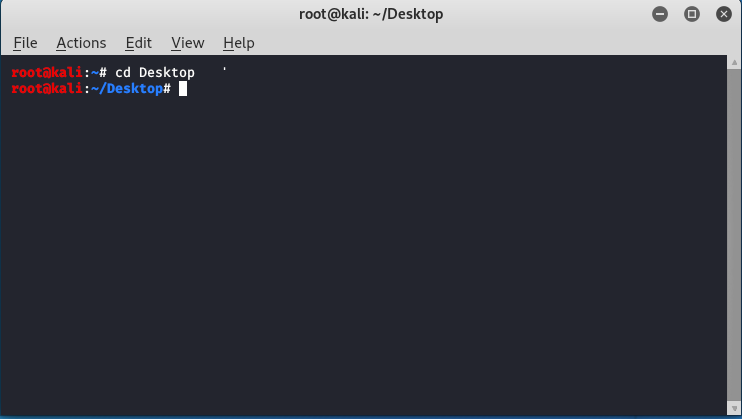
**Step 1: Open your Kali Linux Terminal and move to Desktop
cd Desktop
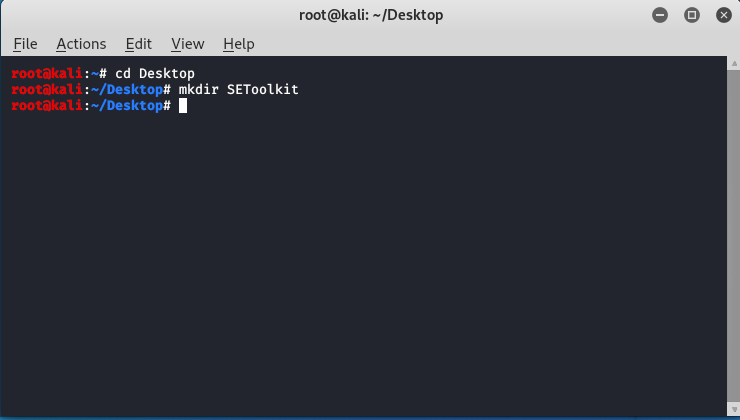
**Step 2: As of now you are on a desktop so here you have to create a new directory named SEToolkit using the following command.
mkdir SEToolkit
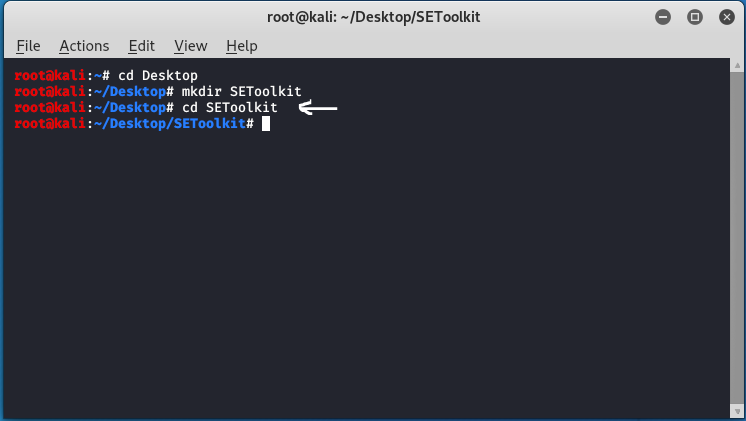
**Step 3: Now as you are in the Desktop directory however you have created a SEToolkit directory so move to SEToolkit directory using the following command.
cd SEToolkit
**Step 4: Now you are in SEToolkit directory here you have to clone SEToolkit from GitHub so you can use it.
git clone https://github.com/trustedsec/social-engineer-toolkit setoolkit/
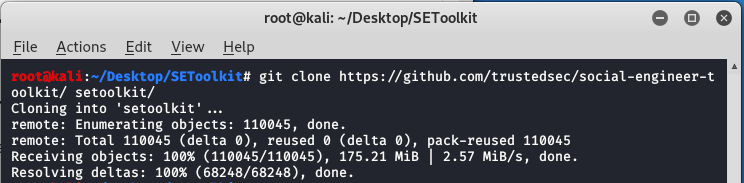
**Step 5: Social Engineering Toolkit has been downloaded in your directory now you have to move to the internal directory of the social engineering toolkit using the following command.
cd setoolkit
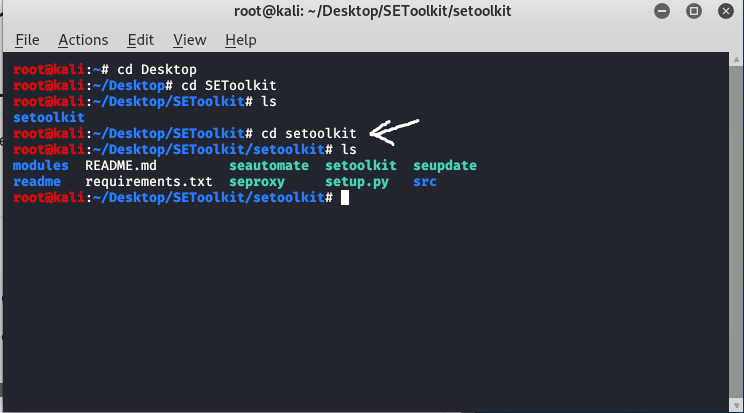
**Step 6: Congratulations you have finally downloaded the social engineering toolkit in your directory SEToolkit. Now it's time to install requirements using the following command.
cd setoolkit
pip3 install -r requirements.txt
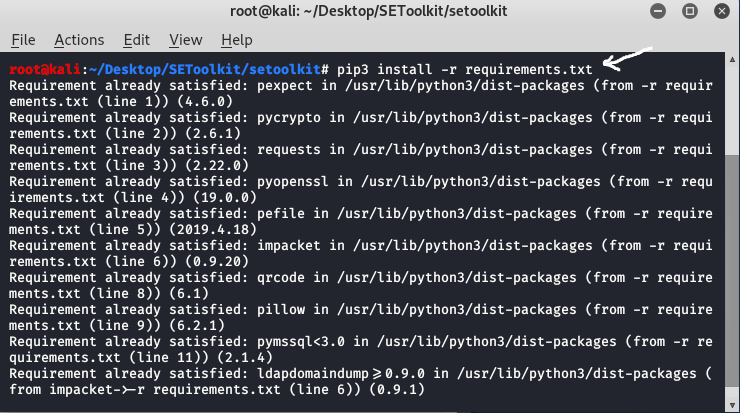
**Step 7: All the requirements have been downloaded in your setoolkit. Now it's time to install the requirements that you have downloaded
python setup.py
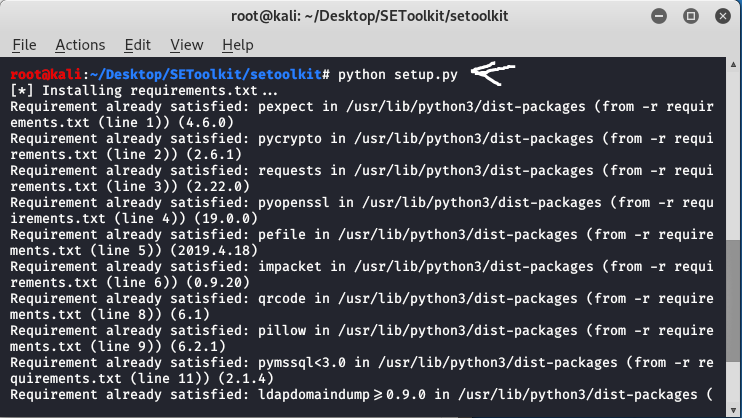
**Step 8: Finally all the processes of installation have been completed now it's time to run the social engineering toolkit .to run the SEToolkit type following command.
setoolkit
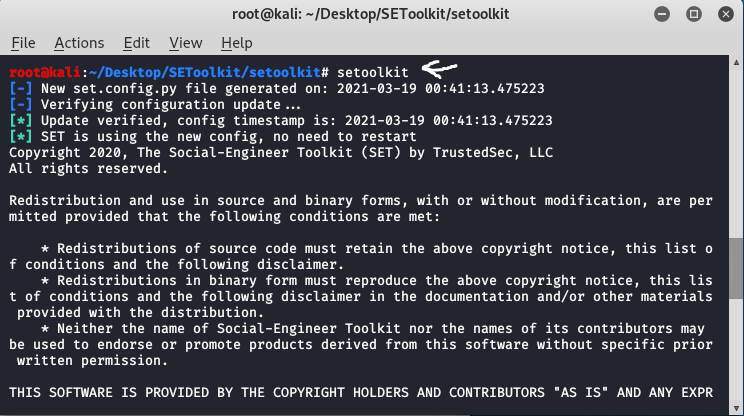
**Step 9: At this step, setoolkit will ask you (y) or (n). Type y and your social engineering toolkit will start running.
y
**Step 10: Now your setoolkit has been downloaded into your system now it's time to use it .now you have to choose an option from the following options .here we are choosing option 2
Website Attack Vectors:
option : 2
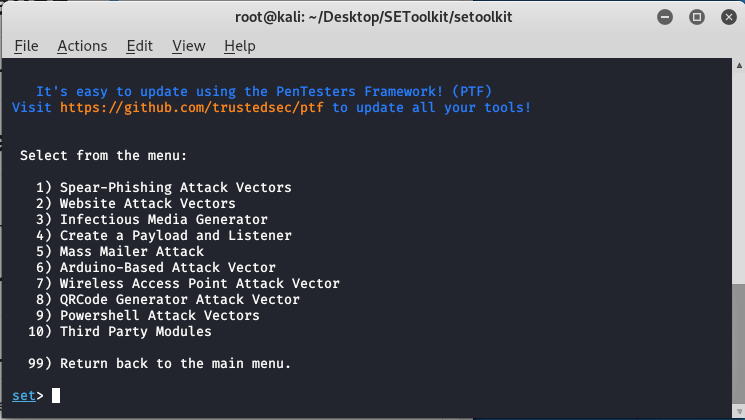
**Step 11: Now we are about to set up a phishing page so here we will choose option 3 that is the credential harvester attack method.
Option : 3
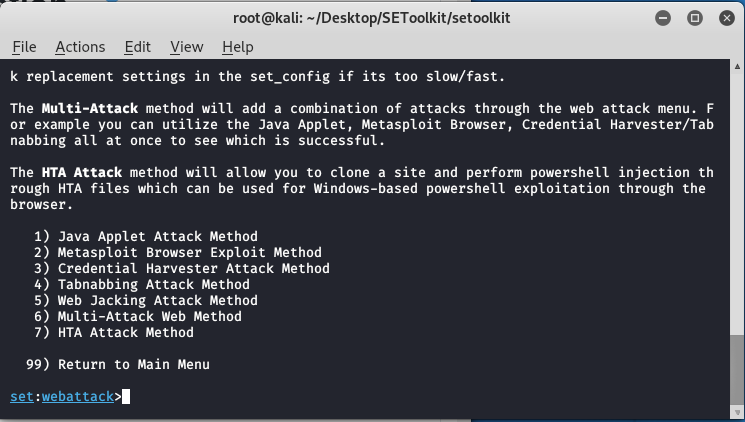
**Step 12: Now since we are creating a Phishing page so here we will choose option 1 that is web templates.
option 1
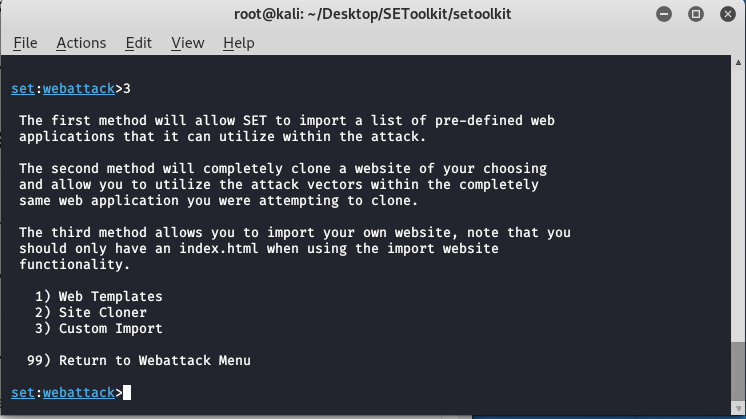
**Step 13: At this time the social engineering tool will generate a phishing page at our localhost.
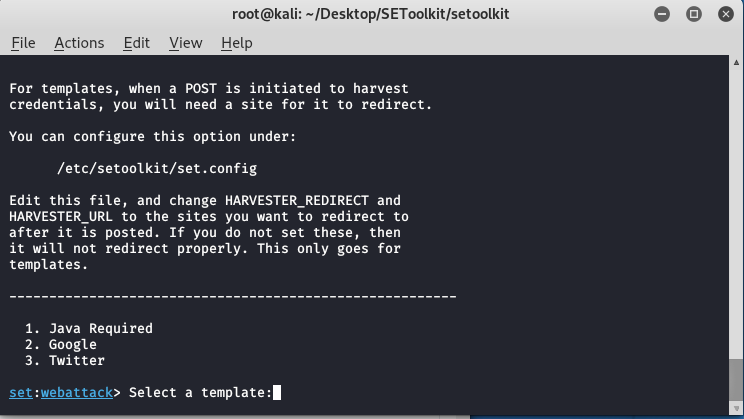
**Step 14: Create a google phishing page so choose option 2 for that then a phishing page will be generated on your localhost.
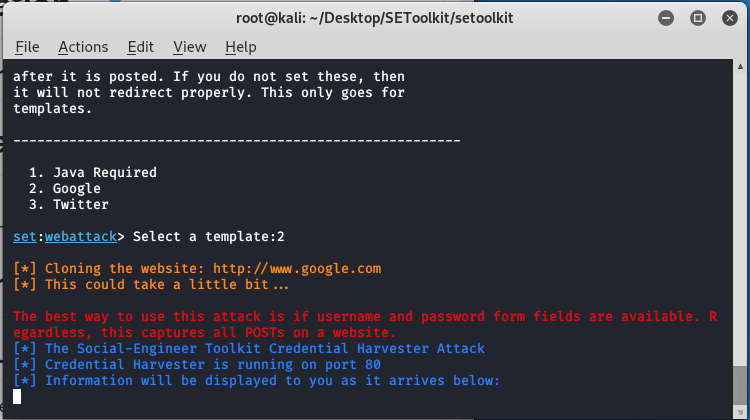
**Step 15: Social engineering toolkit is creating a phishing page of google.
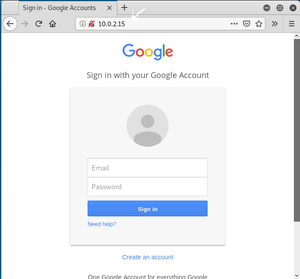
As you can see on our localhost means on our IP address setoolkit created a phishing page of google. This is how the social engineering toolkit works. Your phishing page will be created by social engineering toolkit. Once the victim types the id password in the fields the id password will be shown on your terminal where SET is running.