Installation of TestNG on Eclispse IDE (original) (raw)
Last Updated : 12 Jan, 2026
We will be installing TestNG as a plug-in for Eclipse, for you to have Eclipse installed on your device. You can download and install it from their official site by clicking the Eclipse Official Page. Once Eclipse is installed, you can proceed to the next steps.
TestNG can be installed in two ways:
- Using the Eclipse marketplace.
- Using Maven to Add TestNG as a Dependency
**1. Go to Eclipse Marketplace
Follow the steps below to install TestNG from the Eclipse marketplace:
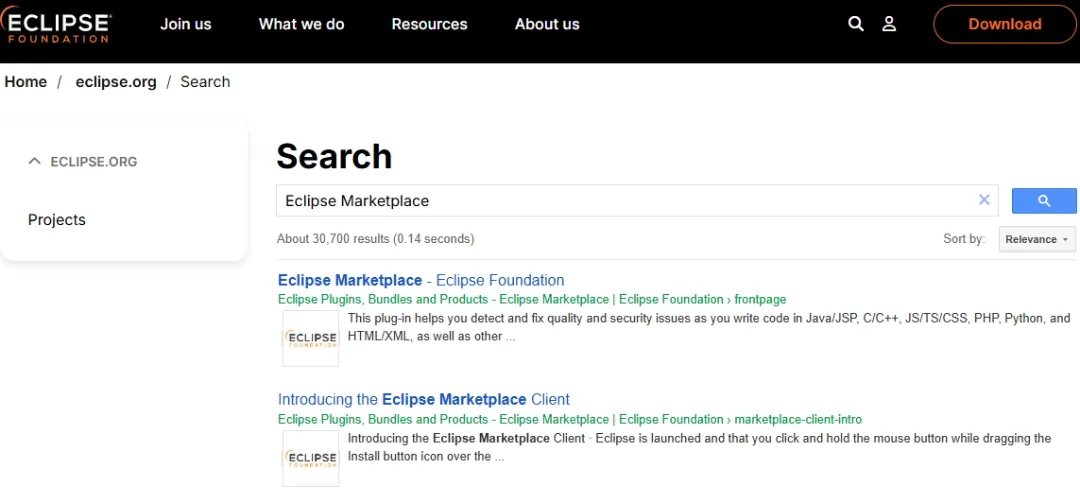
- Go to the search bar and search "Eclipse Marketplace".
- Search for TestNG for Eclipse.
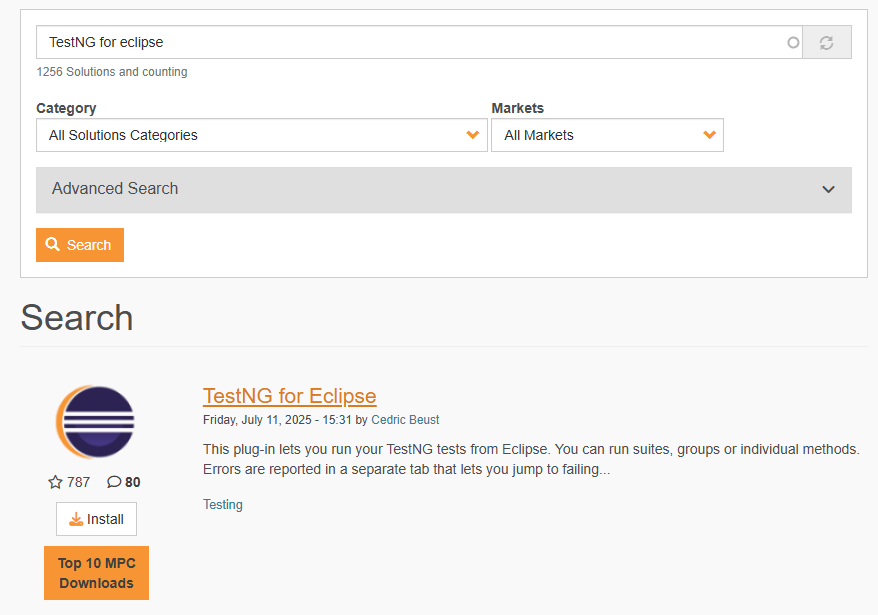
- Click on the Install button.
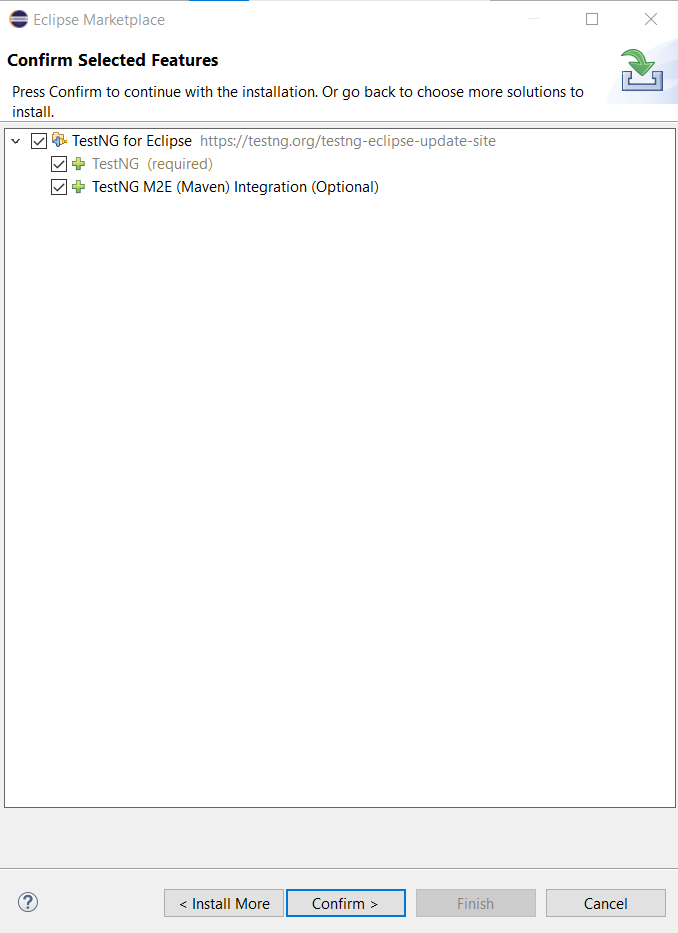
- Wait for some time, then a dialog box will appear.
- Click on the confirm button.
- Press the checkbox labelled “I accept the terms” and now click on the Finish button.
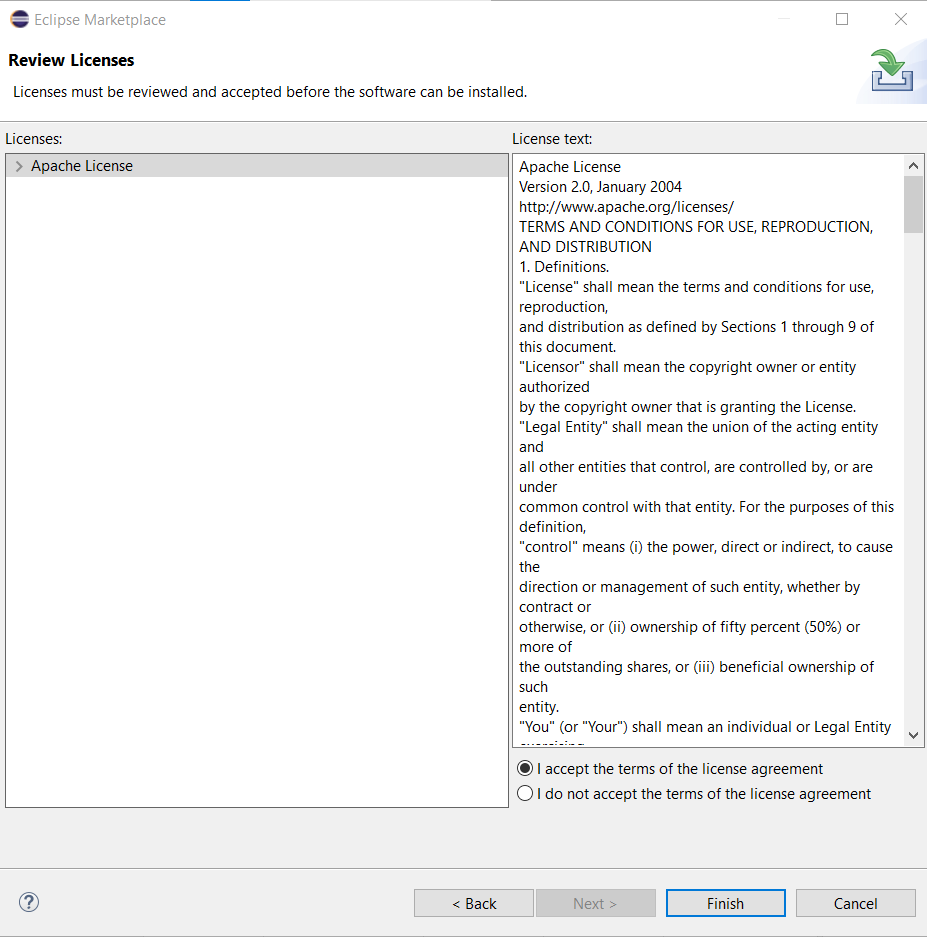
- Installation may take a little time and you may be prompted by the security system of Eclipse to confirm the installation.
**2. Using Maven to Add TestNG as a Dependency
To add TestNG as a dependency in your Maven project, you can include the following in your pom.xml file:
XML `
org.testng testng 7.7.0 test`
Save the pom.xml file after adding the TestNG dependency. Maven will automatically download the required TestNG JARs from the repository.
We successfully installed TestNG on Eclipse IDE with TestNG integrated into Eclipse, you can easily create, run, and manage your test cases.